-
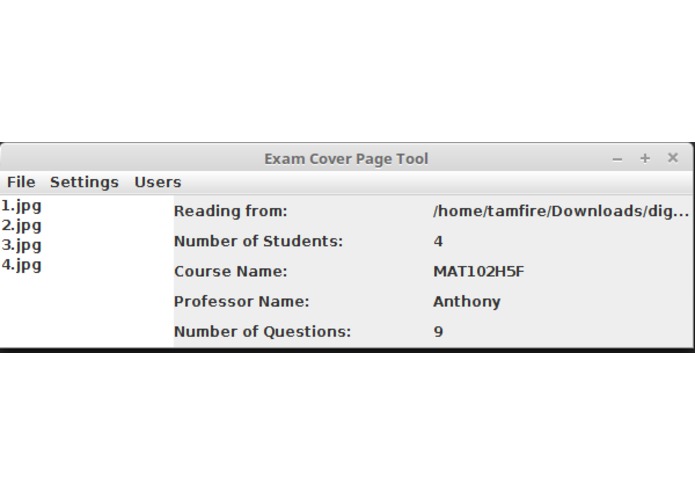
The main menu
-
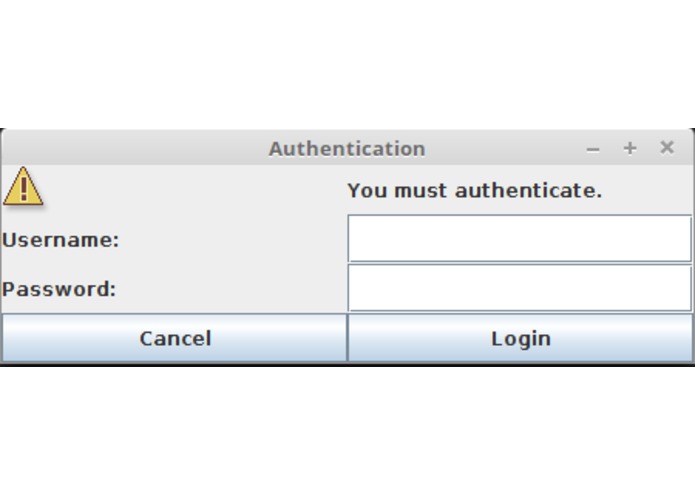
The login screen
-
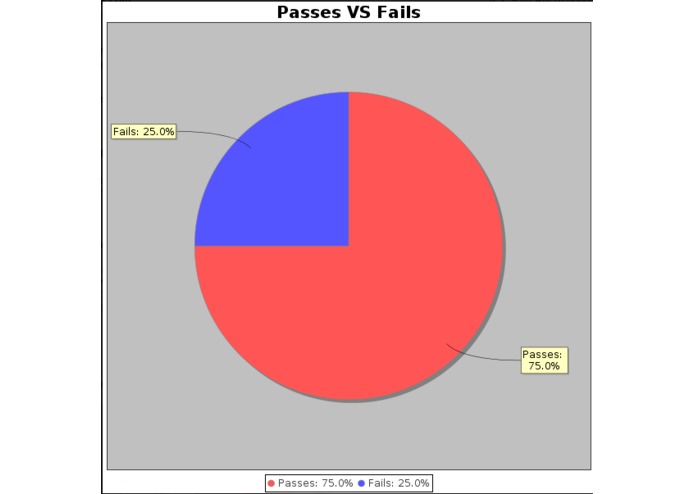
Pass/Fail statistics
-
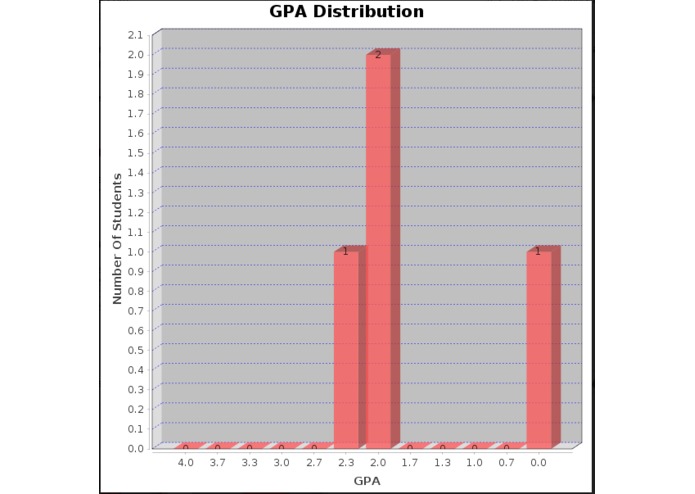
A GPA distribution graph
-
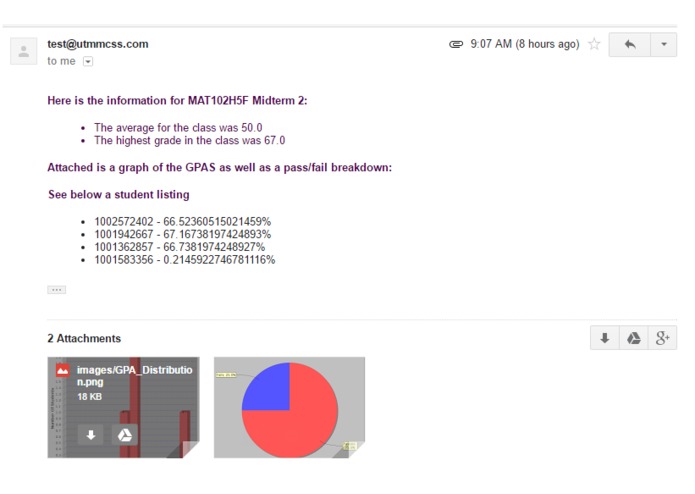
A sample email
-
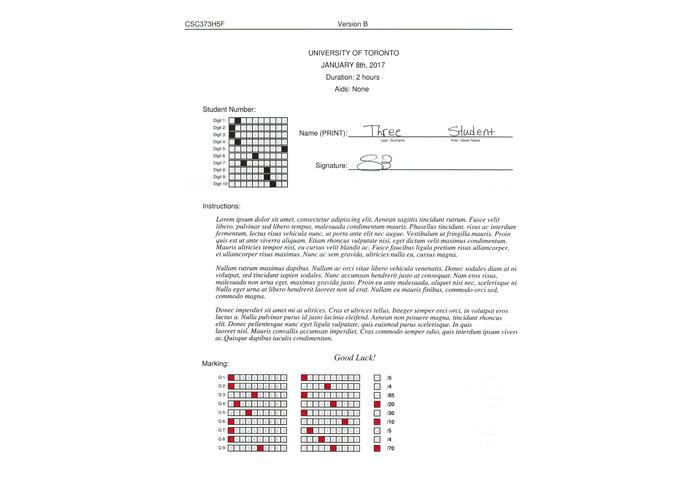
A sample completed test front cover


Inspiration
While Ramy (our group member) was marking midterms as a TA, he though of an idea to simplify the totalling process. We would use computer recognition to read the student number and mark and publish the results.
What it does
The program will first prompt the user to login (To ensure proper access to the marks). You an then create a new test cover, or open a previously created one for marking. Creating a new cover will prompt you for many different values for the cover, while opening an old one will show you a list of tests you issued. After selecting a template, navigate to a folder with scanned test covers and the software will read though them and push the data to the cloud.
How we built it
We used Java in order to create a PDF outline of the front cover which can be customised with different variables. Using jPDFWriter, the cover can be exported to a PDF. This is now ready to be issued to the students. After scanning the completed tests, we use various image tools to convert the image to grey scale and check for points in the scan tron boxes. Is a box is noted to be a different colour then the background, and some probability/statistics, we know the box has been filled. The student number and mark are calculated and pushed to a student object. From here stats are created and sent as an email to the professor.
Challenges we ran into
Reading the image file was more difficult then we originally planned. Finding the probability that a box was coloured compared to another (If some marks were made in a different box) was also increasingly difficult.
Accomplishments that we're proud of
We are proud to say that we have created a complete application with our intended functionality. We have successfully created a miniature image recognition system from scratch.
What we learned
Things are not going to go as smoothly as you may expect. We had issues with the DPI of the printer scanning and the exact orientation of the page. A few pixels of error causes major problems.
What's next for ExamSigma
To clean the GUI to be a more user friendly interface. Allow for AD integration to easily allow schools to connect. More accurate recognition, including handwritten text recognition.


Log in or sign up for Devpost to join the conversation.