-
-
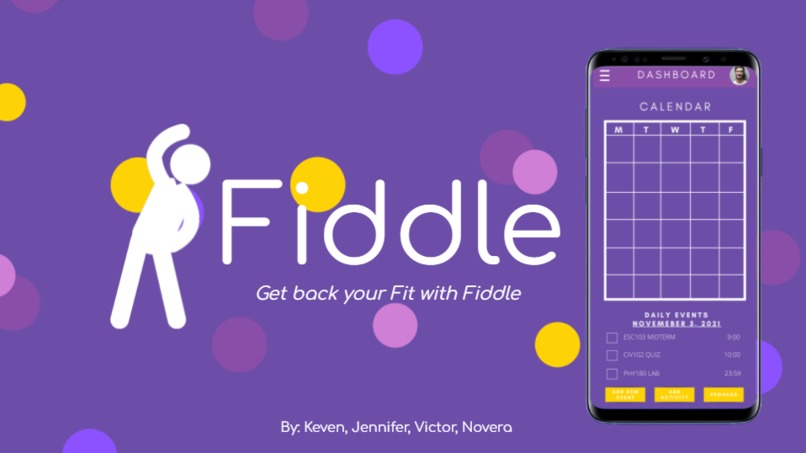
Introduction Slideshow of Fiddle
-
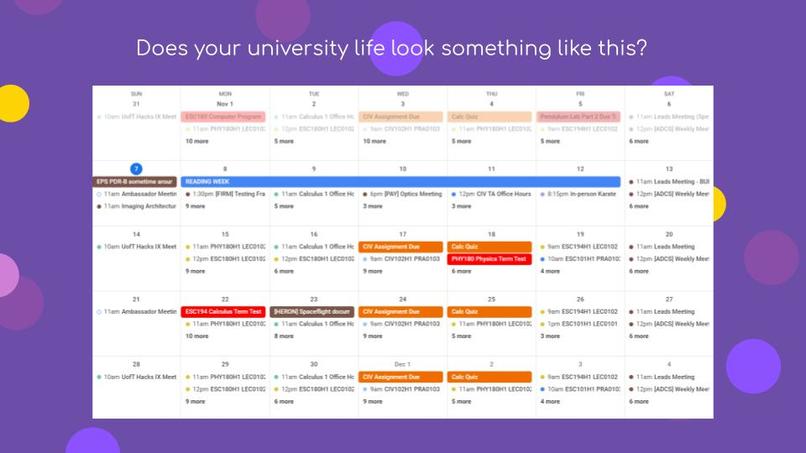
Is this what your daily schedule looks like?
-
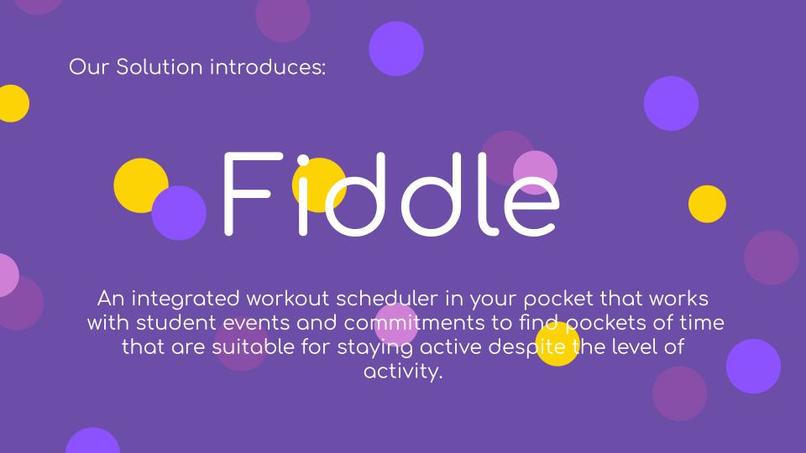
Our solution: Fiddle
-
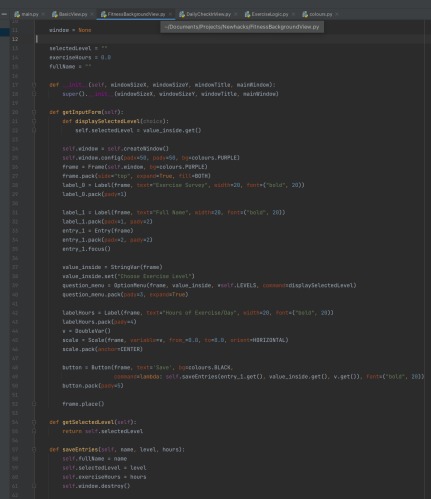
Code of the desktop application on pycharm using python
-
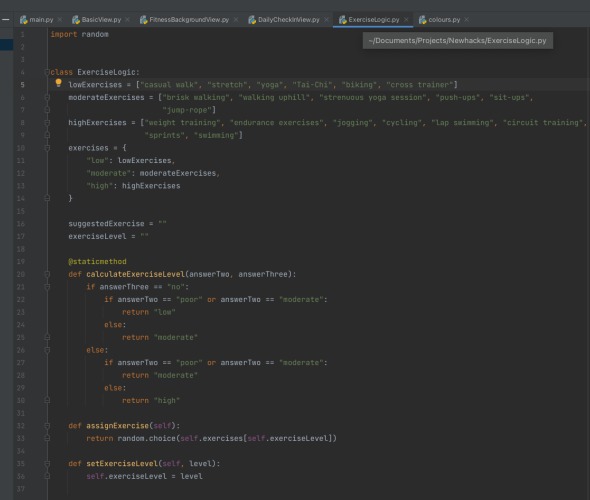
Code of the desktop application on pycharm using python
-
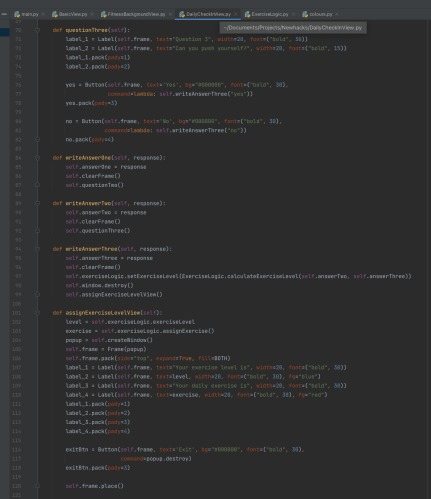
Code of the desktop application on pycharm using python
-
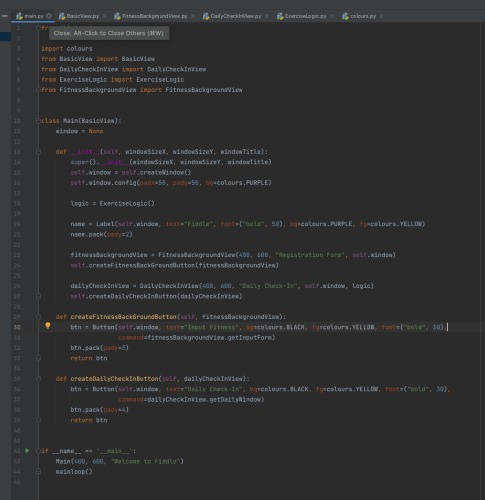
Code of the desktop application on pycharm using python
-
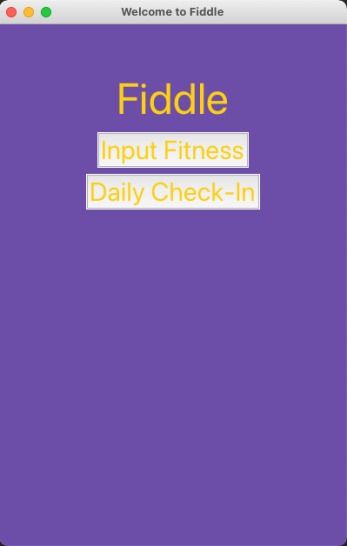
Example of our desktop application: Main page
-
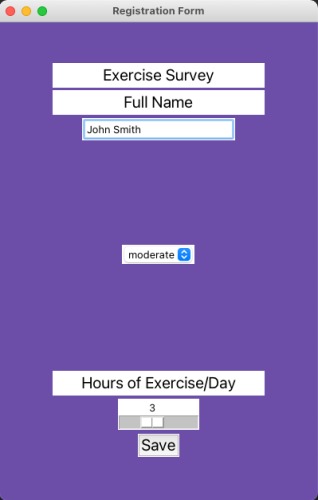
Example of our desktop application
-
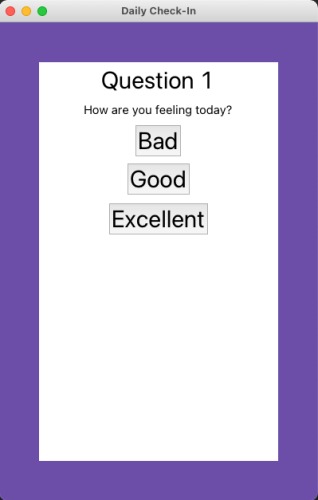
Example of our desktop application: Questions
-
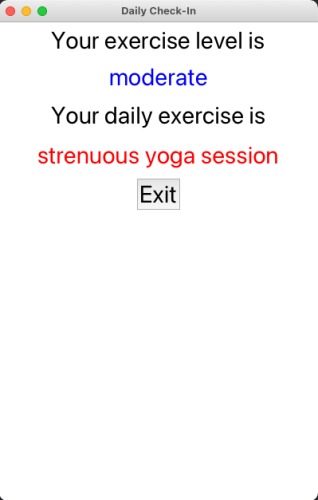
Example of our desktop application: Provided daily exercise
-
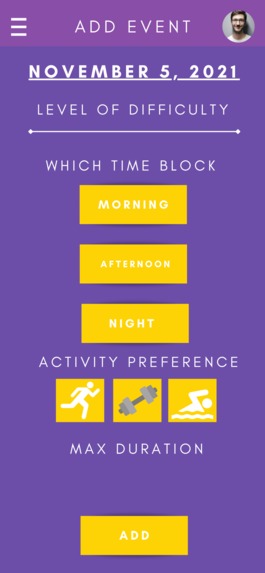
Example of designed app: Adding an event
-
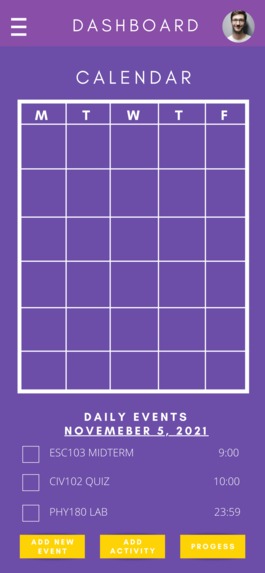
Example of designed app: Dashboard
-
Example of designed app: Adding an event
-
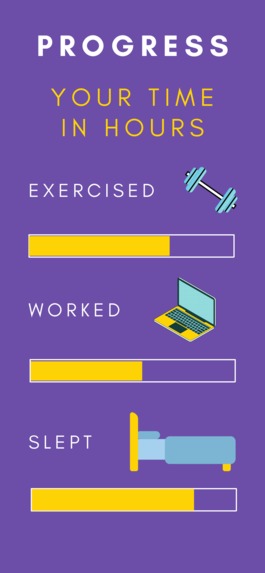
Example of designed app: Progress
-
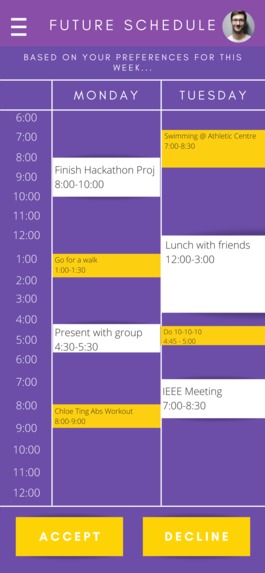
Example of designed app: Future Schedule
-
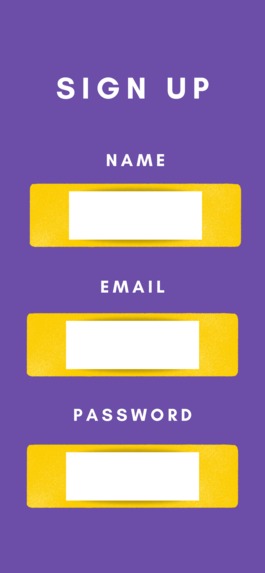
Example of designed app: Sign Up


Our Inspiration
Let's be real: Who really cares about working out and staying active in university when you've got 5 deadlines all due tomorrow? I know for sure that nearly every university student, including us, can relate to the lack of time we've all got due to the heavy daily workload. This makes it incredibly hard to figure out when to schedule in time to work out and be active depending on the day. In order to touch on this important issue, we've decided to work with the student themself and make the process of scheduling workouts easier than ever by allowing the app itself to insert itself into the student's schedule. making the process easy and frictionless!
What it does
Fiddle aims to work with the student to find time-based on their study schedule and work around events. Although students may find pockets within their day to workout, what’s important is making sure that the workout aims to target different areas of the body while making physical activity fun and engaging by creating a variety of workout plans depending on the day, time, and daily willingness to put in the effort to work hard. It features a daily 3-question quiz to gauge your energy and motivation levels to recommend your daily exercises that best fit your needs that day. You can also keep track of your commitments and workout schedule in the calendar and dashboard view, where you can accept or decline suggested activities.
How we built it
For Fiddle, we utilized Python and the tkinter library for the graphical user interface. The demo of our working code is a prototype for the actual design of our app shown since not all members could code so we chose this to be the easiest way for visualization. Although our design and idea were originally for a mobile application, we've created a desktop version of our idea.
Main Key Features: Fitness Background View (This is what the user does when they first get into the app. They enter their full name, the exercise level they want, and the hours of exercise they want per day. We save this data like login information)
Daily Check-in (Decides what level exercise is appropriate for the user and a corresponding exercise for their level. We pass these answers into our Exercise Logic code where we have a map of levels of exercise to a list of possible exercises to choose from for that level.) And that is the end of the technical portion.
Challenges we ran into
We started with some pretty ambitious ideas, but due to the time constraint of a 1-day hackathon, we realized we wouldn’t be able to include all of the features we initially came up with. We learned how to iteratively improve our idea and vision for our solution.
Accomplishments that we're proud of
We're quite satisfied with the purpose that our application aims to solve as it is relevant for us. We are also excited to demonstrate our app as we were able to finish the app within the time constraints provided. Overall, everyone completed their tasks and supported other group members throughout the hackathon, creating great teamwork!
What we learned
We settled on which technologies we wanted to use, the technical portion (GUI and logic), the research that needed to be done, and the design. These were split among the four of us, and we each worked on shared documents and had group calls every 2-3 hours to check-in and discuss. We learned how to troubleshoot when we realized that we may not be able to finish our actual design on time, hence relying on a prototype of the design. We've also learned how to showcase our design process in developing a solution that is feasible, by conducting research and learning about different interfaces. We have all also gained valuable experience regarding teamwork and making sure that we keep each other up to date about the projects we were working on.
What's next for Fiddle
Some potential ideas for improvements that we would love to incorporate in our app include:
- Sharing and syncing schedules with other university students on campus: Working out doesn't have to be a self task! We can allow for students to share their school schedules, and find days to match up exercising schedules so that friends can meet with each other even when it's an incredibly busy week.
- Connecting commuter students with local peers so they'd have an exercise buddy in their community rather than having to go out to campus every day to find friends to work out with.
- Adding a safety feature onto Fiddle to make sure that every student's schedule is secure within the university itself
- After receiving funding for our application, we will put it into the development of our application to be compatible with iOS, Android, and allow for any registered university student to securely login


Log in or sign up for Devpost to join the conversation.