-
-
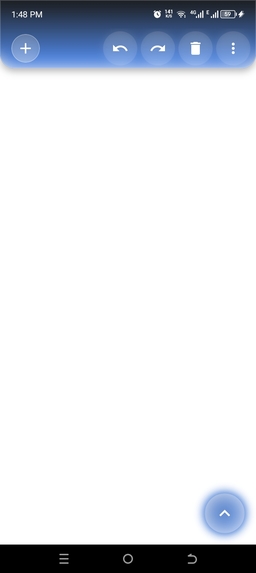
app builder canvas
-
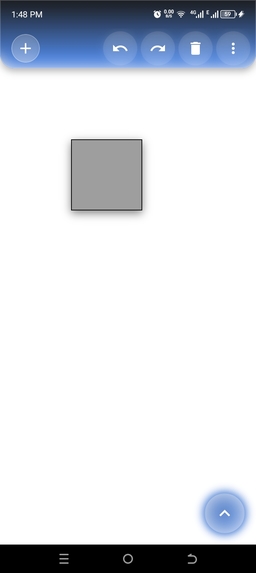
-
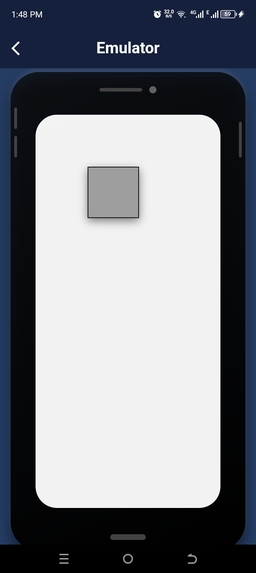
emulator
-
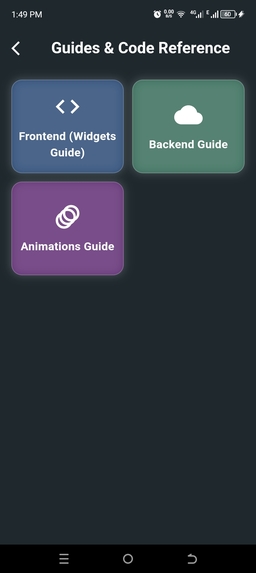
Code builder AI
-
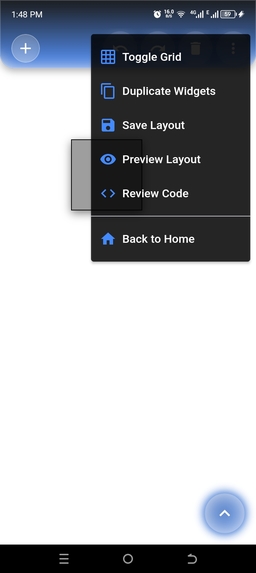
-
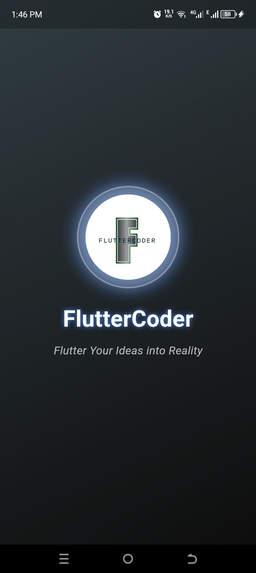
Splash Screen
-
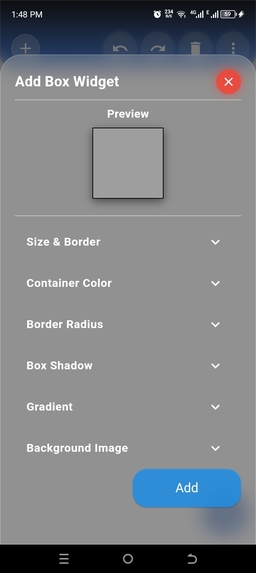
box sheet
-
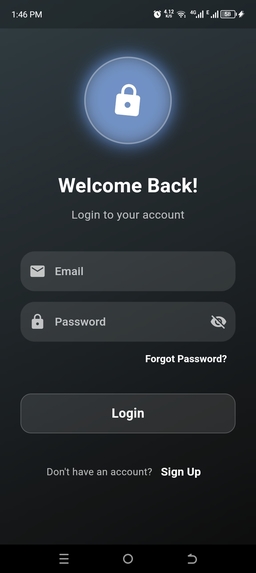
Login
-
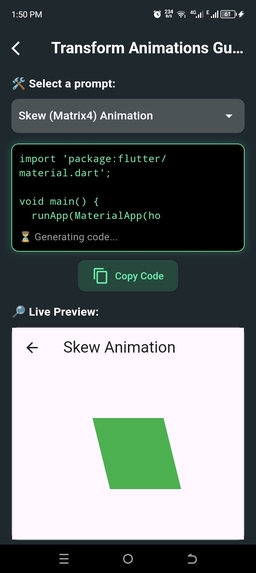
-
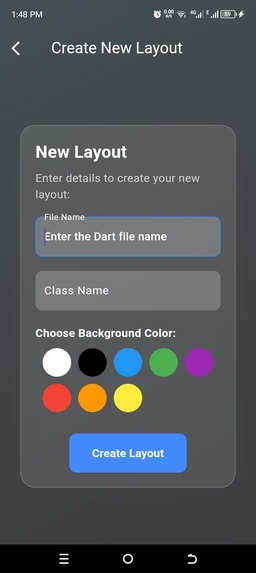
file creating screen
-
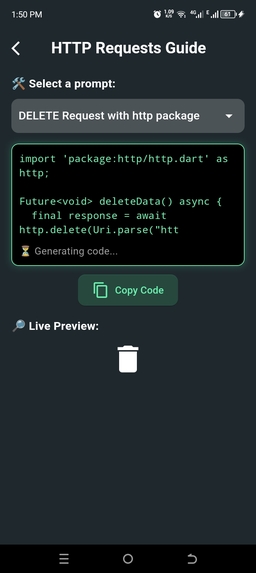
-
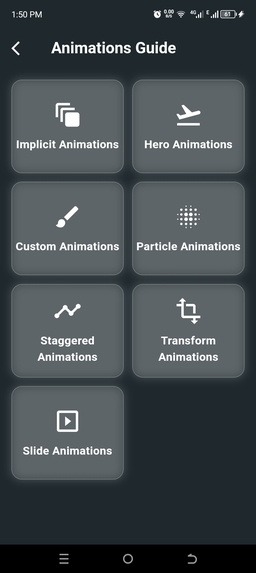
Animation
-
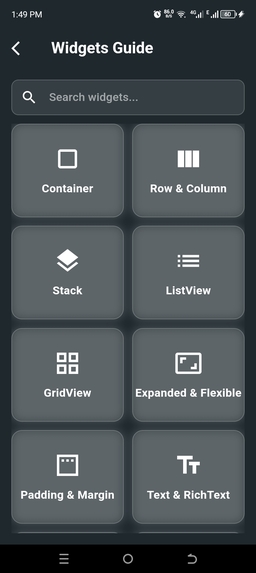
Frontend
-
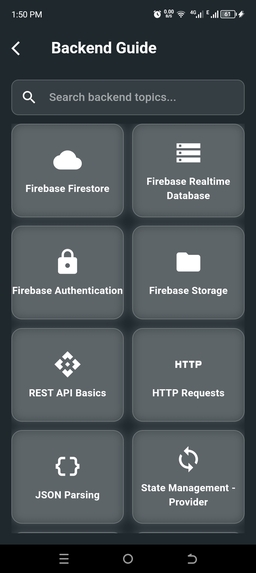
Backend
-
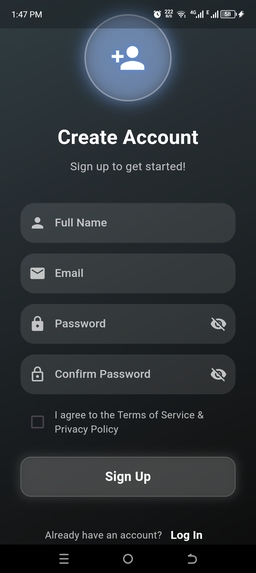
Signup
-
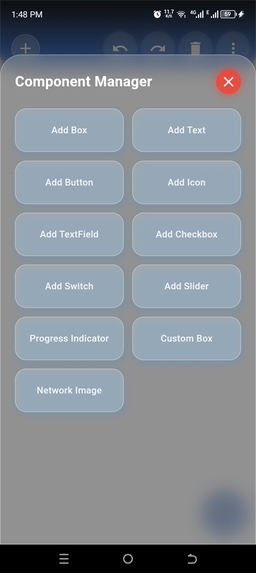
components sheet
-
-
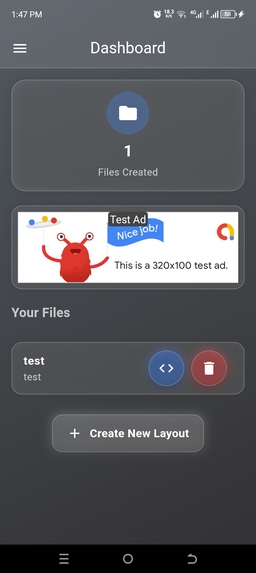
dashboard
-
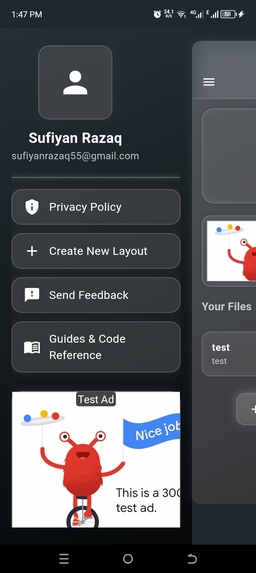
drawer
-
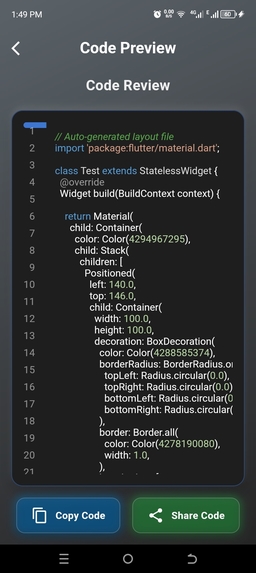
review code
-
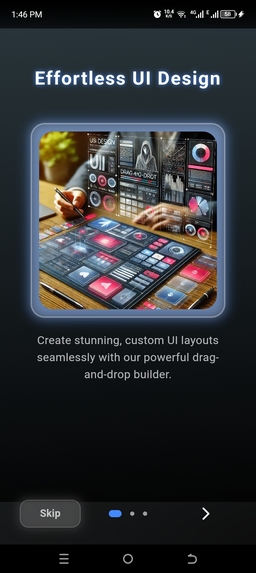
onboarding


Inspiration
Building Flutter applications can be time-consuming, especially when dealing with UI structuring, component placements, and code generation. We wanted to create a drag-and-drop UI builder that makes it easier for developers, designers, and teams to instantly generate Flutter code while providing a seamless user experience.
Our inspiration came from FlutterFlow and other low-code platforms, but we wanted to create a more customizable and developer-friendly solution.
What it does
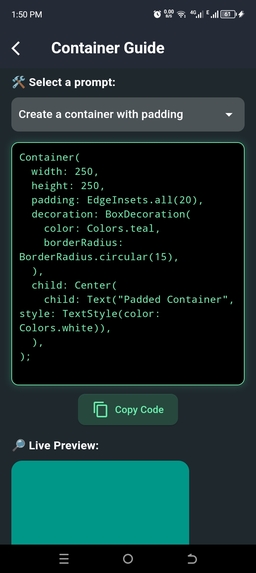
Flutter App Builder (FlutterCoder) allows users to: ✅ Design custom UI layouts using an intuitive drag-and-drop interface. ✅ Generate Flutter code instantly from the designed layout. ✅ Save, export, and collaborate with teams. ✅ Preview UI before generating code.
This tool is perfect for Flutter developers, UI/UX designers, and teams who want to streamline their development process.
How we built it
Frontend: Built using Flutter for a smooth, interactive UI. Database: MySQL for user management. Code Generation: Custom logic to convert UI structures into Flutter widgets. Email System: SMTP-based bulk email and notification system.
Challenges we ran into
Handling complex UI structures dynamically. Efficiently generating production-ready Flutter code. Creating a smooth drag-and-drop experience. Optimizing performance for real-time UI updates. Ensuring proper state management without overcomplicating the UX.
Accomplishments that we're proud of
Successfully implemented real-time UI to Flutter code conversion. Designed a visually appealing drag-and-drop UI builder. Built an interactive email notification system for team collaboration. Created an efficient state management structure for UI rendering. Developed a system that allows exporting and sharing layouts effortlessly.
What we learned
How to build a dynamic drag-and-drop UI in Flutter. Efficient state management for interactive UI updates. Code generation techniques for converting UI into Flutter widgets. Integrating SMTP email services for bulk notifications. Optimizing performance for real-time UI editing.
What's next for Flutter App Builder application
Expanding component library (adding more UI elements). Live collaboration mode (multiple users working on the same project). Enhancing animation support for UI elements. Integrating AI assistance for auto-layout suggestions. Publishing as a Flutter package for developers.


Log in or sign up for Devpost to join the conversation.