-
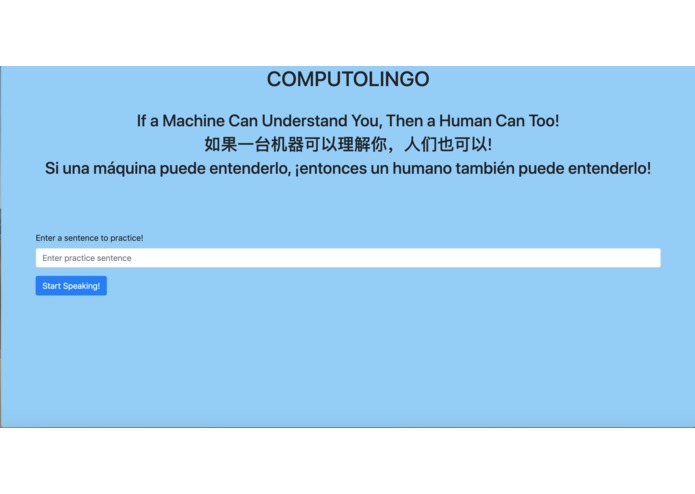
Our main screen

HackMIT2019
For Speech to Text, in the python_examples folder, run: pip install -r requirements.txt
Backstory
For our project, we were inspired by one of our team member's difficulty in learning Spanish. Reading a language you don't understand can be difficult. Mispronunciation is a common side effect of reading words you don't understand - how can you remember something if you don't know what it means. For our project, we wanted to make a tool for people to input sentences they want to learn to read aloud and then practice them with the computer's assistance.
Structure of the Tool
In order to use our tool, the learner must first input any sentence they want to practice reading. Then they press "start speaking" and read back their sentence to the computer. The computer will then highlight the words they got wrong and provide an image and the correct pronunciation of the word they got wrong. This way, the combination of audio, visual, and semantics will aid in a true understanding of they are saying.
Main Tools Used
Our webapp is a combination of HTML, Flask, and python code using several different APIs. For the speech-to-text portion of our app, we utilized REV.ai's streaming API. For the image search of incorrect words, we used Bing's image search API. Finally, to get the correct pronunciation, we used IBM's text-to-speech API.


Log in or sign up for Devpost to join the conversation.