-
-
Home Screen
-
Read and Record Example
-
Levels
-
Dashboard Analytics


Inspiration
We were inspired by some of our experiences learning a new language, as oftentimes when we are too nervous to speak to others, our reading ability is far better than our speaking ability. From there, we came up with an idea of a pronunciation training app and expanded the target audience to include people with speech impediments. The designs for the fruit monsters are partially inspired by Pokemon.
What it does
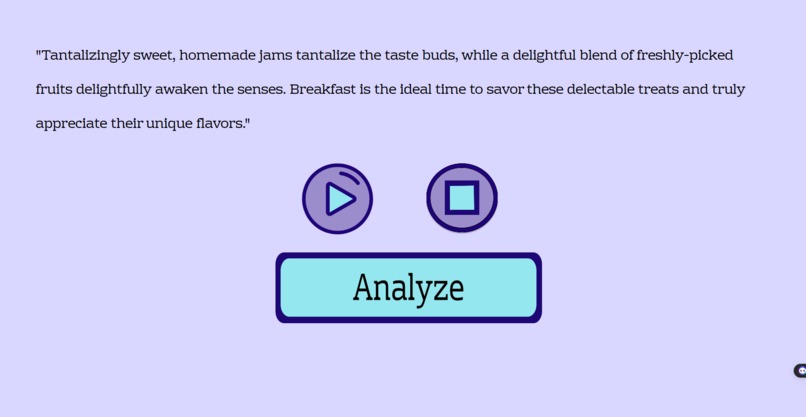
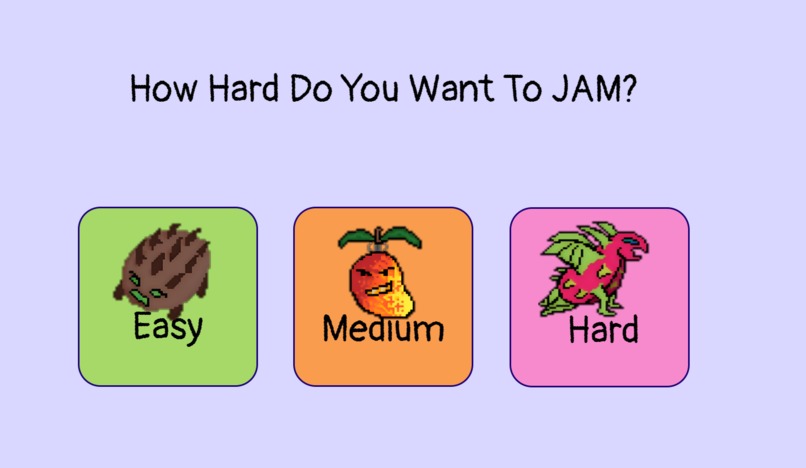
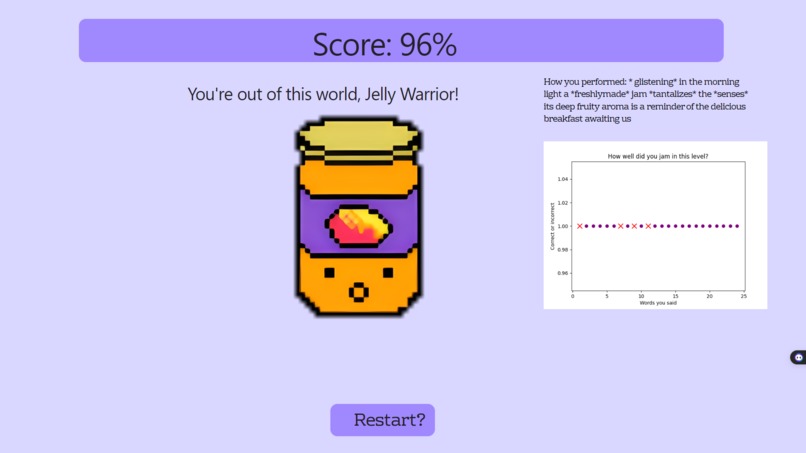
In JellyJabber, you can select a level of difficulty, and using OpenAI a passage will be generated that corresponds to your chosen difficulty level. From there, you can record an audio of yourself reading the passage out loud. Your audio will be given a score based on how accurate it is, calculated using a transcription model and fuzzy word matching. The goal is to get as close to 100% as possible! You will also be able to see which words you read incorrectly and visualize the accuracy of your pronunciation in the passage using matplotlib for more detailed analytics. The platform is gamified through custom graphics and fun jam characters!
How we built it
We used python to build the backend and html, css, and javascript to build the frontend. We also used the OpenAI API for text generation and the Speech Recognition library that uses a Google Cloud AI model to transcribe audio.
Challenges we ran into
Our main challenge was integrating the backend and frontend. Our frontend included many custom graphics, while our backend with very complex and saturated with big libraries and AI models. Linking these two aspects to create the flow of our website while preserving the logic of the backend and frontend was extremely challenging and frustrating.
Accomplishments that we're proud of
We're extremely proud to have even created something so ambitious in the short timeframe. We were initially worried if we could get the speech recognition up and running, and we were looking into many types of untrained and pre-trained AI models to see what we could possibly use. Not only did we manage to integrate speech recognition AI into our project, but also text generation!
What we learned
Most of us had little to no experience with git, but we started to pick it up after 3 AM! Other than that, we learned a lot about integrating AI into our projects, how to create html, css, and javascript in a flask web application to interface with Python, and that merging is pain.
What's next for JellyJabber
There were plenty of features we brainstormed that we didn't have time to implement in this demo: the ability to input topics the user wants to practice speaking about, a database to keep track of a user's score and progress, and graphical improvements to recording and scoring pages.
Built With
- css
- figma
- flask
- fuzzywuzzy
- html5
- javascript
- langchain
- matplotlib
- openai
- prompt-engineering
- python
- speechrecognition




Log in or sign up for Devpost to join the conversation.