-
-
-
-
-
-
-
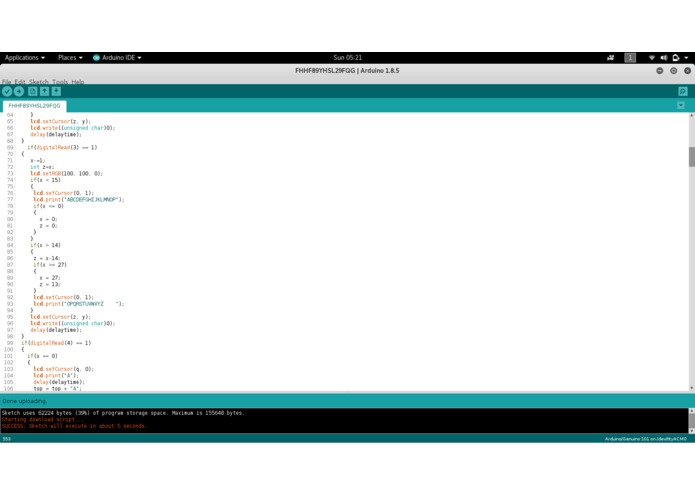
some more complete code that was used in the final product
-
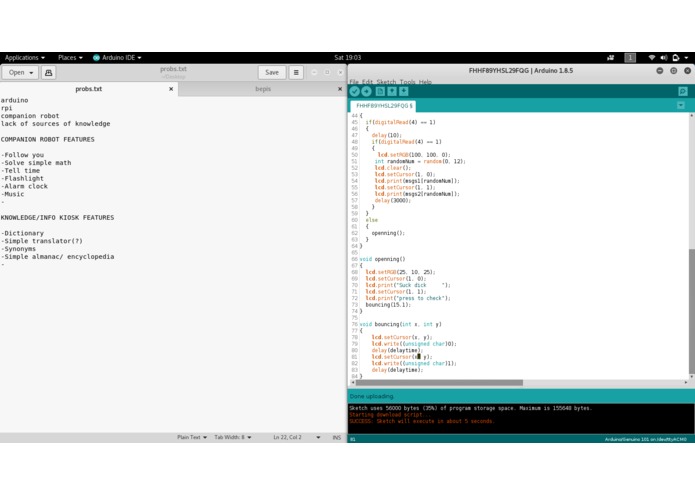
a picture of some code with some of the ideas we had for the kiosk


Inspiration
We wanted to create something to solve the lack of availability of knowledge in the world
What it does
You enter a word and it outputs a definition for it (want to add much more but 24 hours is not nearly enough time to implement everything that we want to add)
How I built it
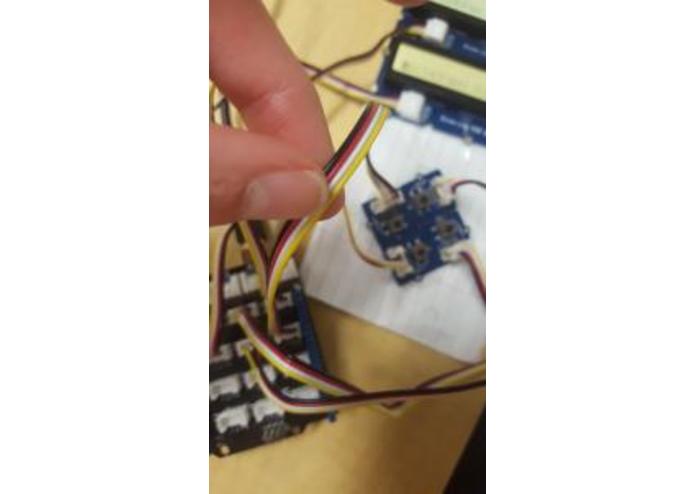
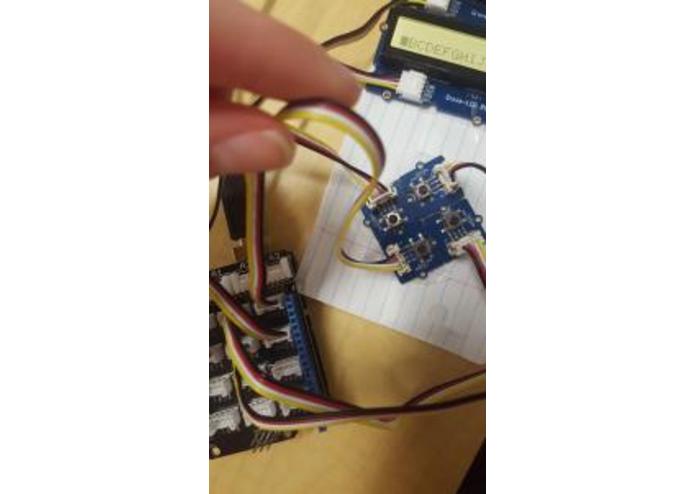
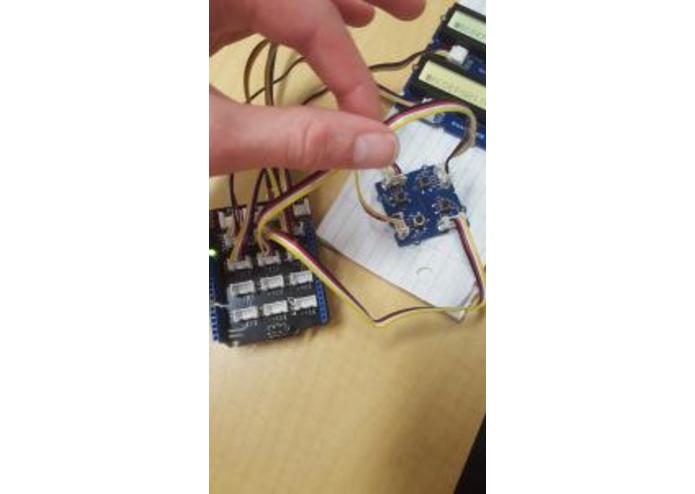
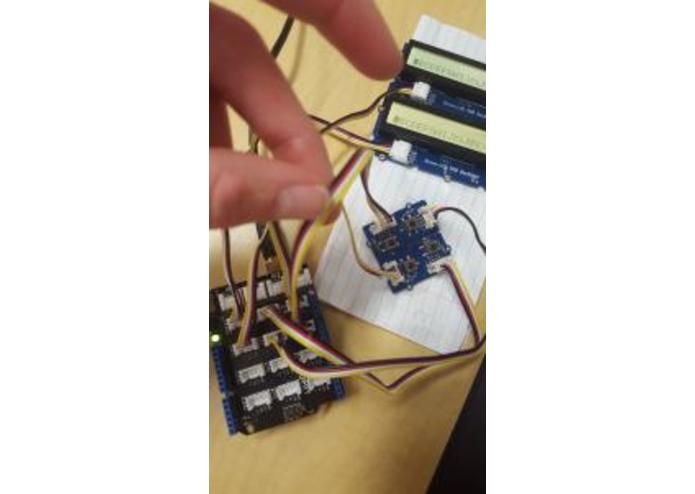
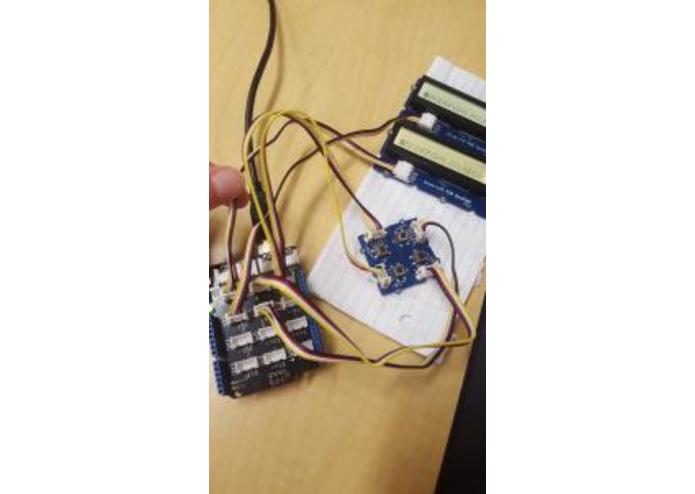
We used an arduino 101 with 4 grove kit buttons and a grove kit lcd for the hardware side, and used the official arduino IDE for the software and programming side
Challenges I ran into
An array was not acting how I wanted it to, getting the lcd to work was a pain, installing the libraries for the arduino 101 took about an hour, taking away from our time, it was hard to find a way to mount the buttons and display effectively so they could be used in a cognitive manner
Accomplishments that I'm proud of
Getting a cursor to appear over letters and disappear when moved away from them, dealing with the lack of a full keyboard to input text by manually selecting letters with directional keys, manually inputting every single word included in the project for presenting
What I learned
We had never written my own code for an arduino before this. We learned how to interface with basic grove components and figured everything out by using one example program. We also learned some of the most common words in the English language
What's next for knowledge kiosk
We will continue to add features to the knowledge kiosk over time like a translator, more complete button interface, better display, possible integration with a raspberry pi, etc.
Built With
- arduino
- grove


Log in or sign up for Devpost to join the conversation.