-
-

Magnacle : securing passwords has never been easier.
-
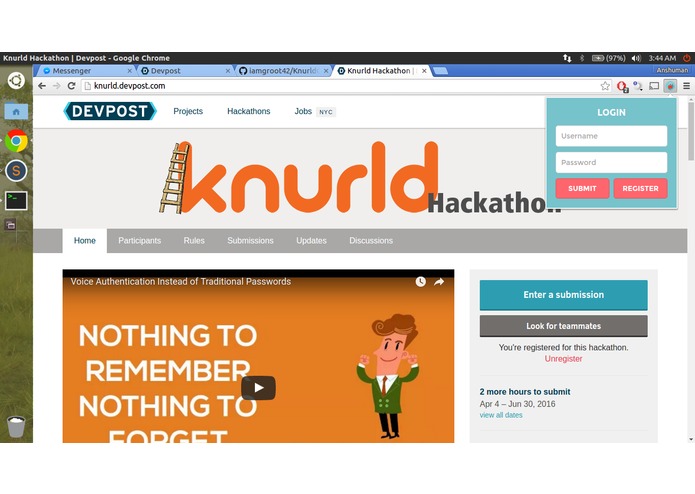
Login screen bubble inside the chrome extension. Log in with your username,password to authenticate your machine.
-
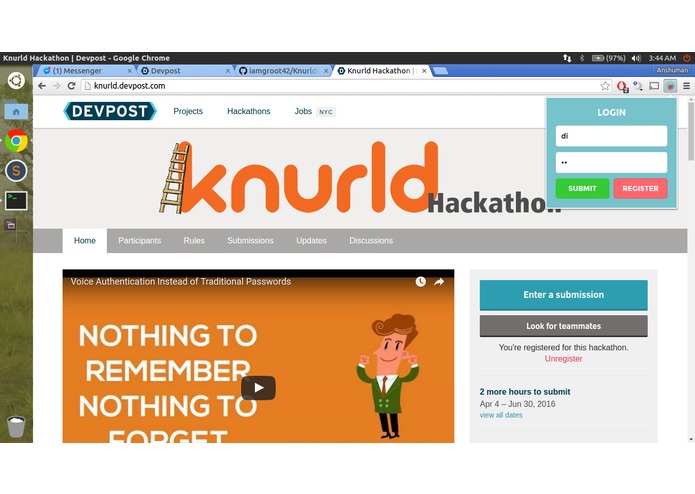
The 'login' button flashes while the extension fetches user data from the server securely.
-
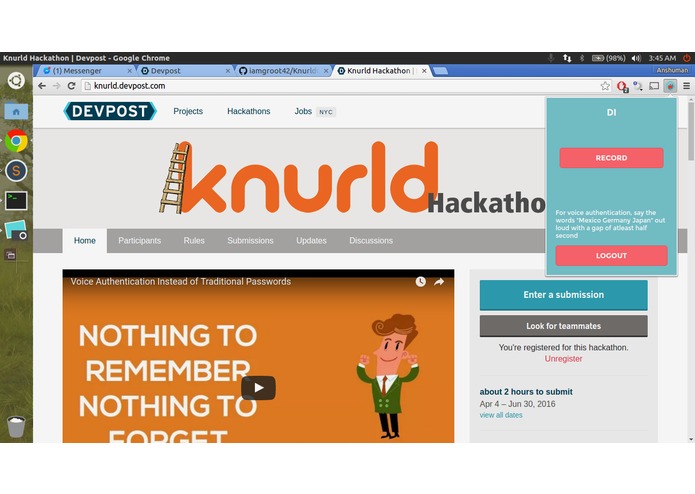
The user is now logged in. Use this to use your voice to get the key for encrypting/decrypting passwords.
-
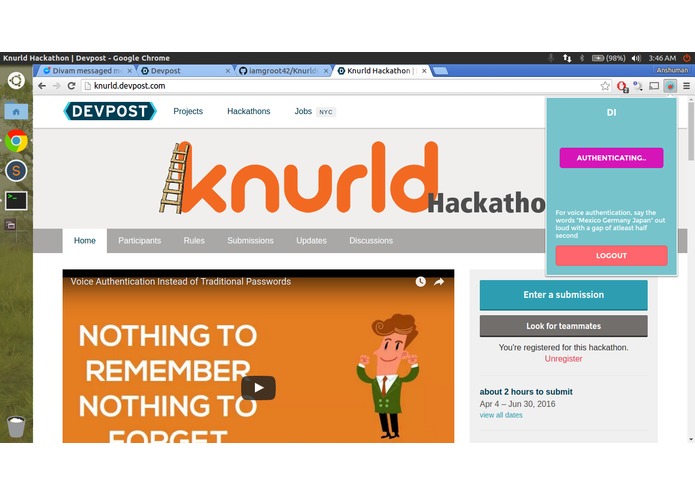
The authentication process underway. Depending on Internet speeds, it takes anywhere between 5-10 seconds.
-
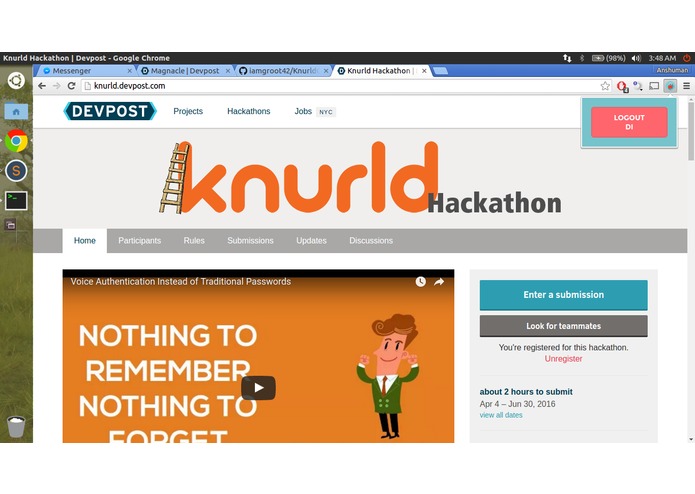
User's voice is confirmed, and they are now logged in!
-
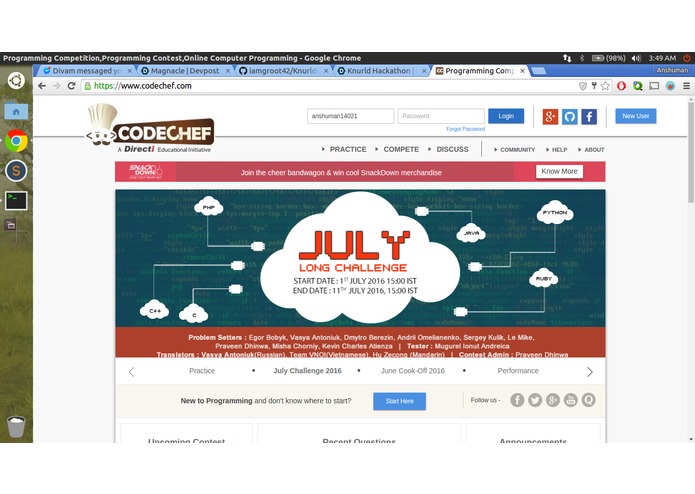
Visiting a website for which you have already saved password.
-
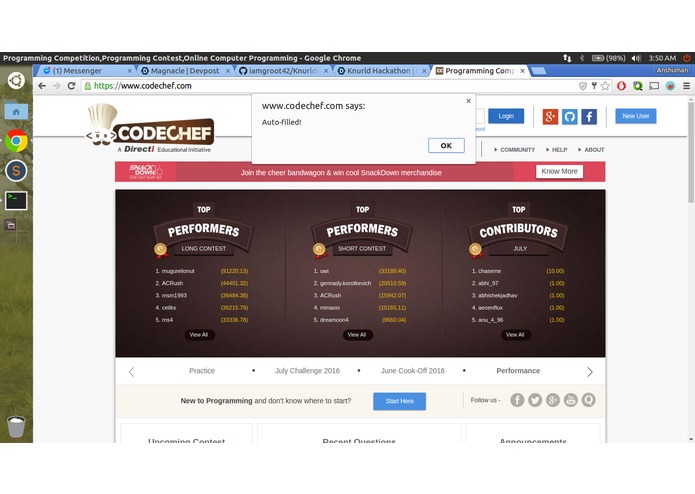
Voila! Your password is auto-filled.


Inspiration
Remembering passwords is a hassle, but using a master password is even more cumbersome. Somebody gets access to that, and you’re screwed. Why not use something that only you have access to: your voice? Using Knurld’s revolutionary voice-authentication API, we help users manage their online passwords via a simple yet secure chrome extension.
Say hello to the next level of security!
What it does
Magnacle is a password manager for Chrome that uses's Knurld’s voice-authentication API to encrypt and store passwords on your machine. This chrome extension helps users manage their passwords by replacing all of them with the most secure password : their voice. Passwords are encrypted using 128 bit AES and saved on the user’s machine, so no information is shared with the outside world (unlike other popular password managers). The user’s voice is used to securely communicate with the server and get the key for decrypting these passwords. The key is not stored permanently on the device which makes it secured.
How we built it
The back-end is essentially a RESTful API written in nodeJS. The async functionality and fast I/O of nodeJS makes it perfect for our application. The front-end website (for users to register their voice) is accessible from the chrome extension. The chrome extension (password managing) is written in JS; it records the user’s voice and forwards it to the back-end server via HTTPS, which then uses Knurld’s API to verify the person’s identity.
Challenges we ran into
Thanks to Knurld’s easy to use documentation, we didn’t run into any problems regarding the voice authentication part. We did,however, spend quite some time on the chrome extension (making sure that passwords are filled in not just any form, managing sessions efficiently and other minor details).
Accomplishments that we're proud of
The procedure to decrypt user passwords is secure end-to-end, with HTTPS for communication for the key/audio, Knurld for user verification and password encryption on the machine to secure them. Most popular password managers store encrypted passwords with themselves, which some users may not like.We, however, store the passwords on the client device only, so there isn’t any scope of compromising passwords from our end.
Workflow
- The person installs Magnacle through chrome app-store.
- Magnacle requires the user to do an initial registration , providing username, a password and their voice.
- Then, the user logs into the extension using their username and password, so as to get the access token which authorizes their machine to allow voice authorization from that account
- This data is removed from the client's side and only their username and access token remains on their machine. The server contains username, password, and access-token to cross check in its database.
- Now whenever the user opens Chrome later on the machine in which they had logged in (ie, machine with the access token), he/she can open our extension and authenticate using their voice.
- If the authentication is successful, the client is given the key with which the password-data has been encrypted on their machine. In case nothing has been encrypted, Magnacle requests a new key from the server The server then produces a random key and stored the key against the user account's record in its database. The client, then, stores the key on their machine (for that session).
- Magnacle works normally, that is, it provides auto-fill for websites that are already hashed in the local storage, and provides the option to do so on new websites.
- When the user closes Chrome or it crashes, Magnacle removes the key from the local storage. Now, the local storage once again contains username, access token and the encrypted password files.
- The server database contains username, master password, last valid access token (or null), last valid key, consumer-ID (for Knurld).
- In case the user logs out from Magnacle at any point of time, their access token and encryption key are removed, thus making the stored passwords uncrackable (as they are encrypted, and the key is note stored on the machine after this step).
What we learned
- Using Knurld’s API
- Building Chrome extensions
What's next for Magnacle
We plan on extending this extension and adding a sync feature. This can be used by users to sync their passwords across multiple devices. We also plan to develop a mobile app and a firefox plugin.




Log in or sign up for Devpost to join the conversation.