-
-
Expo QR Code: Active During Presentations!
-
Crisp Landing Page.
-
-
-


Inspiration
As young professionals, we found ourselves scurrying around our Facebook, LinkedIn, Email Contacts, iPhone contacts, and Google Contacts-- all just to keep track of the professionals in industry that we meet. Keeping track of who they are and when we contacted them last was even more of a hassle: slaving over an Excel sheet can only be so reliable. It was time for a change. It was time for Kumo.
What it does
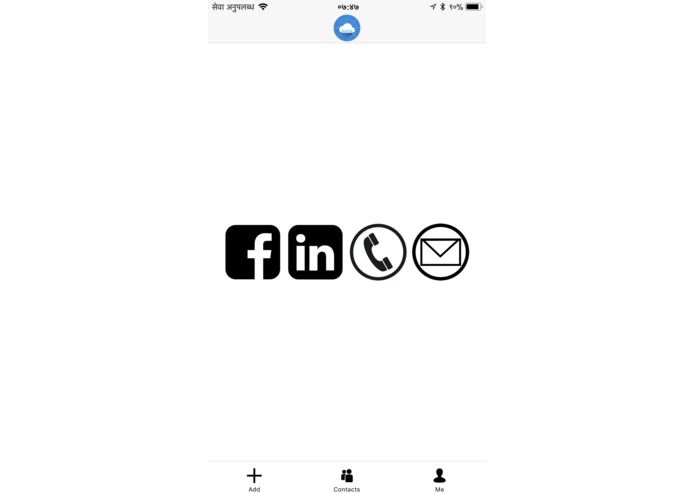
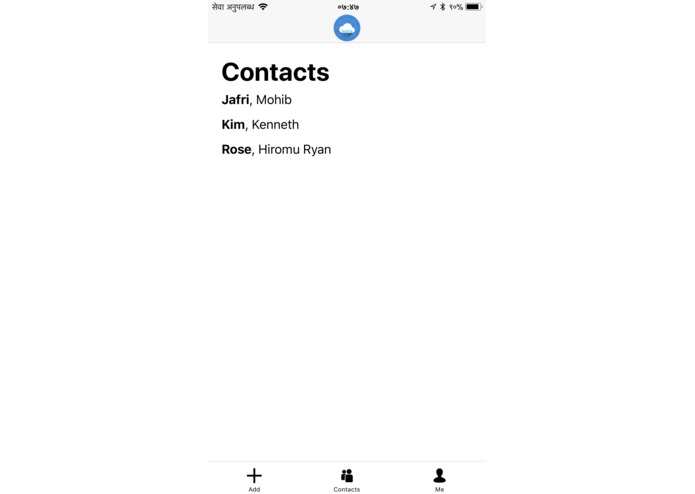
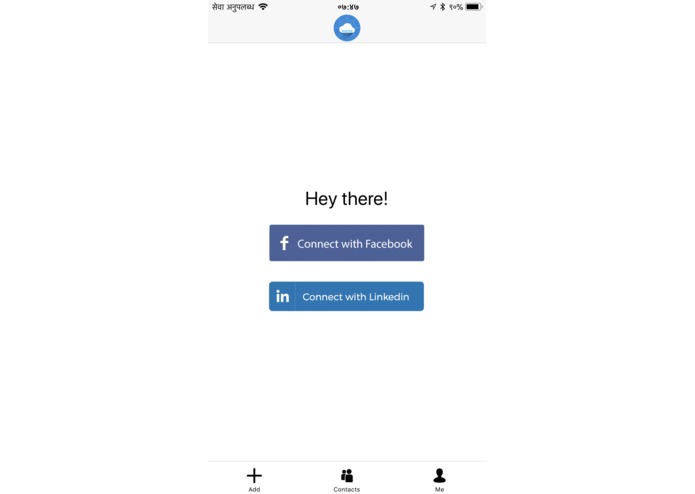
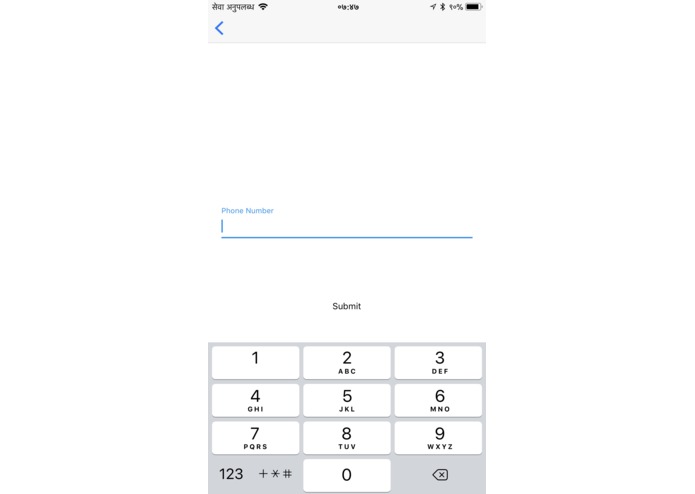
Kumo allows for you, under the hood of just one application, to add contacts from LinkedIn and FaceBook, as well as through the conventional means of Phone number and email. All of this can be viewed in one platform-- Kumo Contacts-- so that you won't lose track of what friend you've made. In addition, you can add in other information about the person, like their job title and maybe even some notes to jot down about your conversation with them.
How we built it
All in React-Native (thanks, Facebook!).
Challenges we ran into
LinkedIn's full-search feature has only been available to registered partners, and Facebook removed add-friend functionality from their API, so we had to find workarounds.
Accomplishments that we're proud of
Having worked around the above challenges. Creating a very simple yet very elegant UI.
What we learned
How to use JS more effectively, factoring out code for better reuse. NPM-ing for great solvencies, but still sticking to hardcore React-Native.
What's next for Kumo Contacts
- Location: see on a map where you met your contacts.
- Contacts: edit after making contact + add on more than one platform.
- Time: filter meeting by time.
- Business Card: use business-card reader API for autofill
Download the Expo app on your phone, and click this link to view our app during our presentation! exp://pn-dw4.mjafri118.realkumo.exp.direct:80
Please note: we are currently interested in our school's (Harvard's) Incubation Program, therefore *** we will be keeping the code not publicly available ***. To see our code, please click on the Google Drive link to request to see the code: https://drive.google.com/open?id=1FKkn2lK1dtUdqfNjK2tLCDAbUB7B6S0N Thank you!


Log in or sign up for Devpost to join the conversation.