-
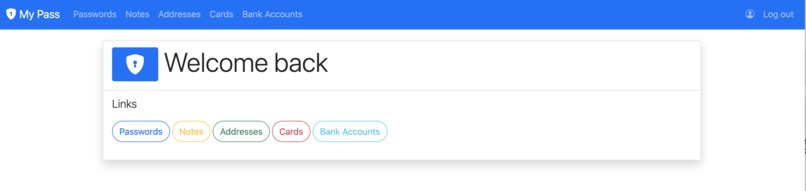
welcome page
-
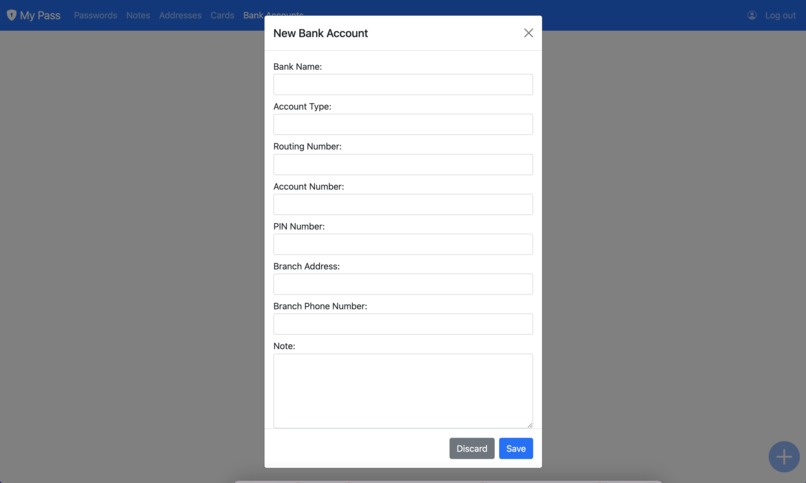
add new item
-
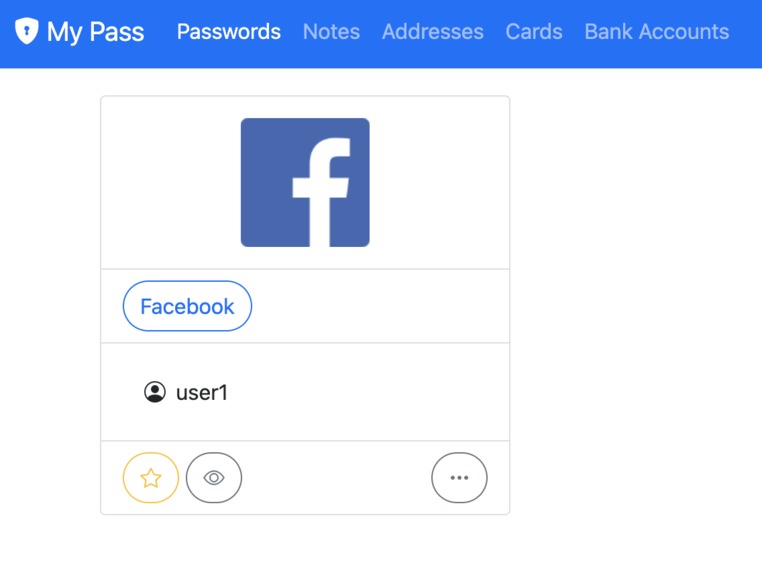
a review of an item
-
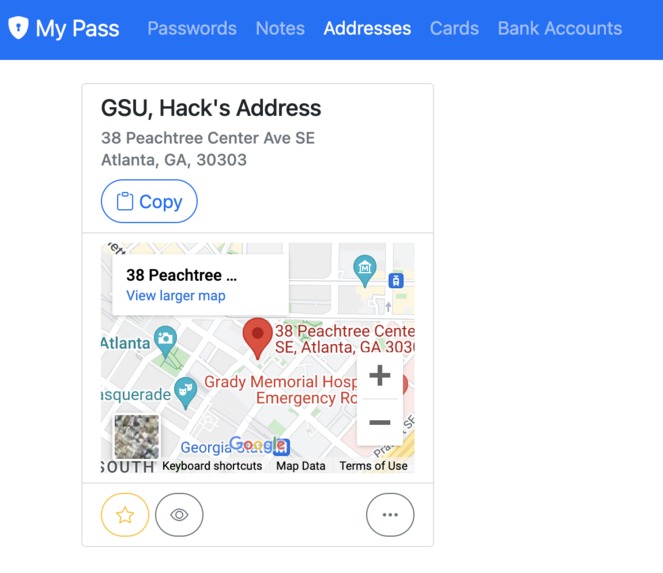
a review of address item
-
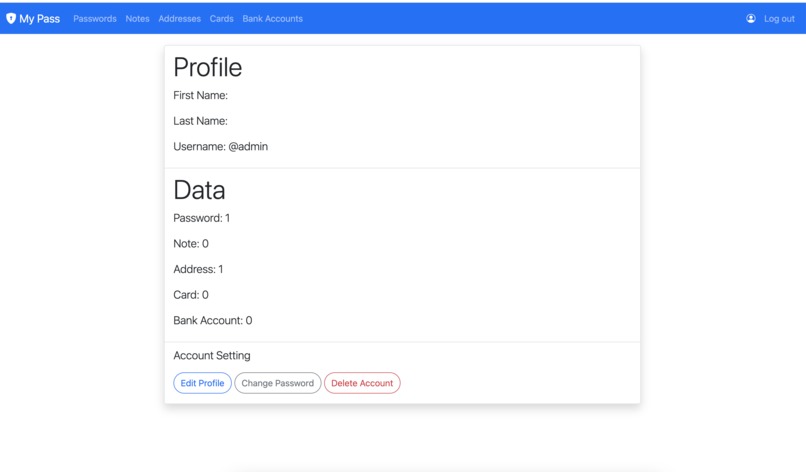
view profile
-
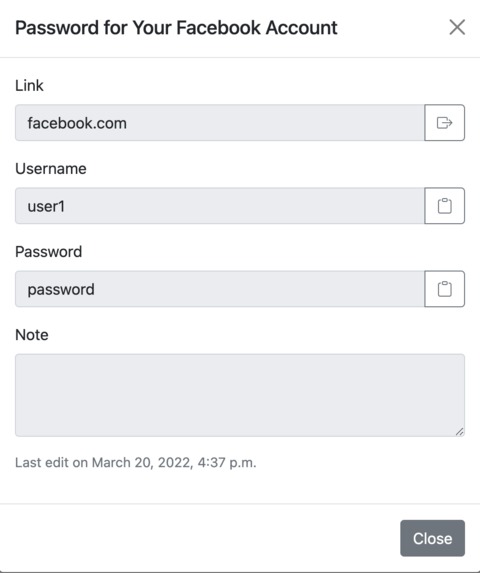
view detail of item
-
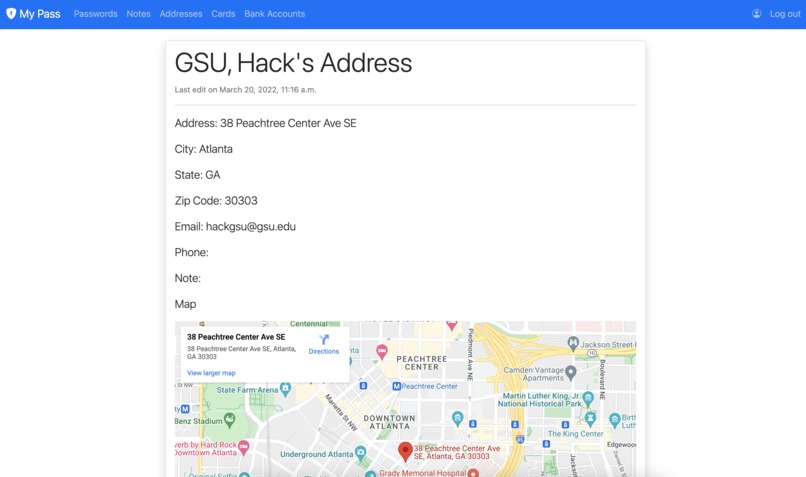
view address


Inspiration
In 1984, George Orwell wrote, “Always the eyes watching you and the voice enveloping you. Asleep or awake, working or eating, indoors or out of doors, in the bath or in bed—no escape. Nothing was your own except the few cubic centimeters inside your skull." In the 21st century, the internet day by day became what Orwell was saying. Even though the internet allows users access to a broad array of content, the price of using the internet is constant surveillance. As the internet grows, we are being recorded of our data and habits that we, ourselves do not even realize that we do. Internet users are constantly being watched by private companies, governments, and perhaps even criminals. With our data, they can manage to manipulate us in many ways without us even knowing. Our team wanted to create something that keeps our user’s private information private. Something that is reliable and efficient for our users to be worry-free.
What it does
My Pass is a personal and secure information management application in that it stores your passwords, notes, addresses, payment cards, and bank accounts securely. Users can access their personal My Pass on any device no matter where they are. All of your private data such as passwords, cards, and bank information will be encrypted in our database and can only be revealed with valid credentials. My Pass values user private information rather than social network or e-commerce projects. Instead of saving user-sensitive data into the application database, My Pass encrypts each of our user's sensitive data with its private key and saves them in a safe location. Even when the user is logged in, the data has not unpacked until the user would like to view it.
How we built it
- My Pass is powered by the Django framework.
- We utilize the flexibility of HTML, CSS, Bootstrap, and especially Javascript to create the immediate user interface.
- My Pass can adapt to any device screen since it is a mobile-responsive web application using the bootstrap library.
- My Pass uses Clear API and Google Maps API to improve the user interface.
- To guarantee the validity of data entered, My Pass uses the Luhn Algorithm to check whether the user’s entered card number is valid, it works instantly as users enter their card.
Some Features that We are Proud of
Create New Item: Users who are signed in can create a new item. On its view, it can retrieve its proper input form and click save to save to database.Password, Cards, and Bank Account Page: Use Clearbit API to get website name and logo URL based on domain. An API key was included on utils.py.Edit Item: The encrypted data will be decrypted and allow users to edit their data. When users clicks the Edit button, data will be encrypted with new key and saved to safe place.Encrypt Data: When user click save a new item, program will encrypt only sensitive information with a key. This key allows to decrypt the encrypted data when user needs to view.Favorite: Users can click Star button to toggle whether or not they favorite the item.Delete: Users can click on Trash Bin button to delete item data from database.Share: Users can share their notes and address to external. Users can toggle the item share options when creating new item or while editting the item. Share function only available for notes and address.View: Data will be decrypted allow users who are logged in to view. Next to link field, users can click on open button to open the link on new tab. Next to any other fields, users can click on clipboard button to copy data on that field.Address Page: My Pass uses Google Maps API to visualize the address.Payment Card Page: Luhn Algorithm is used to check if a card number is valid. If it is valid, the card number field border will show green, if it is invalid, the card number field border will show red.Profile Page: Users who are signed in can edit their last name, first name, email, and password. Users are also allowed to completely delete their account and all related data.


Log in or sign up for Devpost to join the conversation.