-
-

Logo
-
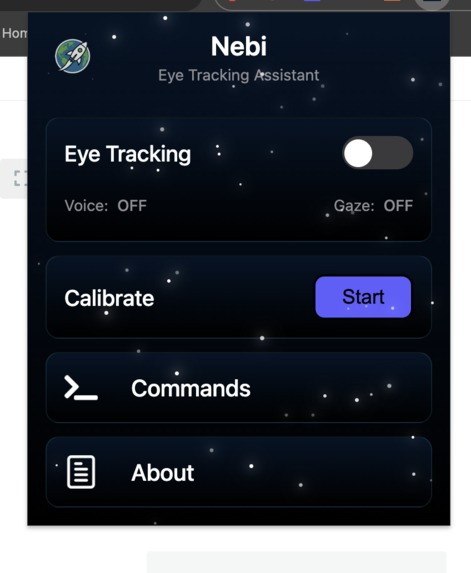
Main UI
-
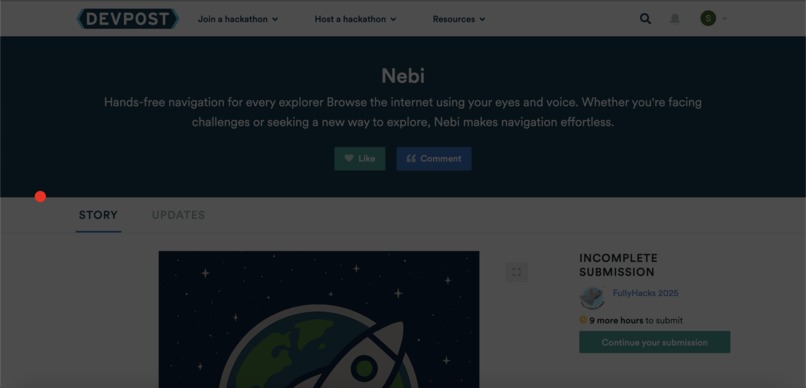
Calibration 1
-
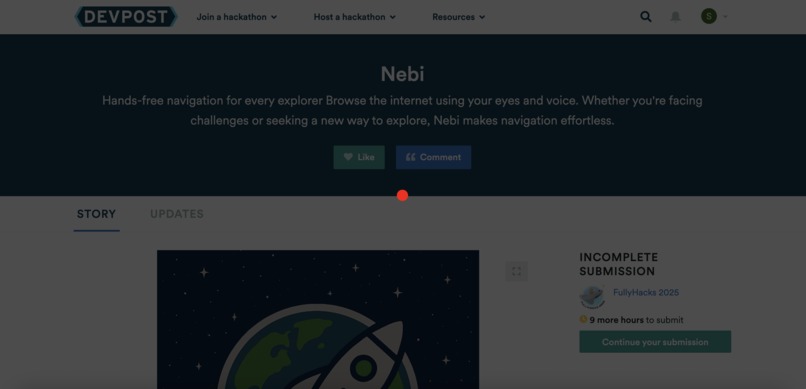
Calibration 2
-
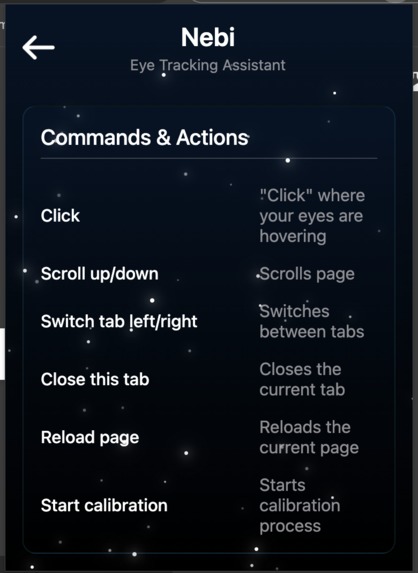
Command page
-
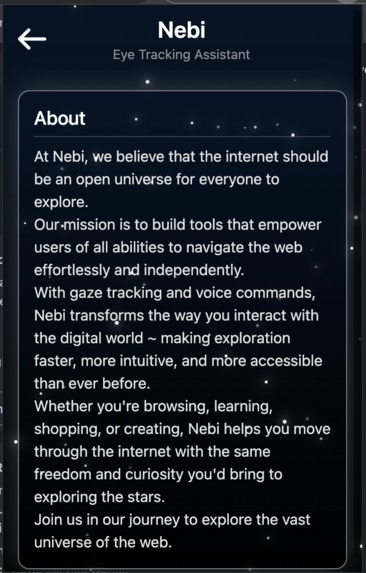
About page
-
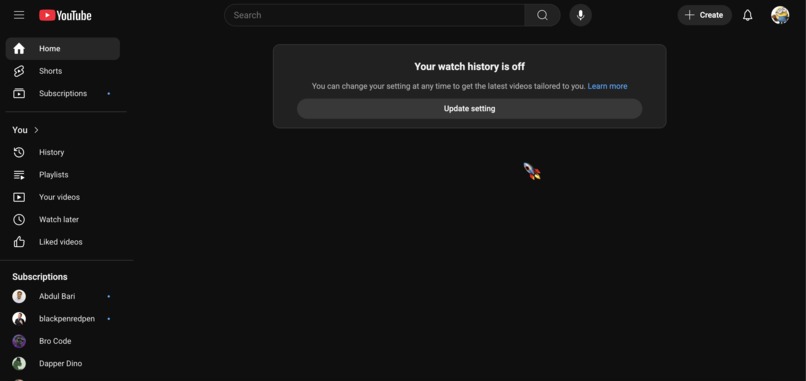
Rocker cursor
-
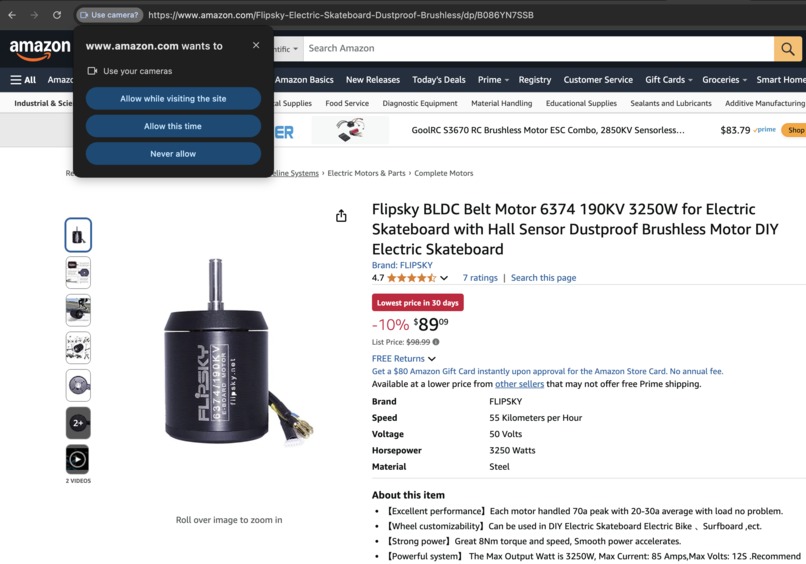
permissions


Inspiration
Jacob was riding his motorcycle carefully when he was hit by a car due to the driver's negligence. The accident shattered both of his arms and broke his legs, leaving him unable to walk or even type. For nearly three months, he couldn’t move more than a single index finger on his non-dominant hand. His experience revealed just how difficult basic navigation becomes when traditional tools like keyboards and touchscreens are no longer accessible. Inspired by his journey, we set out to create a tool that empowers every explorer — especially those who are injured, elderly, bedridden, or living with conditions like arthritis — to navigate the digital world with ease and independence.
What it does
Nebi is a space-inspired Chrome extension that empowers users to browse the web using only their eyes and voice. Designed with accessibility at its core, Nebi transforms eye movements into cursor control and voice commands into actions — enabling users to scroll, click, and navigate without ever touching a mouse or keyboard. Whether you're someone with limited mobility or simply exploring futuristic interfaces, Nebi offers a hands-free, intuitive browsing experience.
How we built it
- Developed as a Chrome extension using JavaScript, HTML, and CSS, with support for Manifest V3.
- WebGazer.js powers real-time eye-tracking by mapping gaze coordinates to on-screen elements.
- Web Speech API handles continuous voice recognition, allowing users to issue commands like “click” or “scroll down.”
- Chrome Extension APIs manage messaging between the popup, content scripts, and background service workers.
- A content script injects visual overlays into the active web page, providing gaze feedback and accessibility UI.
Challenges we ran into
- Handling page reloads and navigation without breaking tracking.
- Keeping the extension active across multiple tabs consistently.
- Managing accessibility for sites that restrict extension scripts.
- Eye tracking accuracy.
Accomplishments that we're proud of
- Created a fully functional prototype in a short timeframe.
- Seamless gaze tracking and voice control across multiple websites.
- Designed Nebi to adapt to users with different mobility needs.
What we learned
- How to create and deploy a chrome extension.
- How to integrate real-time eye-tracking into a live web application.
- Deeper understanding of Chrome Extension APIs and content script lifecycle.
- Building for accessibility requires considering every possible user state.
What's next for Nebi
- Adding custom voice commands for actions like "scroll faster" or "open new tab."
- Improving calibration accuracy to make gaze interaction even smoother.
- Expanding Nebi’s functionality for different browsers beyond Chrome.
Built With
- chrome
- css
- html
- javascript
- webgazer.js


Log in or sign up for Devpost to join the conversation.