-
-
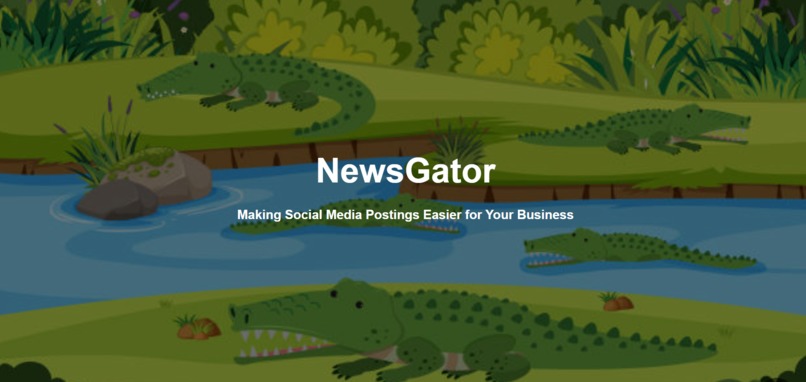
Landing Page

Inspiration
My dad is a business owner who is trying to expand the Social Media presence of his business. He has many sources which allow him to post repeatedly very easily but he doesn't have any that will help him with what to post. I told him that I could build that for him and that is how I began on the creation of NewsGator.
What it does
NewsGator takes inputs such as location, keywords, and amount of results and shows the results in an easy-to-understand fully comprehensive list of those results.
How we built it
I built it using python with libraries like flask and newsapi, and using HTML and CSS for the front end. The flask takes all of the inputs from the front end and sends them to newsapi to gather the results. It then displays those results on a new, simple-looking page.
Challenges we ran into
I ran into issues with making the results display on the front end because there is a lot of results being sent between python and html, and I ended up changing the way it was being done which made it work.
Accomplishments that we're proud of
I am proud of making a website that is an entirely different visual style than usual, and making that new style look good. I normally try to make very professional-looking websites that are very organized, but this time, I tried to make the website look more comforting and I am proud that I was able to pull that off.
What we learned
I learned how to use APIs along with their keys to make calls. I also learned how to use for loops in html to make the results display different amounts based on user input.
What's next for NewsGator
I want to fully deploy the website for anyone to use along with adding more features and parameters for the website to accept to generate results.
Built With
- css
- flask
- html
- javascript
- newsapi
- python


Log in or sign up for Devpost to join the conversation.