-
-
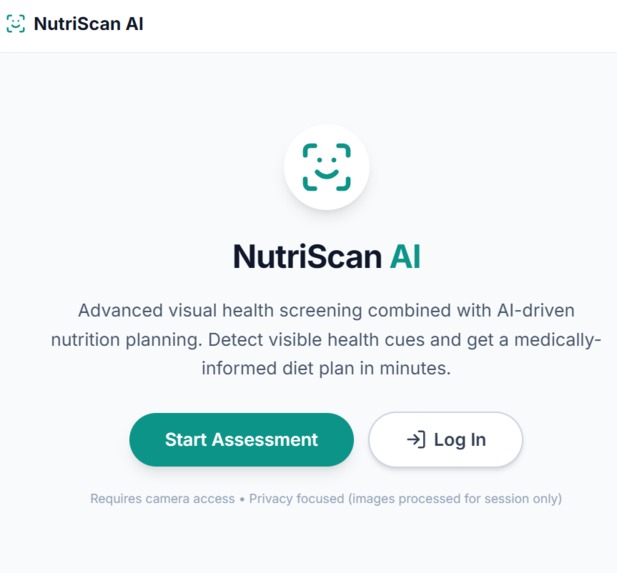
NutriScan Homepage
-
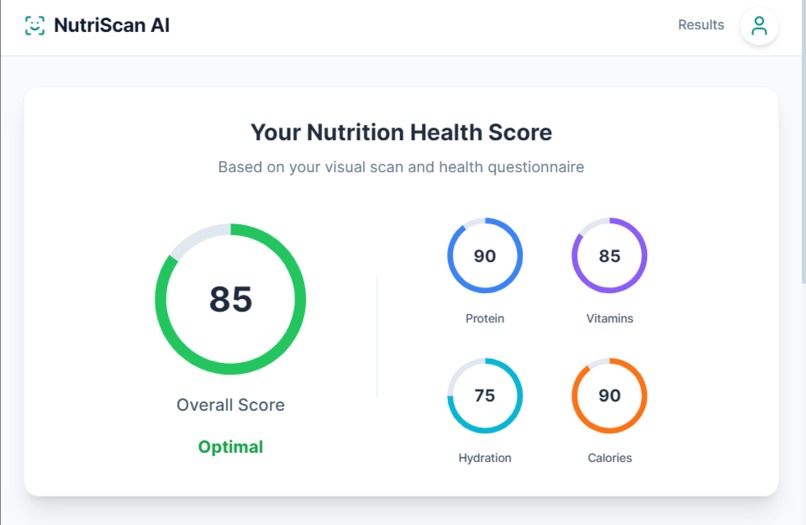
NutriScan Data Based Off Face Scan
-
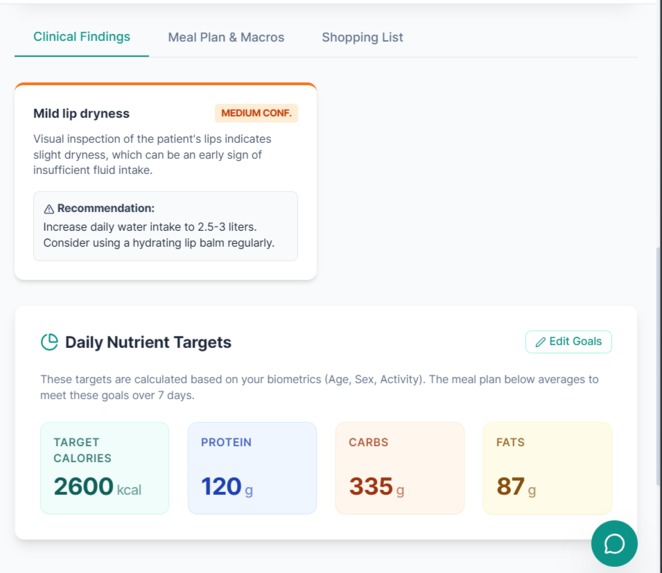
NutriScan Analysis - Nutrition Goals
-
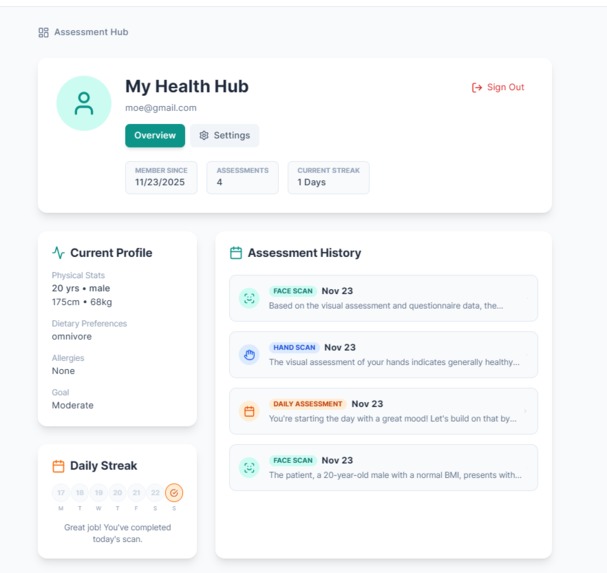
NutriScan User Health Profile Interface


Inspiration
NutriScan came from a simple problem most university students face: eating healthy on a tight budget takes way too much effort. Classes, assignments, and job applications already drain your time. Building a meal plan on top of that feels unrealistic. Most nutrition apps tell you to “hit your calories,” but they don’t explain what your body actually needs or why. None of them factor in how broke or busy you are as a student.
NutriScan fixes that. You take two quick scans, answer a short form, and get direct, affordable recommendations you can follow without thinking. It’s built for real students with real schedules.
What it does
NutriScan uses a multi-modal AI system powered by two visual assessments: Face Scan
- Reads hydration levels.
- Picks up pallor and vitality cues.
Fingernail Scan
- Analyzes keratin strength and texture.
- Reads colour patterns tied to iron, B-vitamins, and minerals.
- Checks nail-bed circulation for micronutrient indicators.
These scans feed into a lightweight lifestyle questionnaire. The system then generates:
- An Overall Health Score
- Subscores for hydration, vitamins, minerals, protein quality, and calorie balance
- A personalized daily meal plan
- A simple supplement protocol
- A budget-friendly grocery list
- A clean dashboard with widgets to track your daily targets
How we built it
We built NutriScan AI using a modern React and TypeScript stack, capturing high-quality biometric imagery directly in the client. These visual inputs are processed by Google's Gemini Multimodal API, which analyzes the images for physiological biomarkers and references them with user-provided health data. The frontend, styled with Tailwind CSS for a responsive dark-mode experience, parses the AI's structured JSON response to render real-time, interactive visualizations and personalized meal plans.
Challenges we ran into
Personally the hardest part was finding an idea that was actually useful and original. Most ground breaking ideas either already seem to exist or don’t solve a real problem. Once we settled on NutriScan, the next challenge was figuring out how to implement it cleanly with a simple yet intuitive UI that doesn’t overwhelm users. We had to balance keeping the scans fast and the dashboards readable with shipping meaningful features.
Accomplishments that we're proud of
The entire project, we came up with the idea Saturday morning and we implemented everything by working non stop till 5 am in the morning. Constantly improving the project while also making it.
What we learned
We learned that the power of AI only shows up when you have a strong idea and a clear plan. Once we locked in the concept, everything, from prompts to model outputs to UI decisions, became 10x easier. Good features came from understanding the user (Us - Students), not from trying to overbuild. To use a strong idea mattered more than the tech.
We also learned how much teamwork shapes the final product. The connection between us pushed the project forward and made the long hours feel lighter. When everyone commits, the work moves fast and the results show. That’s why NutriScan came together the way it did. We’re proud of what we built and how we built it.
What's next for NurtiScan
Our Immediate Next Steps ->
- Apple Watch integration to pull hydration, HRV, and sleep patterns
- New assessments as we do deeper research
- User-to-user updates and messaging for progress tracking
- Expanded scan capabilities with larger datasets
Built With
- .tech
- digitalocean
- gemini
- git
- github
- javascript
- json
- node.js
- react
- tailwindcss
- typescript
- vite


Log in or sign up for Devpost to join the conversation.