-
-
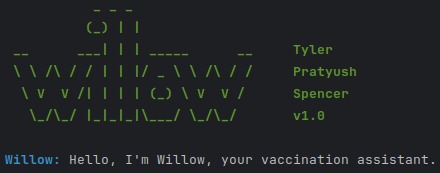
Start screen of Willow
-
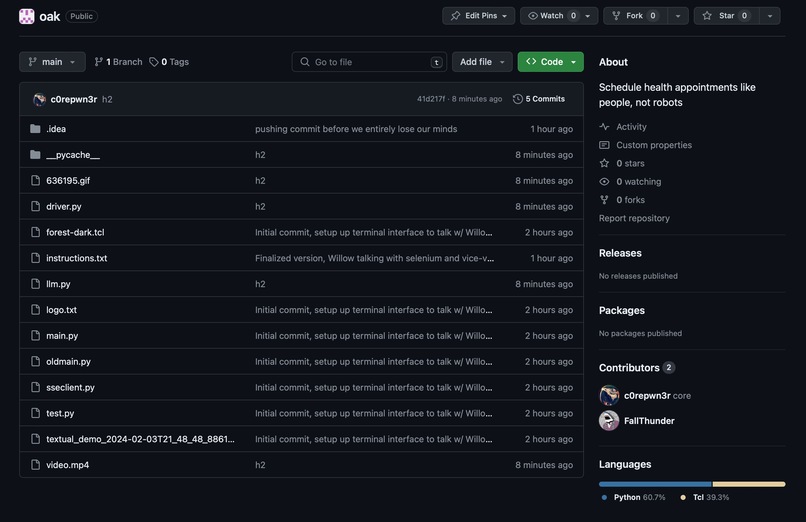
oak git repo
-
oak.scheduling logo


Inspiration
We were inspired to build Oak to make it easier to schedule vaccine appointments for busy people who don't have time to deal with clunky, slow, aging websites built around trying to sell you things instead of treat you. This past flu season as we were all trying to get up to date on the latest vaccines we realized how truly annoying the process is - click this button, wait five seconds, click another button, wait five seconds, click the date, wait five seconds, type your name in wrong, back to the beginning. We should be scheduling with a conversation, not by entering cryptic codes into a website. We're people, not robots.
What it does
We built a system where people can talk with an AI assistant named Willow (yep, we picked two different names) in plain language, while in the background it is using Selenium WebDriver to navigate the complex UIs of pharmacies to find locations and times for the user.
How we built it
We used the immensely powerful OpenAI Assistant API to create a custom GPT-4 based model which can interact with our custom Python driver code which can navigate provider websites to determine current vaccine info, locations, and availability. It then provides this data in a way digestible by the LLM such that it can provide useful information to the user and can continue to have a normal human conversation.
Challenges we ran into
We initially tried to use Cloudflare + Llama instead of OpenAI, but we ran into issues where Llama would entirely ignore context and get distracted going off insane side-tangents about cars. We decided to make the switch to the more stable GPT-4 build, which was more adaptive and reliable for our needs.
Accomplishments that we're proud of
Our integration between our custom driver code and OpenAI. OpenAI provides a powerful, but confusing API that can be used to add custom functionality to their models, and integrating it with our driver code took a long time but was very satisfying once completed.
Another accomplishment is our custom driver code. It took almost 11 hours of work specifically on the driver to get it working properly, even with just one provider site (Walgreens).
Finally, we're really proud of our system prompt for our AI model. Through way too much prompt hacking we ended up with a completely bulletproof prompt that resists all attempts to derail the AI - it remains remarkably on-track and is able to handle a variety of garbage inputs, for example when asking the user "what is your zip code", it is able to correctly translate "between 24782 and 0x60d0" to 24783, and it is able to condense all of this into the correct format expected by the web driver.
What we learned
This being our first hackathon for everyone on the team we learnt a lot about how they work and how to write a project in 24 hours.
Our 3-man team learnt a lot about the workflow management and dividing of tasks amongst team members, as well as how to apply our knowledge to different elements of the project.
What's next for oak.scheduling
Expanding it to other healthcare providers and using reverse-engineered APIs instead of selenium. Creating a clean, simple and free-to-access site to talk with willow.


Log in or sign up for Devpost to join the conversation.