-
-
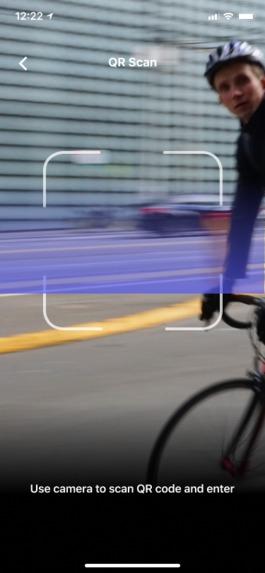
The main page is where you can scan QR Codes for access entry.
-
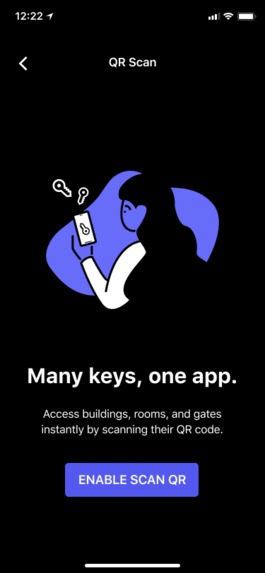
Before first usage, the app will prompt you for camera access.
-
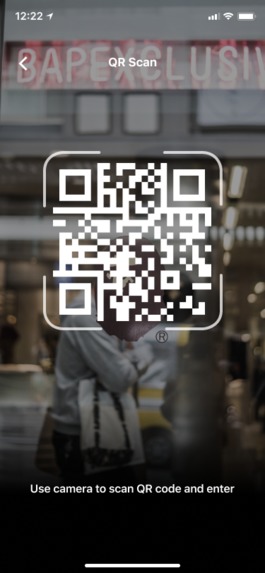
The app will detect a QR Code positioned in the viewfinder.
-
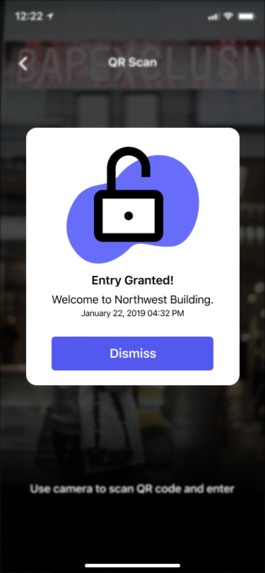
Once you've successfully scanned the code and been granted access, a modal will pop up telling you so.
-
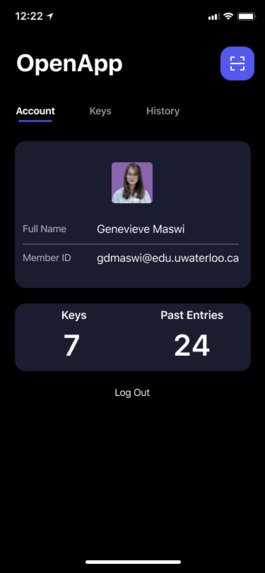
This is your account page, where you can check out your summary. More features to come!
-
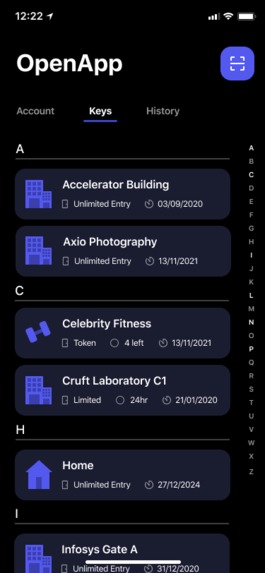
In the keys tab, you can see all of your access keys with their respective information.
-
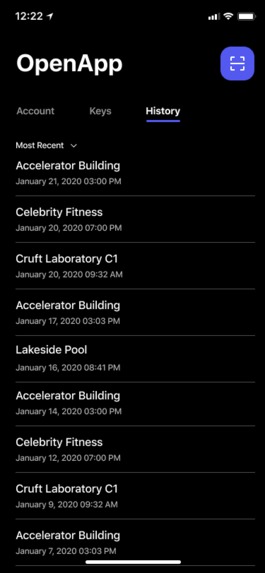
Here you can check out the recent access points you've went to.
-
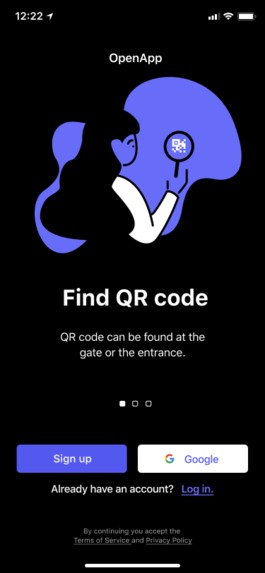
Landing Page
-
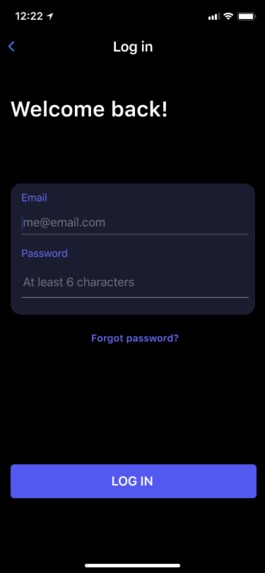
Sign in - empty state
-
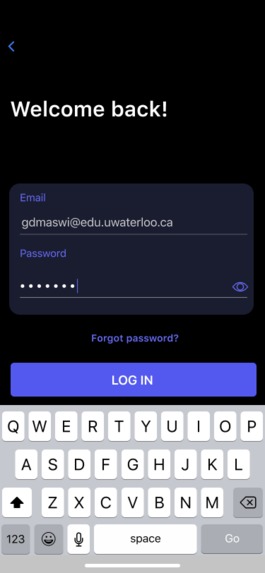
Sign in - flow


Inspiration
RFID and NFC are the current favored choices in touchless technology. However, almost every company or utility that decides to use them creates their own system, resulting in consumers having too much of these cards. We've utilized QR Codes to identify and prototype a solution that elegantly unravels this problem, while having great potential to solve more.
What it does
We build an app that unifies and streamlines entry systems, the most widespread use of RFID and NFC. We propose that entryways would have a small monitor displaying a QR code that grants or denies you access through the gate. We quickly realized that this simple idea has a limitless amount of potential implementations, simply by introducing a small number of specializations:
- Unlimited Entry Points
- This would allow our app to be used in the housing market, replacing keyfobs as a popular apartment access method.
- Tokenized Entry Points
- In this way, users could be granted a certain number of entries, such as gym membership classes.
- Time-limited Entry Points
- The user would be granted access, but it would revoke itself after a certain amount of time.
- Offices would benefit from this feature, as it would make the space more secure and reduce reception times.
We also plan for another modification for the system to be used in public transport.
How I built it
We built the app in three parts:
Front-end
We build a progressive web app the works on android and iOS through react, deployed on AWS EC2 with the routing and SSL handled using Nginx.
Back-end
Written in Golang, it uses Google Cloud App Engine for Hosting and Cloud SQL for database management.
Hardware Demo
We built a demo prototype entry point which was designed in SolidWorks and fabricated using laser cutting. It is controlled by a Raspberry Pi module which utilizes IoT to respond when its QR code has been scanned.
Challenges I ran into
This wasn't our original idea coming in, but shortages in time and materials led us to find this idea. On the project itself, each of us explored new tech during this event, such as React Native, Google Cloud SQL, and Raspberry Pi.
Accomplishments that I'm proud of
We're very proud of how much we accomplished in such a short amount of time.
What I learned
We discovered a strange teamwork throughout 24 hours - fueled by ambition, frustration, Red Bull, and Shake Shack burgers. In the end, we really loved this event! We met so many remarkable people and had a chance to prove our capabilities in one of the most prestigious universities in the world.
What's next for OpenApp
As we've mentioned, we believe OpenApp has a great amount of potential to influence business all over the world. We would be humbled if our proposed solution would actually be implemented somewhere in the world.


Log in or sign up for Devpost to join the conversation.