-
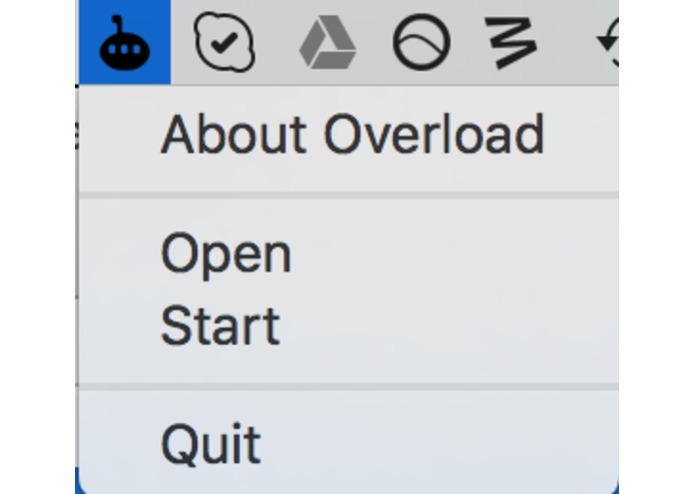
Mac Menu Bar
-
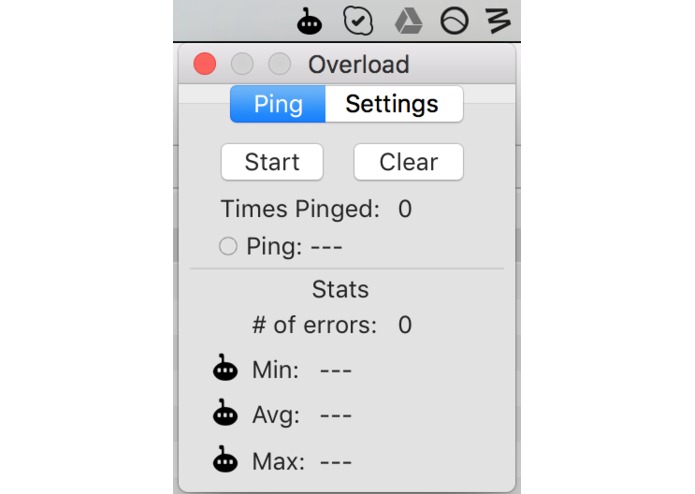
Mac Ping Window
-
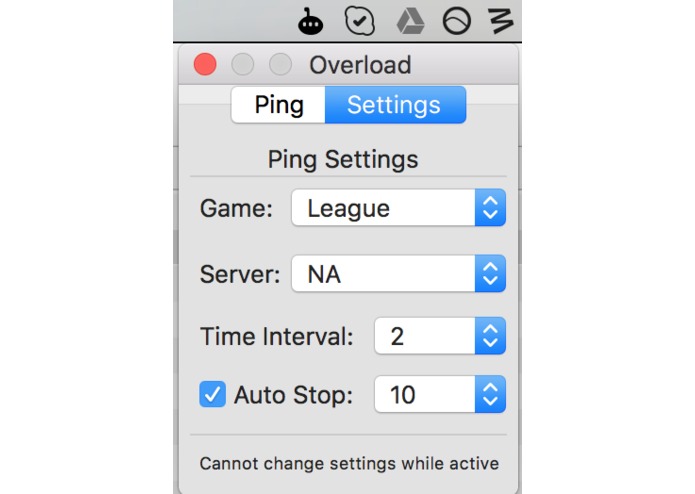
Mac Settings Window
-
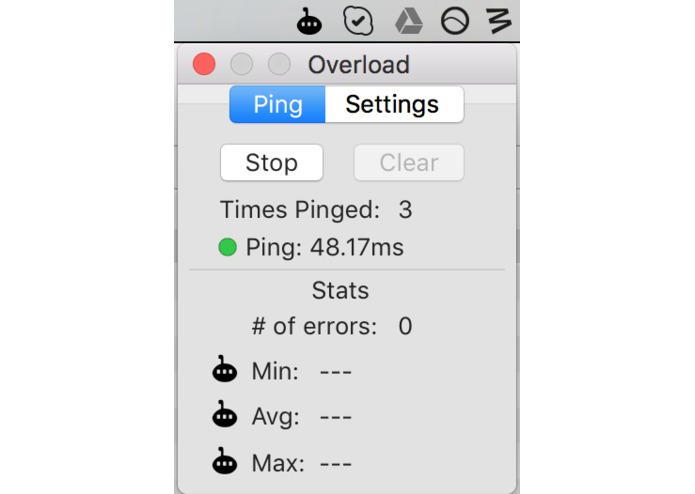
Mac Pinging
-
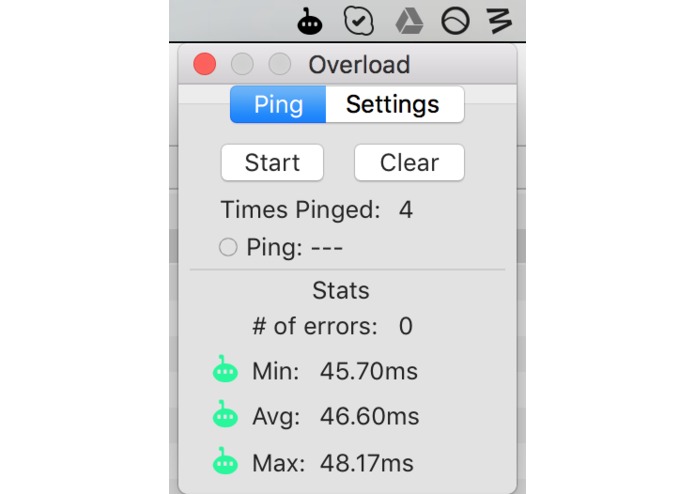
Mac Stats
-

PC Ping Latency
-
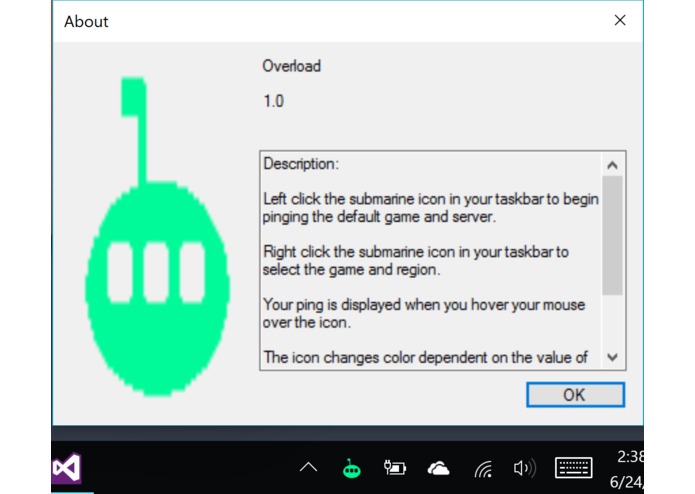
PC About Window
-
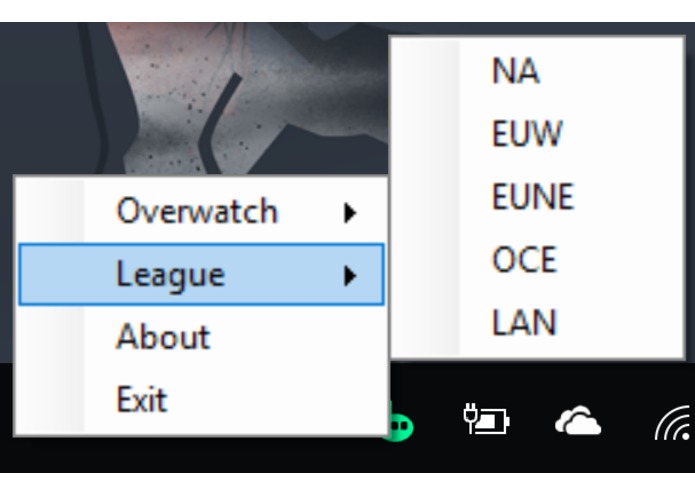
PC Settings


Overload
Intro
Are you tired of jumping into a ranked game, and finding out you're getting ping spikes which makes the game unplayable? Now you can check before you play and save yourself from dropping elo unnecessarily!
Project Description
Our goal was to create a small, simple application from your menu bar for both Mac and PC to check your ping for various games. Currently, we've added displaying ping latency and multiple server support for League of Legends and Overwatch for both builds, as well as other additional settings specific to each build.
How was it built?
We had two separate sub-teams work on the project specifically for PC and Mac. The PC build was made using C#, while the Mac build was created using Swift 3.
Challenges
Since we had two separate teams, it was tough to make both exactly the same. This resulted in the Mac and PC builds not having all the same functionality and settings. A problem that appeared specifically for Mac was trying to display ping when the menu bar is hovered. Since the ping function that we used had an internal timer, we couldn't manipulate the threading to continuously update the ping while the menu bar app was hovered. We ended up making a separate window to open to go around this problem.
What's next for Overload?
One big goal for us in the future is to have all the same features for both builds of the app for better consistency. It would be nice to have the apps be very similar so it's easier for people to use. After that, we'd like to add even more features to better display ping such as a continuously updating graph, as well as add more games to the application.


Log in or sign up for Devpost to join the conversation.