-
-
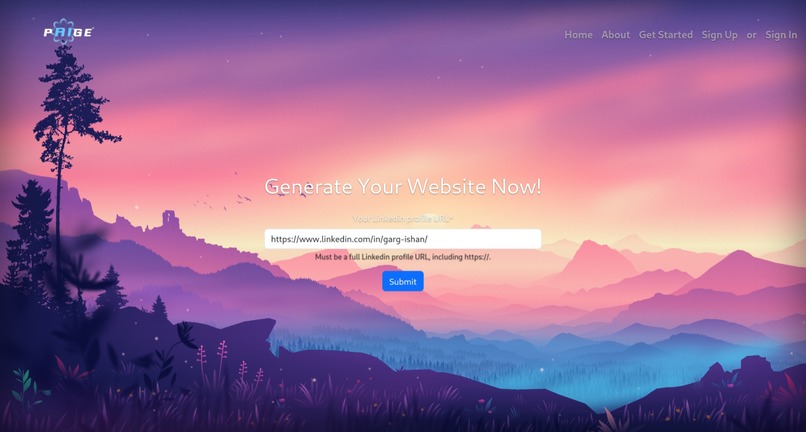
Add your linkedin
-
-
-
-
-


Inspiration
In today's digital age, personal websites have emerged as essential tools for establishing a strong online presence and advancing your career ambitions. Nevertheless, existing website generators like Wix can be time-consuming to use, often requiring hours to produce a website. That's where Paige comes in – we harness the power of AI to swiftly generate a personalized website using your LinkedIn profile, in just a single click!
What it does
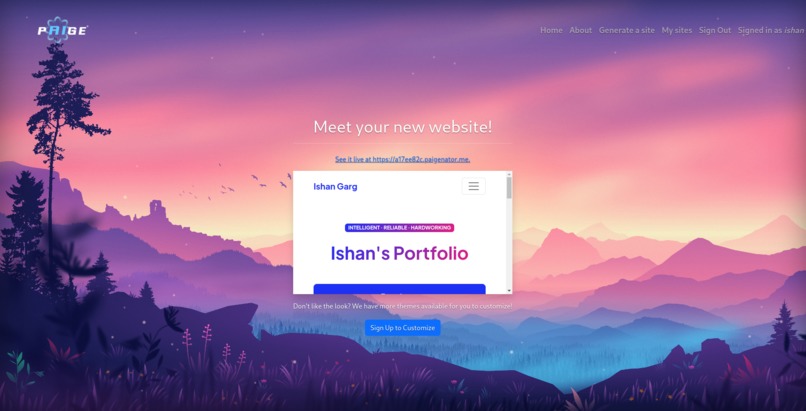
To use Paige, you first need to navigate to the “generate” page and input the URL of your LinkedIn profile. Once you click the “Generate” button, ChatGPT flawlessly goes to work and starts generating a list of skills along with a summary of your profile. Upon completion, the user is greeted with a preview of their very own personal portfolio!
This is done using an API call to get data from the LinkedIn profile, then inputting it into various text fields inside each of the custom-built templates.
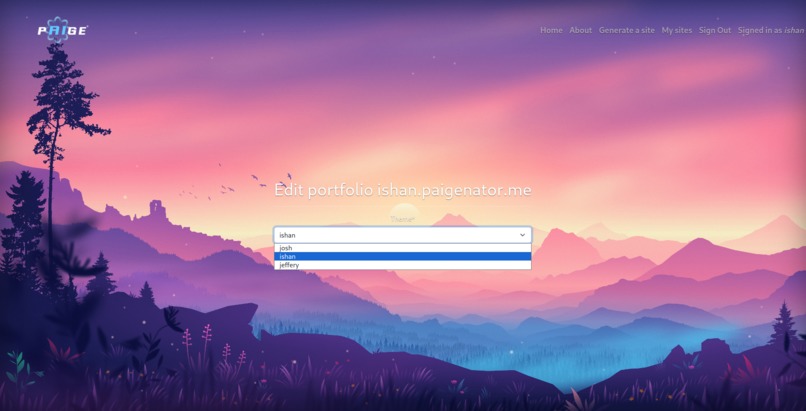
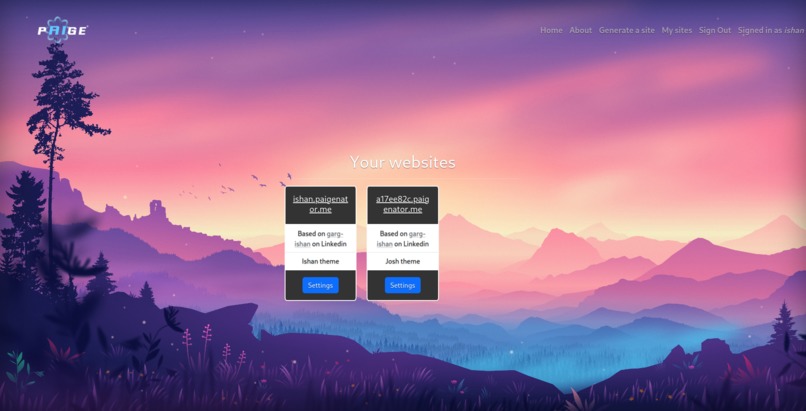
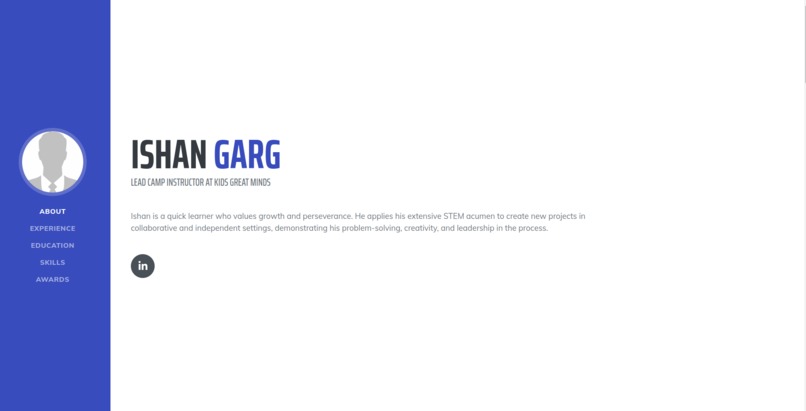
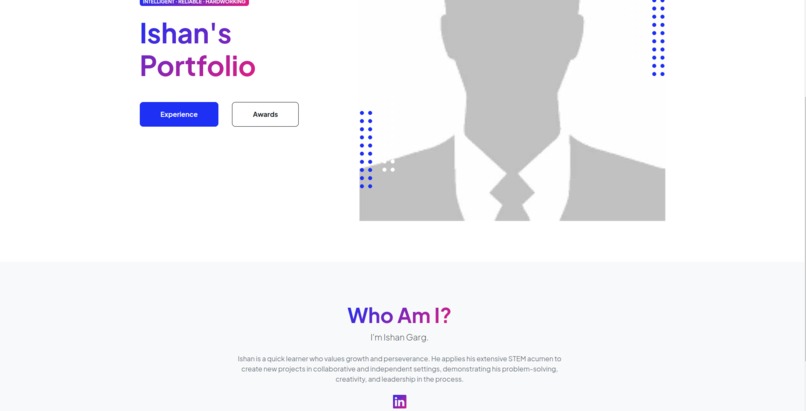
The user is able to choose from three beautiful themes (though they need to sign up for free first). The user can edit the theme by going to their Paige profile and clicking “my sites.”
What is more…Paige automatically deploys your portfolio to the web! Paige portfolio generation takes barely a minute, with auto-creation and deployment, letting users spend their time coding in Python or designing in Photoshop!
Amidst the recent hiring crisis in tech, developing a job application that stands out is vital. As such, Paige helps people navigate a real-world issue using AI!
How we built it
We decided that Paige should be as frictionless as possible and it should deploy immediately with no input from the user apart from their LinkedIn and signup. To enable this, we decided to take advantage of virtual hosting that allows us to serve any subdomain on our domain paigenator.me from a single server.
Our framework of choice was Django. It allowed us to take advantage of its featureful ORM to easily save profile information from Linkedin, and its middleware support allowed us to implement the virtual hosting feature.
We went with a 3rd party API (Proxycurl) for fetching Linkedin profiles. We found the official API too limited and inaccessible. Proxycurl parsed the information on Linkedin profiles very well and returned the information back to us reliably.
Finally, we decided that with the advent of LLMs we needed to drink the AI koolaid. Once we fetch the Linkedin data from Proxycurl, we run the profile through ChatGPT 3.5 Turbo and ask it to generate a summary of the profile that we put front and center on the websites. We also extract, through ChatGPT, a list of skills a user has based on their Linkedin profile (this is required because Proxycurl API does not return the skills from the users LinkedIn). We also put this information on the generated website to better showcase the abilities of our users.
Challenges we ran into
As a team comprised of beginner hackers, we ran into a plethora of challenges during development of such a complex project. One issue we ran into was integrating the user data we pulled using the LinkedIn API (in Python) with our actual website templates (which were written in HTML). After reading the LinkedIn profile data, we had to store everything on Python dictionaries; however, we found it impossible to access the dictionaries in the HTML markup. We were able to overcome this by using the built-in language syntax provided with the Django framework. This allowed us to understand Django better and use it to better create our final, fully-polished product. In fact, it was the first time most of us used Django!
Another challenge we encountered was designing the generated templates that display the final profile data. We had to ensure that all templates are compatible across all screen sizes and effectively display the information for recruiters to see. While Bootstrap helped with the compatibility, we still found it cumbersome to design multiple templates that meet the “effective” piece of criteria.
Accomplishments that we're proud of
When we started the project, we thought that making an AI portfolio generator would involve simply reading the LinkedIn data and putting variables that contained that data in the HTML. What we did not realize is that we severely underestimated the task!
It was quite a feat to come up with numerous templates, a modern and functional home website, and a working back-end with AI generation coupled with two API calls. Throughout this project, we learned how to use website frameworks like Django. We expanded our knowledge of HTML, CSS, Bootstrap, AI generation, JavaScript, API usage, and also how to manage our time to achieve our goals. Learning more about tech while making such a difficult project is an accomplishment in and of itself!
In the end, we are not only proud of Paige, but also fulfilled from inventing a product that can help people in the real-world, making networking all the easier for applicants hoping to enter the workforce and discover new opportunities.
What we learned
We learned a lot when it comes to website-building (front-end related) as well as setting up and configuring the back-end of a website using Django (a Python-based framework). We learned how to manipulate HTML through Django, allowing us to seamlessly interact and connect the two languages.
Furthermore, we developed several soft skills that we can apply to the real-world. For example, we recognize the importance of proper time-management and organization, along with the importance of teamwork. We had to coordinate AI generation, the Django backend, theme generation, LinkedIn data integration, promotion, and the main website development. All in 36 hours! Assigning tasks and working to achieve deadlines has helped us learn and grow.
All in all, we are proud of making Paige and of participating in Ignition Hacks. We managed to realize our personal goals of learning something new and creating a product that is applicable to the real-world!
What's next for pAIge
In the future, we plan on improving pAIge in terms of functionality and form. We will continue to improve the UI of the website so the user’s experience is more enjoyable. For example, we will add tiles that show each of the themes and the colours so the users have an easier time choosing the perfect portfolio. Additionally, we will be adding more themes to accommodate a broad variety of fields, like computer science, medicine, or engineering. In the future, we will also generate website templates fully using AI, including generating images using OpenAI. Lastly, we may also allow users to host files, such as allowing people to upload their resume so others can view it.


Log in or sign up for Devpost to join the conversation.