-
-
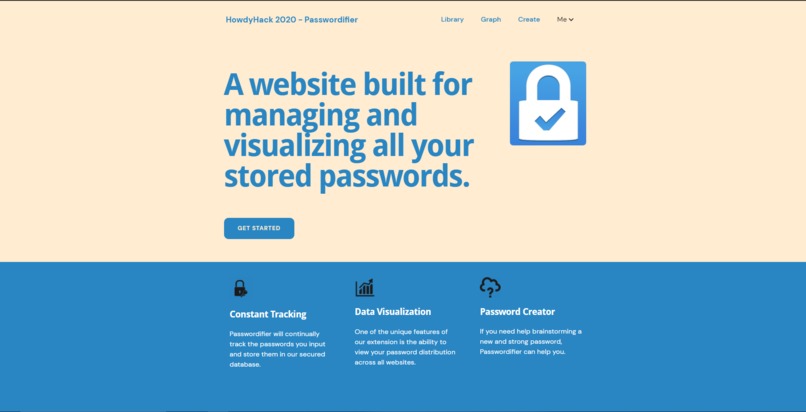
Homepage
-
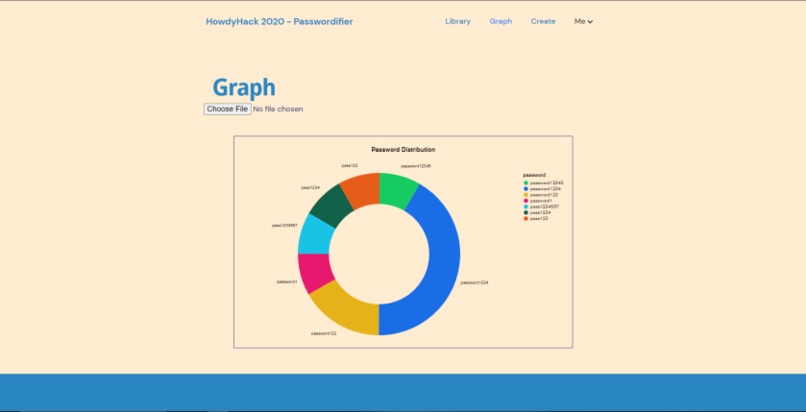
Graph
-
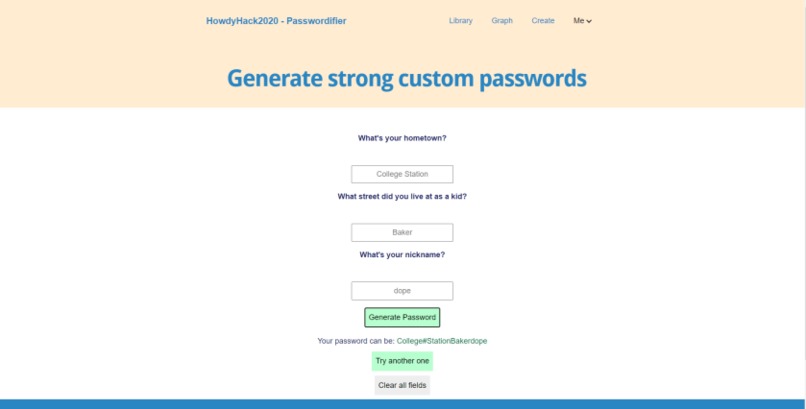
Password Generation
-
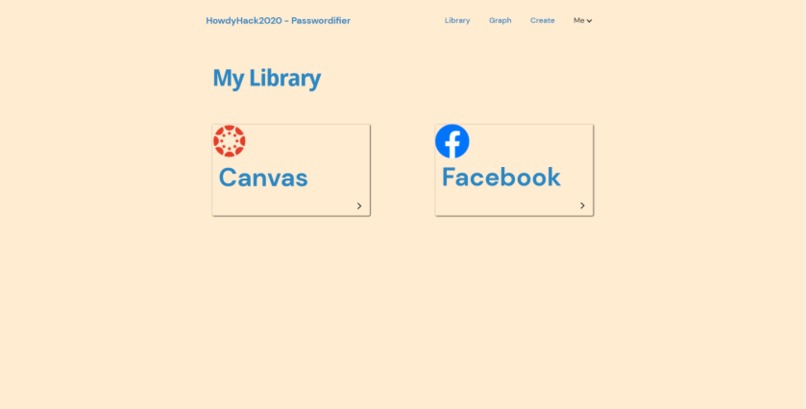
Library


Inspiration
Do you have the one deadly password that you use for all your accounts? If you think that your one extra hard password will protect all your data across the Internet, you might be wrong.
More often than not, people use the same passwords for multiple websites, and even more often, their passwords are not strong enough. This fact inspired us to make a tool that can help people not only keep track of their passwords, but also analyse their password pattern and come up with robust ENCRYPTIONS.
What it does
Passwordifier is a tool through which you can view all your passwords in one place, and see the report of different analysis that we run on them. You can see which websites you have an account with, which passwords are being used more often than others, and how strong your passwords relatively are.
It also helps you create strong custom passwords. How this works is that you essentially fill out a small questionnaire, and then the tool generates a bunch of password suggestions for you.
How we built it
Passwordifer is structured to be a website where you can view the different statistics for your passwords across different accounts. We use MongoDB on the database end, to store the passwords. Passwordifier is connected to MongoDB Atlas and pushes the new passwords directly to the database. We also use Atlas's visualisation tools to pull up the statistical analysis visuals for password frequency.
We use javascript for the password generation algorithm. It takes the input to some questions through an HTML form and parses them through the algorithm to randomly generate a bunch of password suggestions.
Challenges we ran into
We started off by exploring how to make a Google Chrome extension. We wanted passwordifier to be an extension that could run in the background and prevent you from reusing old passwords. But we were not able to understand the documentation and it was a challenge to retrieve password data from Chrome. So we decided to make Passwordifier into a website that would be hooked up to a database, and we went from there. None of us had experience working with MongoDB so picking up on that was a challenge as well.
Accomplishments that we're proud of
We're proud that we were able to learn how to go about MongoDB in very less time. Even though we didn't use the Chrome Extension feature, we learnt quite a lot about how to make one, so that was pretty exciting. Overall, we learnt the value of team work and collaboration, and it really helped us coordinate with each other and have fun!
What we learned
In terms of technical skills, we learnt about MongoDB and Chrome extensions. We also worked on making our website from scratch. Overall, we learnt how to effectively work and communicate in a team, especially at a virtual hackathon.
What's next for Passwordifier
In the future, we would want Passwordifier to be a Chrome extension that would run in the background and store your passwords. It would also prevent you from reusing old passwords, thus making your accounts more secure. We also want to add another visualisation tool where users can see the strength of their passwords. We also looked into having the user be able to find a password that they've forgotten. Essentially, these are the things that we would like to implement in the future.
Google Drive video
https://drive.google.com/file/d/1upPsed6hS6Jyx9N-FjIpAOx66mlJv_q0/view?usp=sharing


Log in or sign up for Devpost to join the conversation.