-
-
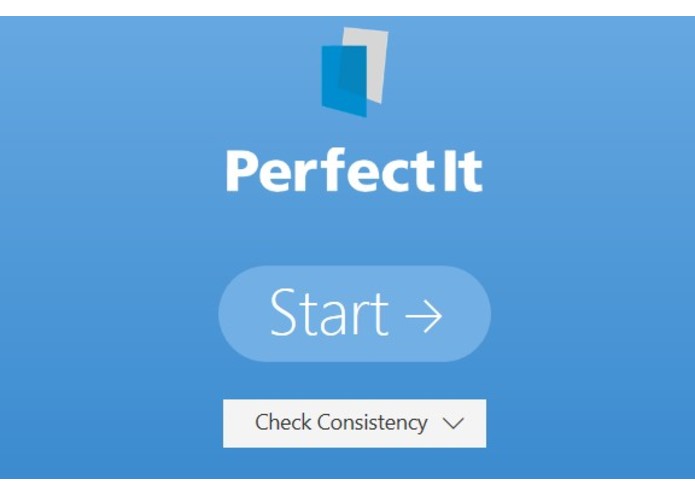
Choose your style sheet or click Start to check consistency.
-
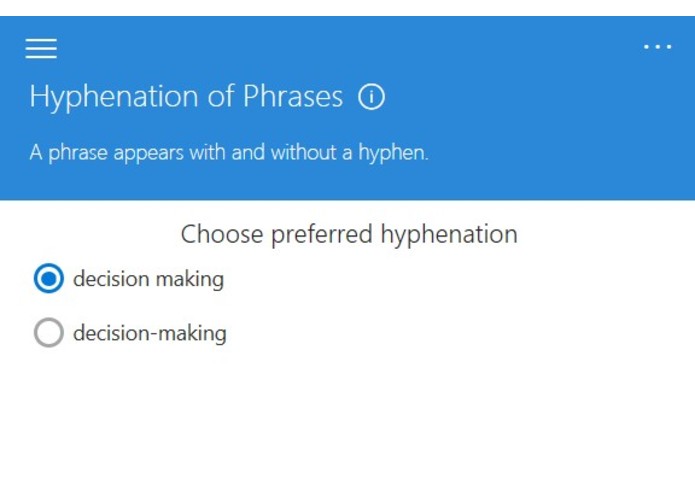
When PerfectIt finds an error, select the preferred version.
-
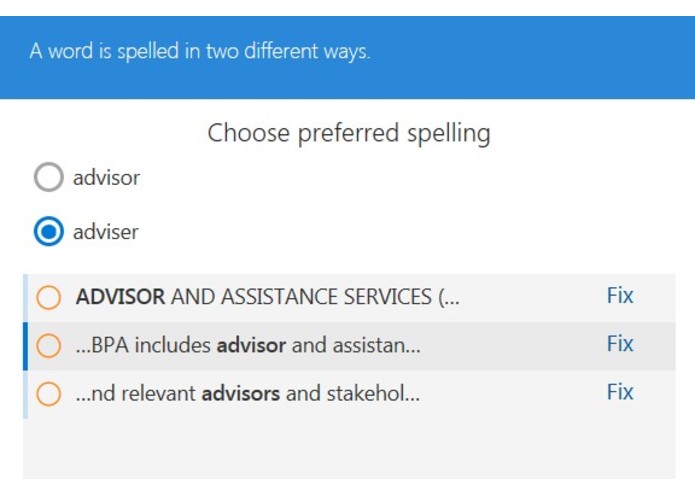
Click Fix to make any changes.
-
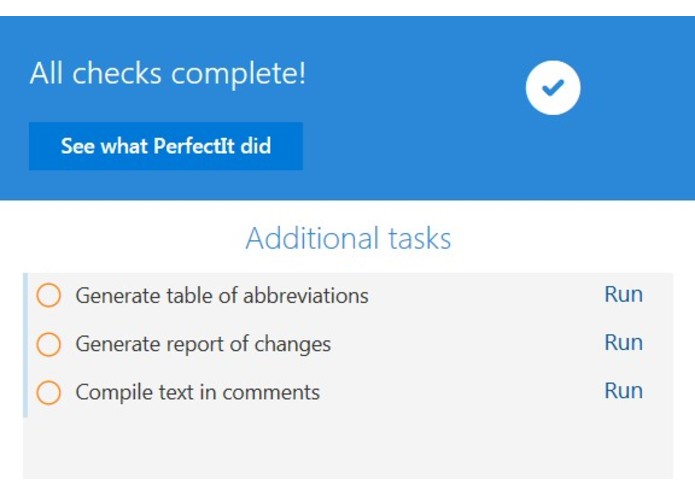
When checking is complete, you can generate a table of abbreviations or carry out other finalizing tasks.


Inspiration
Proofreading is boring, time-consuming and costly. Consultants, lawyers, proposal managers, marketers, engineers, researchers, authors, technical writers and other professionals spend hours each week on proofreading. Just one mistake can forever damage your reputation, so it’s work that cannot be skipped. As a result, businesses need to reduce time spent on proofreading and increase productivity.
What it does
PerfectIt locates errors that no spelling or grammar checker can find. It focuses on consistency mistakes and other difficult-to-locate errors that can take hours to find manually. For example, PerfectIt finds inconsistent hyphenation (email/e-mail), capitalization inconsistencies (government/Government) and variations in spelling (colour/color). Those variations might be pages apart, but the software finds them instantly and presents them with an easy-to-use interface. PerfectIt also checks that every abbreviation is defined on its first use, checks list punctuation and helps to make sure tables are in the correct order. It can even generate a table of abbreviations (linking all abbreviations to their definitions without any input from the user). In addition, PerfectIt can help enforce house style. It comes with built-in style manuals for Canadian, Australian, British and US English, as well as the option to check specific preferences for American Legal Style, United Nations Style, European Union Style or Australian Government Style. When it comes to adding polish and putting the finishing touches on a document, there is nothing like PerfectIt.
How we built it
The existing version of PerfectIt was first released in 2009. It only works on PCs and can’t be listed in the Office Store. That’s why we developed PerfectIt Cloud. To build it, we split PerfectIt into server-side and client-side functionality. The server-side code (where most of the processing takes place) is based on the original version. The client side is completely new, written entirely in the Javascript API for Word (and using Fabric for its front-end). For the new environment, we developed an interface that makes PerfectIt Cloud easier and faster to use than the original. It’s in a beta trial now, and we plan to release early in 2018.
Challenges we ran into
Every error that PerfectIt finds requires detailed contextual checking to ensure that the program does not generate too many false positives. The result is that PerfectIt carries out an enormous number of complex searches. The number of queries and the amount of time they take to run means that code must be highly optimized and results carefully presented in order to create an experience that delights users by pointing them quickly to potential errors.
Accomplishments that we're proud of
We’re proud to finally bring PerfectIt's checking to Mac users. We’ve been tracking development of the Javascript API since its launch. We believe we are among the first in our category to fully commit to the new Javascript API, and the first to develop for it at the highest level. That creates something wonderful for Mac users that was never possible until now.
What we learned
PerfectIt Cloud is the result of teamwork. It's vastly more complicated than anything we produced before. And we couldn't have done it without expanding our team and learning to work together to solve incredibly complex problems.
What's next for PerfectIt Cloud (2018)
PerfectIt Cloud currently includes 30 of PerfectIt's 37 checks (as opposed to just 14 in our first Hackathon). It's already a vastly more comprehensive program that finds many more errors. However, we want build in the rest of those checks. Then we plan to release via the Office Store. In the longer term, the move to a web-based product creates opportunities for better customization. We plan to use that to make PerfectIt Cloud the standard choice for any business looking to increase productivity and cut time spent on proofreading.


Log in or sign up for Devpost to join the conversation.