-
-

-
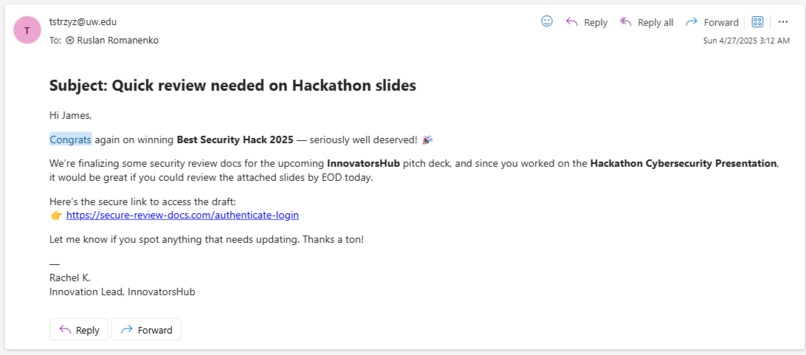
AI Generated Phishing Email that links to our website.
-
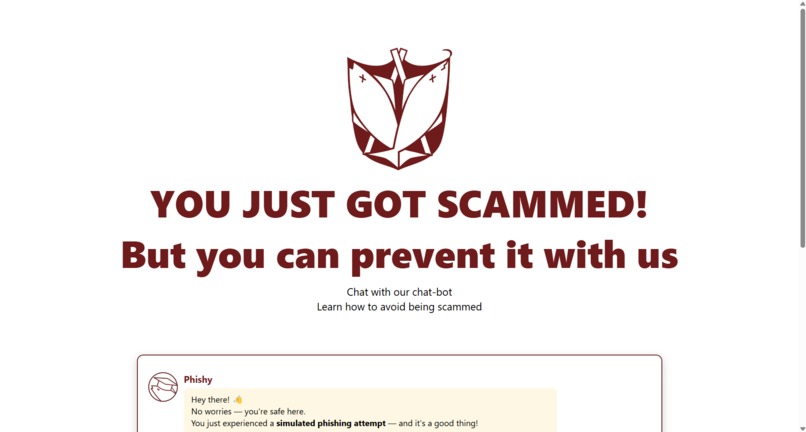
PhishGuard Landing Page - what the user sees when they click the link.
-
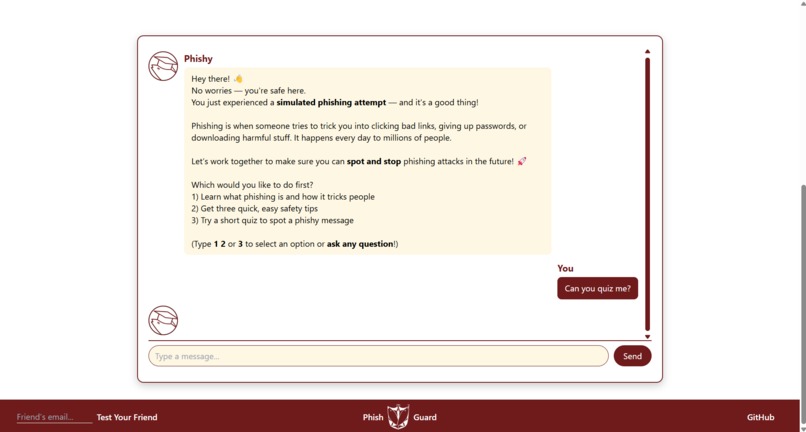
Reply being generated. The Phishy logo bounces up and down, letting the user know a things are happening behind the scene as they wait.
-
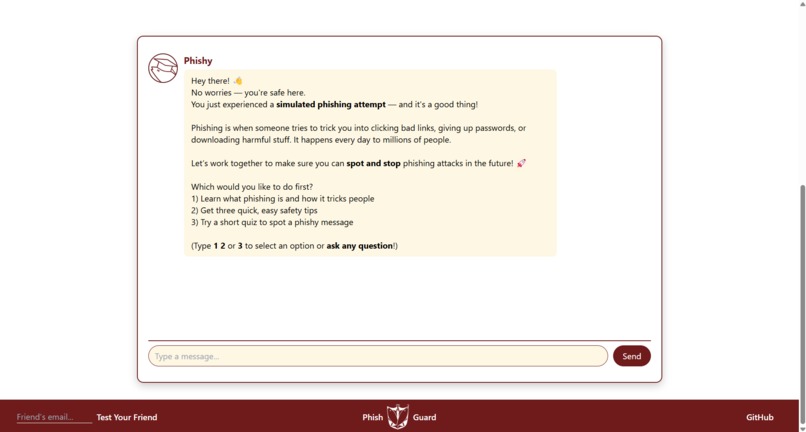
Initial chatbot message - introduces the user to what's going on.
-
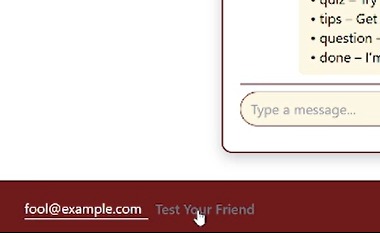
Ability to send an AI-generated email to a friend to see if they fall for the phishing scam & help spread awareness of phishing attacks.
-
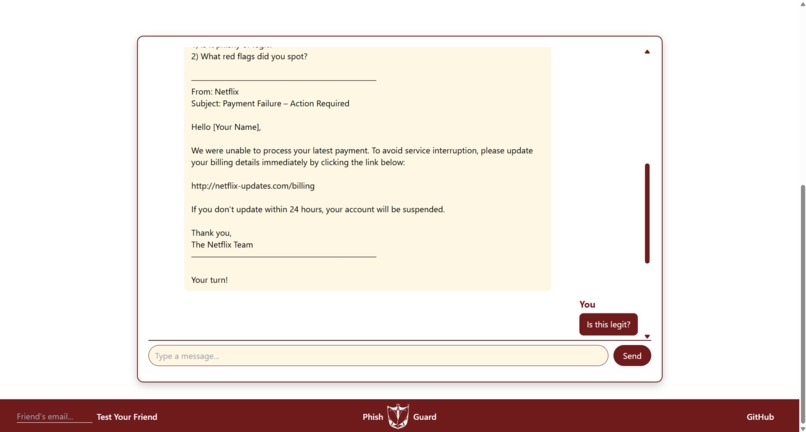
Quick quiz provided by Phishy to test user's knowledge.
-
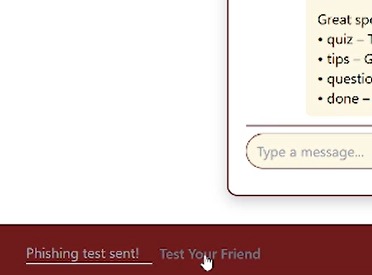
AI-generated phishing email sent to friend to test their awareness of phishing scams.


🛡️ Phish Guard
🎯 Inspiration
Every day, millions of people fall victim to phishing scams. We wanted to create an experience that safely shows users how easy it is to get tricked — and then empower them to defend themselves through AI-powered education. Instead of only warning people about scams, we made them feel how it happens, and immediately taught them how to stay safe.
⚙️ What it does
Phish Guard simulates a real phishing attack by sending a realistic fake email with a link. When clicked, the link leads to a "You Got Scammed — but not really!" landing page. Users can then chat with our AI security coach, which explains phishing tactics and teaches easy ways to stay safe. As a bonus, users can test their new skills by facing our AI Red Team Squad, where they identify fake versus real messages.
🛠️ How we built it
Phish Guard's frontend uses HTML, Tailwind CSS, and basic JavaScript. The backend runs on Node.js + Express.js to handle messages and chat logic. We implemented AI through the OpenAI API for generating phishing examples and running the educational chatbot. During the hackathon, we hosted it on a local server, ready to be deployed. We also built a lightweight markdown renderer to allow assistant messages to display with bold text, line breaks, and code blocks.
🚧 Challenges we ran into
Creating realistic yet non-malicious AI-generated phishing examples was challenging. We also needed to parse Markdown formatting cleanly inside our chat display without using a heavy library. Time management was crucial as we balanced building a clean user flow with integrating AI services. Additionally, we worked to keep the chatbot responses friendly, empowering, and understandable for non-technical users.
🏆 Accomplishments that we're proud of
We built a full end-to-end phishing simulation and education platform in under 12 hours! Our system seamlessly integrates AI to both generate content and educate users. We created an experience that is both eye-opening and non-threatening, encouraging users to learn without shame.
📚 What we learned
We gained experience quickly building an AI chat experience focused on user education. We discovered how important good UX is when teaching sensitive topics like cybersecurity. We learned how AI can be used ethically to simulate real-world attacks for training without causing harm. The project taught us how to manage feature prioritization under extreme time constraints.
🚀 What's next for PHISH GUARD
Our future plans include deploying Phish Guard publicly to help schools, nonprofits, and small businesses train their users affordably. We want to expand the AI Red Team Squad with more attack scenarios including texts, phone scams, and deepfakes. We plan to add leaderboards and rewards for users who spot phishing attempts quickly. A mobile version for smartphone phishing simulations is planned since SMS scams are increasingly common. Finally, we aim to open-source parts of the project so others can build safer digital communities with us.
Built With
- adobe-illustrator
- agentchat
- autogen
- azure
- fastapi
- javascript
- openai
- powerpoint
- python
- sendgrid
- tailwind-css
- twilio


Log in or sign up for Devpost to join the conversation.