-
-
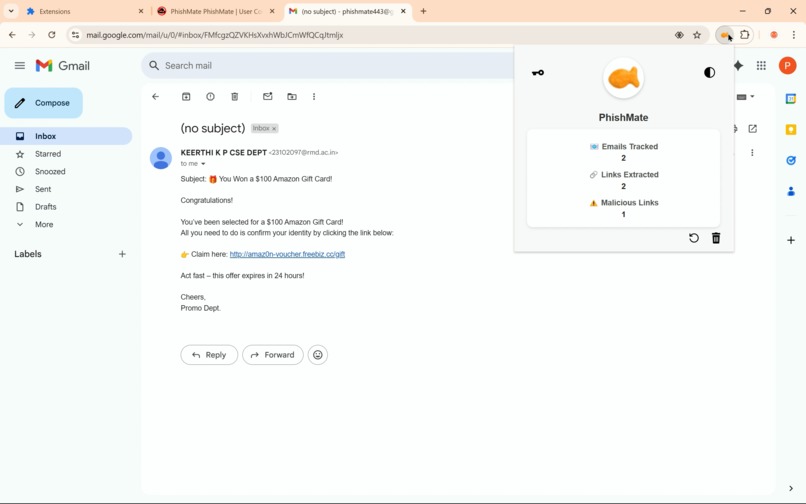
Normal link count
-
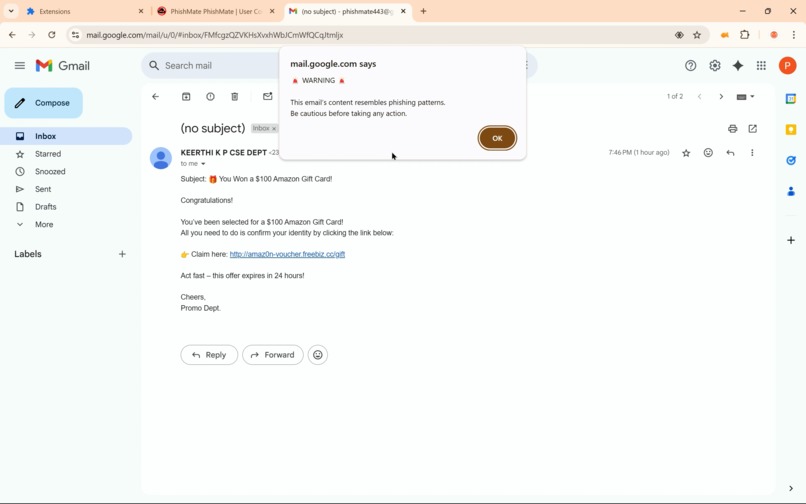
Phishing alert
-
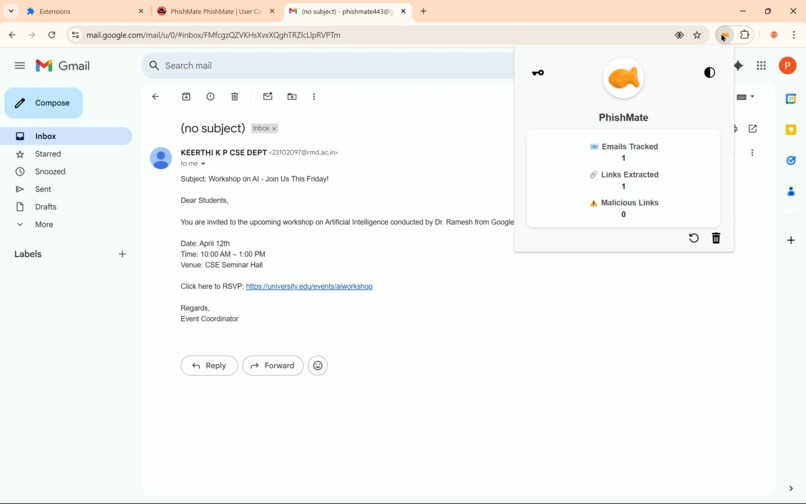
Phishing link count
-
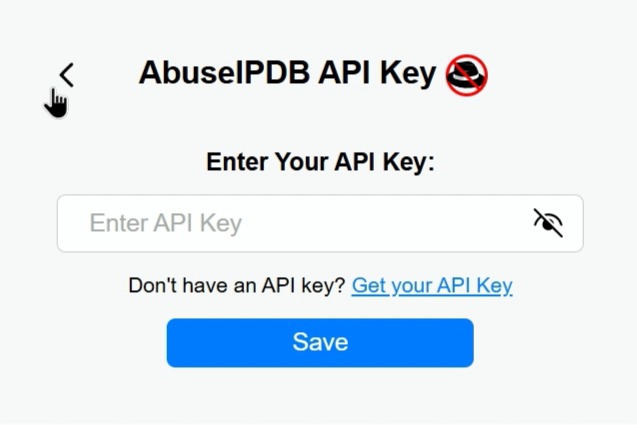
API Key button
-
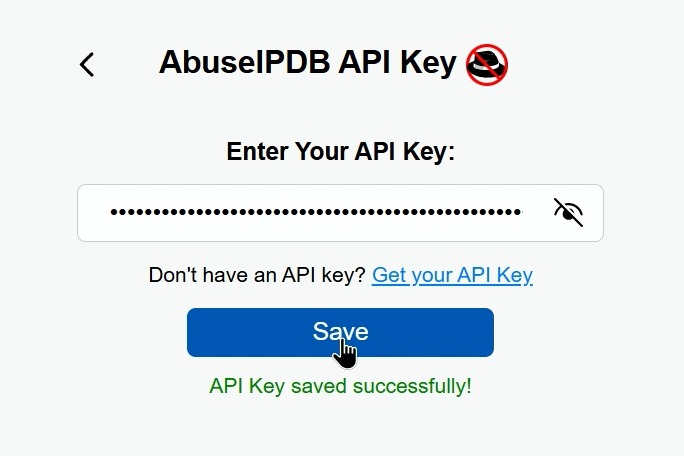
Save button
-
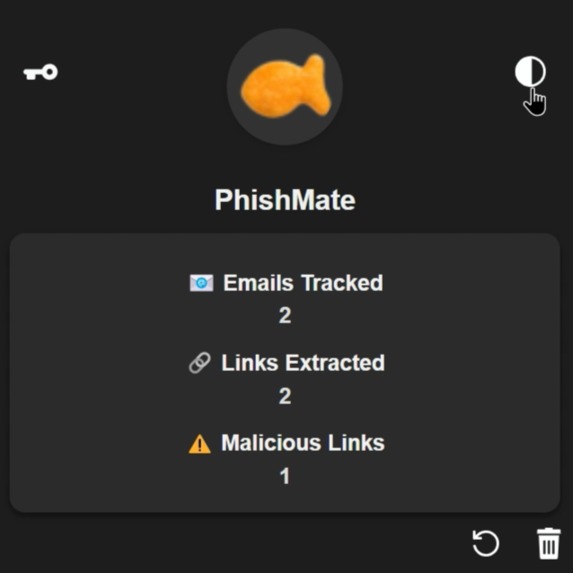
Dark theme
-
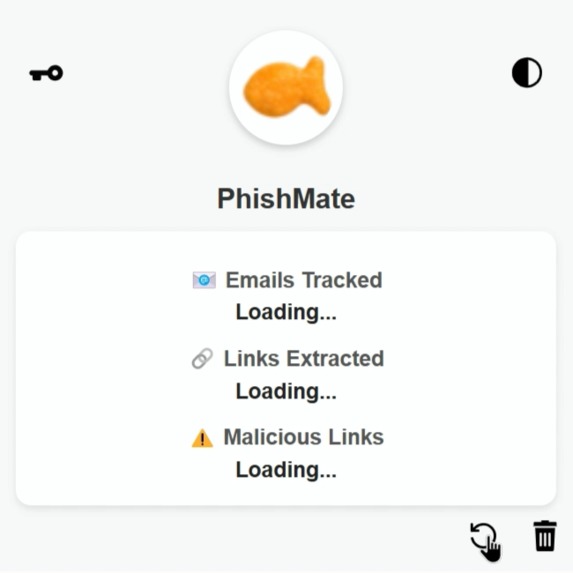
Refresh button
-
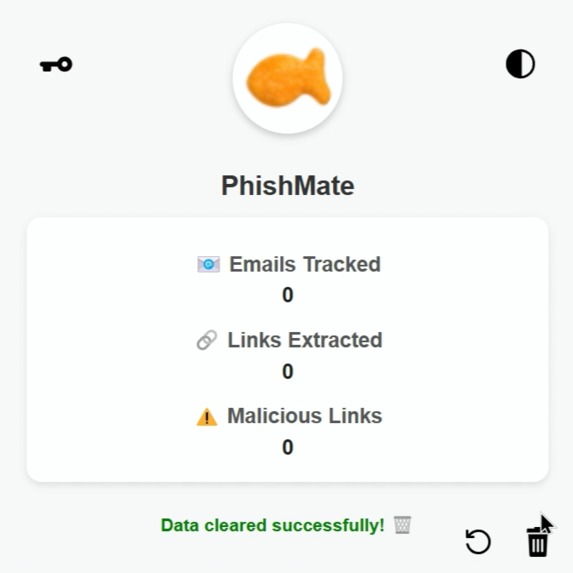
Delete button


PhishMate – Your local phishing email detector.
Inspiration ( •̀ᴗ•́ )و
Phishing emails are no joke. A seemingly harmless mail that feels too good to be true, like a fake gift giveaway to get all your bank details or a mail from your "boss" asking you to send some money and get it back through the office, only for you to send it and realize it wasn't your boss at all! These situations take place more often than you think, and sometimes there's no stopping it.
We found this to be an intriguing problem statement and started looking for ways to overcome it. The first thing that came to our minds was an NLP for text analysis and some tool to check the links. However, we also wanted it to be secure, and the data being extracted from the mail to not go anywhere. A simple, yet secure browser extension, easy to set up and use.
We wanted to build something lightweight, privacy-first, and proactive. That’s how PhishMate came to life: a browser-based phishing defense tool that stays one step ahead.
What It Does (¬‿¬ )
PhishMate is a Chrome extension that:
Analyzes email content using a local BERT-based phishing classifier
Resolves and checks link safety via DNS-over-HTTPS and AbuseIPDB threat scores
Provides real-time blocking alerts when malicious signs are detected
Tracks total emails scanned, links found, and phishing cases flagged
All this runs locally, ensuring your privacy is never compromised.
How We Built It ( ˘▽˘)っ♨
Frontend: A Chrome Extension that uses
MutationObserverto extract Gmail email content and linksBackend: A Flask API that serves a fine-tuned phishing classifier built with HuggingFace’s BERT
Threat Scanning: IP resolution using Google DNS API, with safety checks via AbuseIPDB
State Tracking: All metrics (emails scanned, links found, flagged threats) are stored using
chrome.storage.local
Challenges We Ran Into (。•́︿•̀。)
Gmail’s structure changes dynamically, requiring flexible selectors and fallback logic
Email links often point to domains we had to resolve safely without blocking the UI
Multiple asynchronous calls created race conditions and required better state management
Ensuring the alert was shown only once without spamming the user
Accomplishments That We're Proud Of (๑˃ᴗ˂)ﻭ
Successfully built a local-first, AI-powered phishing filter inside Gmail
Balanced security and user experience with real-time alerts that interrupt dangerous interactions
Integrated three technologies—AI, browser extensions, and threat intelligence APIs—for the first time
Maintained a zero-data-leakage policy by running all checks on-device
What We Learned (>﹏<)
DOM mutation handling and email parsing in dynamic environments
Efficient async flow control in JavaScript with Promises and
awaitHow to interface a browser extension with a local ML model
Threat detection workflows involving DNS resolution and abuse databases
What's Next for PhishMate (⌒‿⌒)
Bigger training dataset to improve detection across more phishing techniques and edge cases
Full browser compatibility — expanding beyond Chrome to support Firefox, Safari, and others
Integration of additional threat sources like EasyList to enhance link safety checks
Migration to cloud-based inference as the local model scales beyond self-hosting limits
SSL-secured cloud deployment to ensure safe, encrypted communication for link analysis




Log in or sign up for Devpost to join the conversation.