-
-
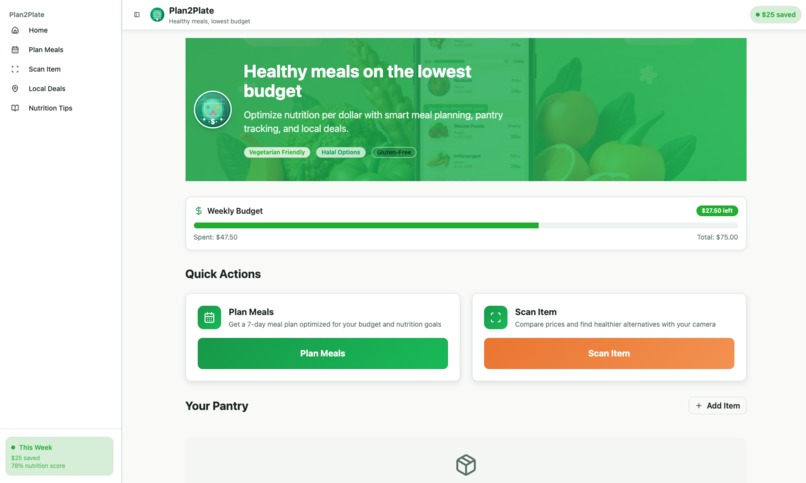
Home Page of Plan2Plate
-
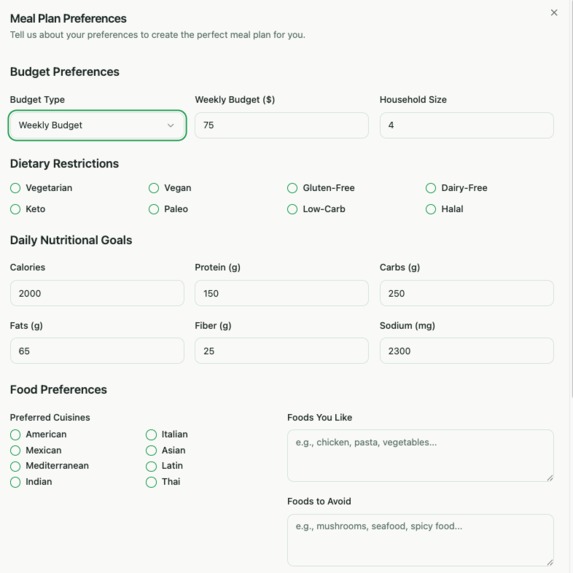
Custom Meal Plan Preferences
-
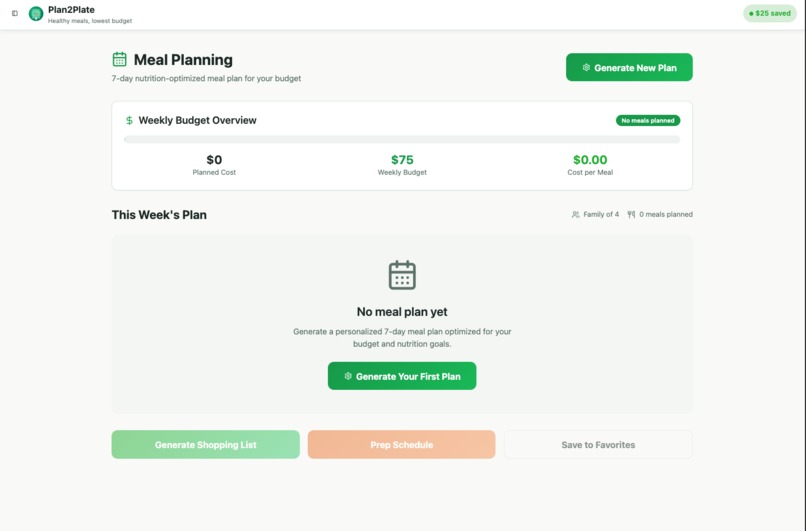
Generate Shopping Lists & Schedules Based on Meal Plan
-
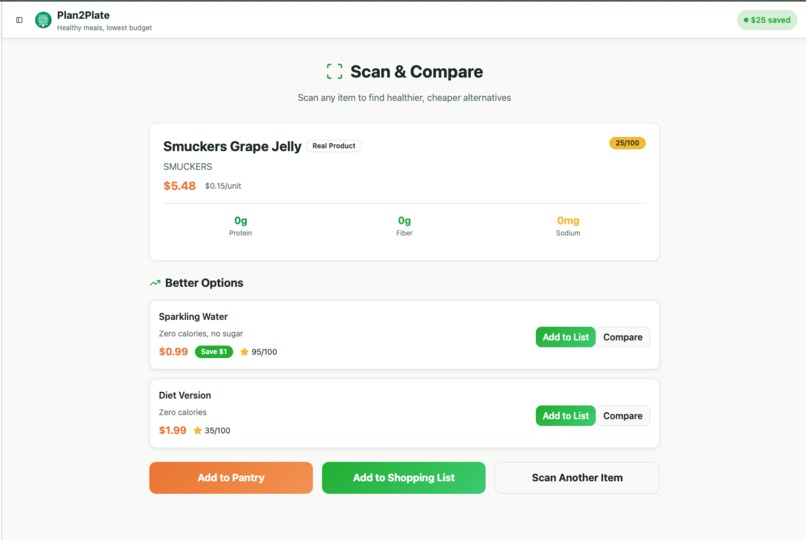
Functional Barcode Scanning Feature
-
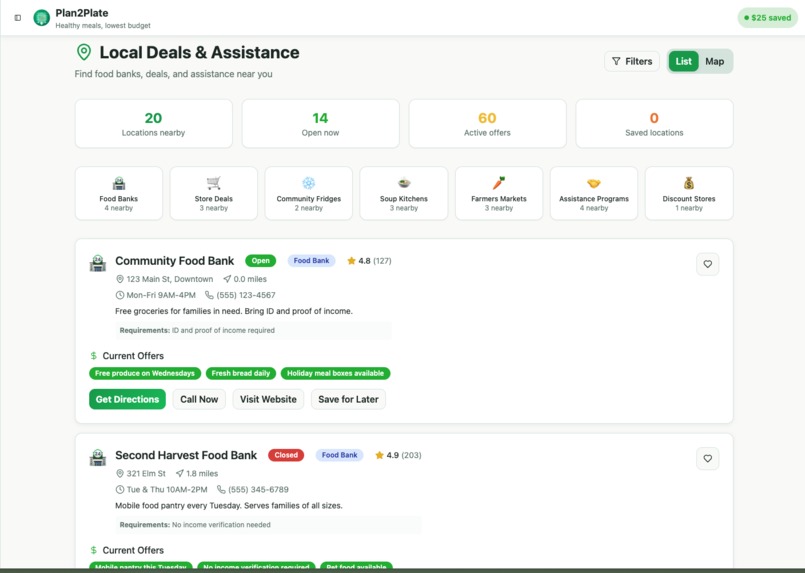
Local Deals & Assistance
-
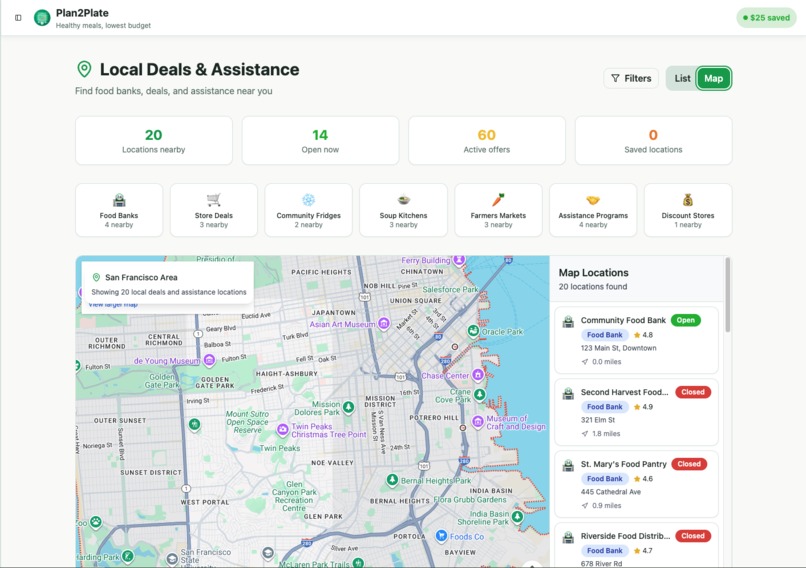
Google Maps API For Map Visibility
-
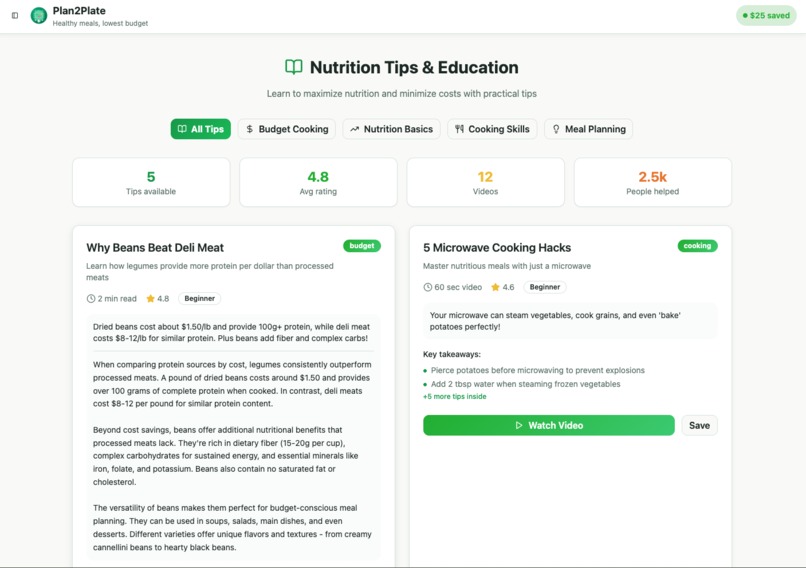
View Nutrition Tips From Others
-
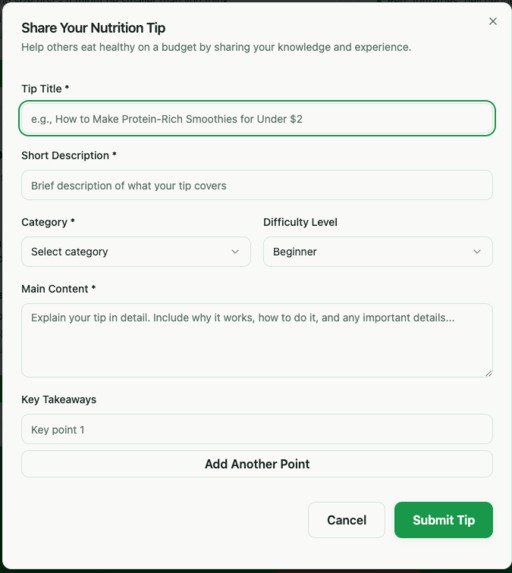
Share Your Own Nutrition Tip


Inspiration
We noticed how difficult it is for low-income families to balance healthy eating with limited budgets. Grocery prices keep rising, while most nutrition apps focus on calorie tracking, not affordability. We wanted to build something that helps users eat smarter, not spend more. The inspiration came from local food drives and seeing how many families rely on food banks yet lack tools to plan nutritious meals around what they already have.
What it does
-Builds 7-day meal plans tailored to user budgets and diets. -Tracks pantry items, expiration dates, and suggests recipes to reduce waste -Scans barcodes to find healthier, cheaper alternatives in real time -Maps nearby food banks, community fridges, and grocery deals -Visualizes nutrition and spending data to show cost-per-nutrient efficiency
How we built it
We used React 18 with TypeScript for a scalable, type-safe frontend. Tailwind CSS and shadcn/ui provided fast, consistent styling. React Query handled caching and API calls, while React Hook Form managed user input with Zod validation. Mapping features were powered by Leaflet and OpenStreetMap, with geolocation via the Browser Geolocation API. Barcode scanning used @zxing/library, and product info came from OpenFoodFacts and UPC Database. We displayed nutrition and budget data with Recharts, ensuring insights were clear and actionable. Performance was optimized with lazy loading, image compression, and caching.
Challenges we ran into
-Integrating multiple APIs with different data formats caused validation and compatibility issues -Making barcode scanning reliable across browsers required extensive testing with camera permissions -Balancing accessibility and performance, especially on lower-end devices, took significant fine-tuning -Creating meaningful nutrition scores that considered both cost and health value required careful algorithm design -Maintaining a consistent design across dozens of components was complex but necessary for usability
Accomplishments that we're proud of
-Built a fully functional prototype in under one month with responsive design and live API data -Developed a nutrition-per-dollar scoring system that helps users compare food options effectively -Implemented a real-time barcode scanner that works directly in the browser without external apps -Achieved strong accessibility compliance (WCAG 2.1 AA) and fast load times across devices -Created an integrated map of community food resources, connecting digital nutrition planning to real-world assistance
What we learned
-Accessibility and affordability are deeply connected; small UI decisions can make big differences for users with limited access -Nutrition data is inconsistent across APIs, so validating and normalizing it is essential for accuracy -Users respond better to visual, data-driven feedback like budget bars and nutrition scores than to text-heavy statistics -Collaboration between design and data teams early on prevents architecture issues later -Building social-impact tech requires empathy as much as technical skill
What's next for Plan2Plate
-Integrate real grocery store APIs (e.g., Walmart, Kroger) for live price updates -Add AI-based meal recommendations that optimize for both nutrition and price -Partner with local nonprofits and community fridges to sync real-time inventory -Launch a mobile PWA with offline pantry tracking -Expand the platform to include multilingual support and regional nutrition data -Conduct user testing with community organizations to refine usability and impact metrics
Built With
- autoprefixer
- browser-geolocation-api
- databases
- eslint
- firebase-(hosting-and-authentication)
- google-maps
- javascript
- leaflet.js
- mediadevices-api
- openfoodfacts-api
- openstreetmap
- postcss
- progressive-web-app-(pwa)-platform
- radix-ui
- react-18
- react-hook-form
- react-leaflet
- react-query-(@tanstack/react-query)
- react-router-dom
- recharts
- shadcn/ui
- tailwind-css
- typescript
- upc-database-api
- vite
- zod
- zxing/library


Log in or sign up for Devpost to join the conversation.