-
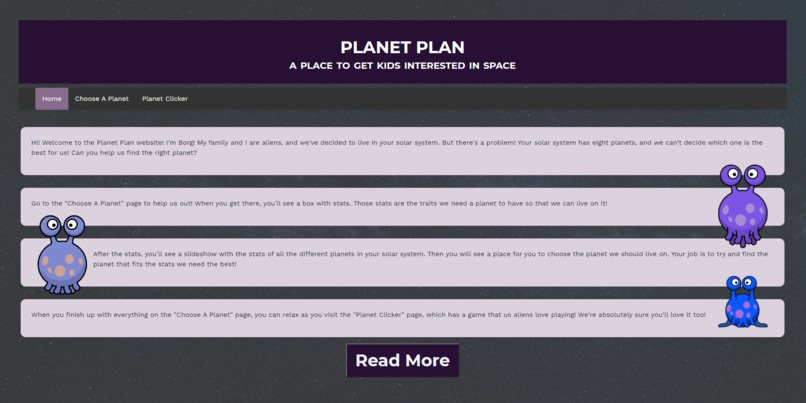
The home page of our website
-
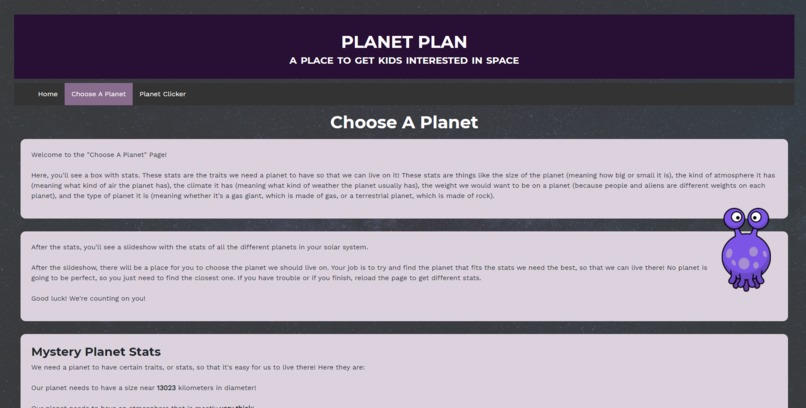
The top part of the "Choose A Planet" page
-
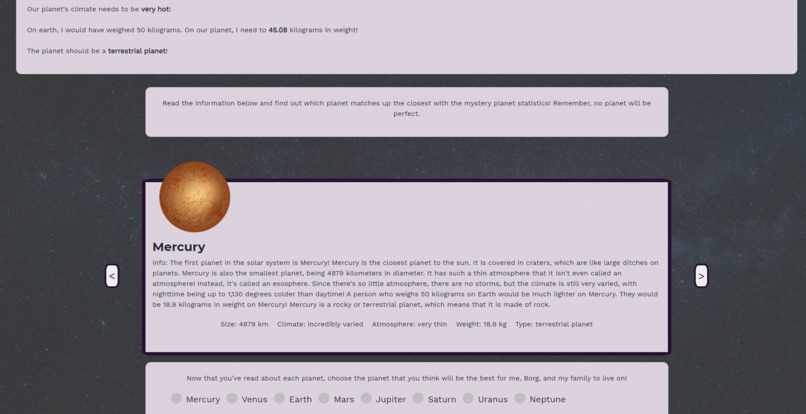
The bottom part of the "Choose A Planet" page
-
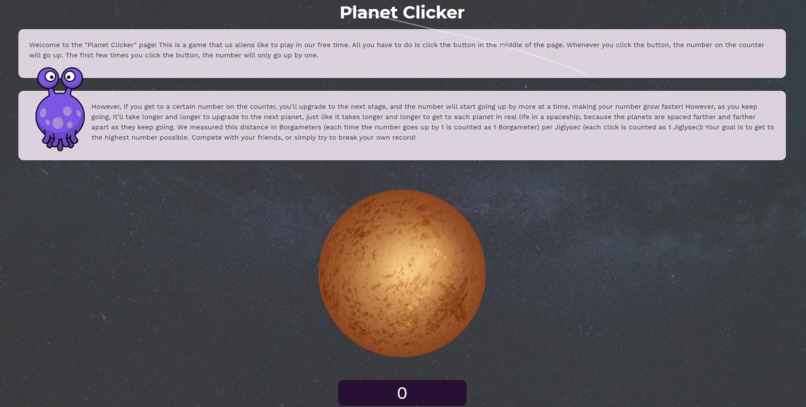
The "Planet Clicker" page
-
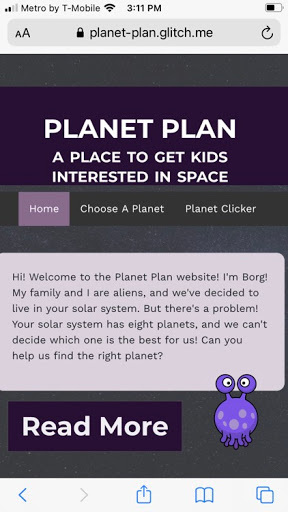
Our home page on mobile
-
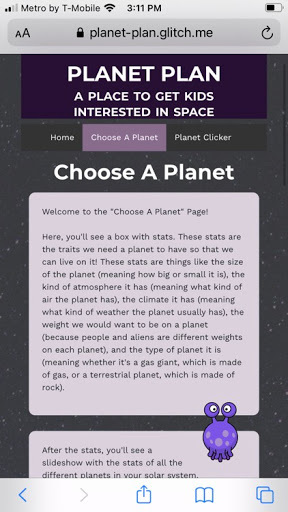
The top part of the "Choose A Planet" page on mobile
-
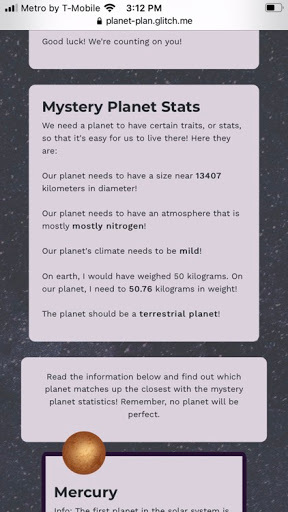
The middle part of the "Choose A Planet" page on mobile
-
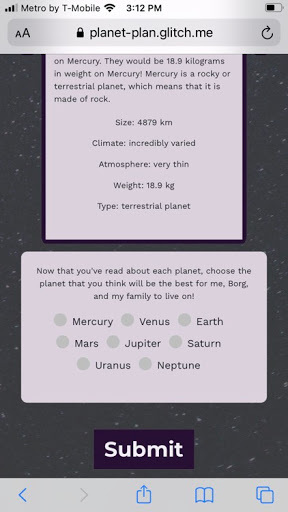
The bottom part of the "Choose A Planet" page on mobile


Inspiration
We wanted to address the challenge of "Space" that HackBI posed in a meaningful way.
What it does
Our project addresses the challenge by seeking to educate kids about space in a fun, engaging way. Books about space are helpful and informative, but they don't grab the kids' attentions the way a game does.
We created two games on our website. One is a "Choose a Planet" game where players are given random mystery stats and, using a slideshow of information provided right below, must select which planet best fits the characteristics. To grab people's attention even further with this game, we offset the mystery stats by a small amount so that they did not match up exactly with the statistics in the slideshow, building analysis and critical thinking skills as the kids would have to compare numbers and see which one worked better.
The second game is a "Planet Clicker" which seeks to educate kids about distances in space using general approximations. It is modeled after a cookie clicker game, where the goal is to press a button as many times as possible to upgrade to the next planet, which gives you the ability to skip numbers and go faster. However, as you get to farther and farther planets, the amount of time taken between each planet increases, just like with the real solar system. Throughout both games, we incorporated heavily educational elements.
The website also had a running theme of "aliens", where, throughout the website, you were spending time with and helping out Borg the Alien and his family.
How we built it
We used HTML to create the website's framework, and CSS to refine the UI. We also used Bootstrap, which can be found at https://getbootstrap.com/ to make the pages more responsive to sizing changes. For the interactive elements, we used JavaScript. This was all built on the Glitch IDE. We also used the Google Font API for fonts.
Challenges we ran into
Neither of the members on this team have had much web development knowledge past how to create basic elements such as tables and paragraphs in HTML, so there was a lot of learning as we went along. We had practically no experience with JavaScript before the hackathon either, so we had to learn the language in order to create the games, and connecting it to the HTML posed a problem for us. We also had a lot of trouble with getting elements to stay in the appropriate place, and had to work to make sure the website was usable on mobile.
Accomplishments that we're proud of
We're proud of our home page, how we were able to format the images, and how we were able to have the instructions pop up when a button is clicked. The slideshow we made on the "Choose A Planet" page was also very difficult to create and format, and we're very proud of how it turned out! We're also very proud of our navigation bar and the way it turned out.
What we learned
We learned, in general, how to build a website, since neither of us had dealt with the intricacies of creating a website. We also learned how to format websites with CSS, and how to integrate JavaScript into our applications. We also learned how to work with the Glitch IDE, since both of us had not used it before.
What's next for Planet Plan
We'd like to add more information to our Choose A Planet slideshow and also reformat some of the pages. We would also like to add more minigames so that kids can have fun with more things and possibly make the alien sprites more interactive. Lastly, we would like to add more resources to our website where kids could learn and enjoy space, and hopefully develop a love for it.


Log in or sign up for Devpost to join the conversation.