-
-
Banner
-
Home page
-
Safari List
-
Creating Safari
-
Safari Details
-
Creating a Spot
-
Safari Spots
-
Polygons
-
Comments
-
Tour Mode
-
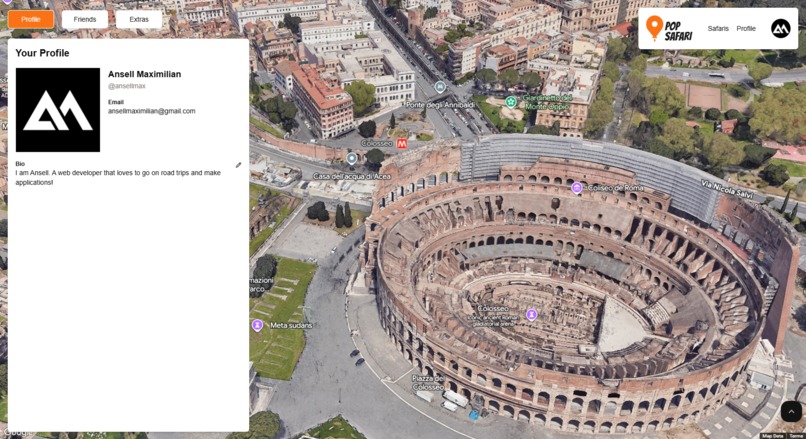
Profile Page
-
Radar Mode


Inspiration
I had always wanted to work on something that involved Google Maps, so the additional photorealistic 3D aspect just excited me more. I was particularly interested in the camera interactions/animation as well as drawing polygons, so I made sure to include them in my application.
What it does
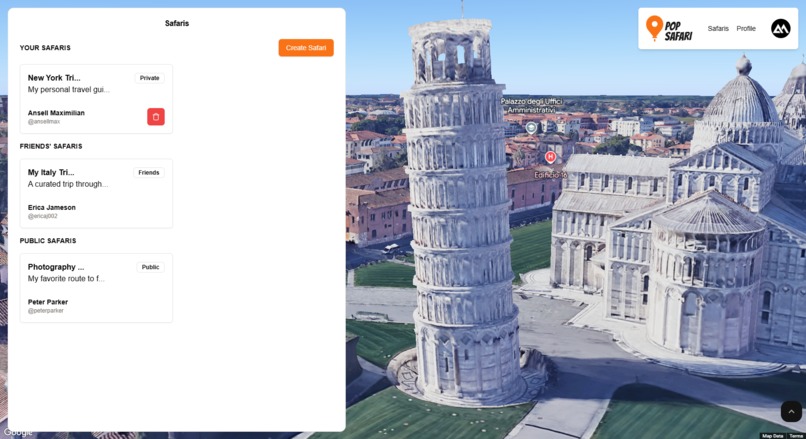
Pop Safari is a web application where users can interact with Google's photorealistic 3D map, craft personalized routes for road trips, tours, curated travel guide, etc., and finally share it with the public, friends, or keep it private for personal use!
Here are the main features of Pop Safari:
Create Safaris
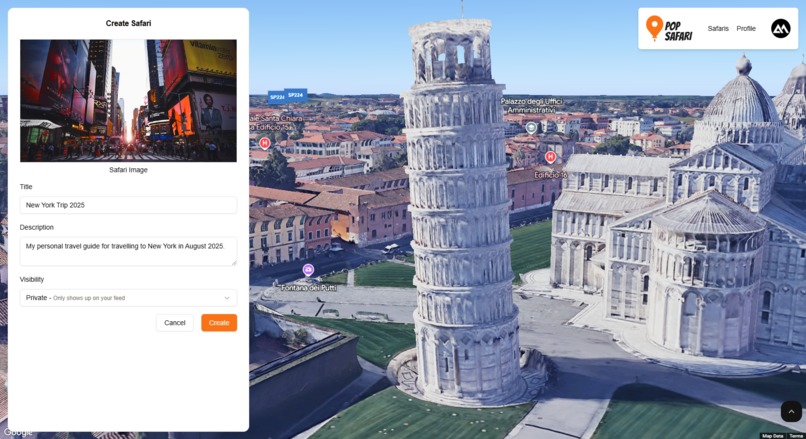
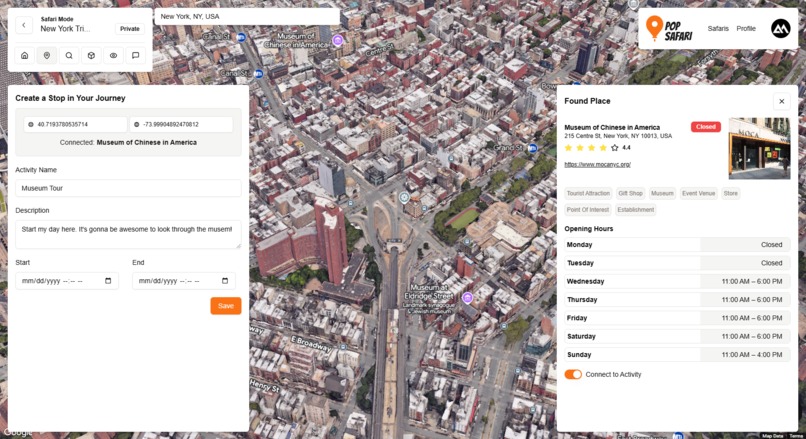
Users can name their curated trip/travel guide. They can enter a title and description (example: New York Trip 2024). Then they can start clicking on the interactive 3d map for places (Safari Spots) they want to visit in this Safari. Pop Safari will automatically display related place data (shops, restaurant, etc.) if there's any.
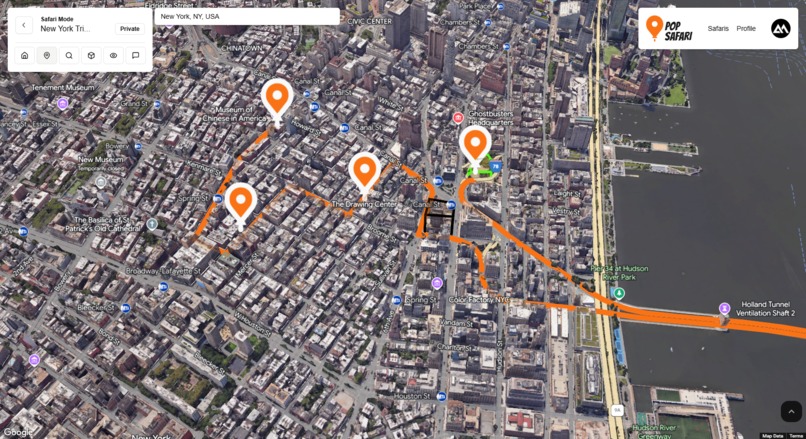
After 2 or more spots have been defined, Pop Safari will automatically connect these routes using Google's Routes API and draw a polyline between them and draw an interactive marker on each one. You can associate these spots with certain activities (hiking, walking, etc.) and even set a timeframe for when you want to do it. This allows users to follow their guide precisely. You can also associate these spots with places that have been registered into Google maps.
Creating Safaris
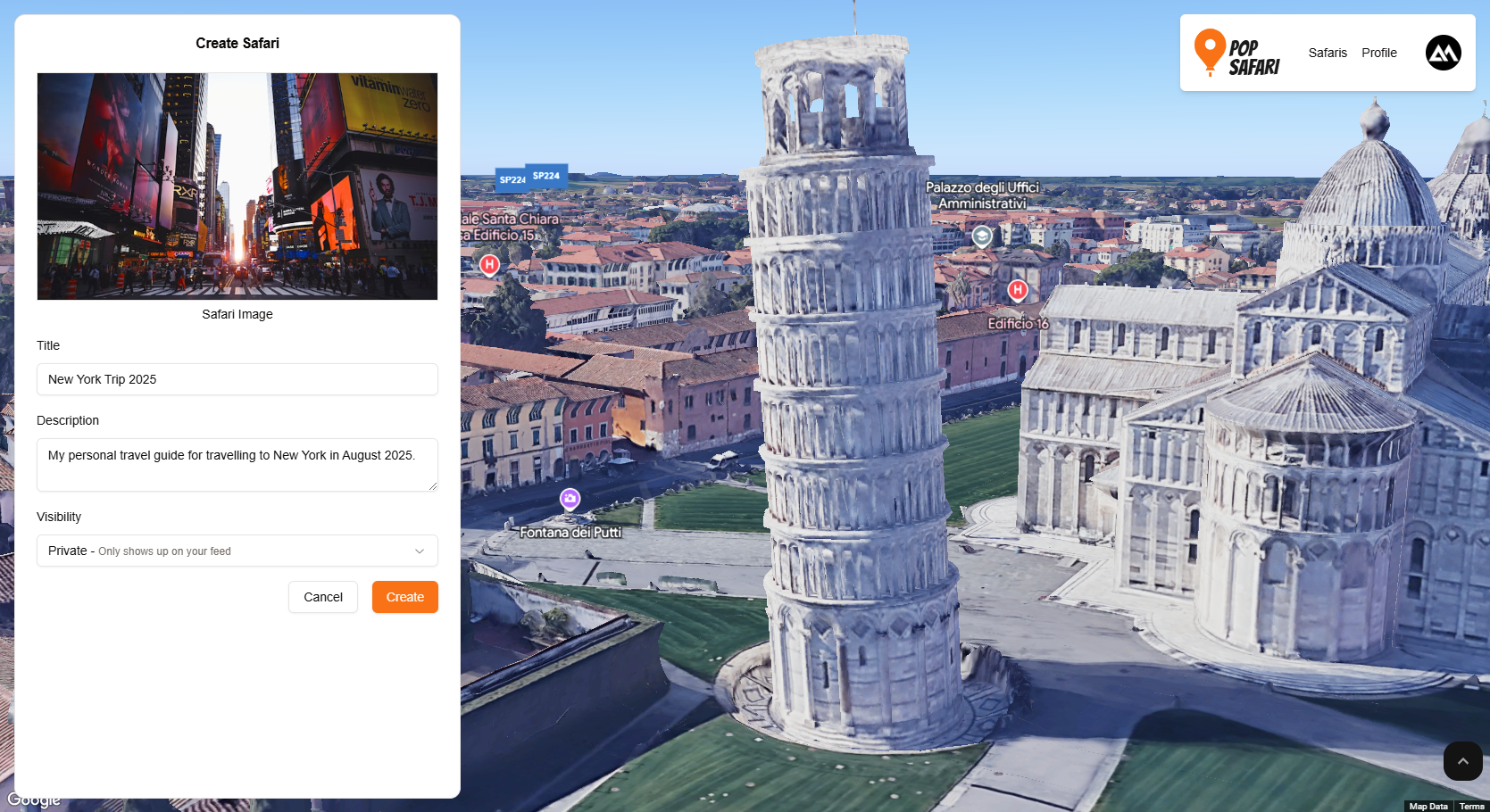
Safari List
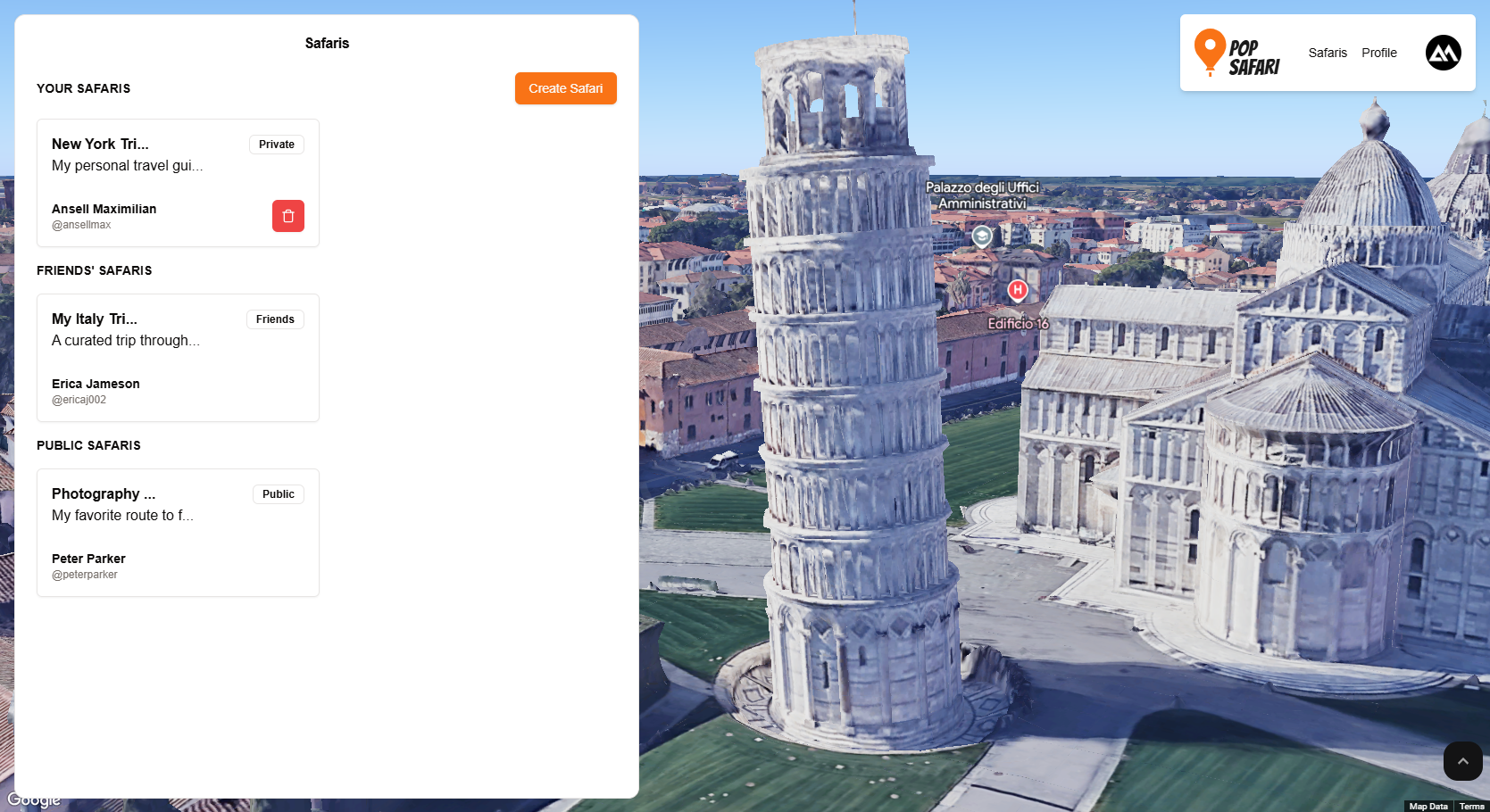
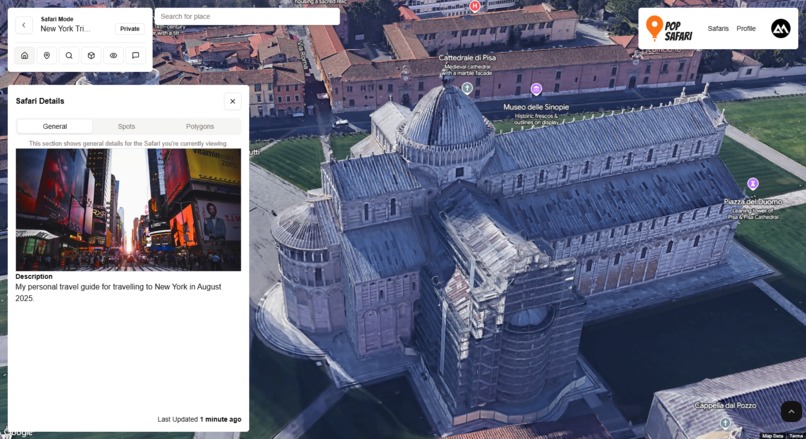
Safari Details
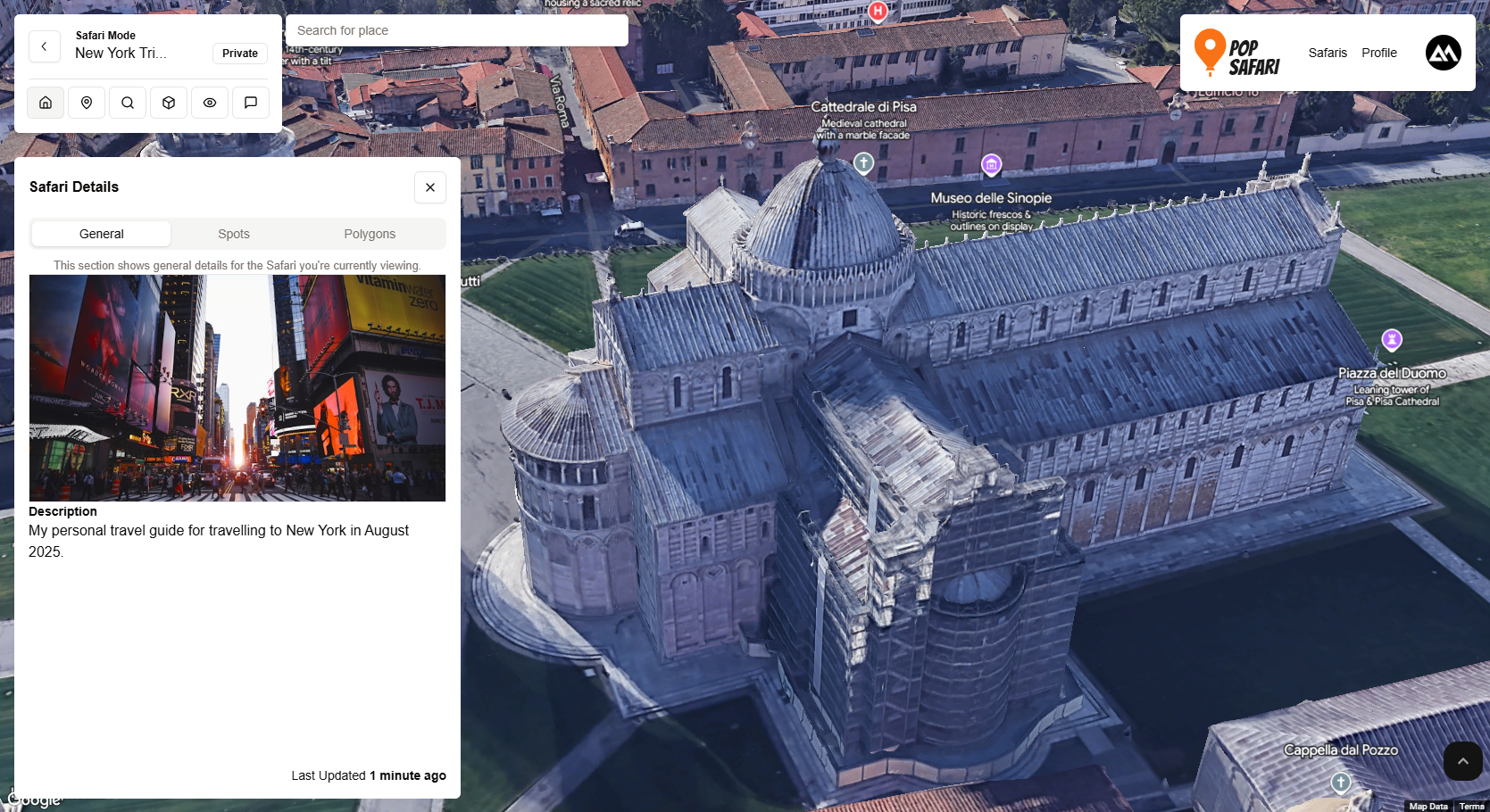
Safari Spot
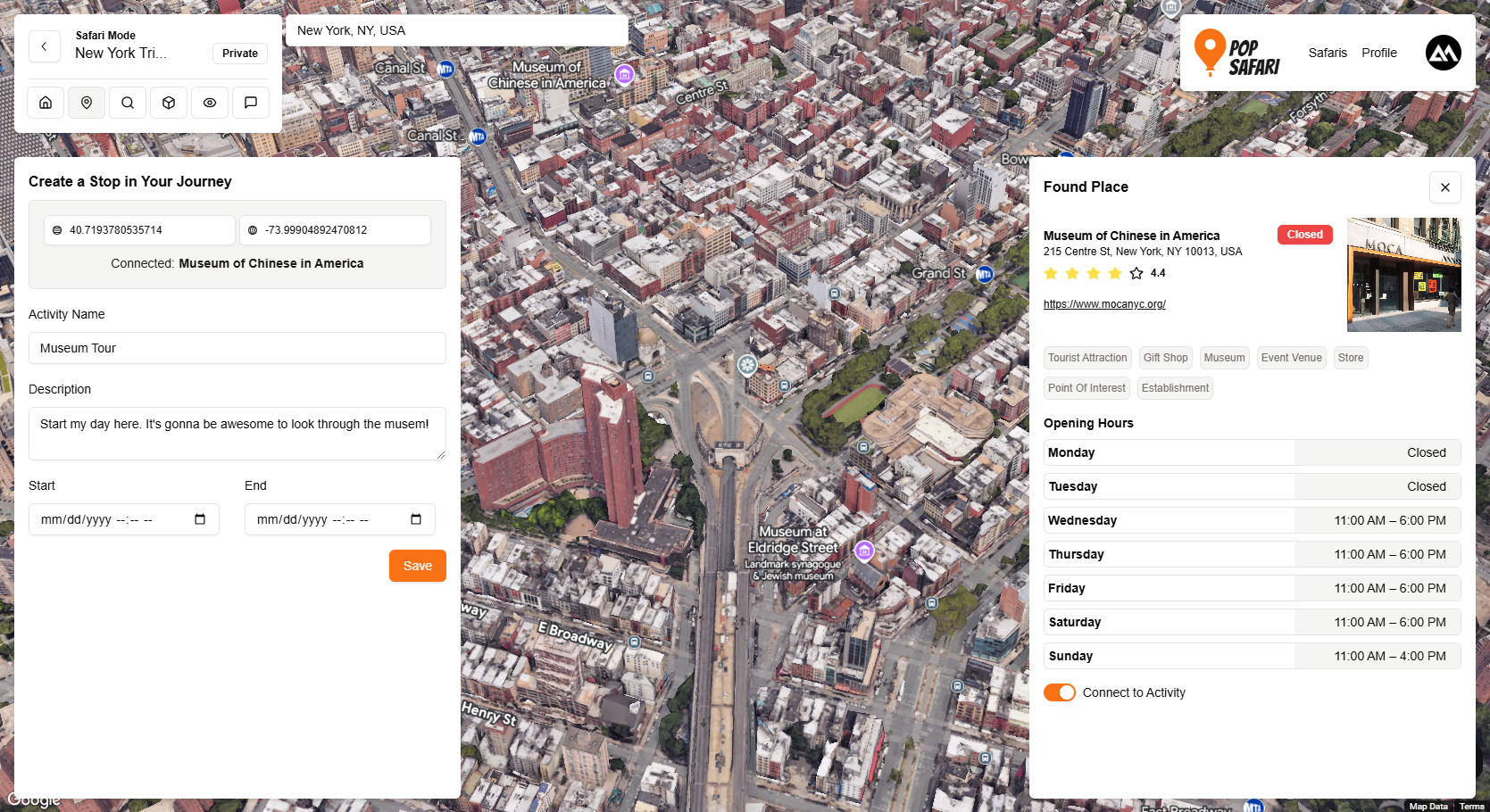
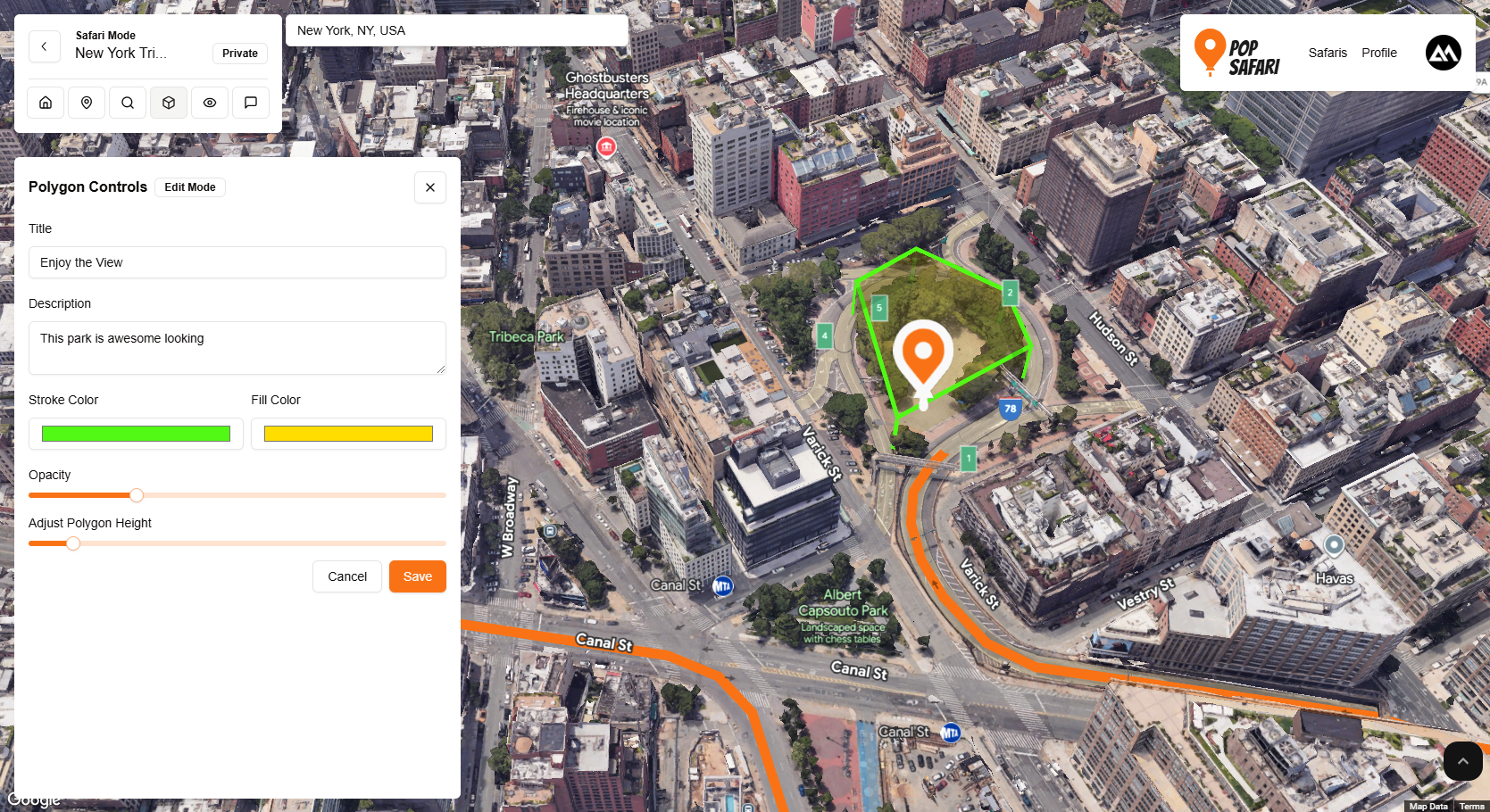
Highlight with Polygons
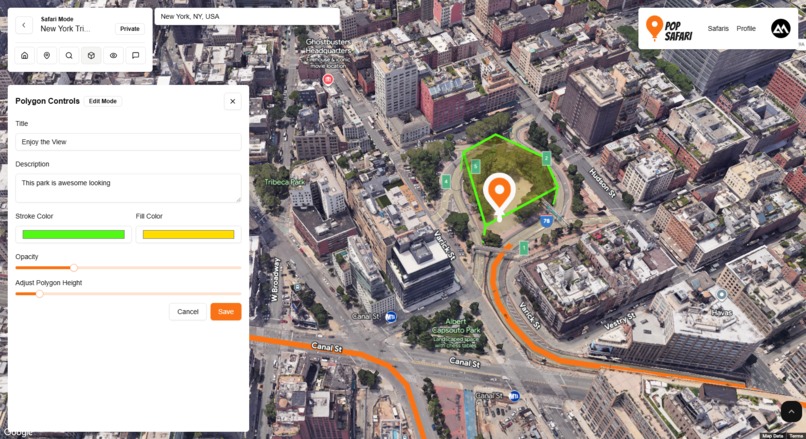
Aside from a single point/place, users can also highlight and describe certain attributes in the world in 3D using polygons. This allows users to add focus to certain landmarks, buildings, etc. that may not necessarily be in the path of the Safari but is important to the users nontheless.
Users can modify the height, colors, and description of these highlights/polygons. These highlights will show up on the map.
Creating Polygons
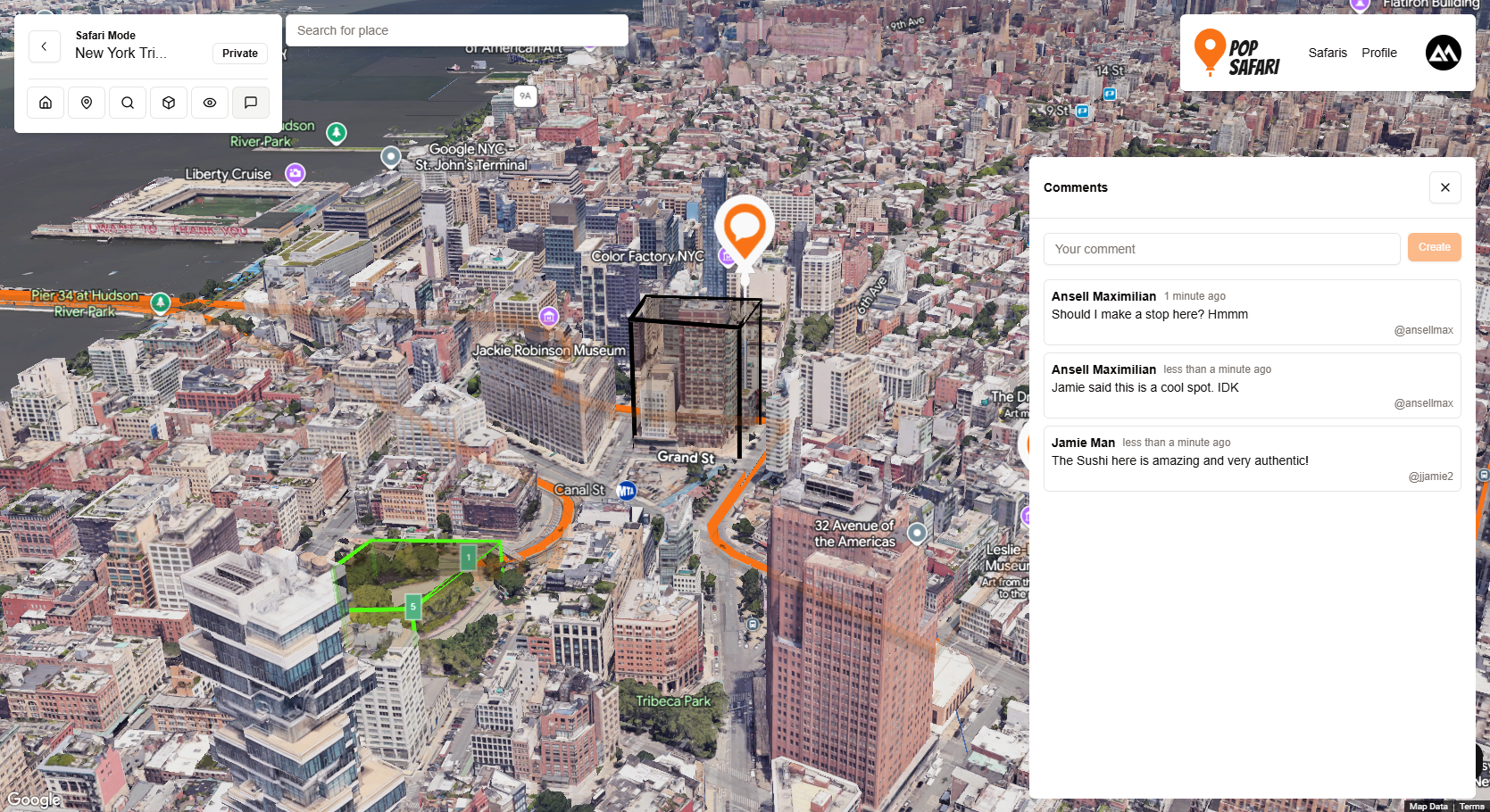
Leave comments on Safaris
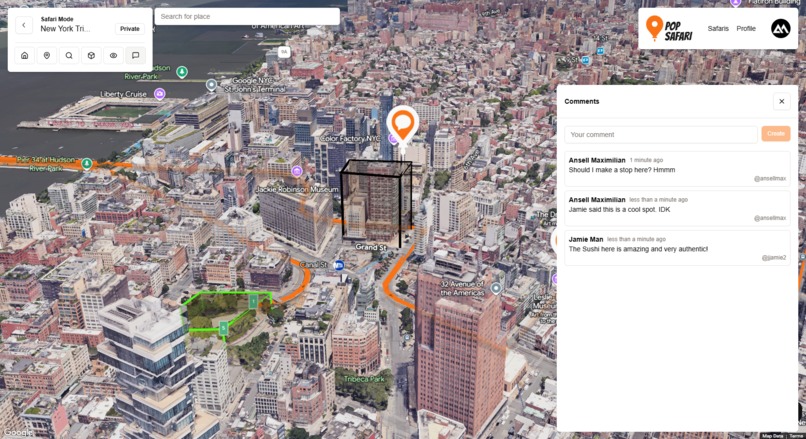
Users can also leave comments on Safaris at a precise point in the 3D map. This could be useful as notes for personal Safaris, or as suggestions on public and friends' Safaris. Example: John could suggest a nice spot for a date with Jane on here Safari ;).
Comments
Simulate a trip in "Tour Mode":
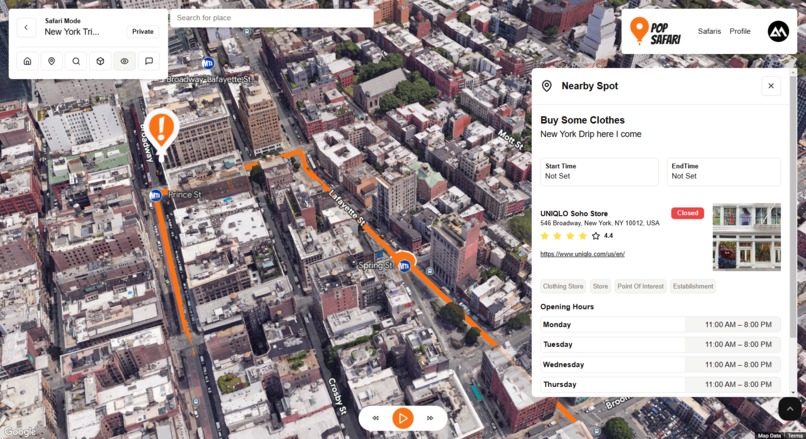
After you're done curating your Safari, you can finally simulate what it would be like to go on this Safari. You have full controls like. play, pause, reverse, and fast forward. The camera will follow along the route you've defined. Other users whom you've shared the Safari to can also do this. As the camera moves, you'll see a popup whenever there's a Safari Spot, a polygon highlight, or a comment describing the contents.
Example of a Complete Route
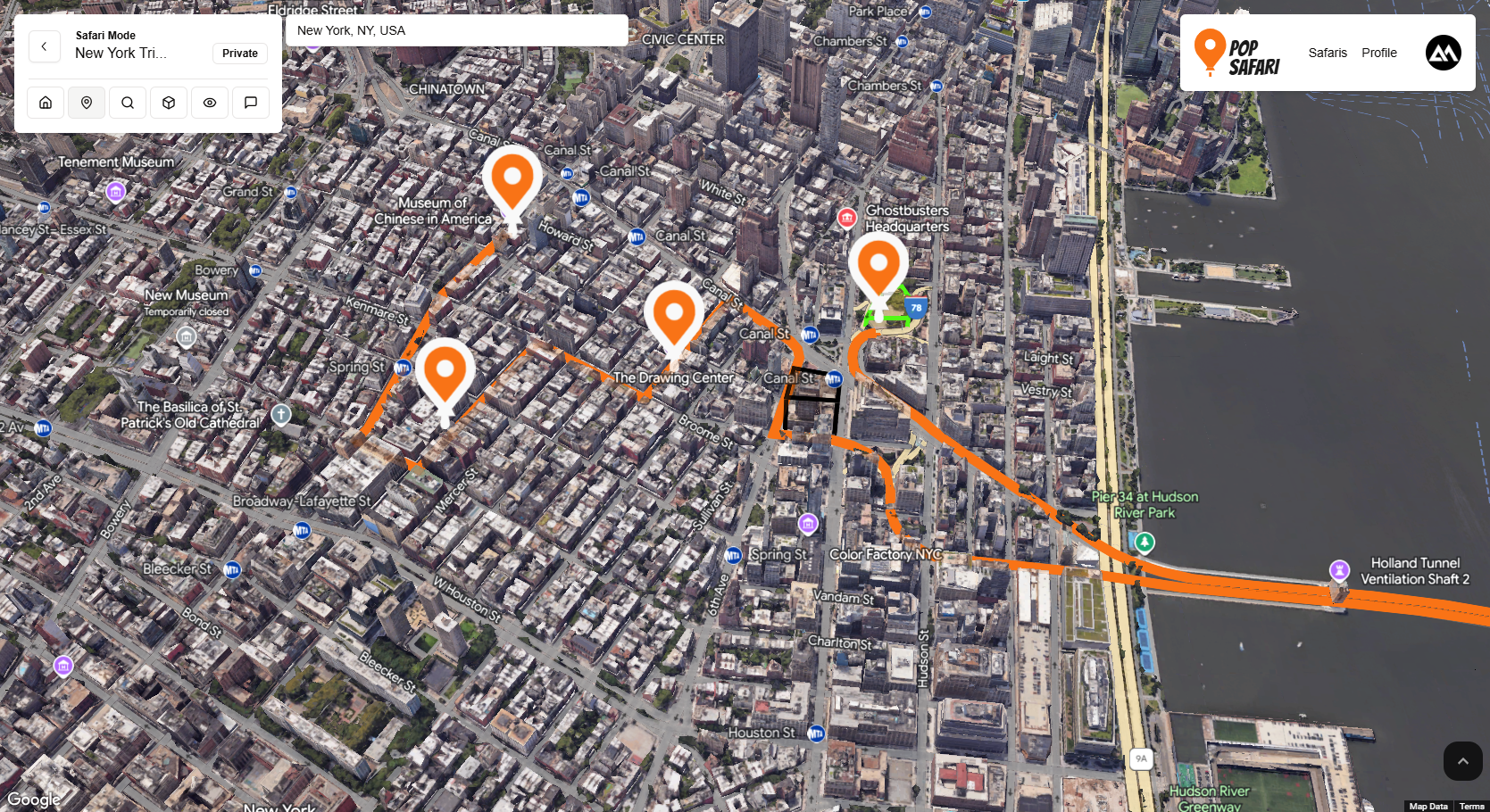
Tour Mode in Action
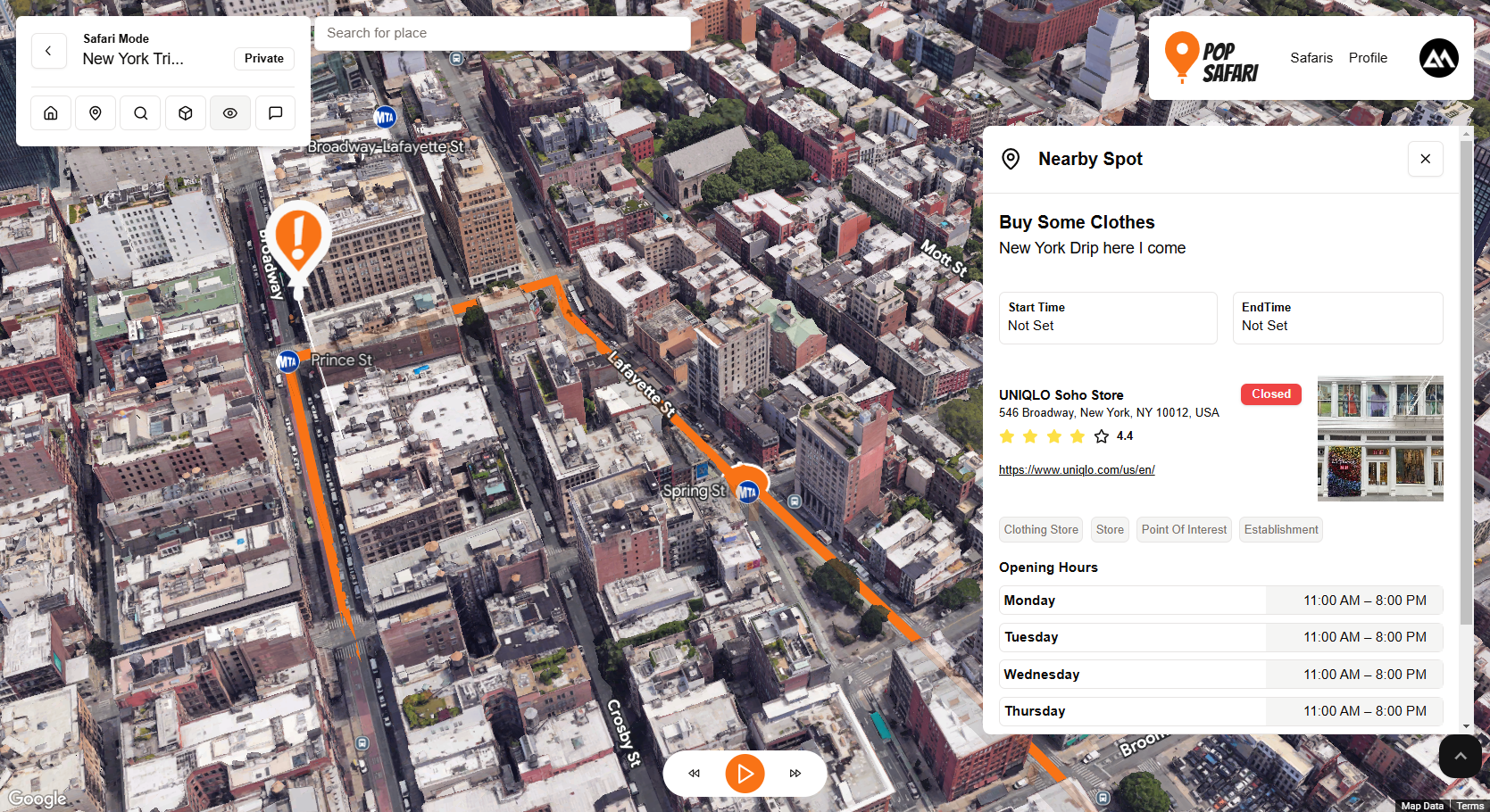
Search/Radar mode:
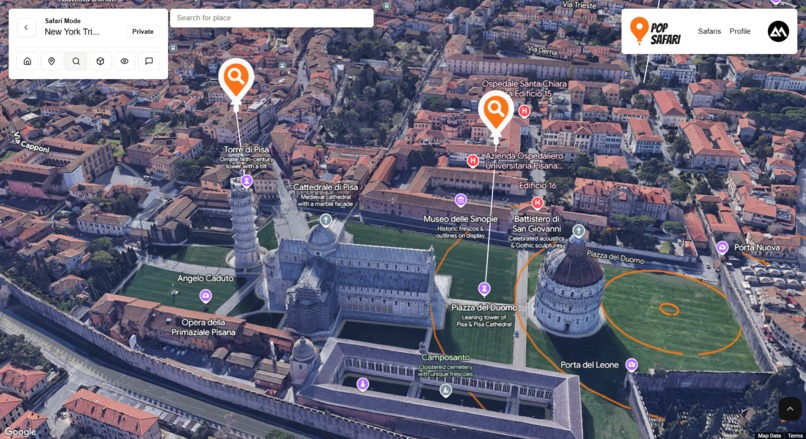
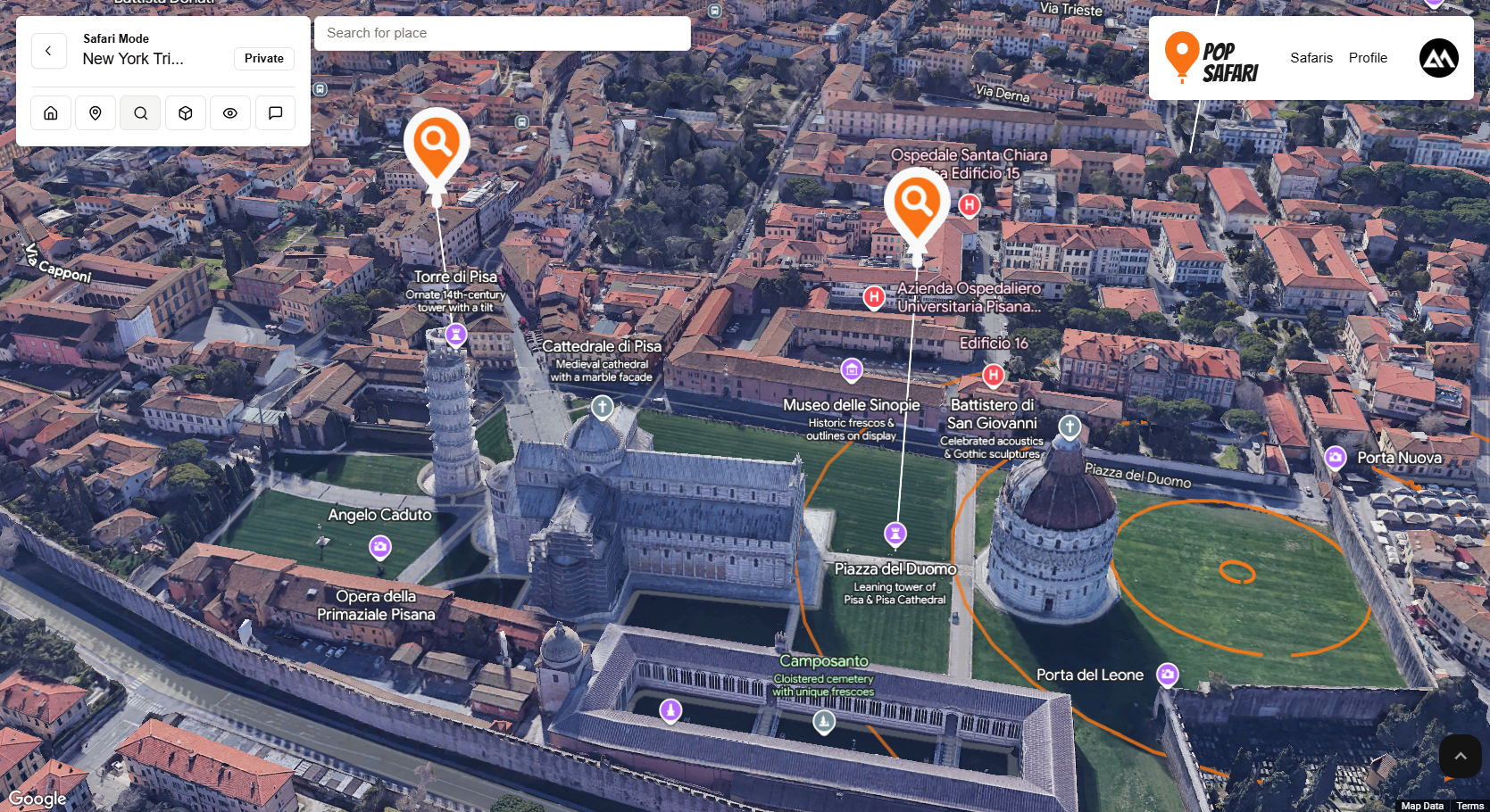
One of my proudest features here is the radar mode. There's a little animation of circular pulses using polygon. In this mode, users can click on a point and Pop Safari will reveal nearby places (using the Nearby Places API) that are in radius of the Radar pulse. Each nearby place will get a custom marker. You can click on the marker to get more details on the place (ratings, opening hours, etc.).
Radar Mode in Action
How we built it
For my app, I ended up using the JavaScript loader
import { Loader } from "@googlemaps/js-api-loader";
Maps
Aside from the main star, which is the photorealistic 3D map, I also used a bunch of Google's map related APIS, some of which are:
- Places API (new) I used this to get details of a place as well as for the Radar Mode (searching nearby places).
- Routes and Directions API I used this to draw a polyline connecting Safari Spots in a Safari
- Elevation API I used this to get smooth camera animation and to prevent going through/clipping the ground.
While within the photorealistic 3D map environment itself, I used the following:
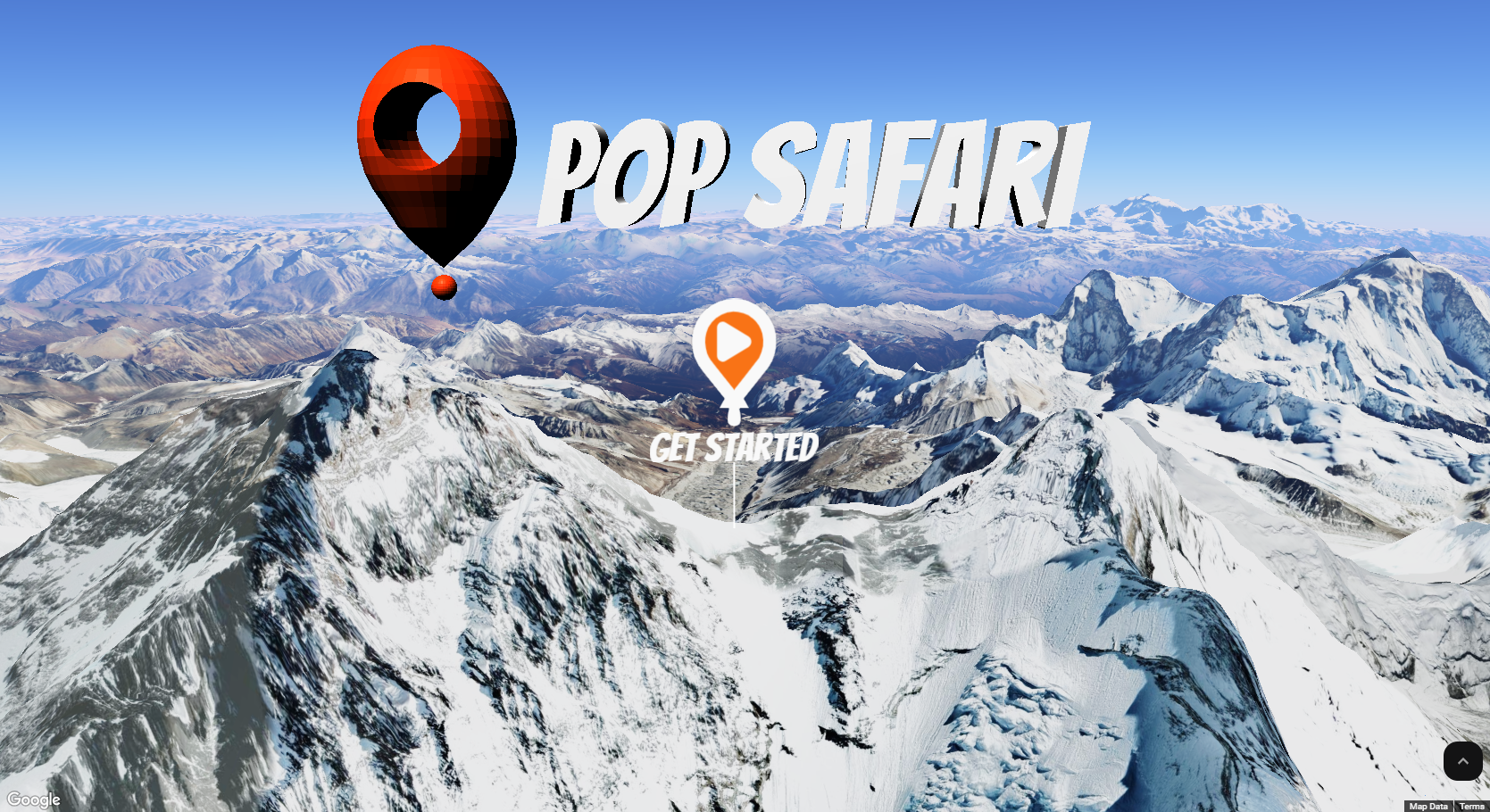
3D model: It's pretty minimal, but I actually learned basic blender to create a Pop Safari logo in the home page.
Polygons: This was an MVP. I used polygons everywhere! During Tour Mode in the simulation, I used polygons to mark where the user would be. Sort of like in regular maps showing your current location.
I also used it to create the pulse effect in Radar Mode.
Finally, I used it in highlight mode, where users can highlight in 3D!
Tech Stack
NextJS: I used NextJs as the frontend of the application. And I created a reusable
Map3Dcomponent to easily integrate 3D maps everywhere. This component takes an external map state object, which I can use freely for creating objects within the 3D map. This way I can just create a context, fill it with the map object, and access the map anywhere.Appwrite Appwrite was used as a database and for authentication, as well as storing images.
Challenges we ran into
The first challenge was working out how to setup every thing to work in a React ecosystem, but I eventually got it working. Next is learning how to use the individual APIs. But overall the experience was very smooth!
Accomplishments that we're proud of
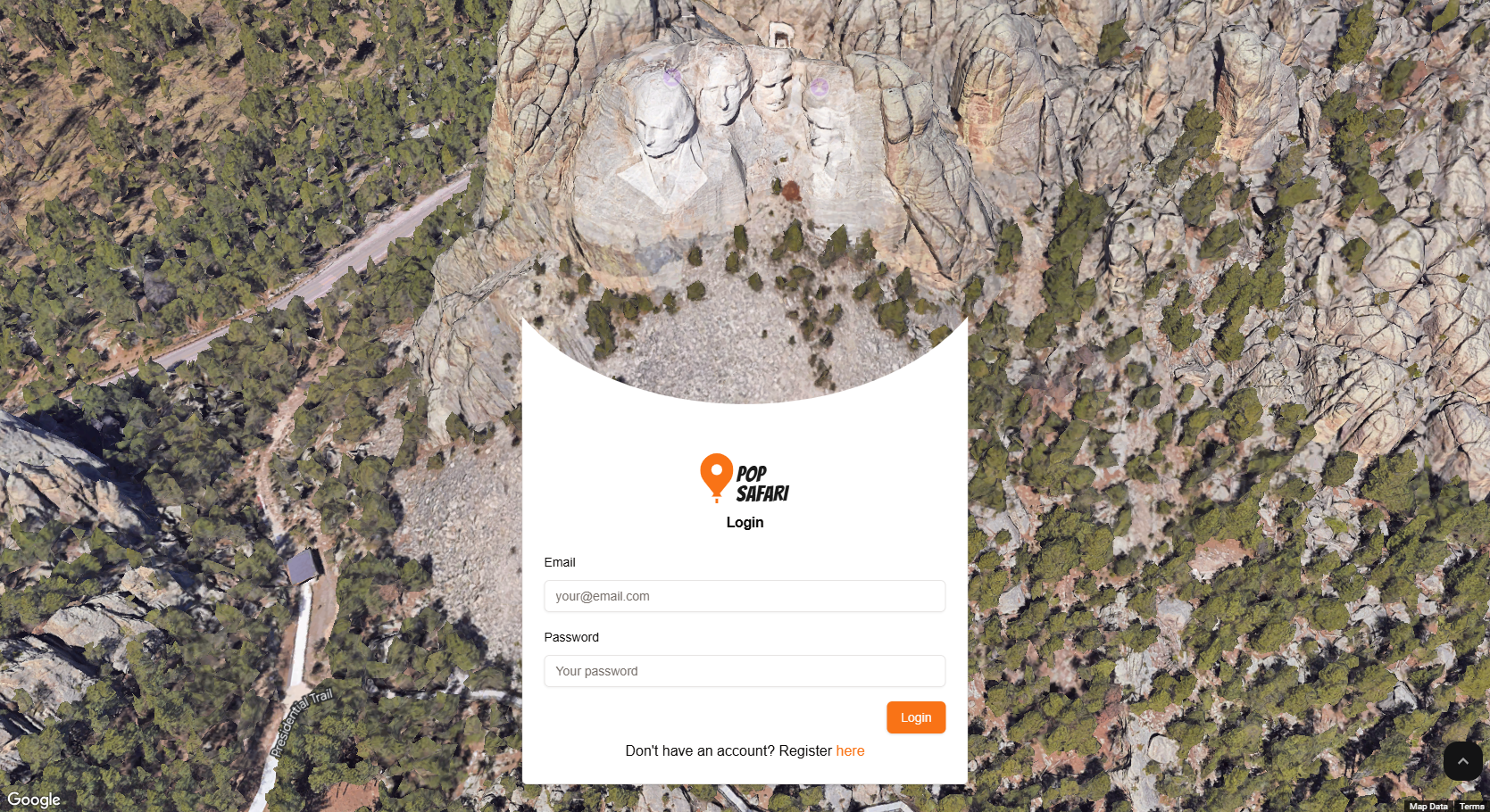
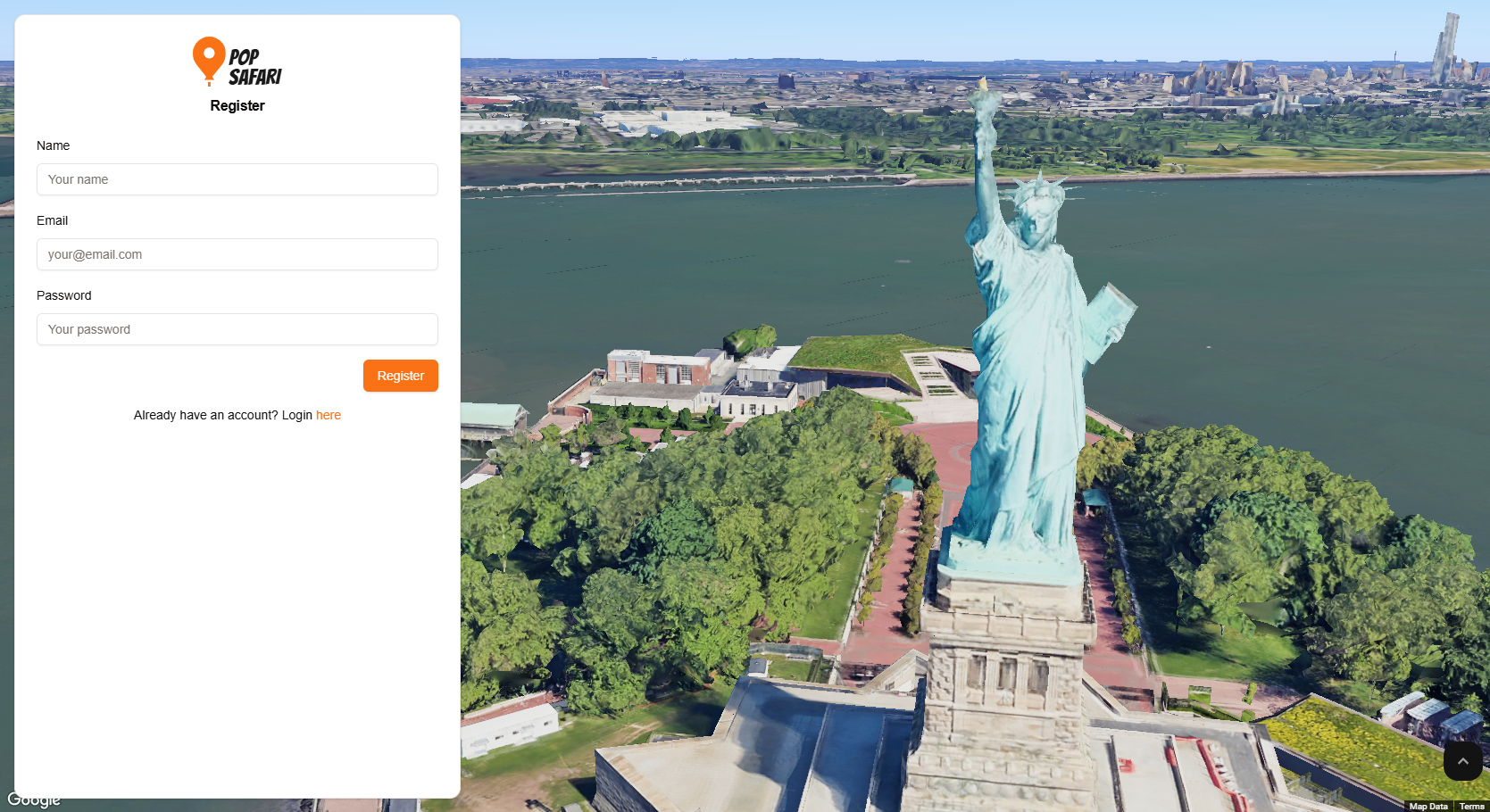
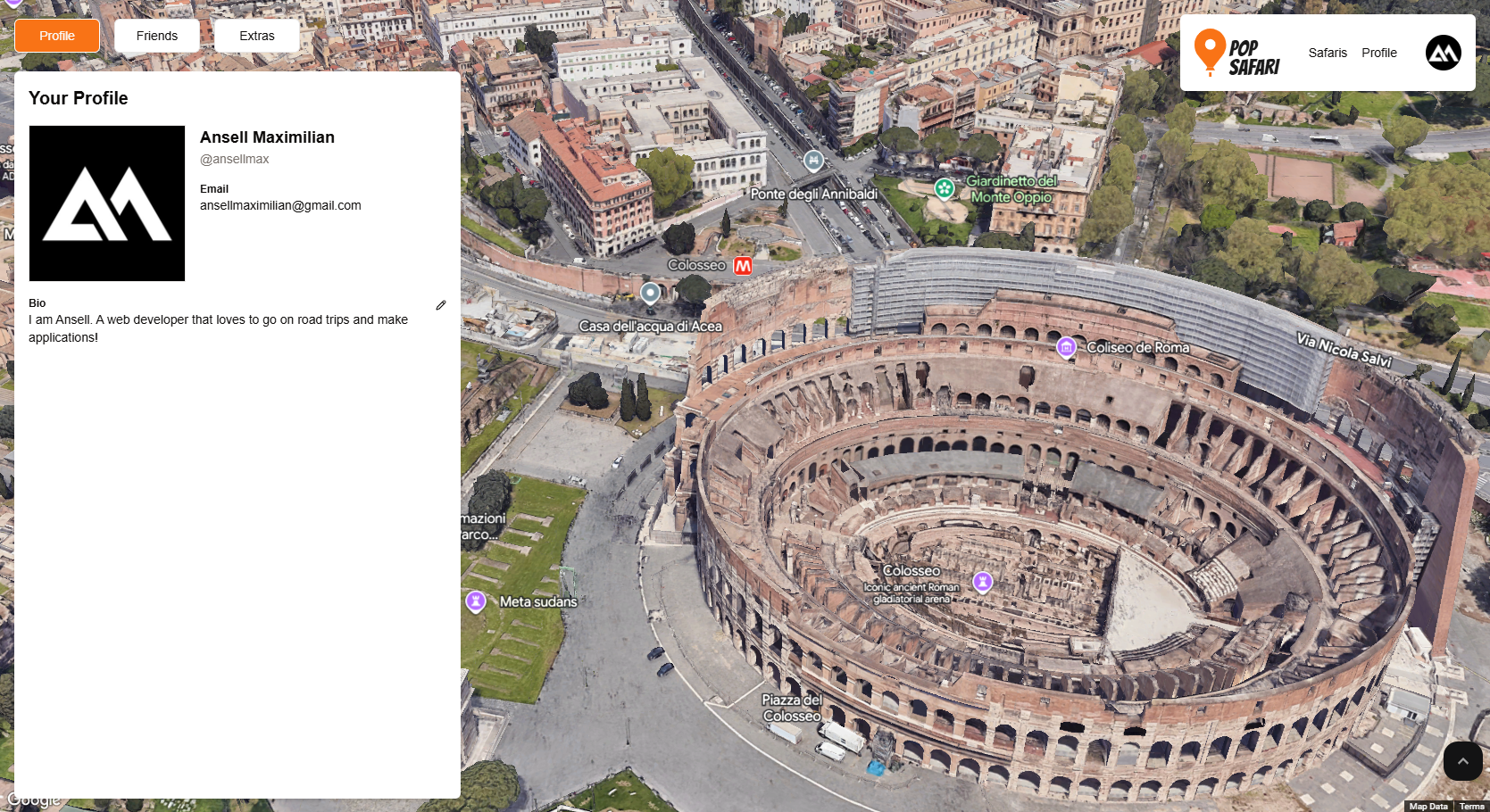
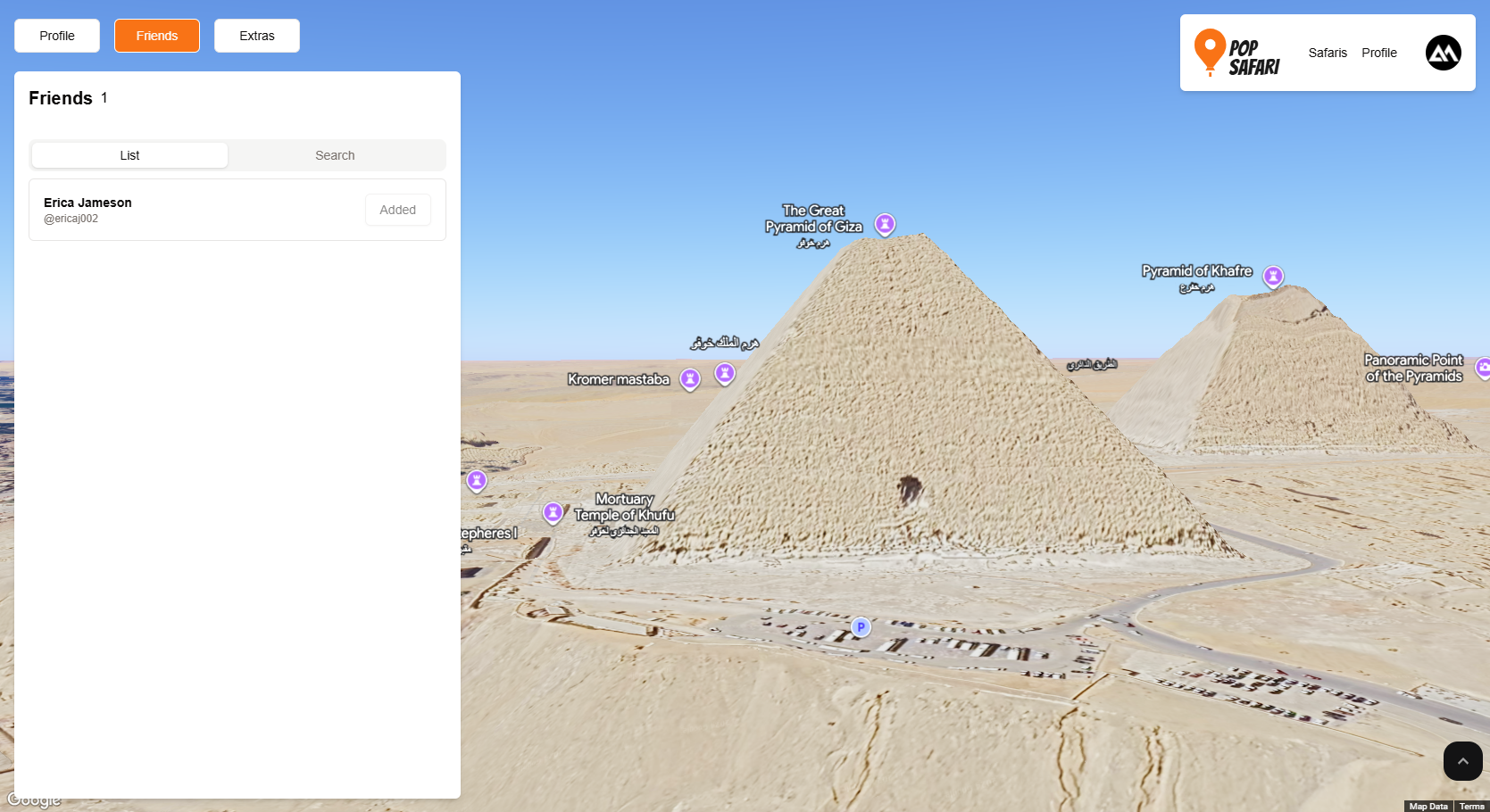
This is not necessarily a big accomplishment, but I really liked the incorporations of the map as part of the UI:
What we learned
Definitely learned a lot about using Google's APIs in general. Seemed intimidating at first, which is why I had never used the maps API prior to this hackathon, but it turned out to be very easy. And now that the intimidation hurdle is gone, can't wait to try more!
What's next for Pop Safari
I want to learn more about polygons and do more with it. Maybe I can incorporate other available APIs like Gemini to include AI suggestions about routes. I also want to do more with 3D objects. Maybe adding a like system, where guests can leave trails of hearts.
Built With
- appwrite
- google-directions
- google-photorealistic-3d-maps
- javascript
- nextjs
- react
- tailwindcss


Log in or sign up for Devpost to join the conversation.