-
-
-
-
Firebase


Inspiration
Analyse out diet easily to lead a healthier life style.
What it does
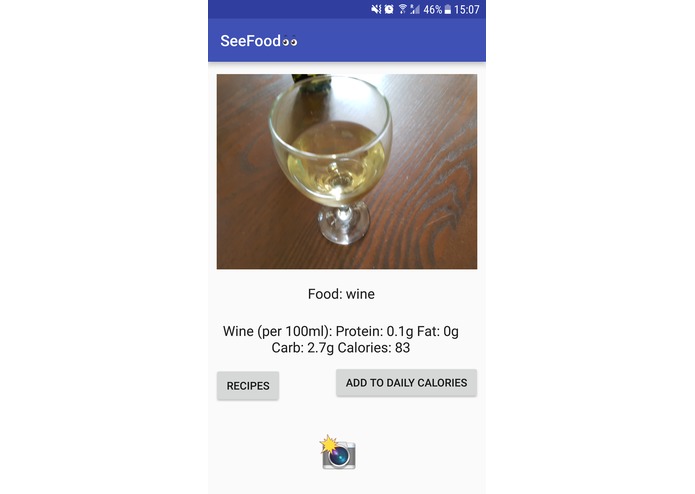
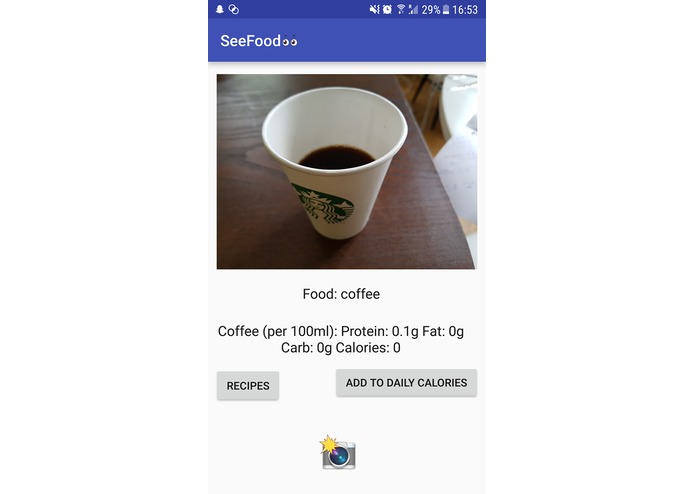
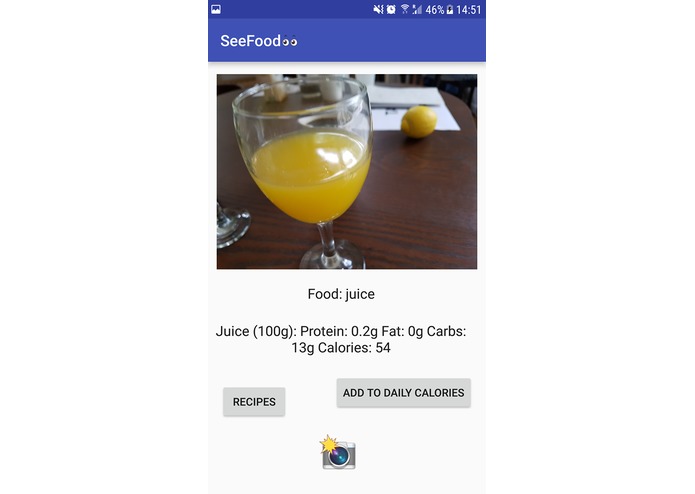
- Allows the user to take the photo of some food / dish. The app attempts to recognise the food and get generic nutritional information for it.
- Easily keep track of diet without having to manually enter the data.
How I built it
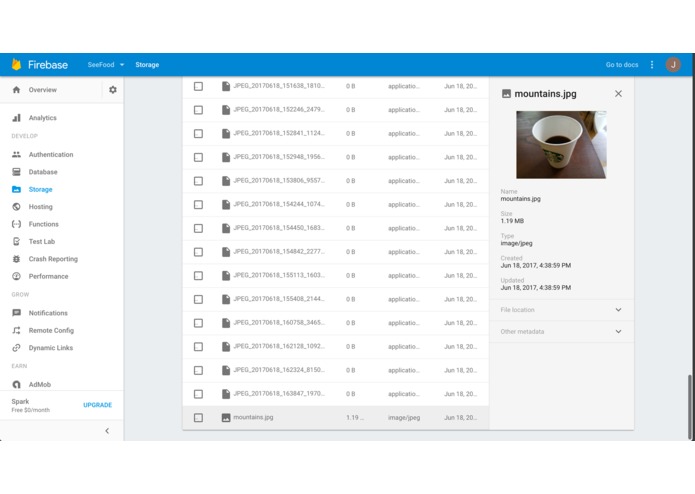
- Built using Kotlin and Android studio for the app. Firebase for the backend for storing the images.
- Used Clarifai API for computer vision and image recognition.
Challenges I ran into
- Getting an accurate enough image classification with tensor flow when we tried implementing the ML by ourself. As a result, we decided to go with Clarifai API.
- Challenges with learning about Kotlin for Android app development. Had a confusing issue with the FileProvider API for creating temporary files.
Accomplishments that I'm proud of
Getting the image upload and food recognition to work
What I learned
Learnt how to create basic Android apps
What's next for See Food
- Better UI
- Better food recognition from image


Log in or sign up for Devpost to join the conversation.