-
Launch screen
-
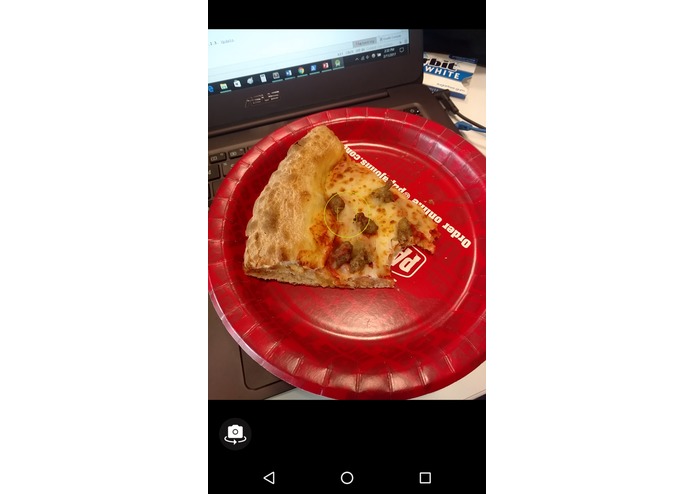
Camera
-
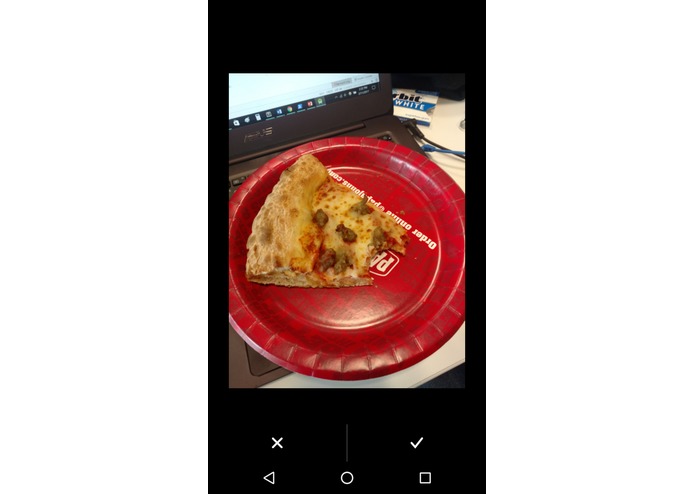
Accept or reject image
-
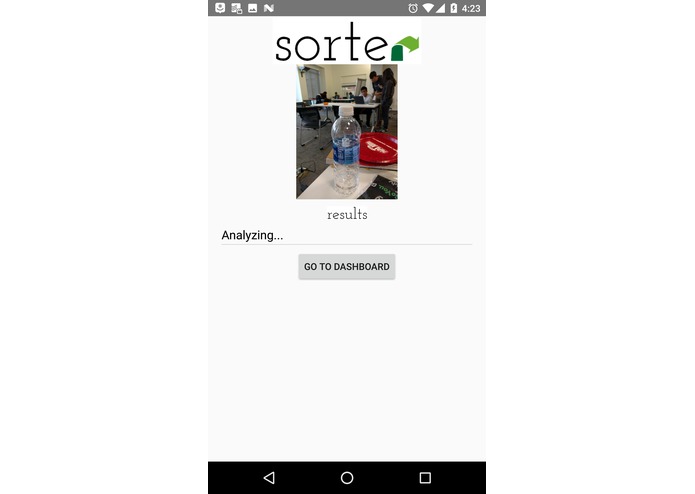
Analyzing
-
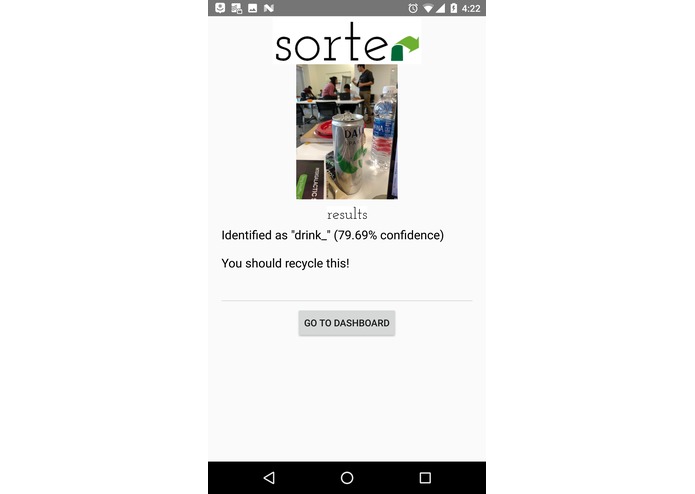
Analysis and recommended action
-
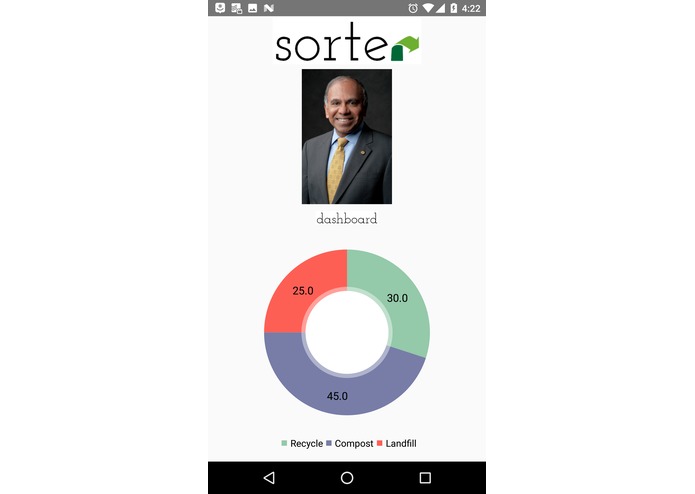
Dashboard


Inspiration
Over 70% of Americans do not compost or sort their food waste before tossing everything into the garbage can. However, the overwhelming majority would compost if it were more convenient to do so. With landfills across the country brimming with waste and a pressing need to reduce our impact on the environment, we decided to tackle this issue with Sorter.
What it does
With the variety of waste that a meal will often produce, ranging from plastic utensils to snack wrappers, it's difficult to remember what can be recycled or composted. Sorter is an Android app that uses images of your food waste to tell you what you can recycle, compost, or throw away and keeps track of your waste distribution so that you can adjust your lifestyle accordingly.
How we built it
We used Android Studio and Java to build the Android app, and Microsoft Computer Vision API for image processing. We also used MP Android Chart for data visualization.
Challenges we ran into
Microsoft Computer Vision API was more limited than we expected, so we had to reduce the features of our original idea. Currently, the API does not support custom tags, so it has a limited range of things that it can identify and we couldn't train it. It also can only identify one object per image, so for full accuracy, the user would have to take a picture of each piece of waste. Also, it doesn't give locations of the objects in the image, so we were not able to overlay compost/recycle/landfill tags on the image or identify multiple objects.
Another challenge that we ran into was using Android Studio. None of us have any experience with building Android apps, so we ran into some time-consuming bugs that probably would not have been issues otherwise. As an extension of this, we had trouble implementing MP Android Chart because we didn't know how.
Accomplishments that we're proud of
With the limited time frame, we're proud that we were able to produce a functional app.
What I learned
We gained more experience working with Android and computer vision.
What's next for Sorter
We would love to make the app more augmented reality focused, with floating tags over a live image, as well as expand the sorting to different categories, such as unwanted clothing and electronics. For example, with an item of clothing, the app would suggest different options like "Upcycle" and "Donate". "Upcycle" would link to DIY tutorials on how to upcycle the clothing item, while "Donate" would pull up a list of the nearest donation centers. For electronic waste, it would pull up a list of electronic recycling centers.
Possible Prizes
Rockwell Automation, CMU Student Life
Built With
- android-studio
- cmu-student-life
- microsoft-computer-vision-api
- mp-android-chart
- rockwell


Log in or sign up for Devpost to join the conversation.