-
-
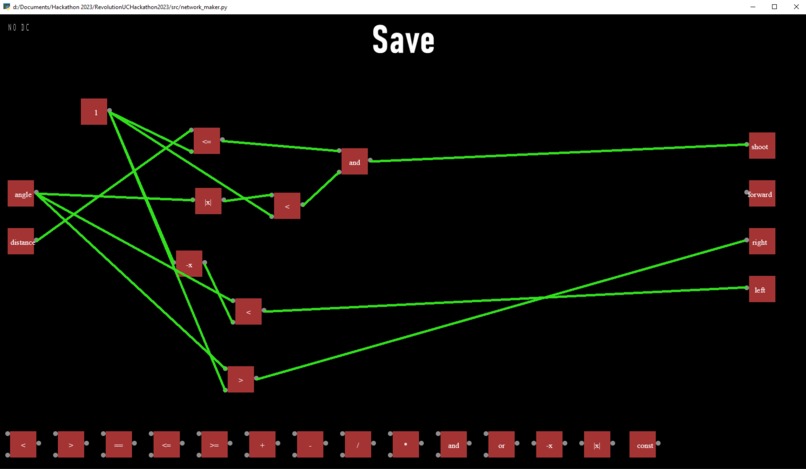
AI Graph Editor example 1
-
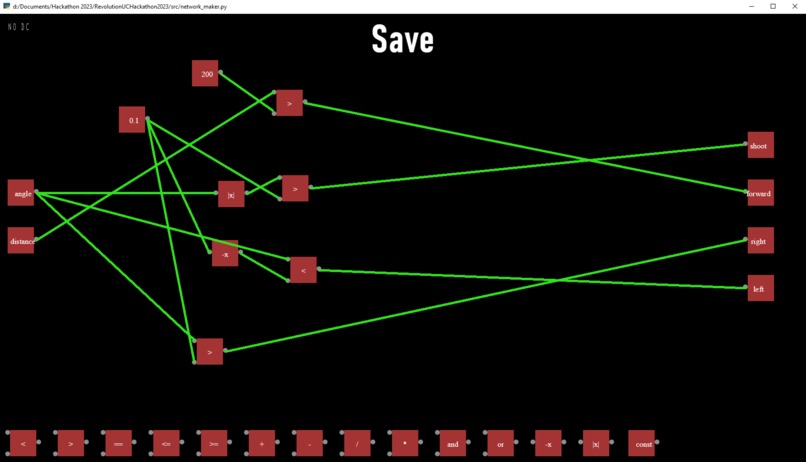
AI Graph Editor example 2
-
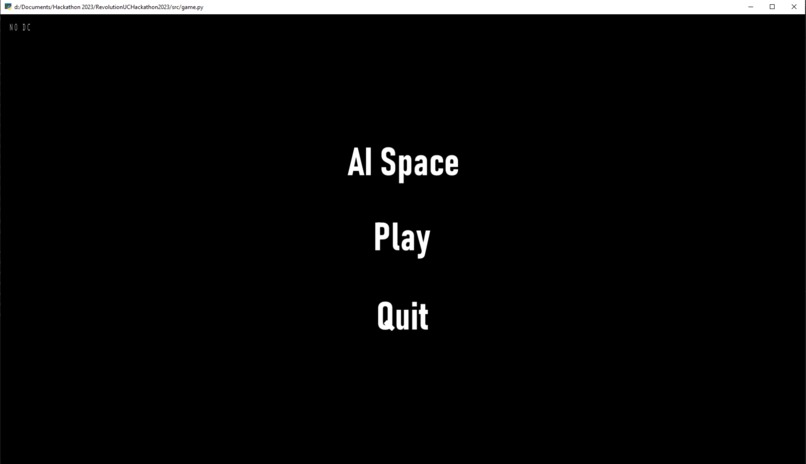
Simple main menu
-

AI in action vs player
-

The battlefield


Inspiration
We took inspiration from one members interests in AI and simulations and the others interests in game development. This allowed us to combine the ideas into one and be able to split work between the front end and the back end.
What it does
Our program allows a player to define and create their own custom AI using a modular, drag and drop logic graph editor that is custom built using the pyglet library and Python. Once they finish their personal AI, they can save the graph and then proceed to play the game which puts the player up against their own AI in a spaceship battle.
How we built it
We built this using Python and pyglet while also using the Live Share feature of Visual Studio Code to work simultaneously on the same files.
Challenges we ran into
Some challenges involved creating our own custom collision system to detect when a projectile or ship hit one another, constructing a proper menu system within pyglet and working around having multiple scenes, and developing the wiring and drag and drop features of the AI Graph Editor.
Accomplishments that we're proud of
We're very proud to be able to have finished each aspect of our project, especially the AI Graph Editor and how we were able to take those inputs and parse them into an AI network that simulated within our game. Although it's just a start, this concept can be taken much further into the depths of user built AI, especially with its modular design which allows for the graph nodes to be expanded upon and added easily.
What we learned
We learned quite a lot about pyglet as both of us had never used it before and we also improved upon our Python skills. Learning how to create collision from scratch, developing a drag and drop logic editor, and seamlessly linking up the editor, AI, and game gave us plenty of experience and growth in programming.


Log in or sign up for Devpost to join the conversation.