-
-
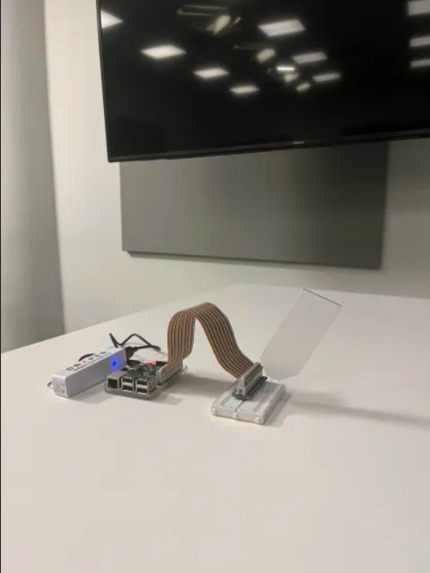
White LED in default state
-
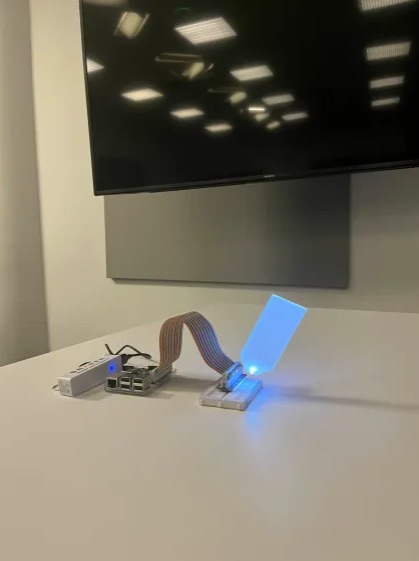
White LED when turned on via Lens Studio / Snap Spectacle
-
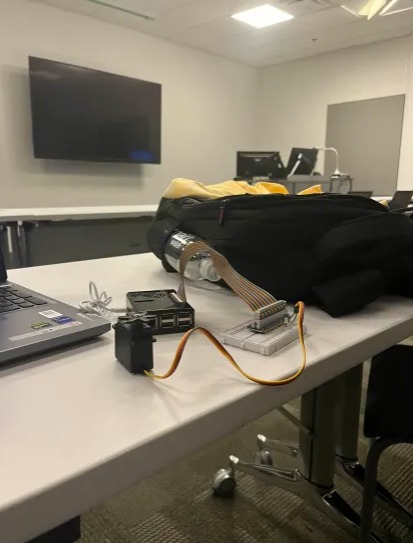
Blue LED in default state
-
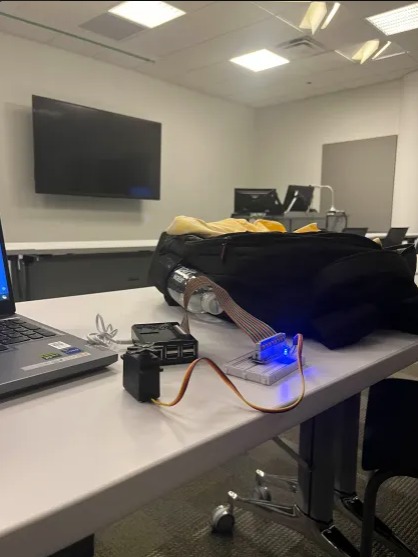
Blue LED when turned on via Lens Studio/ Snap Spectacle
-
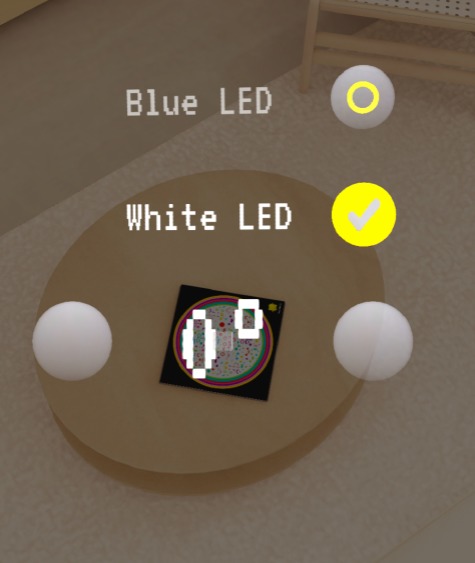
white LED button toggled(activates white LED Light)
-
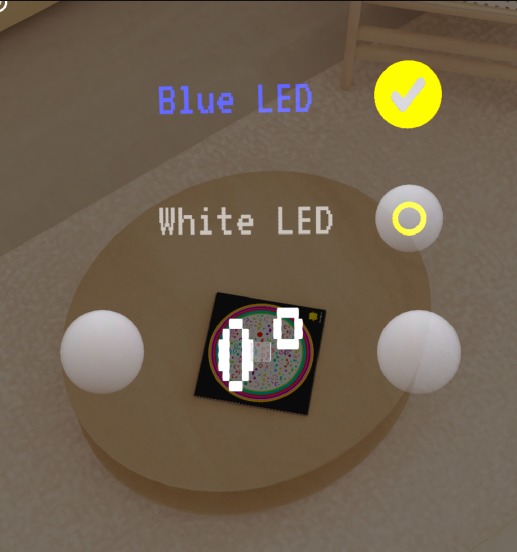
blue LED button toggled(activates blue LED Light)
-
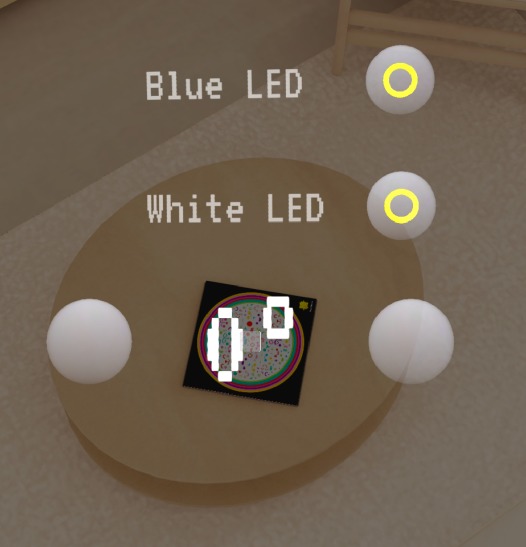
buttons and thermostat in default state


Inspiration
Inspired by the futuristic interfaces seen in films like Iron Man, the convenience of smart home hubs, and the intuitive interactions of natural user interfaces, our SnapAR Spectacles project aims to revolutionize home control. By leveraging augmented reality, users will be able to seamlessly interact with their surroundings, using gestures and visual cues to control lights, thermostats, and other smart home devices with ease. Just as Marvel heroes rely on their tech-savvy abilities, users will feel empowered to manage their homes with a touch of superhero flair.
What it does
Step 1: AR Interaction: Users interact with a virtual marker (e.g., light switch) through the AR interface on their SnapAR Spectacles. The marker is detected using Lens Studio’s image-tracking capabilities.
Step 2: Data Flow: Once the user interacts with the marker, a JavaScript event is triggered, sending data (e.g., toggle light) to Firebase.
Step 3: Firebase Update: Firebase processes the input and sends a command to the hardware (via Python) to physically toggle the smart home device (like a light switch) connected to a Raspberry Pi.
Step 4: User Feedback: The result (light on/off) is instantly displayed back to the user through their AR glasses, completing the feedback loop.
How we built it
- SnapAR Spectacles: Detects an image marker to trigger smart home controls.
- Lens Studio: Manages the AR experience and uses JavaScript to send data to Firebase.
- Firebase: Acts as the database, storing the status of devices like a light switch.
- Raspberry Pi: Receives commands from Firebase via Python to control the actual hardware (e.g., turning the light on/off).
- NextJS Web Interface: Allows for additional control through a browser, communicating with Lens Studio using TypeScript.
Challenges we ran into
- Integration Issues: One of our biggest challenges was ensuring smooth communication between all components (Lens Studio, Firebase, Raspberry Pi). Synchronizing data in real-time across different platforms and making sure everything updated instantly was tough.
- Hardware Limitations: Getting the Raspberry Pi to execute commands quickly while managing multiple requests was another hurdle. We had to fine-tune our Python scripts and Firebase architecture to handle the load efficiently.
- Image Recognition Accuracy: Ensuring the AR interface recognized the image markers under different lighting conditions and angles was tricky, requiring a lot of calibration in Lens Studio.
Accomplishments that we're proud of
- We successfully implemented real-time control over a physical device (light switch) using AR and Raspberry Pi, creating a seamless interaction that feels futuristic and practical.
- We managed to overcome technical integration challenges and developed a fully functional prototype with end-to-end control.
- Our team collaborated effectively, blending AR, backend development, and hardware control into a unified experience.
What we learned
- We learned how to integrate various technologies like Lens Studio, Firebase, and Raspberry Pi, each playing a crucial role in the overall functionality.
- We gained experience working with augmented reality interfaces and how to create intuitive, interactive environments.
- We developed a deeper understanding of how to manage communication between the cloud (Firebase) and physical hardware (Raspberry Pi) in real-time applications.
What's next for SpecTackles
- Enhanced Gesture Control: We plan to incorporate gesture recognition to allow for more natural interactions beyond image tracking.
- Voice Commands: Integrating voice control for even more flexibility in managing smart home devices.
- Expanded Device Compatibility: Expanding control beyond lights to thermostats, door locks, and other smart devices.
- Commercial Viability: Exploring ways to take this project beyond a prototype into a marketable product, including refining the design and user experience.
Built With
- firebase
- javascript
- lensstudio
- nexjs
- python
- typescript


Log in or sign up for Devpost to join the conversation.