-
-

Spline Controller Tool for wiring up track and rail systems easily.
-
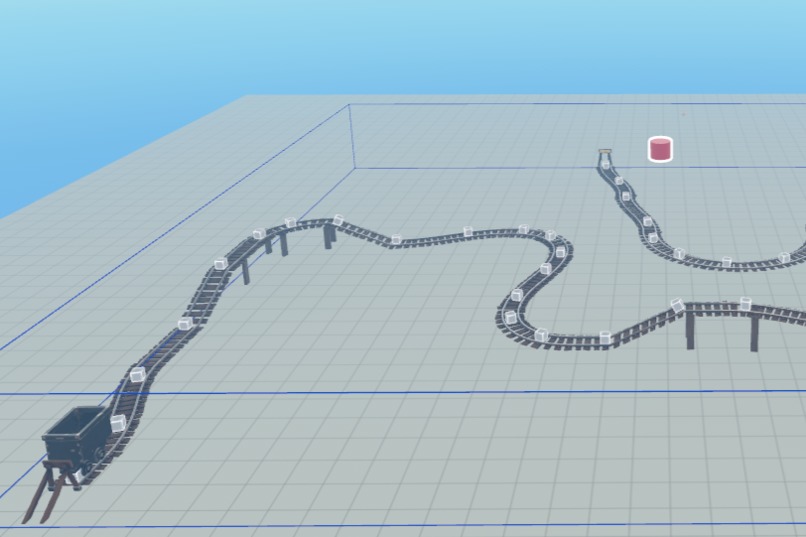
Laying down waypoints on track.
-
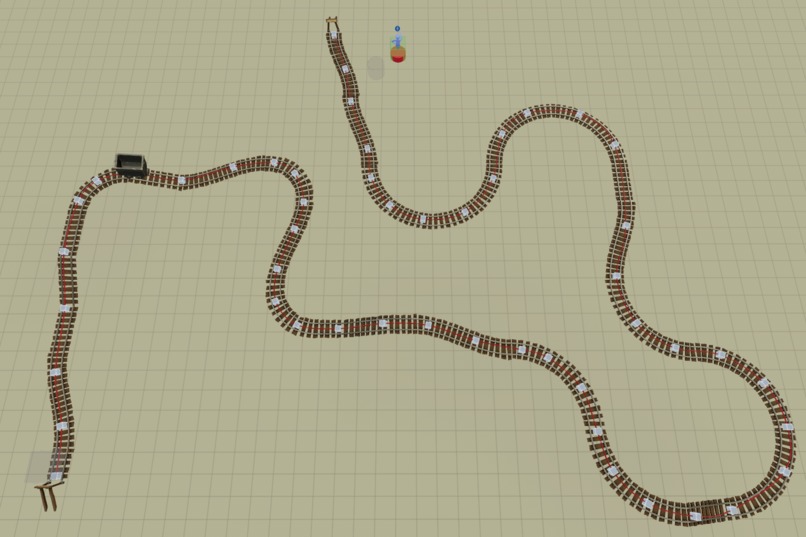
Curved red line segments creating a spline path for minecart to follow.


Spline Controller Tool Story
Inspiration
The initial inspiration came from various spline tools that I have used for Unity projects over the past decade.
I gained further inspiration for this project submission from Edwin Catmull and Raphael Rom, who formulated the centripetal Catmull-Rom spline for use in computer graphics, which I have implemented into this tool.
Purpose
To offer a tool to rig a linear or curved path for an object to follow, with customizable options to control the speed and height of the object.
Audience
This tool is targeted at the Horizon beginner who wants to create a linear or curved path for an object to follow, with options to control speed and object height.
It is ideal for creators who want to wire up an object to move on the roller coaster or minecart public assets.
What it does
The Spline Controller Tool offers options to create linear or curved paths for an object to follow.
Key features:
- Set the target object.
- Control the speed of the object.
- Adjust the height of the object to align with a path (e.g., roller coaster rail or minecart track).
- Option to loop for continuous paths.
- Renders the linear or curved path as a red line to show the movement.
- Turn on simulation to see waypoints and line render.
- Must turn off and on simulation after each adjustment to refresh the render.
How we built it
The tool was built using TypeScript in Visual Studio Code for the Horizon platform.
- Consists of 50 waypoints and 200 line segments for the curved path option.
- Line rendering uses a cylinder shape to create lines and line segments between empty objects (waypoints).
Challenges we ran into
- Initial setup of waypoints and lines in the hierarchy was cumbersome.
- Determining the best ratio of waypoints to line segments (settled on 1:4).
- Requires at least 4 waypoints to begin generating a curve.
- Ensuring waypoints and red lines remain aligned with the track or rail they’re attached to.
Accomplishments we’re proud of
- Implementation of the Catmull-Rom algorithm.
- Customizable features added to the properties panel in Horizon.
- Height offset feature to account for entity positioning on track/rail.
- Ability to turn off the red spline so it’s hidden in preview mode and runtime.
What we learned
- Wiring up a track is time-consuming, but results are accurate and simulate how a vehicle moves on a track or rail system.
- Easy for beginners to pick up and learn.
- Properties panel setup is straightforward.
- Setting the height offset can require several tries to match properly with tracks.
- Roller coaster and minecart assets require different offsets, as their heights are not the same.
What’s next for Spline Controller Tool
Since this will be a public asset, I’d like to see other creators expand on the code base and find new, clever implementations for splines.
The goal is to help Horizon creators build faster and easier with improved pathing tools.
Built With
- horizon
- typescript
- visualstudiocode




Log in or sign up for Devpost to join the conversation.