-
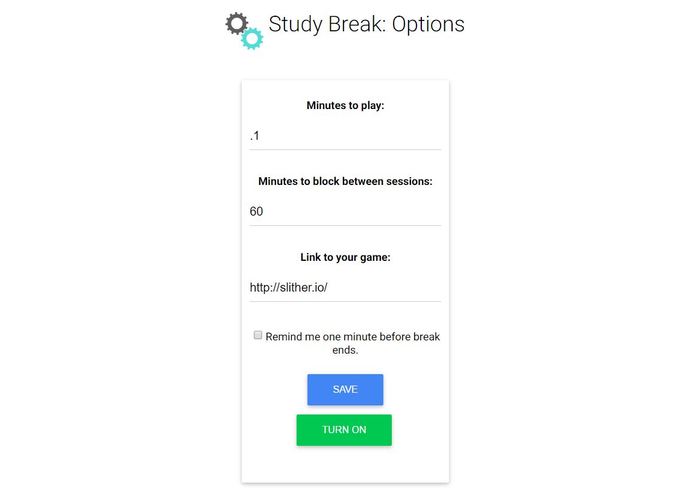
Choose your website and time
-
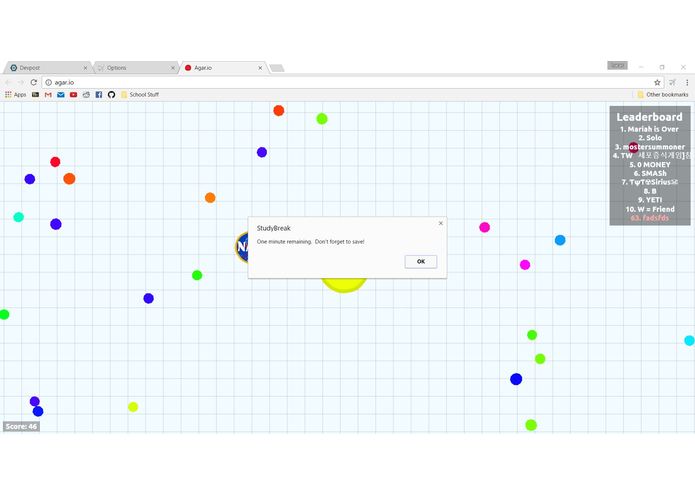
The extension warns you when your time is almost up
-
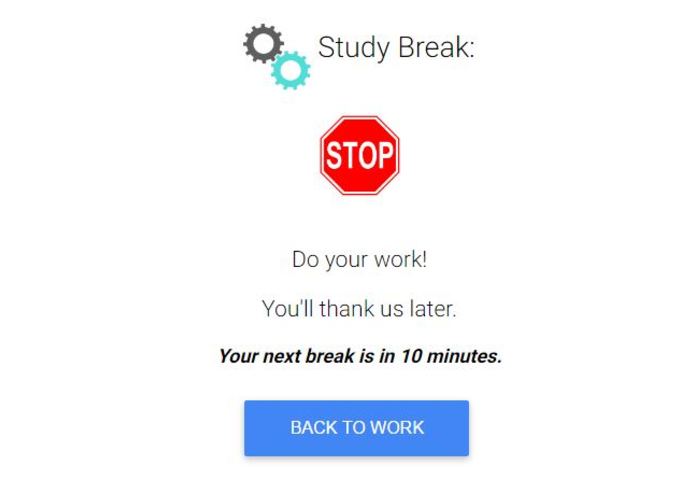
You're blocked when the time runs out!


Inspiration
We wanted to create a project that fit with the "games" theme of the hackathon and was still benificial for students. We were also interested in learning about how to make Chrome extensions.
What it does
The user configures the extension from its options menu, where they select a website, amount of time for their breaks, amount of time between breaks, and if they'd like to receive a warning when their break is almost over. The user can then click the extension icon to take a study break at their chosen website. When their break time is over the extension blocks the website.
How we built it
We handled all of the back end work for this project using JavaScript and the Chrome API. For the front end, we used html with material design bootstrap.
Challenges we ran into
Our biggest challenge was learning how to use JavaScript and the Chrome API. Both of us were new to these technologies. Another challenge of the project was working with action listeners.
Accomplishments that we're proud of
We're proud of the design of the options page, the timer functionality, and mostly, the overall ease of use for the user.
What we learned
We learned a good deal about JavaScript, CSS, and (as always) git.
What's next for StudyBreak
We plan to publish the extension on the Chrome Store. Additionally, we're interested in adding functionality for multiple links, recognition for the root of a website, and changeable time warnings.


Log in or sign up for Devpost to join the conversation.