-
-
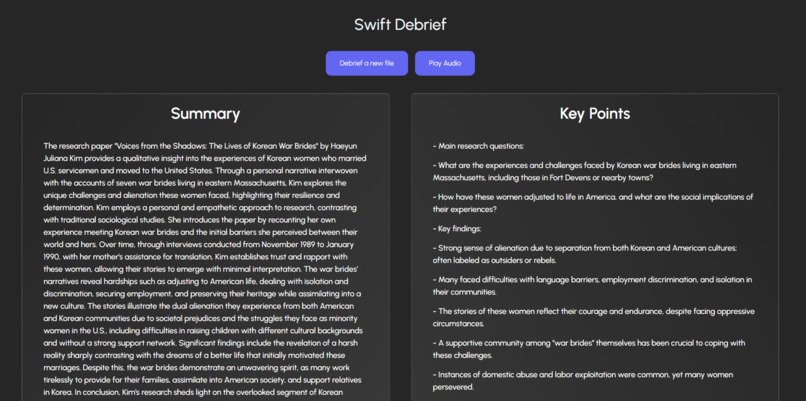
Summarization and Key Points
-
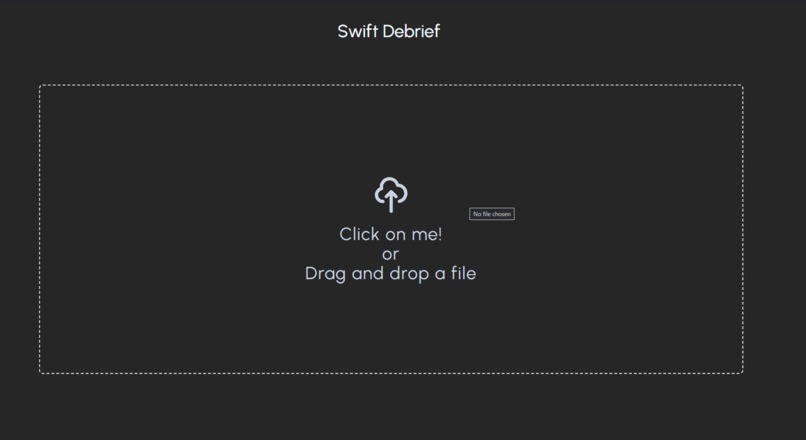
File Dropzone
-
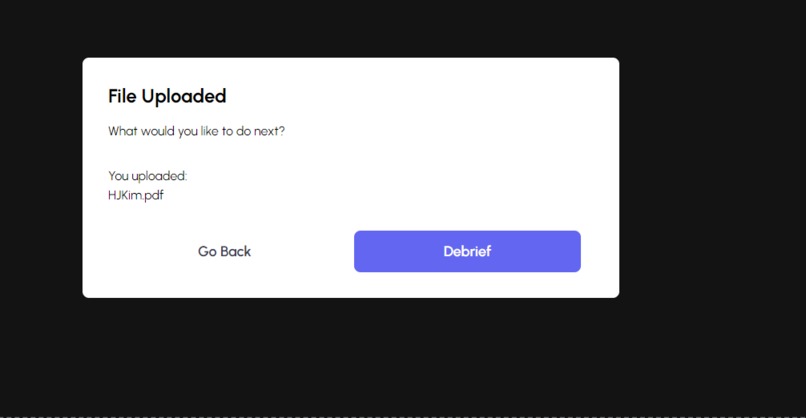
Extraction Modal
-
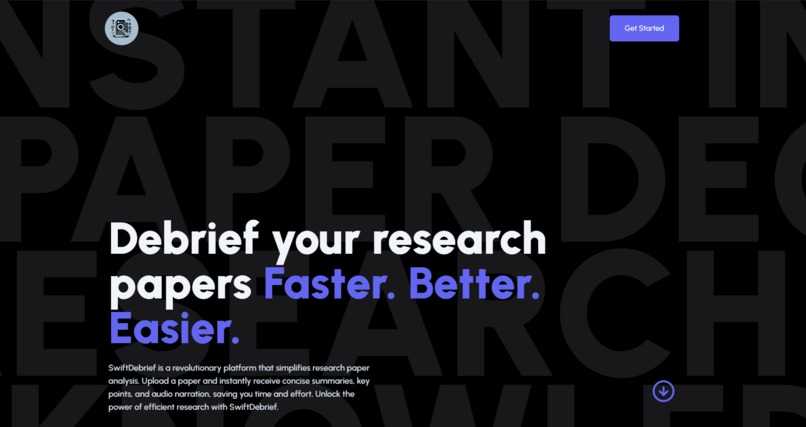
Landing
-
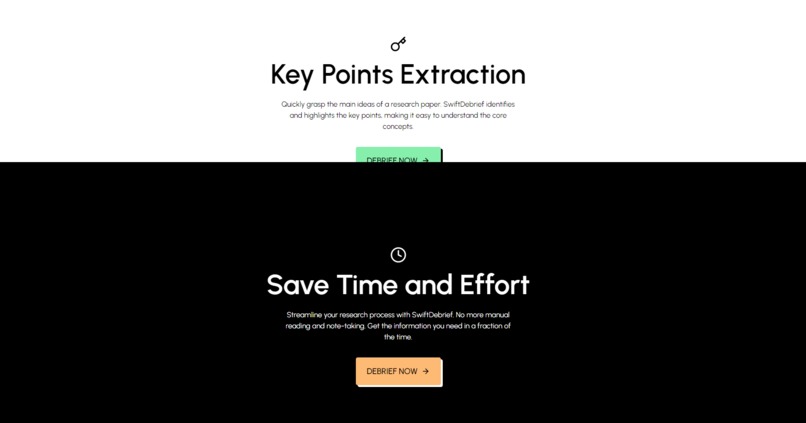
Feature Section


SwiftDebrief is designed to revolutionize the process of analyzing research papers. By leveraging cutting-edge technologies, including Next.js, react-pdf, the OpenAI API, and framer-motion, SwiftDebrief offers a user-friendly platform for easily comprehending scholarly content. Whether a student, researcher, or industry professional, SwiftDebrief empowers you to digest complex academic articles efficiently.
Inspiration
As college students working with research papers all the time, we don't have the time to go through 20-50 pages of research to extract a quick summary or even derive key points crucial in writing concrete arguments in essays, Rogerian arguments, and more. We also understand that some people are auditory learners, and listening to books, paper, etc, is a much better option than reading walls of text. It's also easier for most people to comprehend.
What it does
SwiftDebrief swiftly (no pun intended) extracts all the text, data, and images from the research paper, no matter how big it is, using a complex algorithm to extract in chunks for fast, better, and efficient extraction. After the swift extraction, we then debrief the research paper using AI to create a detailed summary and key points of the research paper. After creating a summary and key points, we can create an audio file for the user to listen to the summary and key points.
How we built it
The tech stack primarily included Next.js, which handled our front and back end.
We used Typescript, Tailwind CSS, Open AI, Framer-motion, pdf.js by Mozilla, and an OCR.
We have a landing page and an upload page; we utilized react hooks to create conditional rendering and loading states for a top-notch user experience. We also created two API routes for the summarization, key points creation, and playing Audio.
In the non-technical aspects, we used Discord to communicate our progress, GitHub to create multiple branches of each team member, and delegated tasks using the agile method on notion.
Challenges we ran into
The challenge we ran into was the text-to-speech portion of the application. We were using Open Ai's TTS, which was difficult to handle when you have dynamic inputs; we also had to make sure that the audio was clear and that we also needed to figure out how to write to an audio file.
Accomplishments we're proud of
We're proud of being able to work seamlessly in remote settings and having a branch for each team member where merge conflicts were a high chance. Still, we avoided that by making frequent commits and pull requests to stay updated with each other to create ZERO merge conflicts!
What we learned
We learned how to extract text using an OCR with the pdf.js package created by Mozilla. We also had our first time using the Open AI GPT-4 API, as well as using the TTS API for the first time to create
What's next
The next steps are creating an Authentication Flow and using AWS s3 to store audio files on the cloud to have the audio files on the production level. Create a folder and file system using Supabase so users can store their summarization and key points. Polishing the summarization and key points as well would be our next steps.
Built With
- chatgpt
- framer-motion
- llm
- nextjs
- ocr
- openai
- pdf.js
- tailwindcss
- tts
- typescript


Log in or sign up for Devpost to join the conversation.