-
-
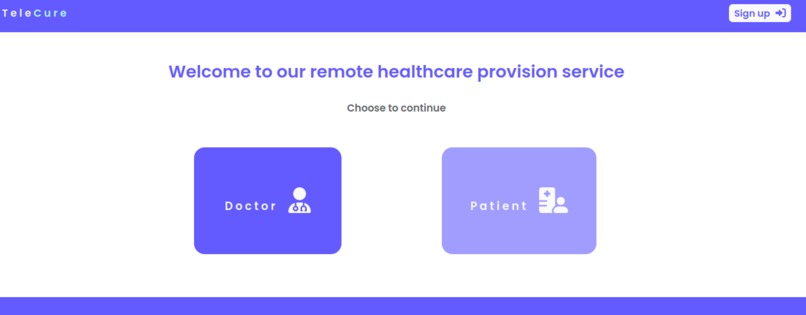
Are you a doctor?
-
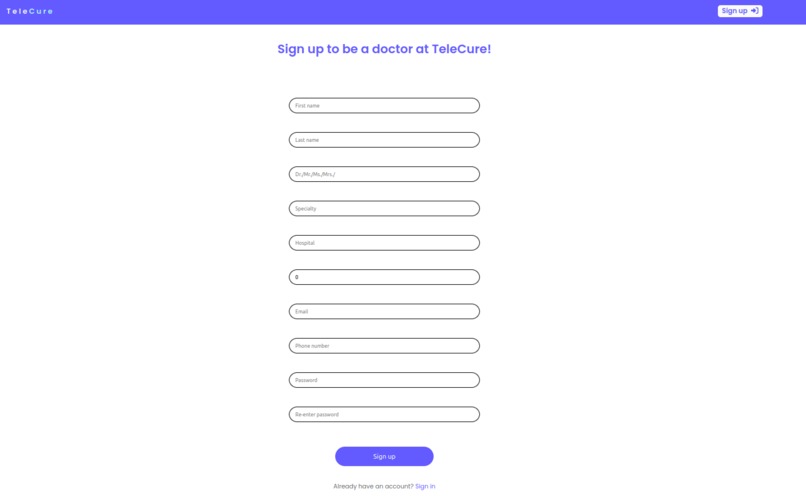
Sign Up for TeleCure!
-
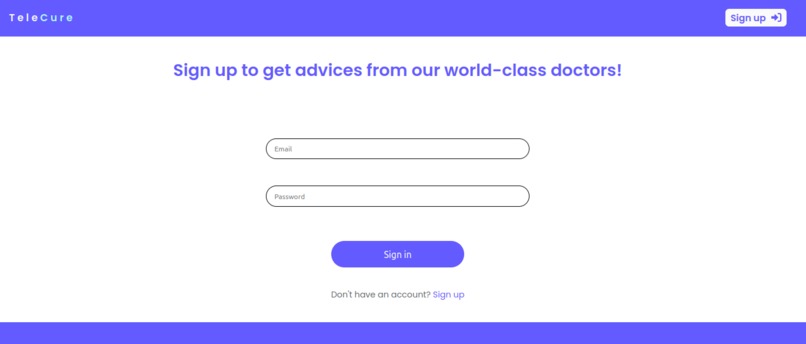
Are you already registerd? Sign in for TeleCure
-
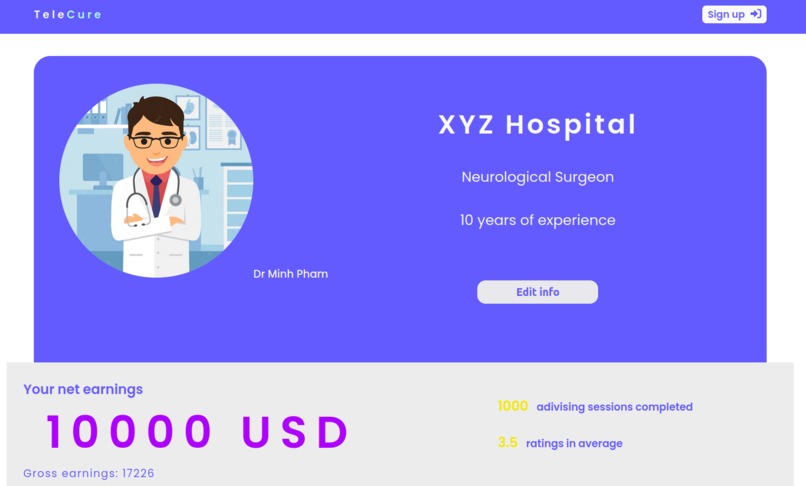
Check your Dr. profile
-
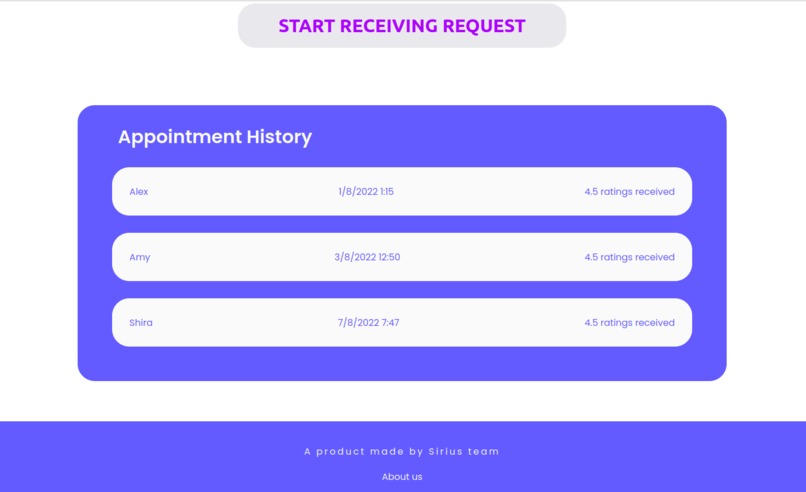
Check your appointment history!
-
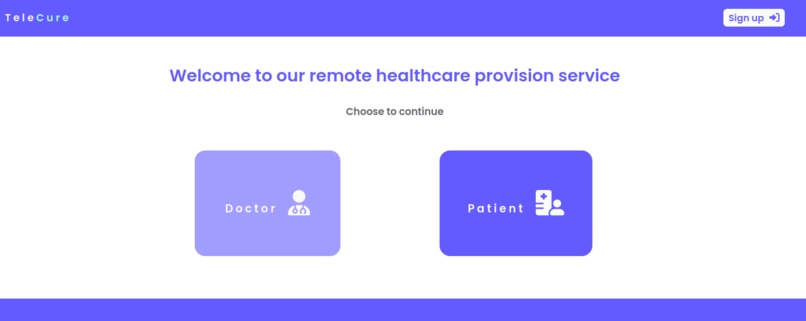
Are you a patient?
-
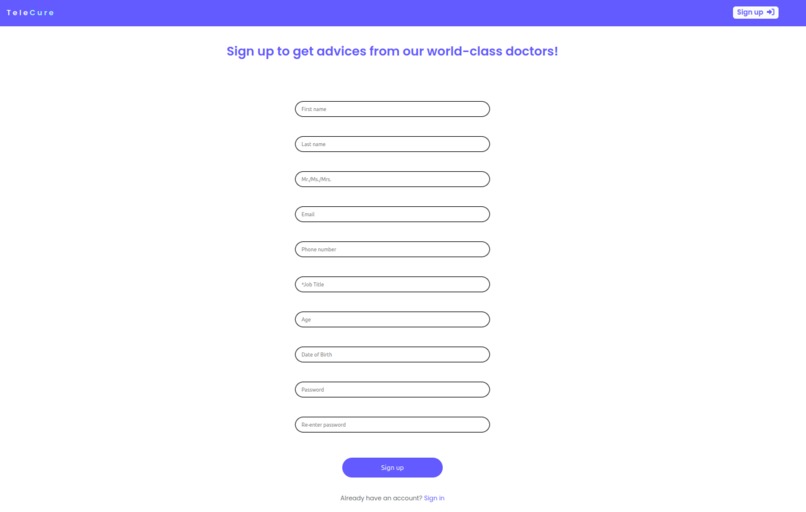
Sign up for TeleCure to get advices from our world-class doctors!
-
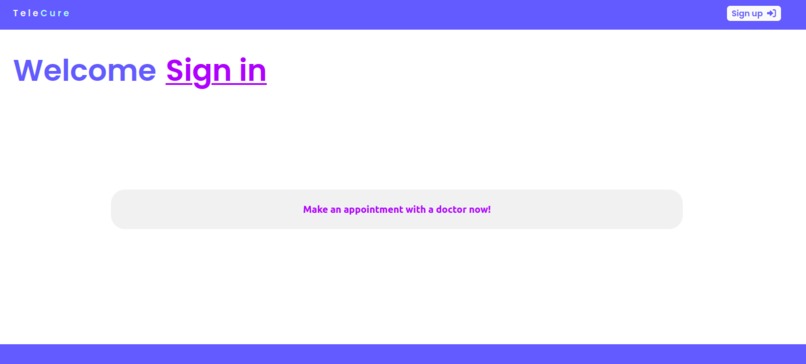
Start your consultation now!
-
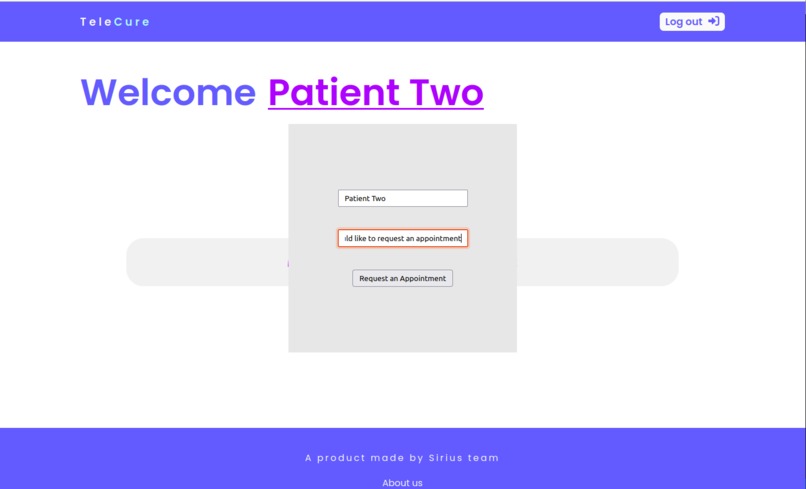
Send a request!
-
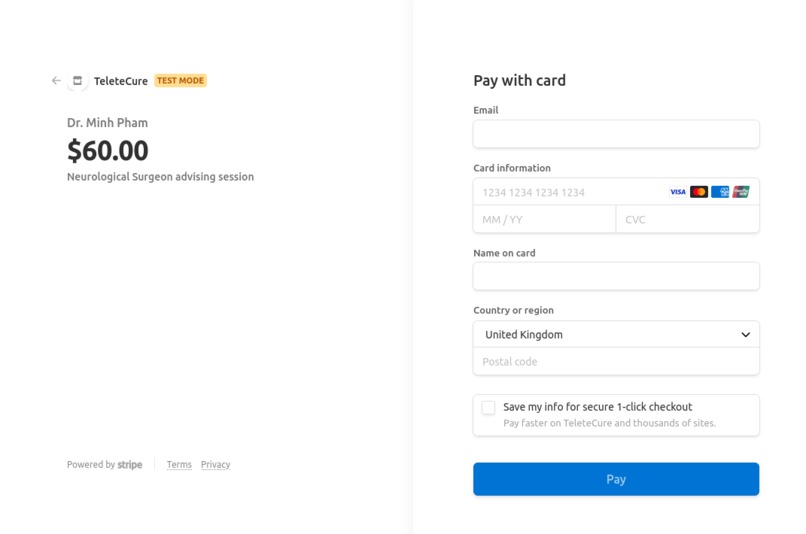
Pay for your videochat consultation!
-
Videochat with your medical service provider!
-
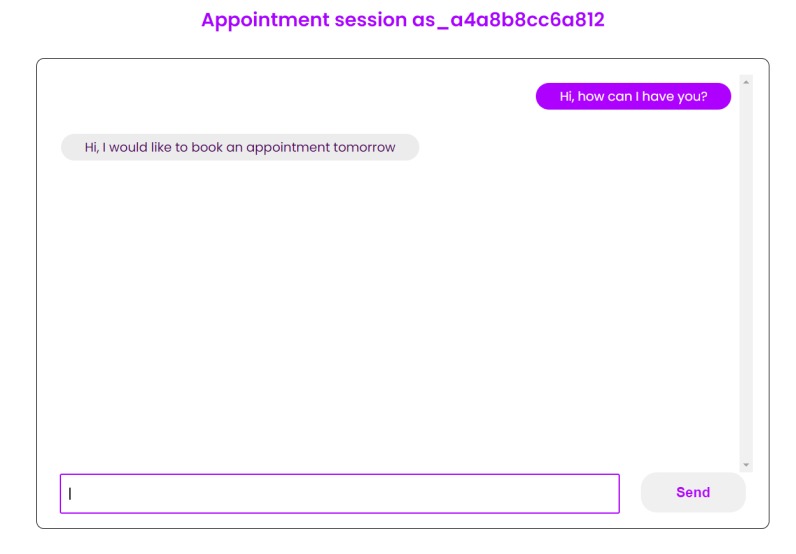
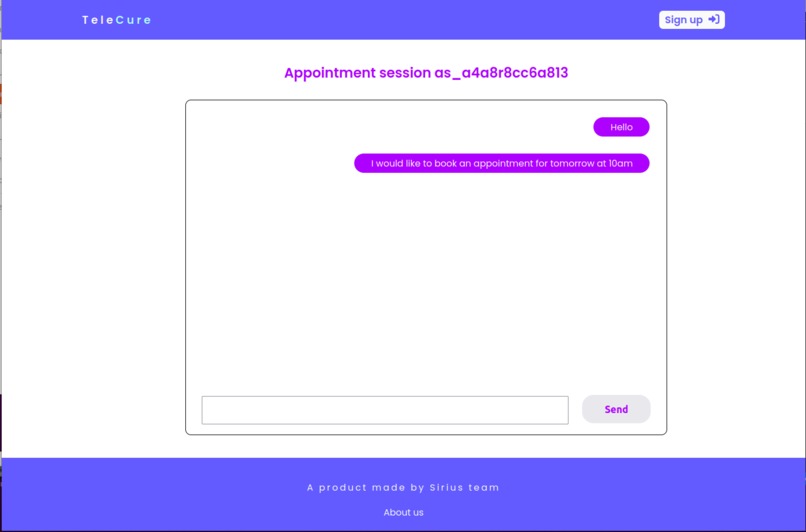
Discuss your needs!


Inspiration
Due to Covid-19, many patients have had difficulties obtaining specialist medical advice. In some cases, the hurdles may be that the patient lives in a rural or poor area where medical care is not provided. In the past few years, Telemedicine has gained an essential role in the healthcare sector. Remote healthcare helps alleviate these boundaries. For this reason, our team has embarked on a new project: TeleCure a web application that provides remote healthcare for everyone!
Price for a consultations may varies per country and they can be very costly (e.g. for a consultation with a psychiatrist in the UK one might spend $632. Whilst on average a specialist in the US charge upward of $250). For this reason we have decided to provide a more affordable service: $60 per consultation.
What it does
The process functions a little bit like Uber. When a patient needs an appointment, they send a request. The request is added to a queue of requests. The available doctors can accept or reject the request depending on their availability. If a followup is required the same doctor will be provided to the patient at the next available appointment.
TeleCure can be accessed in two ways, as a doctor or as a patient. Access is granted from the home page

DOCTOR DASHBOARD
- If you are a Doctor and are new to TeleCure, you can sign up.

- If you already have a profile you can Sign in

- Once Signed in the Doctor can access or edit their profile.

- Their rating and appointment history is also visible, together with the net earnings.

- Doctors will receive requests for consultations and depending on their availability they can accept or reject the request.
PATIENT DASHBOARD
- If you are a patient and are new to TeleCure you can sign up via the patient button


- if you are already registered you can sign in

- Once you log in to TeleCure you can request a consultation.


- To confirm the booking, enter the payment and you are all set!

- Once the booking is confirmed you will be able to chat via message and video with the medical provider.

How we built it
TeleCure is built using MERN stack (MongoDB, Express, React and Node).
BACKEND For the development environment we have created a database using a MongoDB cluster and generated synthetic data via JavaScript. The database has 3 collections, doctors, patients and chat_history collections.
We created a database using a MongoDB cluster for the development environment and generated synthetic data via JavaScript. The database has three collections, doctors, patients and chat_history collections.
The doctors' collection contains the doctors' information, such as specialty, years of experience number of patients (i.e. number of consultations).
The schema is of the type

The patients' collection contains the patients' details, including chat logs. The chat_history collection contains the chat histories between the patients and their respective specialists.
The schema is of the type

We use Stripe API to create payment sessions for doctor's appointments. When a user sends a request for an appointment and is accepted, he will then be directed to the URL of the checkout page generated by Stripe API
To allow messaging between a user and a doctor in the chat room, we use Socket.io to enables real-time communication between our web clients and server.
FRONTEND For the front end, we have used React.JS and CSS
We also use Font Awesome for the icons of doctor, patient, sign in/sign up, etc
Challenges we ran into
We ran into few challenges in building the videochat feature using twillio.
Enabling real-time connection between doctors and users when a user sends a request for an appointment was challenging. Even though the logic is not difficult (we can use Socket.io for this), there were a lot of bugs when we tried to implement it. Because of those bugs, we weren't able to finish the feature on time.
Accomplishments that we're proud of
Great UI and UX.
Being able to bring this idea to reality with a prototype, integrate the backend and frontend
What we learned
We learned a lot about REST API and how to use these famous APIs: Socket.io, Stripe, and tools like Google cloud.
What's next for TeleCure
Next for us is to embed successfully the video chat with Twillo, allow connections between doctors and users, and add more security to the web app.
Built With
- css
- express.js
- google-cloud
- javascript
- mongodb
- mongodriver
- mongoose
- node.js
- react
- restful-api


Log in or sign up for Devpost to join the conversation.