-
-
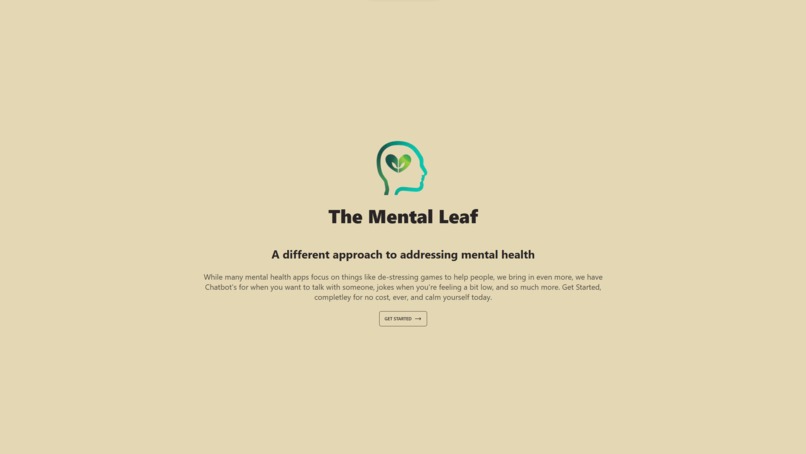
Homepage
-
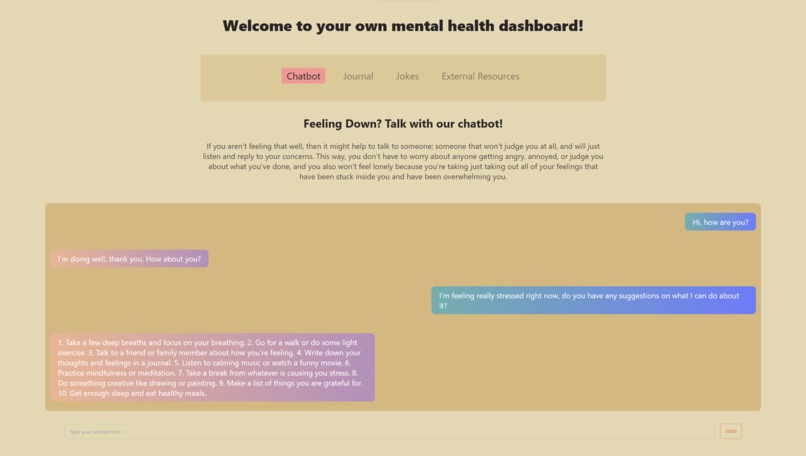
Chatbot
-
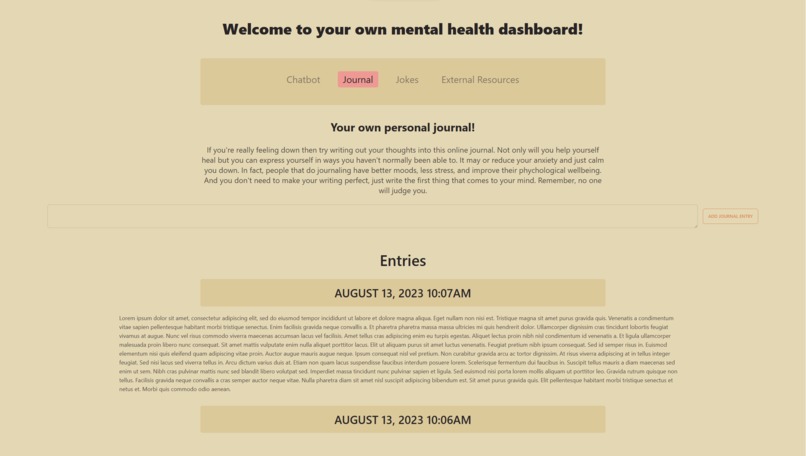
Journal
-
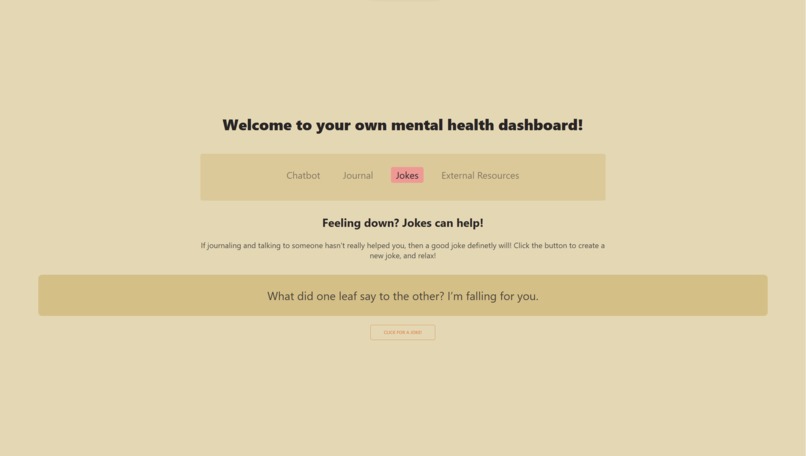
Jokes
-
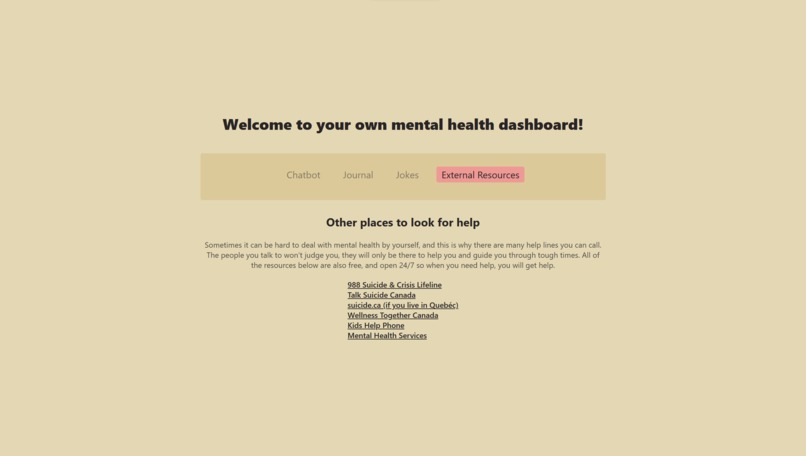
External Resources


Inspiration
Our inspiration mainly came from previous projects that people had done on mental health, and we decided to borrow those ideas and then add in our own such as a journaling section, jokes section, and external resources. This helped differentiate the app because it made it a place where people going through tough times in life can go to and just let out all of their feelings.
What it does
Basically, the app is meant for people that are having a hard time in life, and its main objective is to try and cheer them up a bit and be someone or something they can interact with to let out all of the feelings that have stuck inside. Overall, the app is meant to be really simple and not overloaded with features because we don't want to user to feel more overwhelmed by the things around them then they already are, and this is also the reason for why we chose the colors we have, we wanted them to all be very calming (no dark colors).
How we built it
We built this project using React for the front end, and Node JS for the backend. For the homepage (which is where you first start) we just had some simple JSX code that was split into three files for the header, main content, and the wrapper, which brought the header and main content together. We also use the React Router to take the user to the overview page when they click the get started button. In the overview page, we have a simple nav bar which basically just sets one property in an array of objects to either true or false to display or hide the content and we map out the array to display all the elements. Then, in the chatbot section we basically just have a text input and button in the start, and when you send the prompt the code sends a request to the backend Node JS server which sends the prompt to ChatGPT, and then when it gets the answer it sends the content back to the front-end by using the response object. The returned value is pushed back into a useState array and then that array gets displayed and alternates between the user's inputs and the AI's outputs to create what looks like a chat-app. In the journaling section, you can basically just write down anything you want in the text area, click add, and it will add in a journal entry, and the title of that journal entry will be the date and time at which you submitted it (we got this data by using the JavaScript Date() object) and orders the elements so that the newest one is at the top and the oldest one is at the bottom. It also doesn't directly show the text, instead the title is actually a button, and when you click it that's when the text is shown (we did this, so it doesn't take up too much space when you don't want it to). In the jokes section, we basically just display a joke by using two APIs, a Jokes API and a Dad Jokes API (both of which came from the API Ninja's website). In the code, what we do to decide which API to call from is actually just generate a random number which will either be 0 or 1 (if it is 1 then we use the Jokes API otherwise we use the Dad Jokes API). Once we fetch the data, we simply just display it inside a paragraph element. Lastly, the external resources section is just links to useful resources for people that are having a hard time in life. We added this because we felt like it would be helpful to a user and help them explore places where they can go to for help. To style our entire website we used Tailwind CSS and then installed Daisy UI which contained a lot of components (e.g., buttons, links, etc.) for the styling, and this helped us get our app done quickly and efficiently.
Challenges we ran into
One of the main challenges we ran into was integrating the OpenAI API into our application because while the code did work when we used it from Postman it didn't work when we used it from our React front-end, and this took us a really long time to solve but we realized later on that we just had to install the cors module in the Node JS file and add in the code app.use(cors()). After that, we had a few issues while creating the journaling section because the first element it displayed was ", :" and that was because the first object was empty so we had to spend a bit of time with adding in conditional rendering to make sure it didn't display when it was empty and we ended up using Object.keys(object).length !== 0 to check whether the object had any keys or not and if it didn't then just render an empty div element.
Accomplishments that we're proud of
Something we're proud of is integrating the OpenAI API (because we've never used it before), and also using Daisy UI (which is something else we haven't used before). We're also proud of how the UI came out and how it is easy to navigate.
What we learned
We learned how to use the OpenAI API, how to use the API Ninja website, how to use Daisy UI, and some more concepts in Tailwind CSS (e.g., background images) .
What's next for The Mental Leaf
Some things we want to add next for The Mental Leaf are that we definitely want to add next is better error handling because currently if there were to be an error (e.g., the server isn't running) it doesn't tell the user, and just logs the console. We instead want a pop up that tells the user that the app couldn't connect to the server. We also want to add in a database to actually save each user and their corresponding data (e.g., their journals). We want to add in more features in the journaling section, such as adding in images or other content instead of just text. We want to improve the security of our app because right now anyone could paste in malicious code into the text area in the journaling section and if were connected to a database, they would have a lot of important information about a lot of people, and we want this app to be as private as possible. We want this to be an actual app that you could download as an extension in your browser or download on your phone and then it connects to some API such as koko and check for any concerning content, and if there is concerning content found then it can immediately get help for the user. We also want to improve our styling and make it more responsive for different devices (e.g., phones) because right now there are a few problems when you reduce the window size.
Note: We used Dall-E to create our logo.
Note: We have instructions on how to use our project on localhost in our GitHub page
Note: The OpenAI API link shown in our video CANNOT be used because it will be deleted
Built With
- apininjadadjokesapi
- apininjajokesapi
- daisyui
- javascript
- json
- node.js
- npm
- openaiapi
- react
- tailwindcss


Log in or sign up for Devpost to join the conversation.