-
-
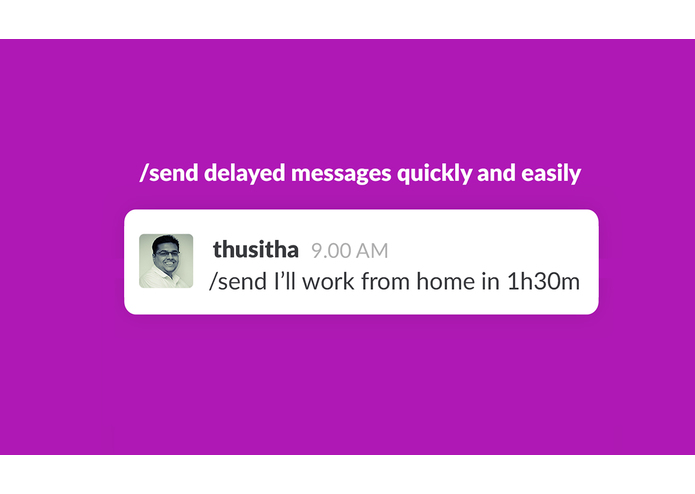
Timy : Send unlimited time delayed messages using /send command
-
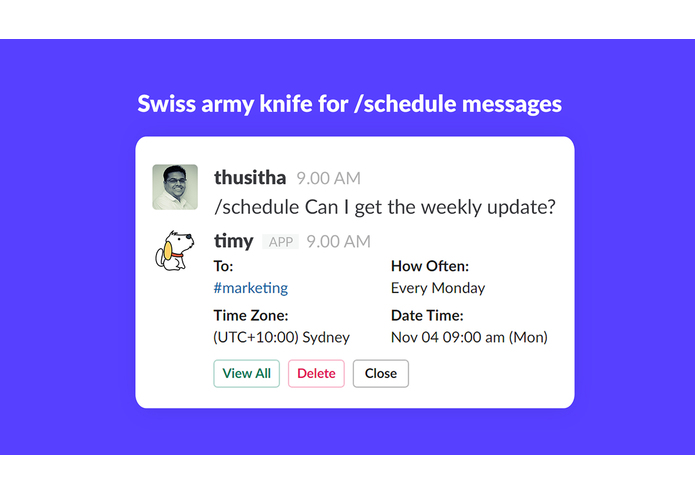
Timy : Schedule messages with more control using /schedule command
-
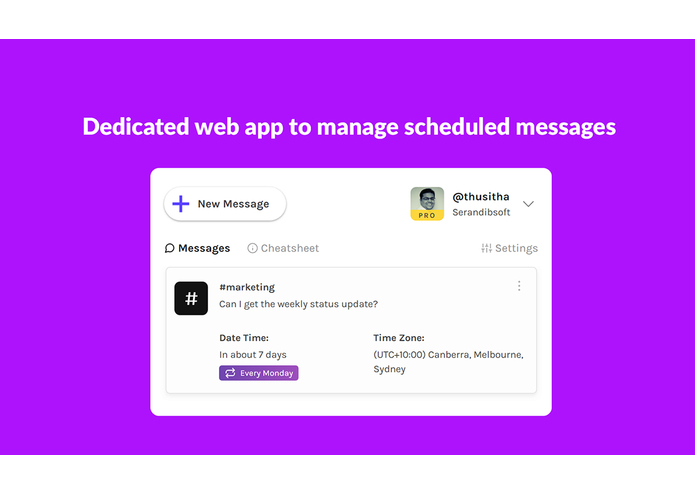
Timy: A dedicated web app to send and manage your scheduled messages
-
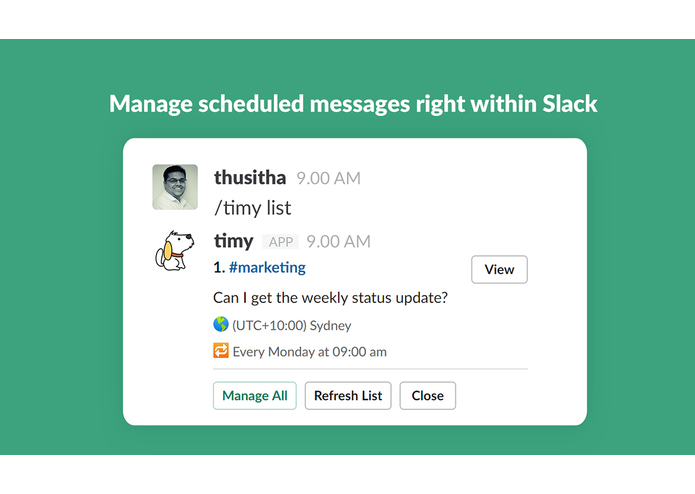
Timy: Manage your scheduled messages right within Slack


Timy is the all in one solution to send scheduled messages in Slack. That's why more than 3000 organizations around the globe are already using Timy.
1. /schedule
If you need a Swiss army knife for message scheduling, /schedule command is the right choice. Following features will be available for you with /schedule command and this is only included with PRO plan.
Some of the key features include Send recurring messages (Every weekday, Every month...), Send unlimited messages in any time zone, Maximum schedule time limit of one year, Save time zone mappings for each user or channel, Pause recurring messages if you are away, Attach files to scheduling messages via web app, Edit/Clone scheduled messages, Get Slackbot notifications for scheduled messages, Dedicated Timy web app to manage your messages.
Ex: /schedule Can I get the weekly status update?
2. /send
The /send command is available for everyone and it's FREE. You can either use at or in suffixes to schedule your message up to 24 hours in future as shown below.
Ex: /send Happy Birthday! at 12am
3. /timy
Using /timy command, you can list all your scheduled messages, open timy web app or get some quick help.
Ex: /timy list -> List all scheduled messages /timy app -> Shortcut for the web app /timy help -> Get help
Apart from these commands you can also use the timy web app to send and manage messages easily. Start using timy right now and make your work more organized.
For more details please visit https://timy.website
Happy Scheduling!


Log in or sign up for Devpost to join the conversation.