-
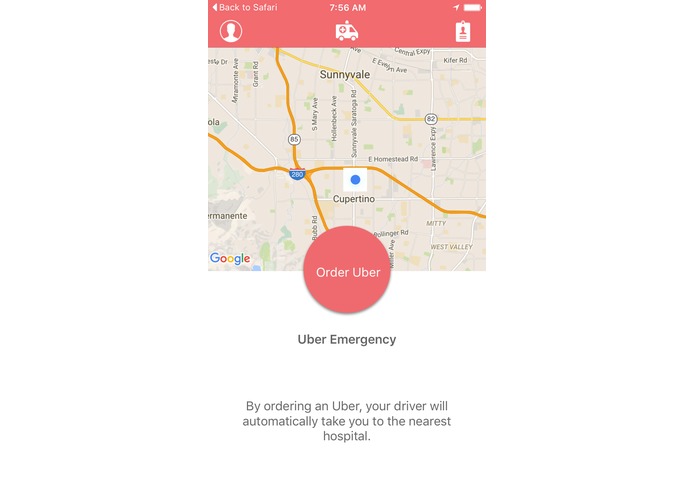
Main Screen
-
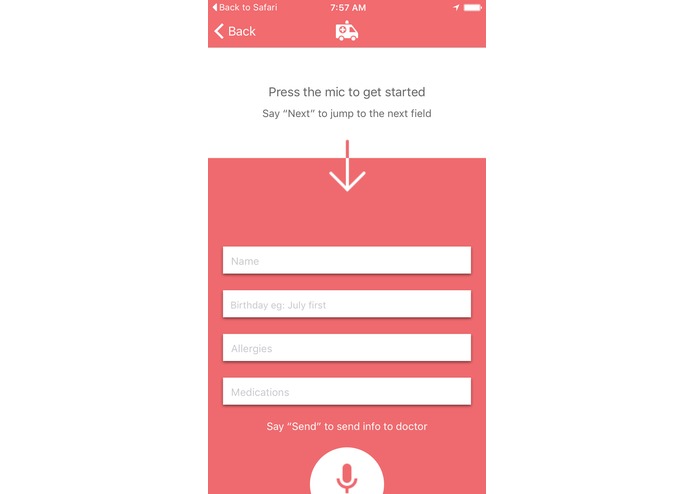
Use the microphone to add your details and send them straight to the hospital.
-
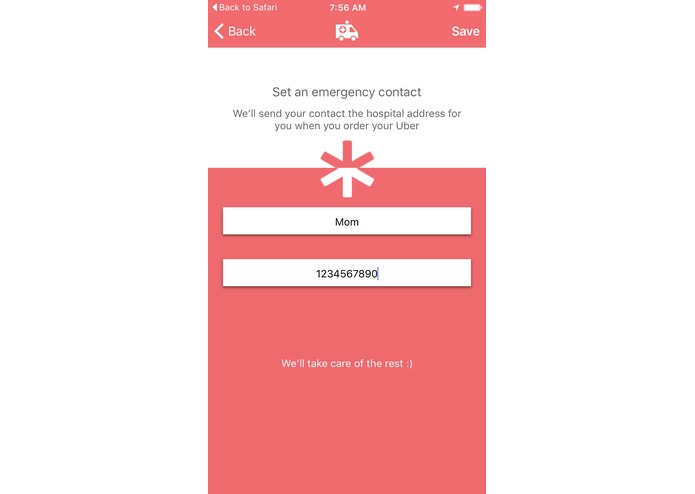
Add an emergency contact that will receive the hospital address when you take an Uber
-
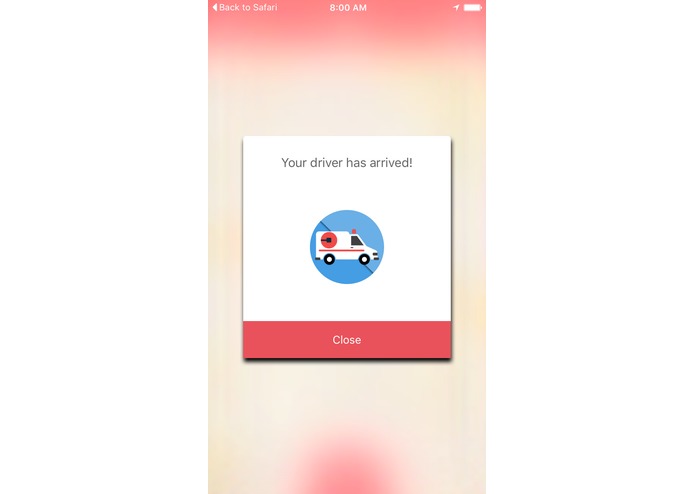
Get notified when your Uber arrives
-
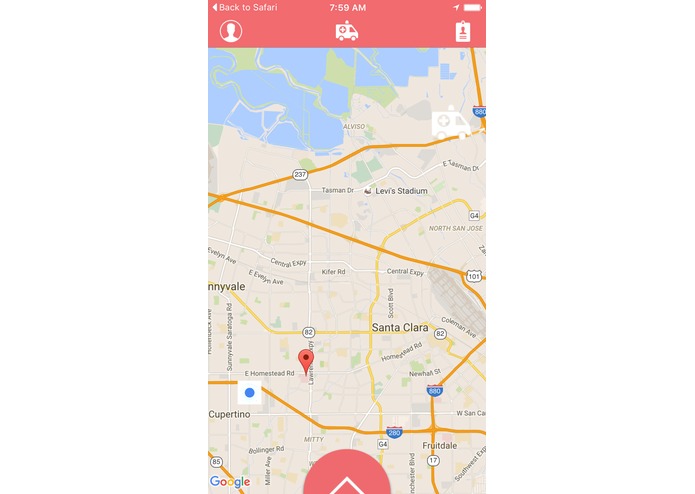
See how close your Uber is to you.
-
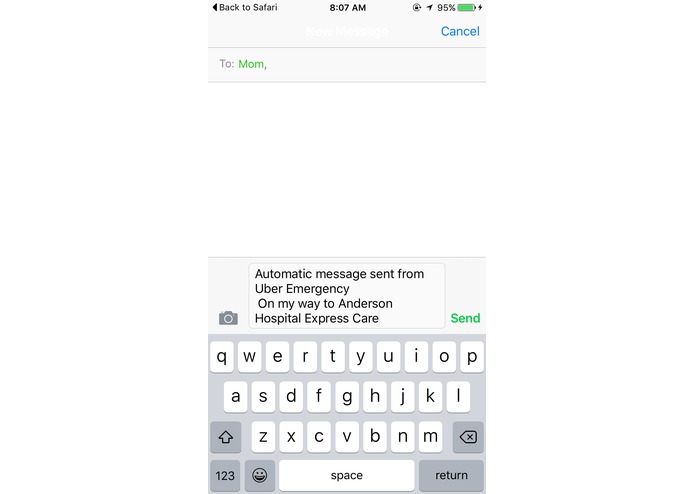
Send a preconfigured text to your emergency contact.


Inspiration
After a friend had to go to the ER and waited 20 minutes for an ambulance to arrived, I thought there had to be some type of speed up in emergency situations.
What It Does
UberEmergency automatically finds the nearest hospital and gives your Uber driver all the details. While your Uber driver is on the way, UberEmergency sends the hospital info to your emergency contact via text message. Additionally, you can use the microphone to enter your medical information and send it via email to the hospital to speed up in processing.
How we built it
UberEmergency was built on the Uber API. We use Apple's CoreLocation to grab your current location and the GooglePlaces API to search for hospitals near you.
Challenges We Ran Into
Getting the UberAPI up and running. They don't offer any specific directions for Swift and neither of us have done POST/GET request to API endpoints before.
Also the OpenEars SDK brought us some trouble. We used this to recognize the user's speech in entering their medical info. Unfortunately in a noisy space the library can't parse through the background noise and pick up my keywords. Going outside it recognizes very easily though!
Accomplishments that we're proud of
Having a fully functioning app upon submission!
What we learned
A ton of new API's and how to handle POST/GET requests in Swift.


Log in or sign up for Devpost to join the conversation.