-
-
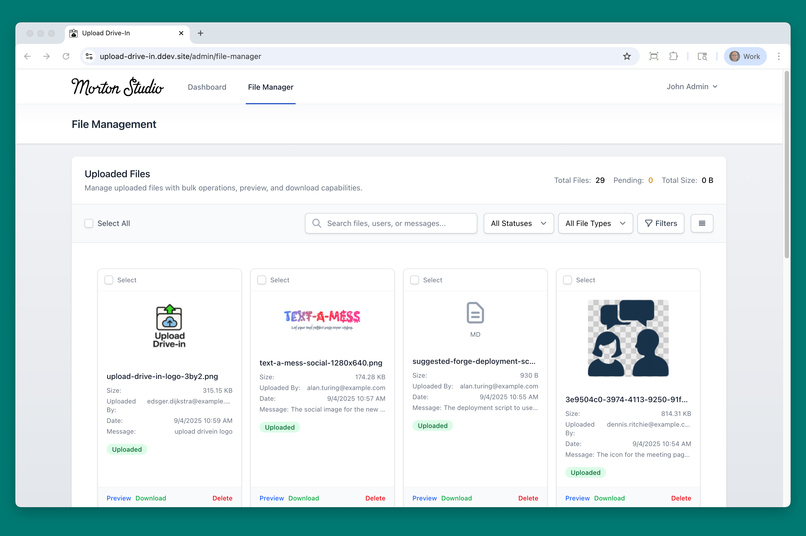
The file management screen for admin and employee users with file previews and file filtering.
-
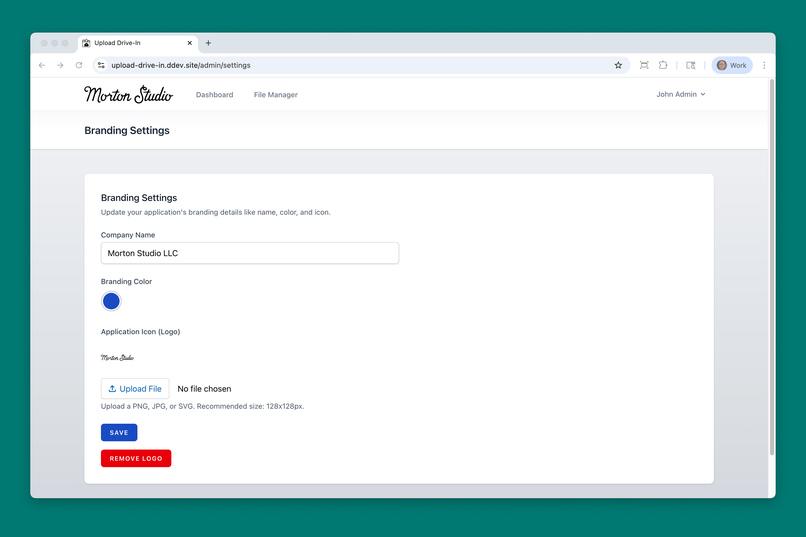
The Branding Settings allow admins to customize the name, logo, and colors of the app.
-
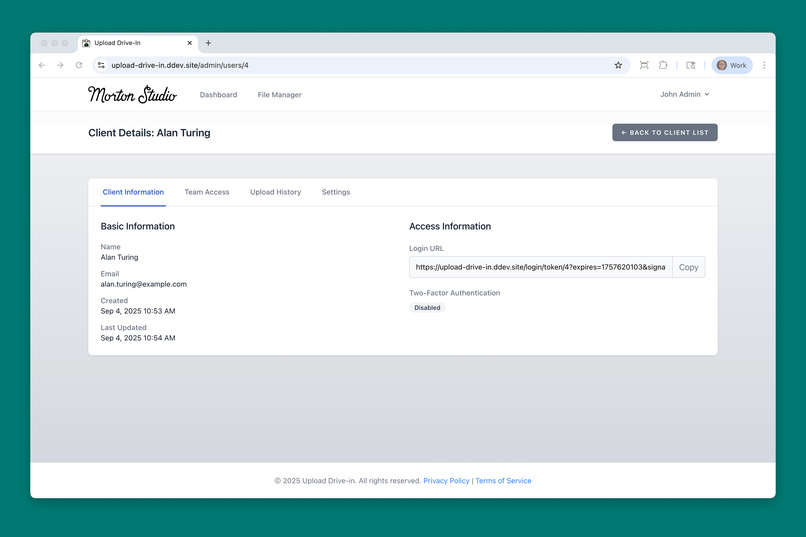
A sample client detail page shown from the admin user account.
-
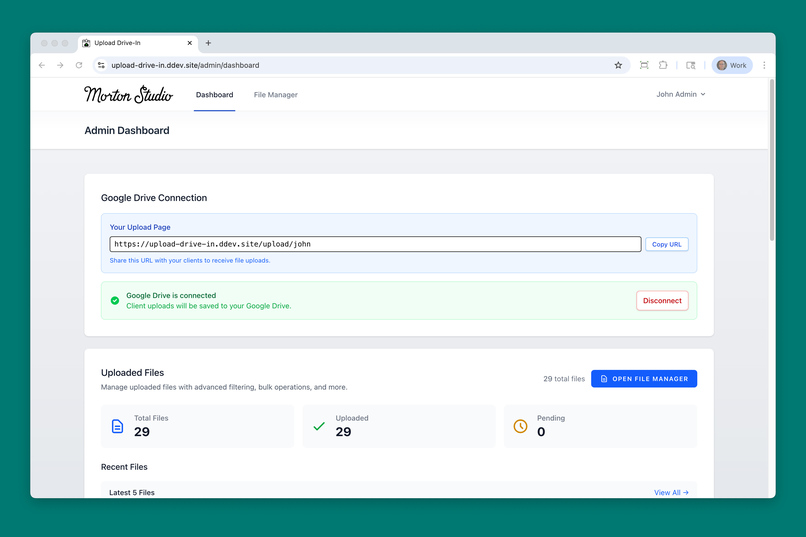
The admin dashboard showing the admin users personal upload URL. Each user has their own upload page.
-
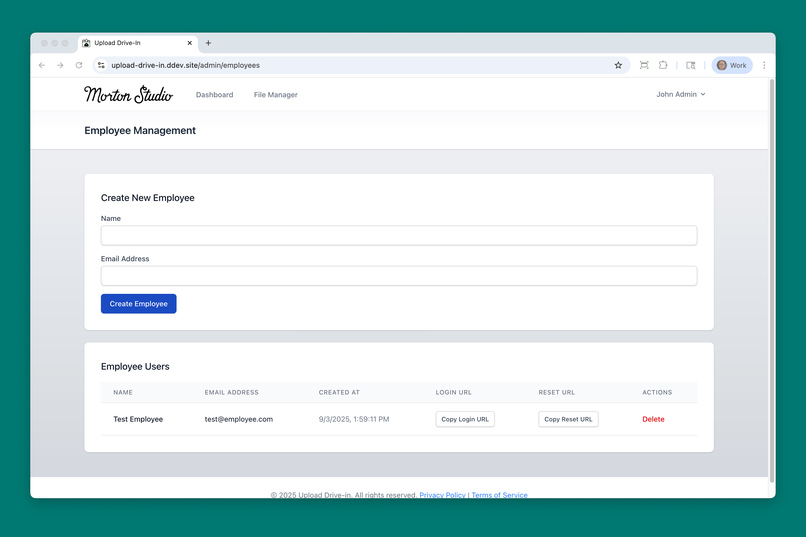
The employee management page where an admin can create new employee accounts for Upload Drive-In.
-
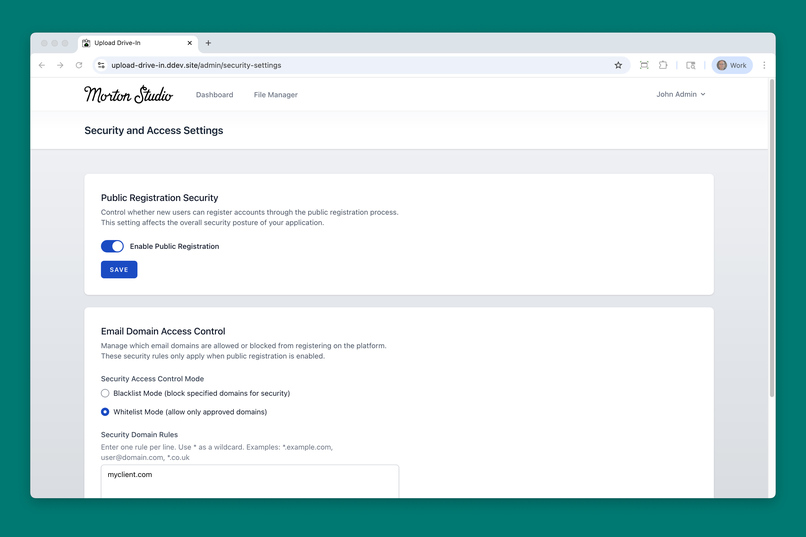
The security page let's the admin control who can use the app. This example shows only myclient.com users can share files.
-
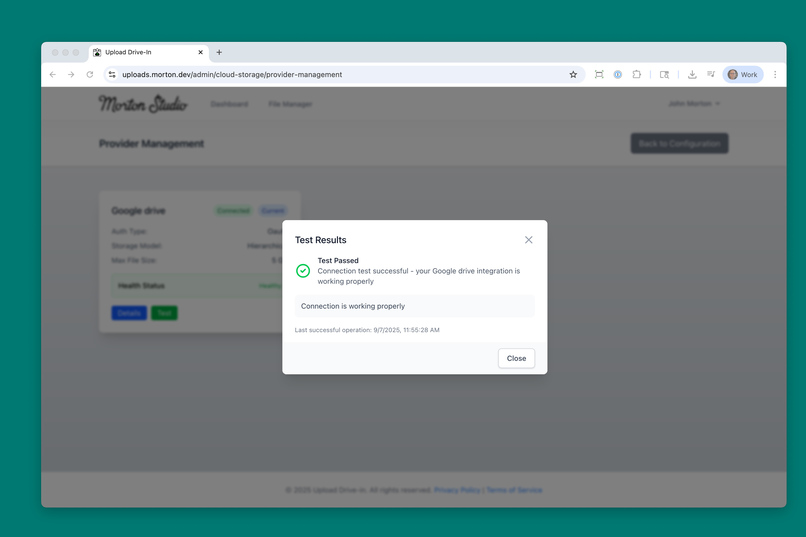
Testing the Google Drive authentication token health
-
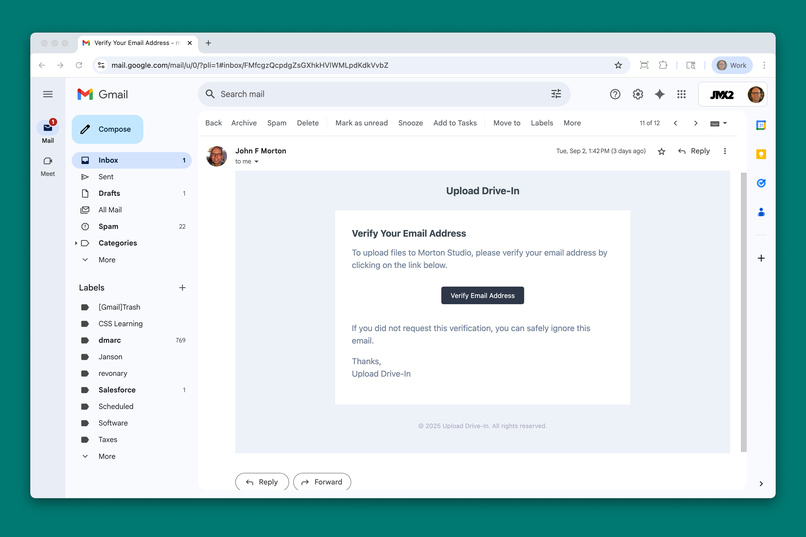
A sample email allowing a client to log into Upload Drive-In.
-
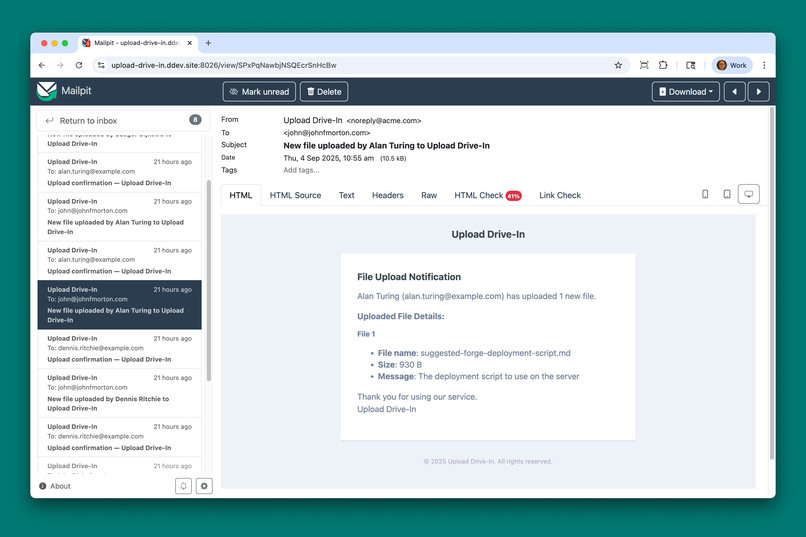
A sample email alerting the admin of a newly received from from a client.
-
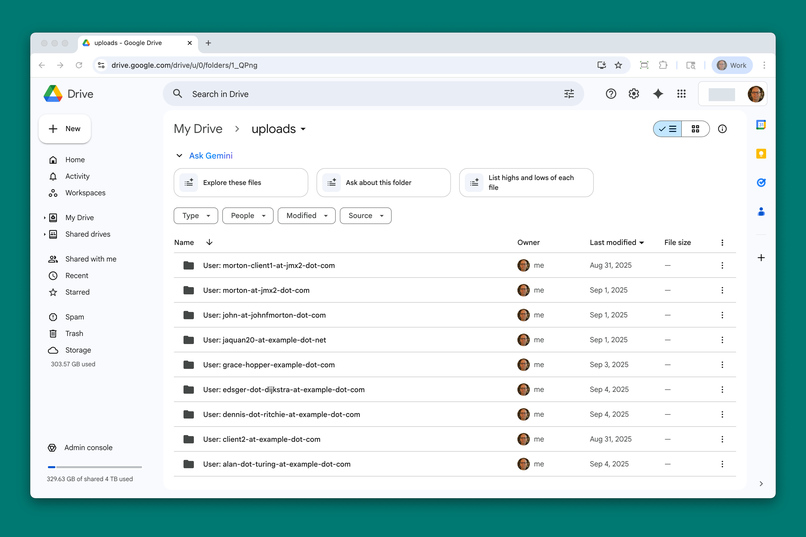
Screenshot of self-organized folder struction created by Upload Drive-In in Google Drive.


Inspiration
File sharing is supposed to be simple, but in reality, it often feels messy and complicated. I’ve seen clients struggle with ad-hoc solutions, like emailing large attachments, dealing with clunky FTP servers, or wrangling with permissions in cloud drives.
I aimed to solve this problem by making file uploads effortless for users, while relying on cloud storage that the business owner already pays for.
What it does
Upload Drive-In is a Laravel web app that lets companies receive files directly into their existing cloud storage—Google Drive today, with Amazon S3 and OneDrive on the roadmap. It connects securely to an admin’s or employee’s Google account, provides clients with a clean drag-and-drop upload portal, and automatically organizes incoming files for easy retrieval. It turns the hassle of file transfer into a one-step handoff—fast, simple, and reliable.
How I built it
The core is built with Laravel, chosen for its rich ecosystem and speed of development—plus my own long background in PHP. Secure connections to Google Drive run through OAuth 2.0, letting each user link their own account without exposing credentials. On the front end, a streamlined JavaScript uploader provides drag-and-drop submissions, breaking large files into chunks so even oversized uploads move reliably from client to cloud.
Local development runs on DDEV for a reproducible Docker-based development environment, and deployments are handled with Laravel Forge. The architecture is deliberately modular so that new storage providers can be added later.
Challenges we ran into
- Making the existing Google Drive scripts a generic interface for future cloud providers was a big lift, and I couldn't have done it without Kiro.
- OAuth 2.0 complexity: making the Google Drive authentication "easy" was necessary to keep the UX easy to use for the non-nerd crowd.
- Balancing simplicity with flexibility: the tool had to feel dead-easy for end users but also configurable for organizations.
- Managing queues and background jobs in Laravel across different environments was trickier than I expected it to be. With Kiro's help, I got it working nicely.
- Deciding on the right distribution model was a tough decision. Should this be a self-hosted tool or a managed SaaS product? Each path creates different infrastructure needs. Upload Drive-In is built as a self-hosted tool in this current iteration. This is an aspect of the app that I'm still pondering, but having this working version was an essential part of the process for me.
Accomplishments that I'm proud of
- It worked early on and continued to work correctly as I added more features. (Seriously, when it continued to work as expected after a big functionality update, I was overjoyed.)
- A code base ready for continued iterations.
- A polished, accessible front-end uploader component that feels at home in modern web apps.
- A deployment pipeline that makes it easy to push new versions live with confidence. Laravel migrations help with that by keeping the database up to date as tables and relationships change over time.
What I learned
- Kiro has been crucial for the development process. I'm a "seasoned" solo developer, but Kiro helped me transform a hacked-together solution into a slick app. It took several weeks of work with Kiro. It would have taken many months without Kiro.
- I brought a basic working version of the Google Drive integration with me when I started working with Kiro. In retrospect, I should have trashed that version entirely and had Kiro create the cloud storage interface from scratch. It probably would have been faster.
- Feedback matters. Early reactions taught me that even when a tool feels niche at first, the core pain point (easy, secure file collection) is universal. Even though I'm a solo developer, my network of dev friends looked at my app along the way and gave me critical feedback. Even solo developers need other developers.
- Building for scale early, even in a hackathon context, can prevent costly re-work later. I'm coming out of this process with a code ready for the next steps.
What's next for Upload Drive-In
- Expanding support beyond Google Drive to include Amazon S3 buckets and OneDrive.
- I'm contemplating having a mini-LLM trained on the file uploads so that the people at the company using Upload Drive-In can have a more robust search in the files that have been shared with them. Kiro and I need to have a conversation about this.
- I'd like to integrate project tags for another level of organization.
- Exploring a SaaS model where businesses can subscribe and have the infrastructure fully managed.
- Although I'm proud of the current installation experience, I can imagine an even simpler onboarding experience. For example, a fully functional Docker build might solve many of the setup steps.
- Finally, I want to make the design of the app look less bootstrappy, but I'm a functionality-first person, and the state of the app you see today reflects that aspect of my development style. C'est la vie.





Log in or sign up for Devpost to join the conversation.