-
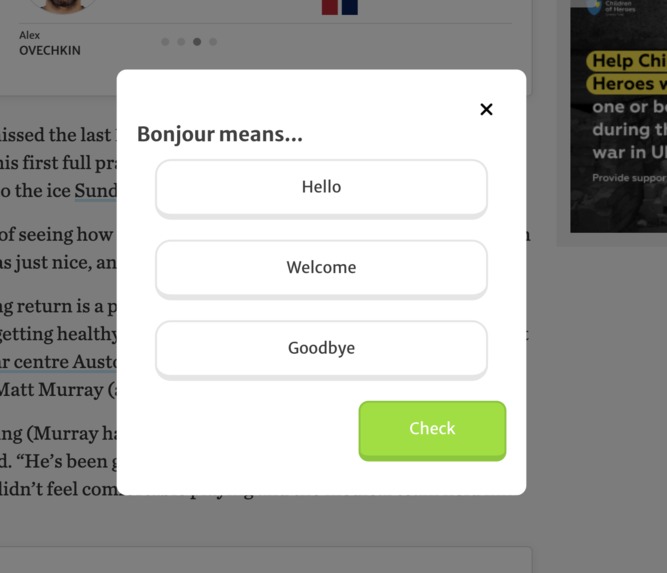
One of the pop-up minigames when translating a word
-
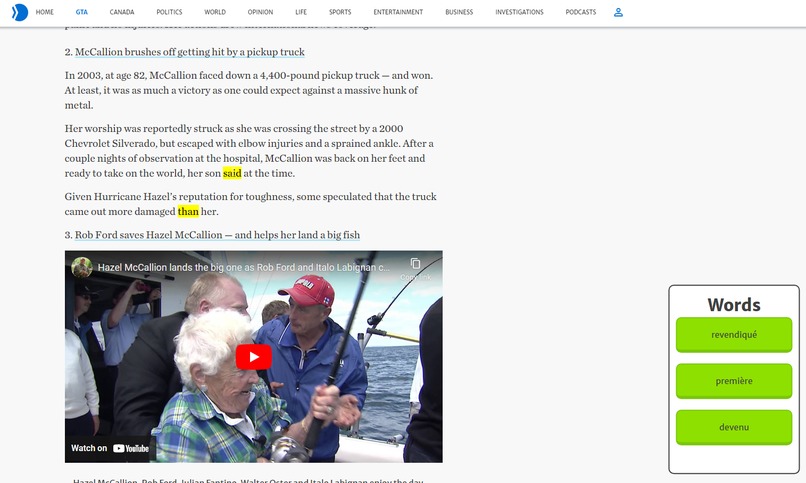
A website where the words that will be tested are highlighted
-
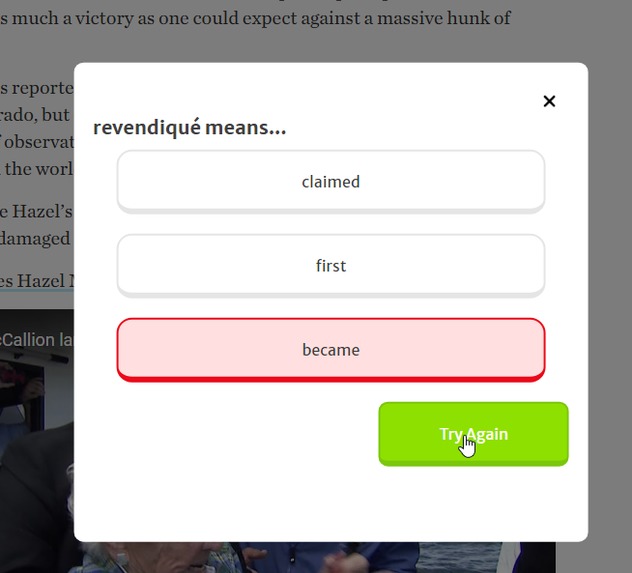
Feedback for selecting an answer


Inspiration
When traveling to new countries, the language barrier is one of the hardest things to overcome when trying to experience a culture. We wanted to make an easy-to-install and use Google chrome extension that helps users practice and learn a desired language while browsing the web!
What it does
Before using the app, the user gets to choose the language they want to learn. While browsing articles and the web, random words and phrases are put into the language being learned. It's then up to the user to click on these foreign words and translate them by playing Duolingo-inspired games via a smooth pop-up in the browser. Once it's successfully translated, the word(s) being played with will go back to the native language and fit back into the article for continued easy reading!
How we built it
We used the Google chrome extension model to create this - which included being written completely in HTML and CSS. To complete backend logic and translation, a python server was written with Django. This backend server needs to be up during extension use to receive, process, and verify incoming user submissions.
Challenges we ran into
A lot of our challenges stemmed from the strict restrictions Google chrome extensions are subject to. They aren't allowed to have any programming languages being run other than basic HTML and vanilla JavaScript. This caused a lot of problems since we had trouble finding basic libraries that are still supported with the nowadays use of Node.js and React. In addition, the inability to natively run python code caused challenges since a lot of its libraries were integral to our vision.
Accomplishments that we're proud of
We were proud of being able to find workarounds to the strict limitation of Google chrome extensions. On the frontend side, we found ways of injecting jquery libraries and functionality in plain JavaScript scripts. Meanwhile, we implemented a Django backend server to run python code - which was a first in using the Django technology to accomplish this!
What we learned
Similar to the Challenges we ran into, we learned that with enough time and searching, a workaround can be found. But due to the many challenges posed by using chrome extensions specifically, we'll try to avoid making future projects without intense preparation.
What's next for Weblingo
- Implementing full integration with Duolingo to have profile functionality, including followers/following, stats, XP progress, leagues, friends quests, and more
- Having the ability to actually make progress officially on Duolingo
- Full-sentence evaluations and more minigame types (including voice recognition, block games, etc.)
- More animations and clearer visuals for words/phrases
Built With
- django
- html5
- javascript
- python
- translate


Log in or sign up for Devpost to join the conversation.