-
-
-
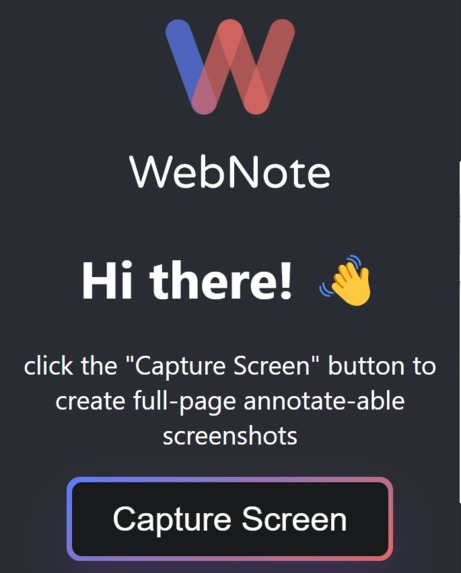
extension popup screen


What it does
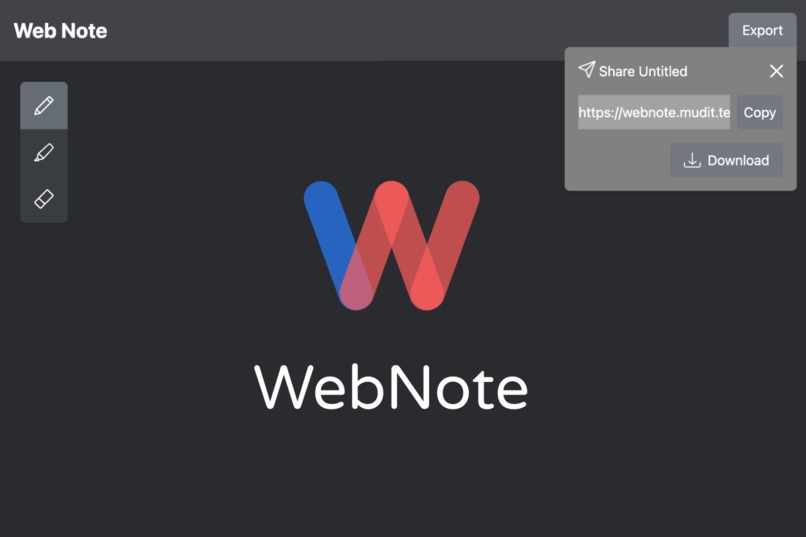
Hello, everyone! This is WebNote, a chrome extension and website to make creating annotations of web pages easier.
bold Our project makes marking up a web pages seamless. For example, if you're working on a research project, you can use this tool to send annotated pages quickly to your team. Instead of taking a screenshot, downloading the image, opening and using a separate tool, needing others to download the file, our system allows you to simplify this process! This makes it easier annotate multiple pages across various sites and makes it easier for others to view your annotations.
How we built it
We created this application using the t3-app template for full-stack development. This includes a frontend built with React.js and TypeScript which is compiled into mostly static html via Next.js. The application is then published to Vercel which offers free server hosting for small-scale applications. For styling on the frontend, we used the TailwindCSS library to make defining styles quicker and easier within the HTML. For doing the annotations on screen captures, we used p5.js in instance mode to create an isolated canvas. The library enables us to easily draw over the image and export it to a file/shareable link. We also created an extension with React and Typescript which was compiled via webpack into a minified html/js/css bundle. We published this bundle to the chrome extension store (not publicly released yet). This extension uses the chrome.tabs API to create a new tab whenever a screenshot is taken. The API also allows for message passing between tabs to send the image data as a byte buffer to the website. The website then reads the image data message and preloads the annotation canvas.



Log in or sign up for Devpost to join the conversation.