
These scripts are provided to help you customize your time-related analysis. First the Period Detector automatically computes most homogeneous periods of your dataset according to a given variable. Period Slicer is then useful to define custom periods.
Time processing documentation
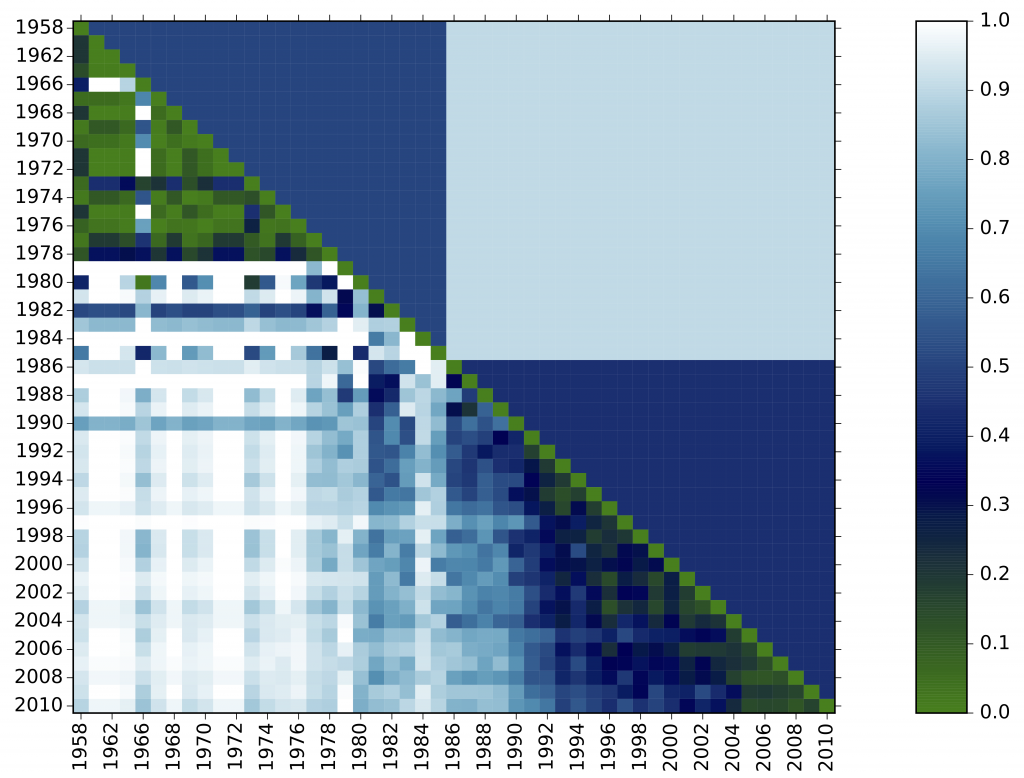
Period Detector
In the plot above, we see two periods detected. Every diagonal cell scores 0 because the distributions are perfectly aligned. The whiter the cell, the more dissimilar two time steps are. Detecting periods from frequencies Period detector directly works on the frequency distribution of one or more field to produce a matrix representing distances between...
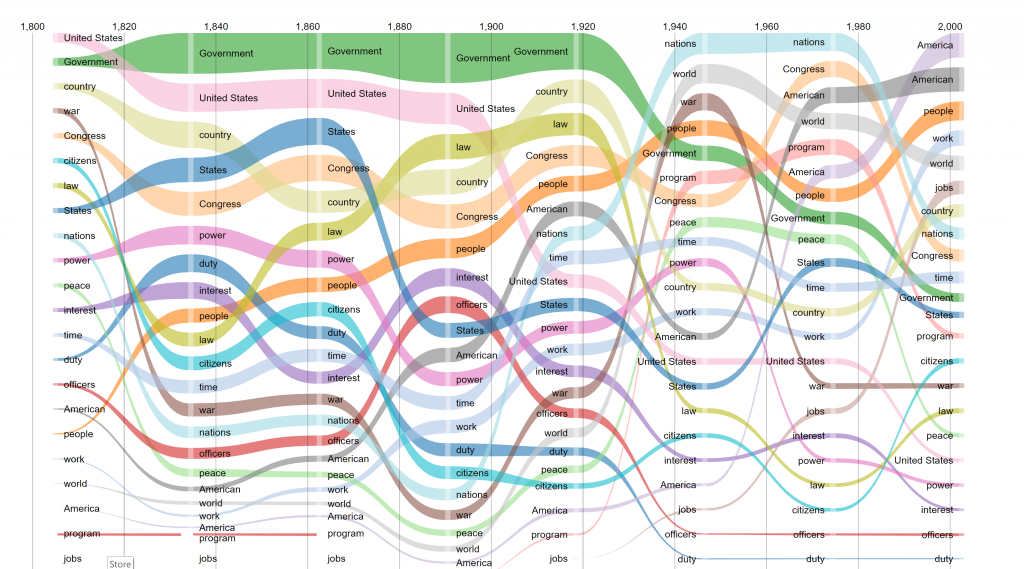
Epic Epoch
Epic Epoch is a simple script for tracking dramatic changes in the composition of a field over time. How Epic Epoch works It acts in three steps: First, the N most frequently occurring entities are selected at each time period, A frequency timeline is built for each of the selected terms A bump graph...
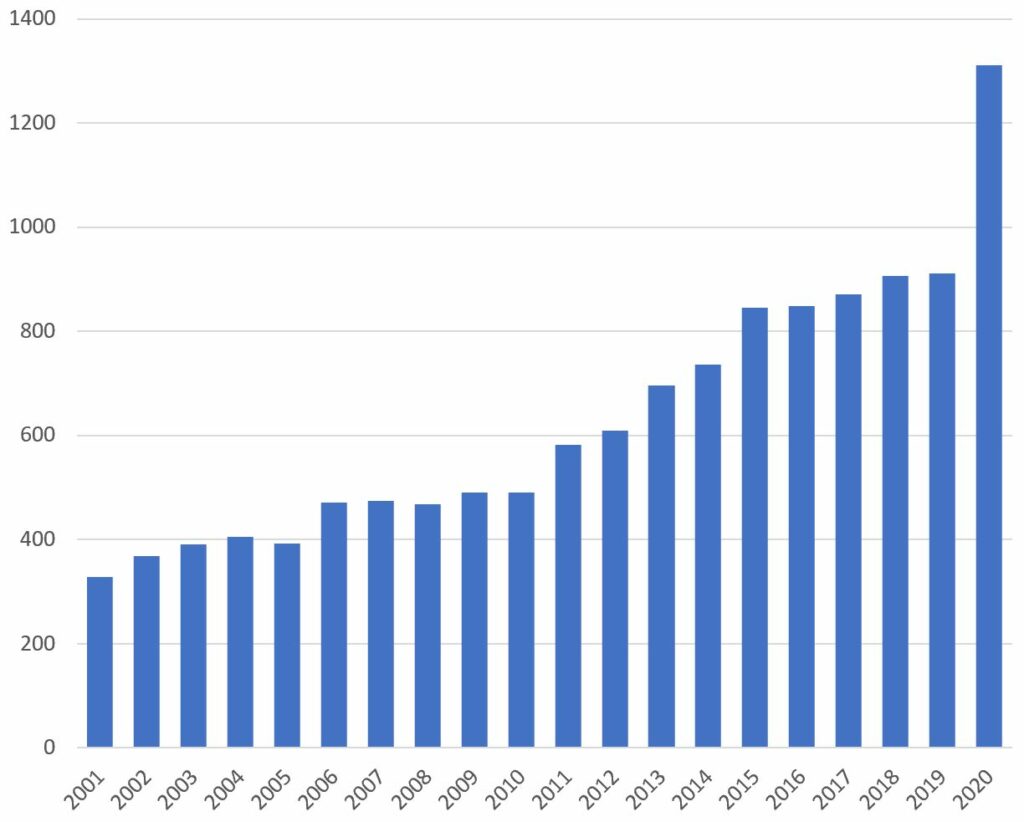
Period Slicer
Period Slicer allows users to customize the time periods according to which the corpus is analyzed. Parameters When launching Period Slicer, you need to input the different time periods which will be used to split the corpus. Each time period should be separated by semi-colons. Lists of values A time period is defined by a...
Latest questions in the Q&A forum on time processing
 Khalil MEL
1806 views1 answers0 votes
 Hannah
2022 views1 answers0 votes
 orianabras
1600 views1 answers0 votes
1648 views2 answers0 votes
 Vincent Delbar
1666 views1 answers0 votes
 Mtt
Mtt1821 views1 answers0 votes
 Agustin Mauro
1668 views1 answers0 votes
 Yuri Saldarriaga
1926 views2 answers0 votes
 Kate Li
1948 views1 answers0 votes
