
This page provides you with the most important information to start working with Greyd.Suite. Please note: If you are a subscription client, you also have access to a dedicated one-on-one onboarding.
Academy
Greyd.Suite explained in three videos:
This page provides you with the most important information to start working with Greyd.Suite. Please note: If you are a subscription client, you also have access to a dedicated one-on-one onboarding.
Greyd.Suite explained in three videos:
With the Starter plan you can publish up to 12 new websites per year – either 1 per month (with monthly payment) or 12 per year (with annual payment). If you do not use up the limit, no licenses are lost. Any unused license is simply carried over to the following period.
Example (monthly pamynet):
In this example, you could publish 2 websites in the third month or carry the remaining license over to the following months.
In total, you always have as many licenses at your disposal as the number of months of your subscription that have already been paid for.
You can find all your invoices in your Greyd.Suite customer account (see footer or off-menu).

Log-in to your account in the off-menu or footer of our website. To view your invoices, please click on “Billing History”

Invoices are automatically sent to your account email address as defined in your customer account (see footer).
Log-in to your account in the off-menu or footer of our website. To change your email address, please click on “Billing & Shipping Addresses”. Please note, that it is not possible to have a separate email address for your invoices.

You will receive your license key by e-mail as soon as you have purchased a Greyd.Suite license. You can also view it at any time in your customer account on our website.
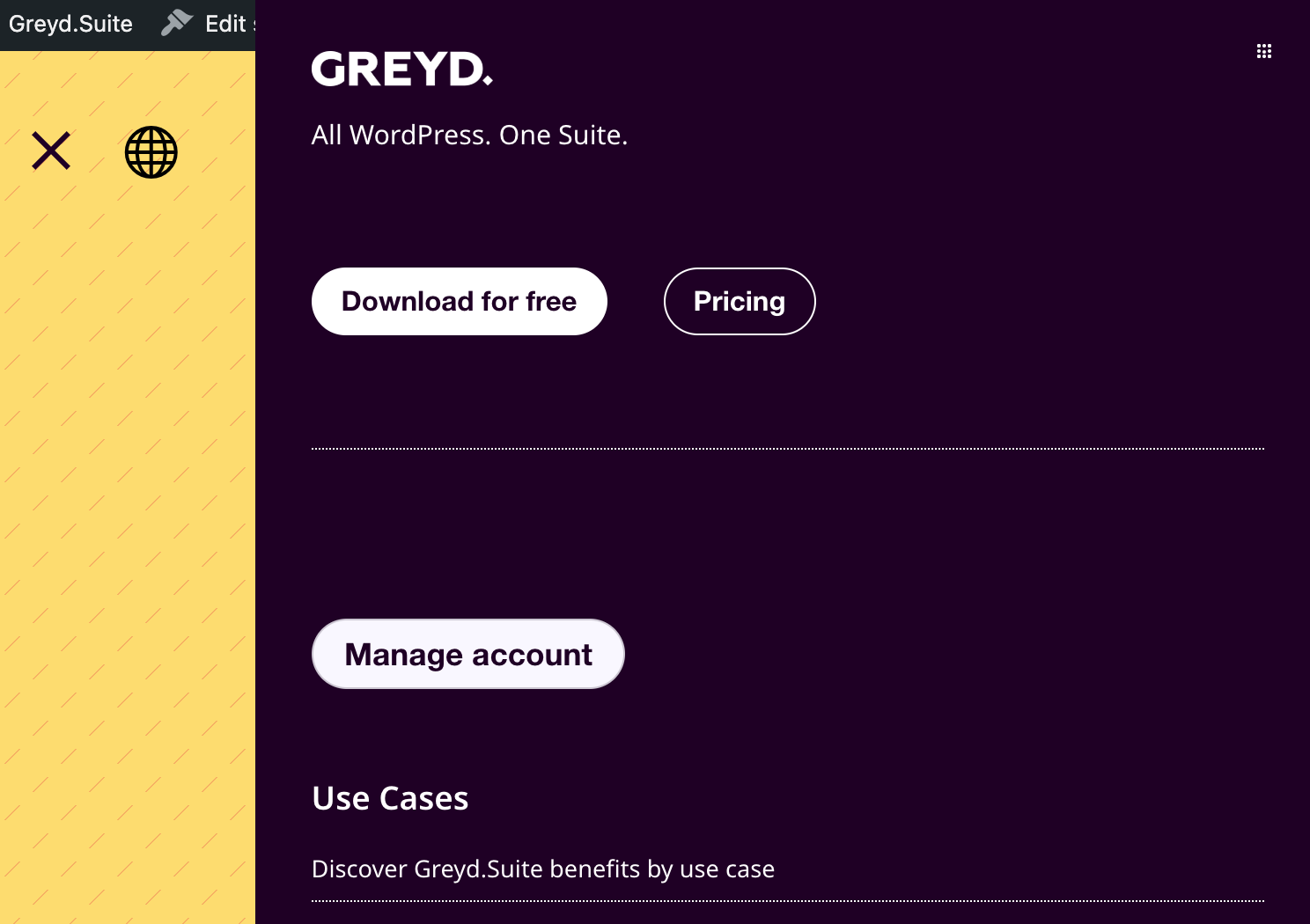
Log-in to your account in the off-menu or footer of our website. You will then see your active plans:
To view your license key, klick on the respective plan:

