The power of containers
Containers are an incredibly powerful tool – each container can contain widgets and nested containers, allowing you to create complex layouts. You can then turn these layouts into container templates that you can reuse in any Elementor website you create. This allows you to streamline your design process and build a stunning website more efficiently.
For instance, if you need to create bio pages for twenty different clients who all use a similar style, container templates can help speed up your creation process. In this scenario, you may want each bio to have a heading, text beneath it, and a flip box widget for each employee’s photo. You can create a Container with all these widgets arranged as you like, save the container template, and reuse it repeatedly.
How do I duplicate, save, and reuse a container?
Here, we’ll take a look at how you can duplicate, save, and reuse a container.
Duplicate a container
To duplicate a container, you’ll first need to create one. Once you have a container you want to duplicate:
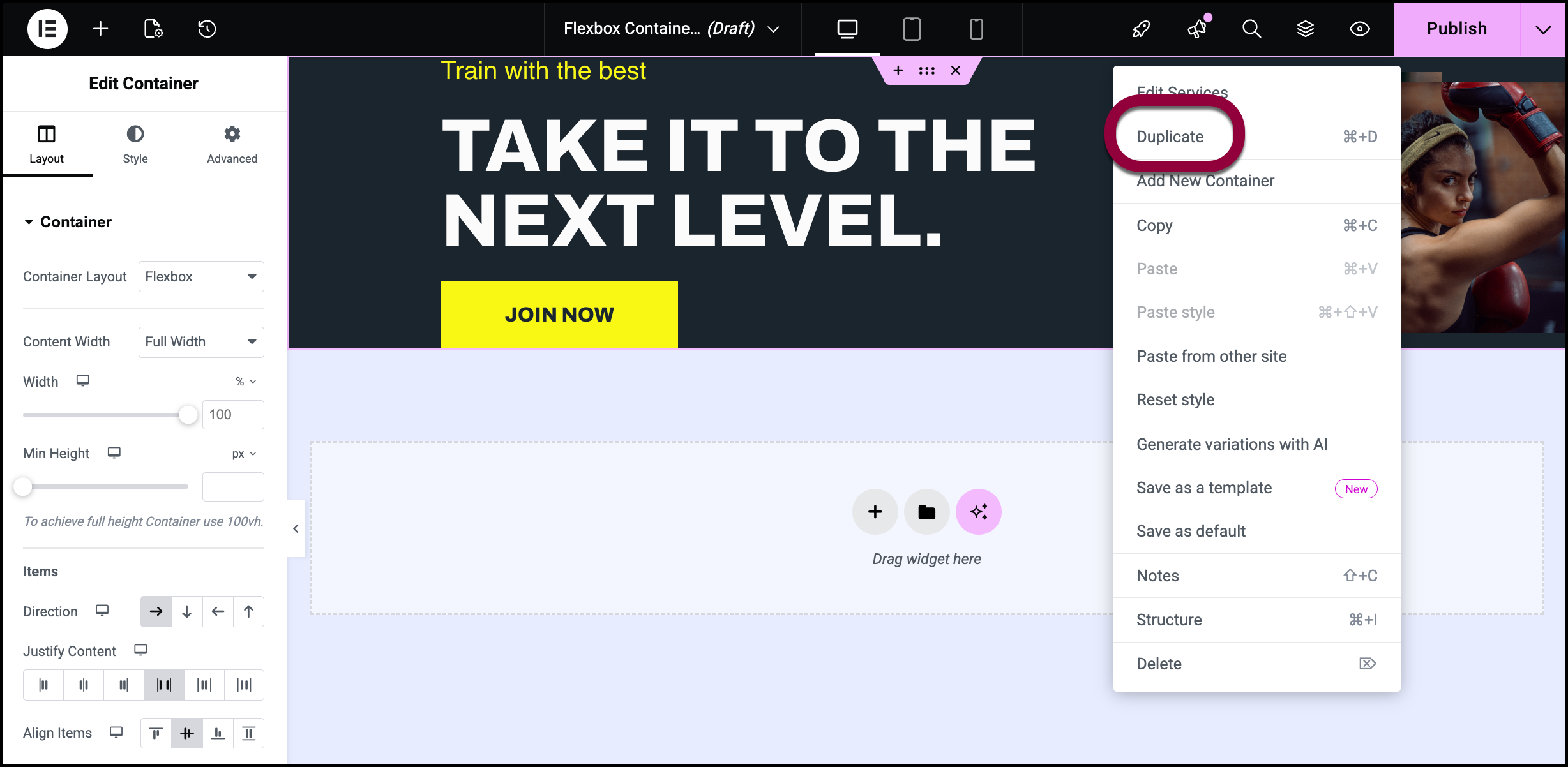
- Right-click the dotted header of the container.
- Select Duplicate. This action duplicates the container directly below.
Save a container
To save a container to your template library:
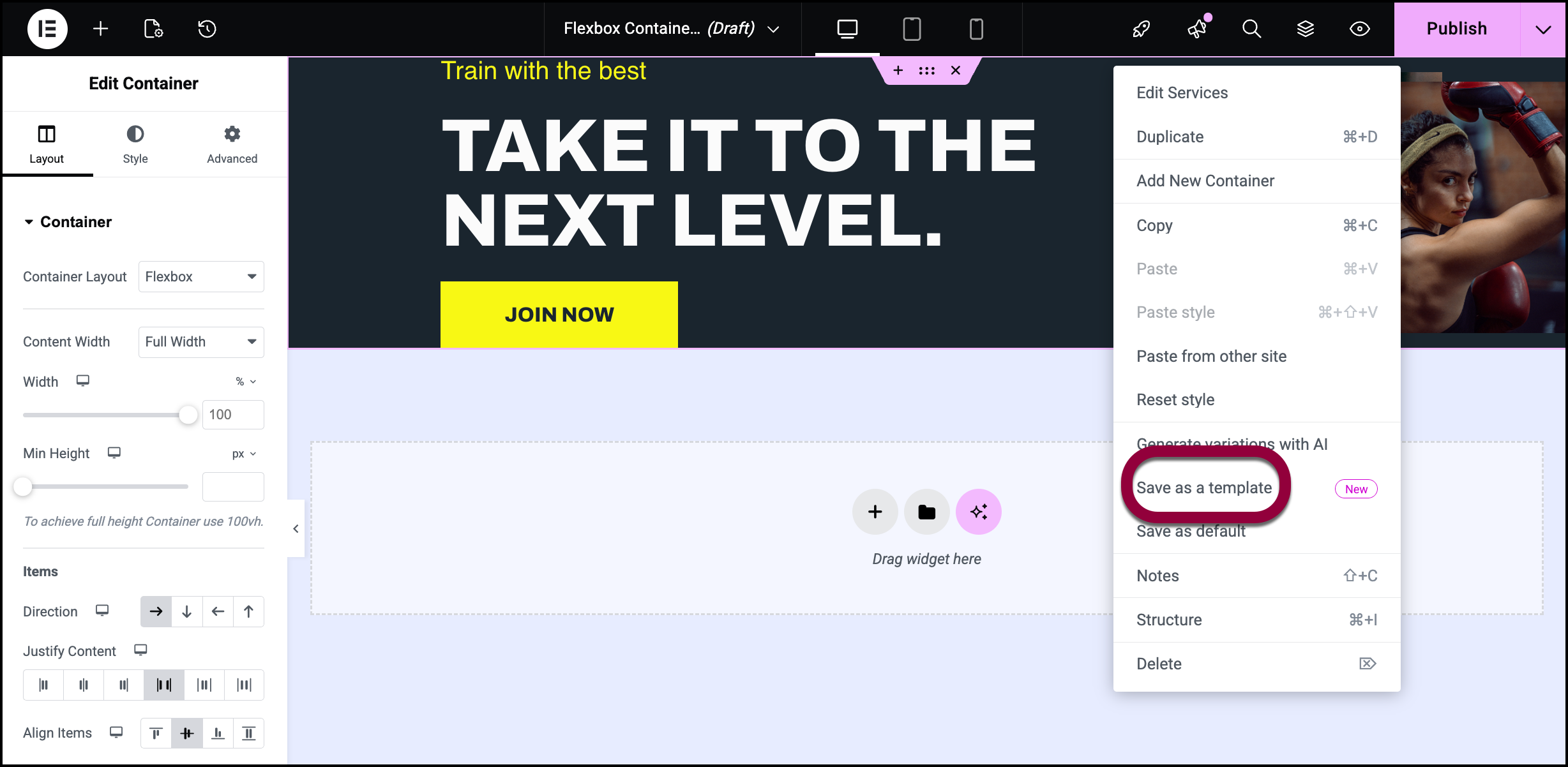
- Right click the container header.
- Select Save as Template.
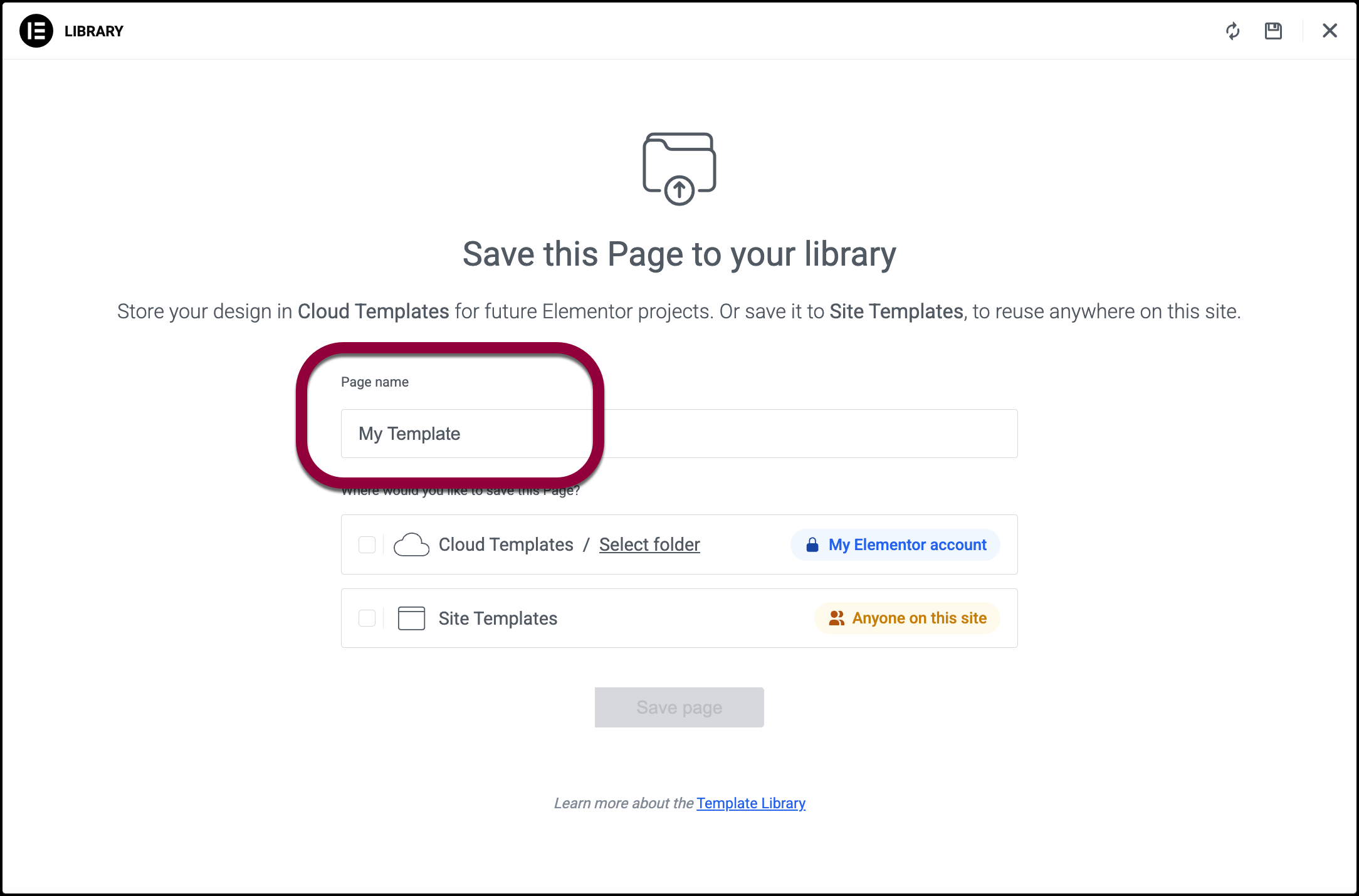
- Enter the template name in the form.
- Choose between saving the container to your site library or cloud library. For details, see The difference between site templates and cloud templates.
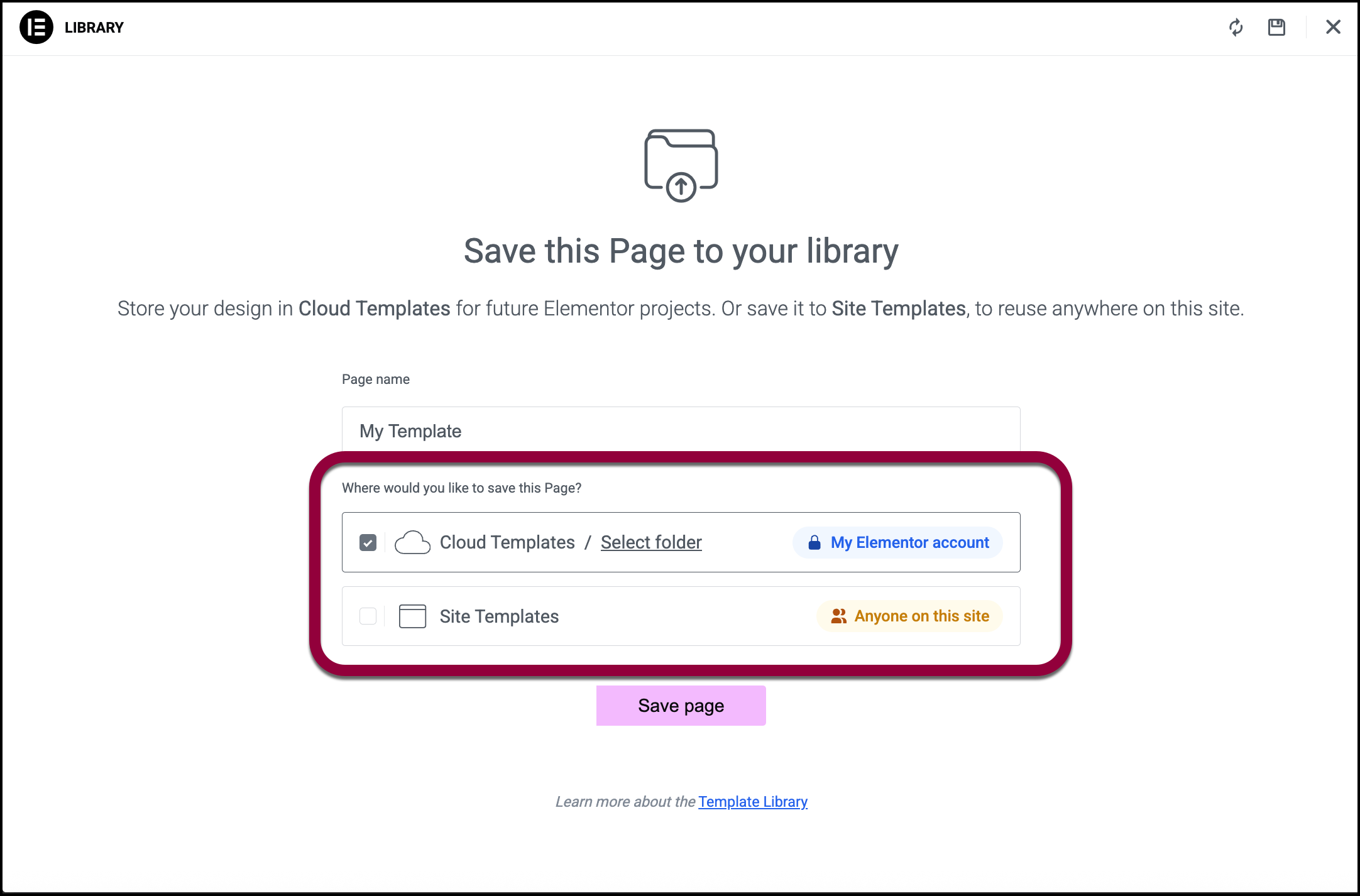
- Click Save page.
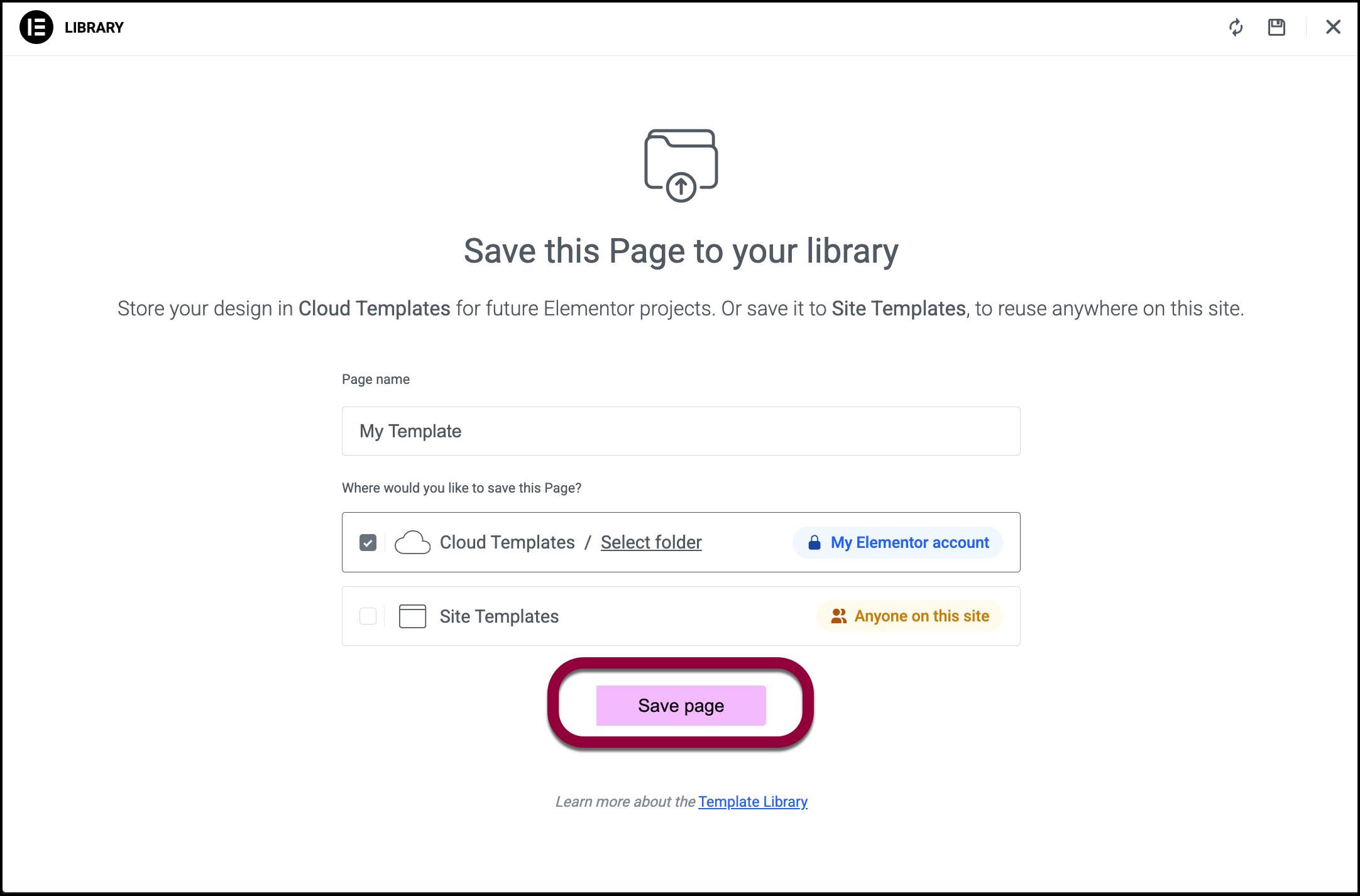
The container is saved to your template library.
To reuse the container
Use the following process to reuse a container:
- Click the folder icon on the canvas to open your template library.
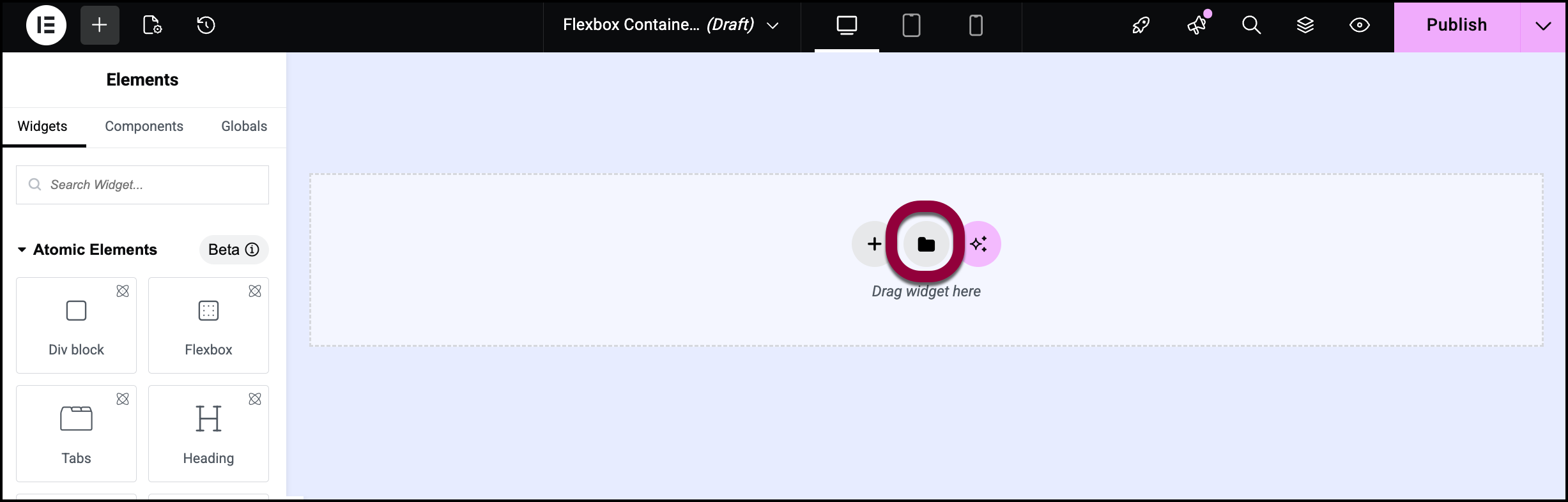
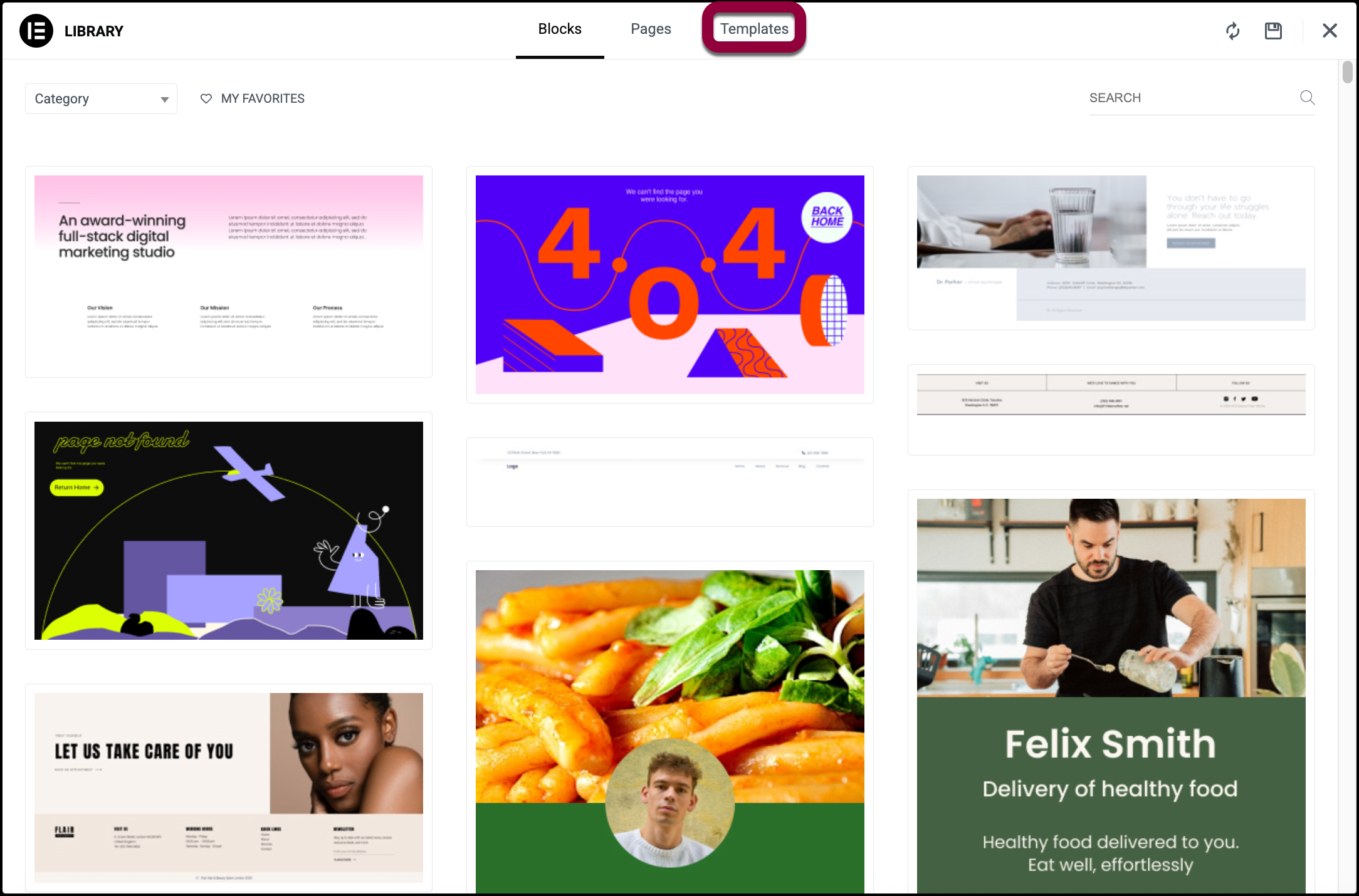
- Select Templates to find your saved containers.
- Select either the Site Templates or the Cloud Templates tab. For details, see The difference between site templates and cloud templates.
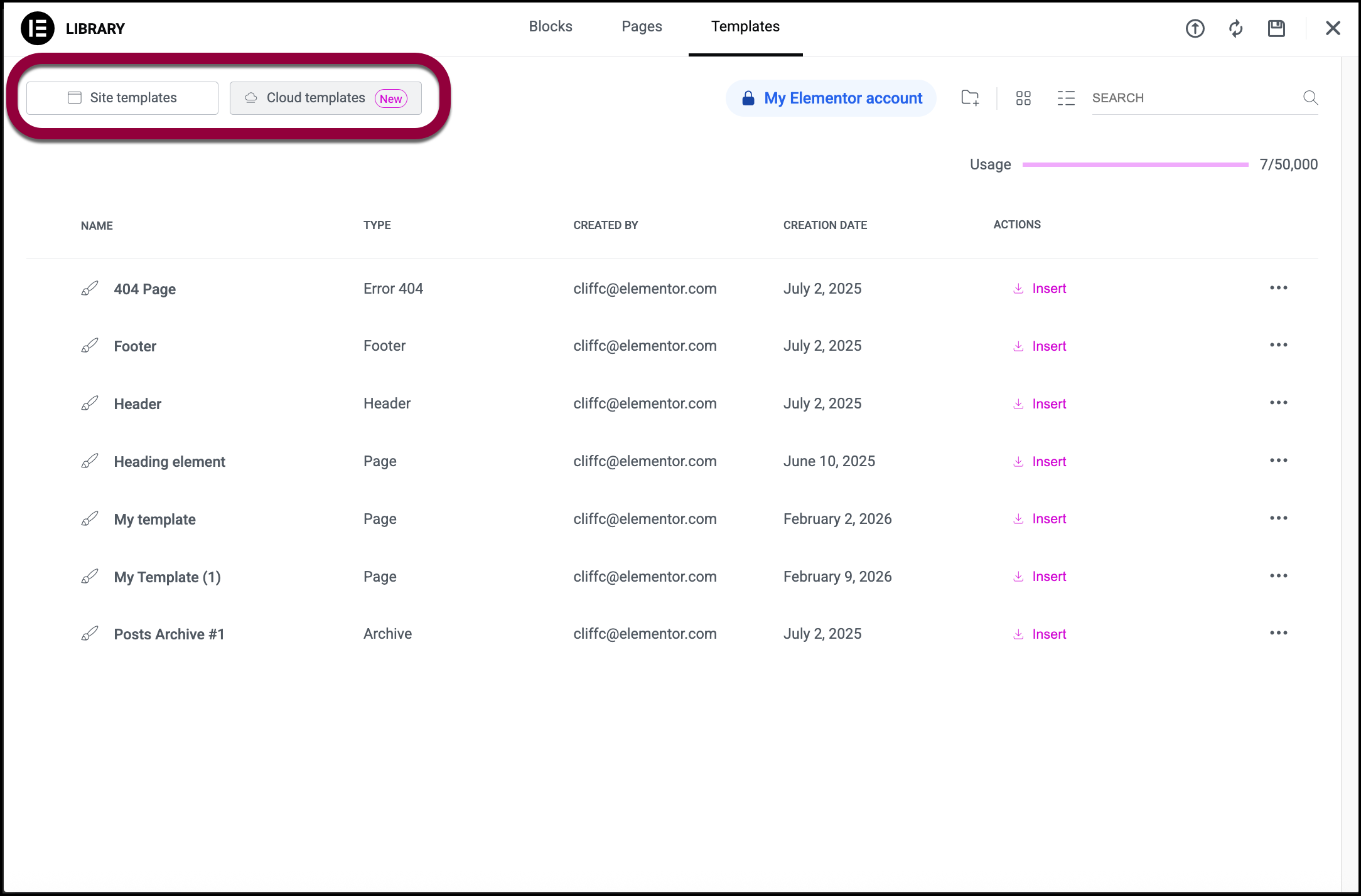
- Select your preferred container.
- Click the Insert option to the far right of the template you want.
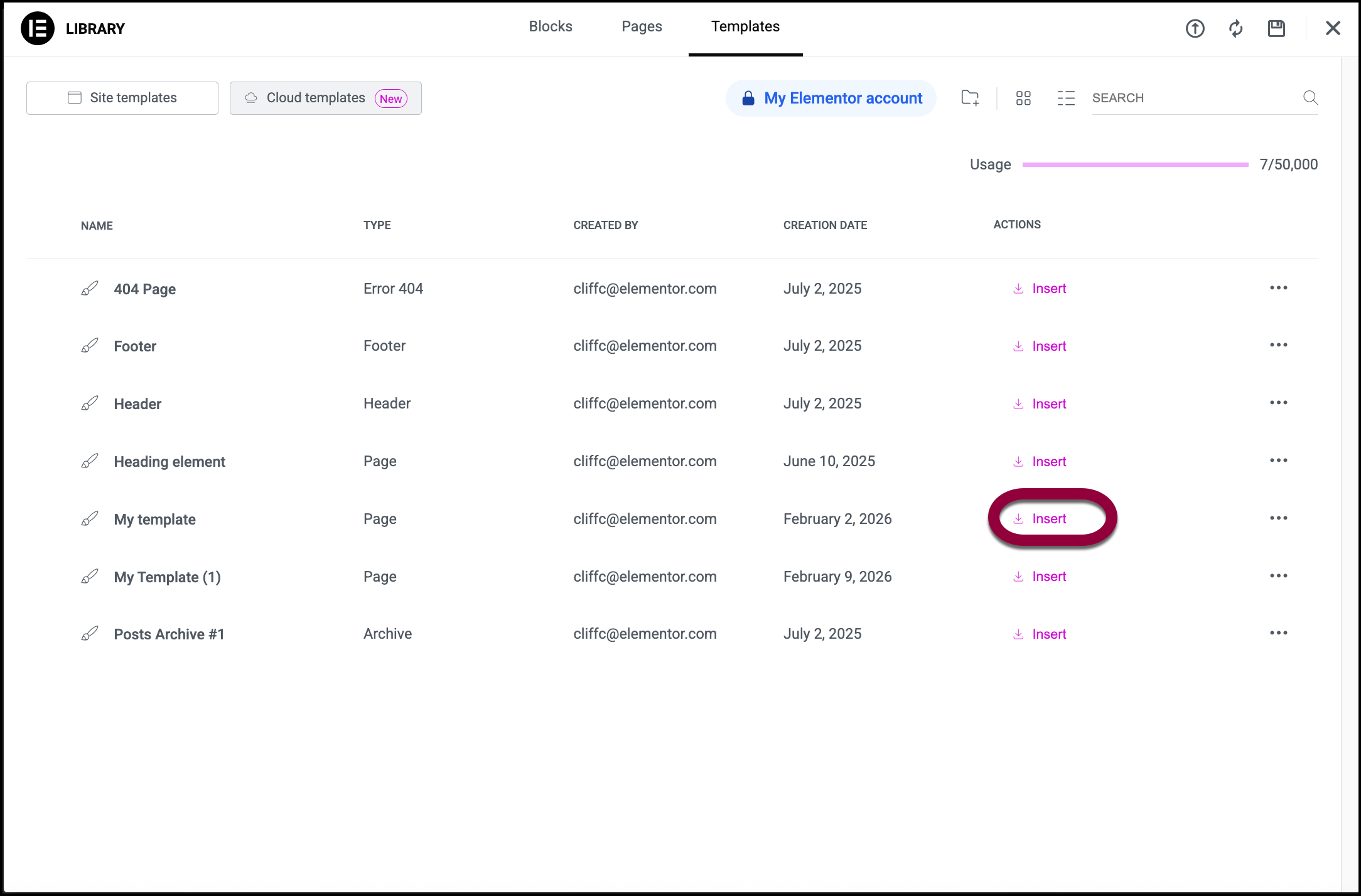
Once you click Insert, a duplicate page will be created.
Next steps
Creating and reusing containers will help streamline how you build pages, optimize your designs, and improve the overall quality of the website. Now it’s time to start learning how to make your containers as efficient as possible. Start with our article discussing how many containers to use on your page.
To get the most out of Elementor, check out the Elementor Academy for helpful learning resources. If you come across any issues or need help, please contact our Support Center.


