

Any device that connects to the Internet connects through an IP addressThis can change if it's dynamic, but not if it's fixed; this largely depends on your service provider. You can always check for yourself whether your address is always the same or changes.
Over time, many people have wanted to show this address as little as possible, whether by using a VPN or some other application. Your IP address is your license plate on the Internet., the identifier with which you will connect to the network and, if it is fixed, you will repeatedly display the same one to the different sites you visit.
There are several easy ways to hide your IP address using AndroidTherefore, we're going to explain how to do it if you want to browse more anonymously and with greater control over your data. Using your IP address, it's possible to find out... Your internet provider, your country, approximate city and even infer browsing habits, so decide for yourself whether it's best to hide it or at least mask it in certain situations.
In addition to the specific tools we'll see later, it's helpful to understand some basic concepts about IP, VPN, proxies, and networks like Tor, because the better you understand what each system does, better you'll be able to choose the right solution depending on what you need at any given time (privacy, unlocking content, avoiding ad tracking, etc.).
What is an IP address and what types exist?
The IP address is a numerical identifier An IP address is assigned to each device or connection that communicates on the internet. It works like a postal address: it tells servers which device is making the request and where to send the information (web pages, videos, emails, etc.). Without IP addresses, data could not reach its destination.
When you connect to the Internet from your Android mobile, your traffic is based on the TCP/IP model: Clients (for example, your browser or your apps) make requests to servers (websites, platforms, APIs) using source and destination IP addresses. Search engines like Google, the websites you visit, and many cloud services use this IP address to know where to send information and also to record access metrics.
We can differentiate several types of IP addresses that may be of interest to you if you want to protect your privacy:
- public IP: It's the address your internet service provider assigns to your connection so you can browse the web. It's the IP address that websites, services, and applications see when you connect. It's usually dynamic (changes periodically or when the router is restarted), although it may also be fixed in some contracts.
- Private IP: It is the address assigned to each device within your local network (your mobile, your Smart TV, your laptop, etc.). It is not visible from the Internet, only within your home, office or internal network.
- Static vs dynamic IP: A static IP address remains the same; a dynamic IP address changes periodically. Most home users have dynamic IP addresses, but this doesn't prevent your activity from being tracked if you don't take protective measures.
Why you might want to hide your IP address on Android
Your public IP address acts as an identifier for your connection. With it you can find out your provider, your country and an approximate locationFurthermore, it can be associated with browsing habits, searches, and visited pages. These are some common reasons for hiding or changing it on Android:
- Maintaining basic privacy and anonymity: If you prefer that websites and services not associate your activity with your real IP address, masking it is a basic measure. It doesn't make you invisible, but it does make it harder for your traffic to be linked to your specific line.
- Reduce ad tracking: Advertisers, ad networks, and platforms can combine cookies, browser fingerprinting, and your IP address to build a fairly accurate profile. Hiding the IP address makes tracking more difficult. and limits profiling.
- Improve your security against attacks: If an attacker knows your IP address and is targeting you, they can try to scan ports, launch attacks, or monitor traffic on unsecured networks. Hiding the real IP address adds an extra layer faced with this type of risk.
- Prevent your ISP from seeing all your unencrypted traffic: Your internet provider can see which sites you connect to, how much data you use, and at what times. A VPN or Tor can help. They prevent your ISP from seeing the specific content of your traffic. (although it will see that you are connecting to a VPN server or Tor node).
- Bypassing geographical restrictions or censorship: Some streaming content, websites, or services are only available in certain countries or are blocked in your region. Change your IP address using a VPN or Tor. It allows you to simulate connecting from another country and unlock some of that content.
It's important to know that No method offers complete anonymityUsing VPNs, proxies, or Tor greatly increases your privacy, but there can always be weaknesses (incorrect configurations, unreliable providers, malware on the device, etc.). Ideally, they should be combined with... good security practices (update Android, use strong passwords, review app permissions, etc.).
Hide your IP with TunnelBear
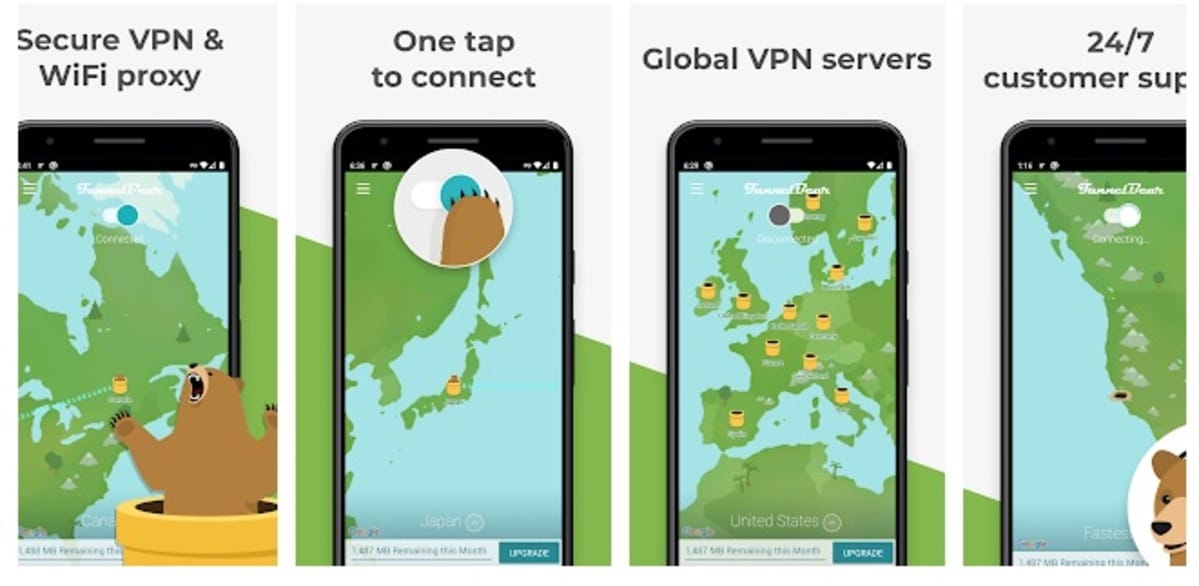
A simple way to hide the IP on Android is to use a VPNA VPN redirects all your internet traffic through its own servers. When you open a page like Google, instead of connecting directly, Your mobile phone first connects to the VPN server.And it's this server that communicates with Google. The result is that websites and apps see the VPN server's IP address, not your real one.
TunnelBear is one of the lesser-known VPNs on the market, but It's just as functional as other paid services most popular. It's a user-friendly application, very much geared towards users who want something easy to use without having to understand advanced settings.
TunnelBear is a convenient application to work with; it only requires a small registration to function and gives you a certain amount of free megabytes to browse. The app gives 500 MB of data per month at no costAnd its unlimited plan costs less than $4 a month, which is just over €3, making it an affordable option if you only need basic usage.
In addition, TunnelBear allows you choose between servers in various countriesThis not only hides your IP address, but also helps you simulate being in another region: useful for geo-blocked content or to bypass certain network restrictions.
The steps to install it and start using it are as follows:
- The first thing is to download and install TunnelBear on your Android device.
- Once installed, launch the application from the desktop.
- Register with an email addressEnter your password and fill in the fields that the application asks for.
- Once you have registered, confirm to validate the account and log in to the application.
- Once logged in, choose one of the countries to connectYou can choose one other than Spain's.
- If you've already selected a country, tap the switch. When choosing a country, you can leave it on automatic so the app selects the optimal server.
- Check the IP address currently on your device: you can visit websites such as "What is my IP," "View my IP," or "My IP," among many other services available online, to make sure the address has changed.
If at any point the free 500 MB isn't enough for you, you can always use TunnelBear for specific moments when you need more privacy (sensitive queries, connections from public WiFi, etc.) and combine it with other solutions the rest of the time.


Hide IP with PureVPN
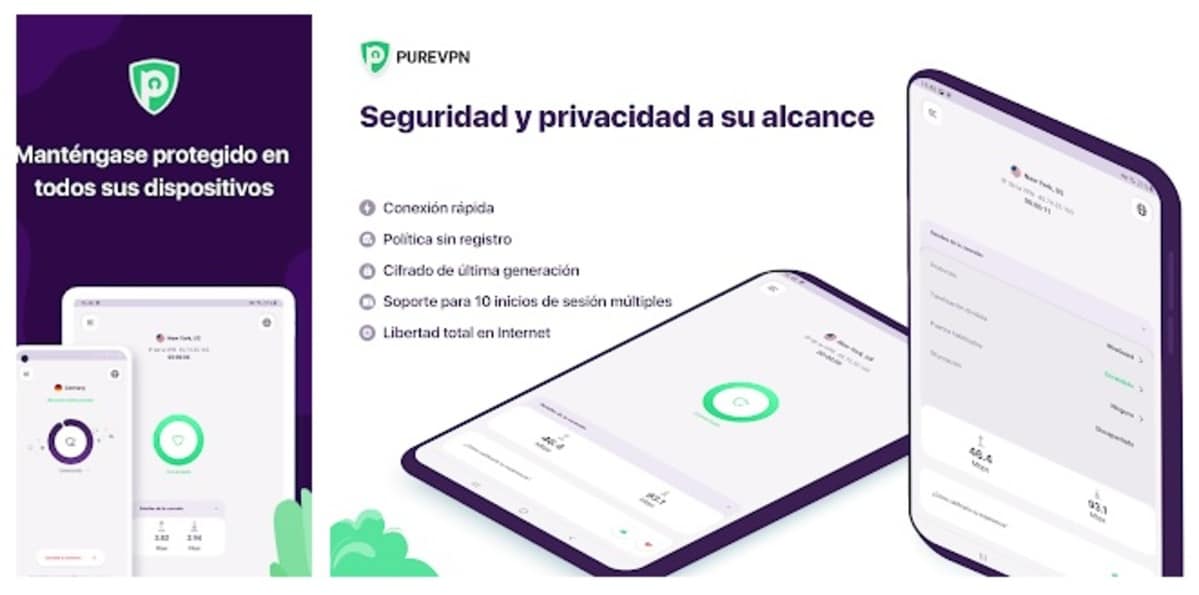
It's another powerful VPN that lets you browse freely without revealing your real IP address. nor other sensitive data. PureVPN is similar in use to TunnelBear and has a low cost for Android users, focusing more on long-term plans with significant discounts.
It has access to servers in 141 countriesTherefore, you'll connect using the IP address assigned by the application, not the one provided by your carrier. This gives you many options for bypassing regional blocks, trying services from other countries, or simply diversifying your connection routes.
PureVPN's plans are quite affordable if you sign up for a long-term contract. You can pay less than two euros per month for a 24-month planobtaining unlimited and encrypted browsing. The discount is 81%.So you won't pay the almost 10 euros it would cost if you got the one-month plan.
Its use is similar to any simple VPN: you choose your location, activate the connection, and All your Android traffic passes through that encrypted tunnel.This way, websites and apps will only see the IP address of the PureVPN server.
Once you have registered, choose one of the countries to connectLaunch your browser and browse as usual. The assigned IP address from the country provided by the PureVPN app will be displayed; you can even perform a WHOIS lookup using one of the available websites to check the provider and approximate location of that IP address.

Hide the IP with IPVanish
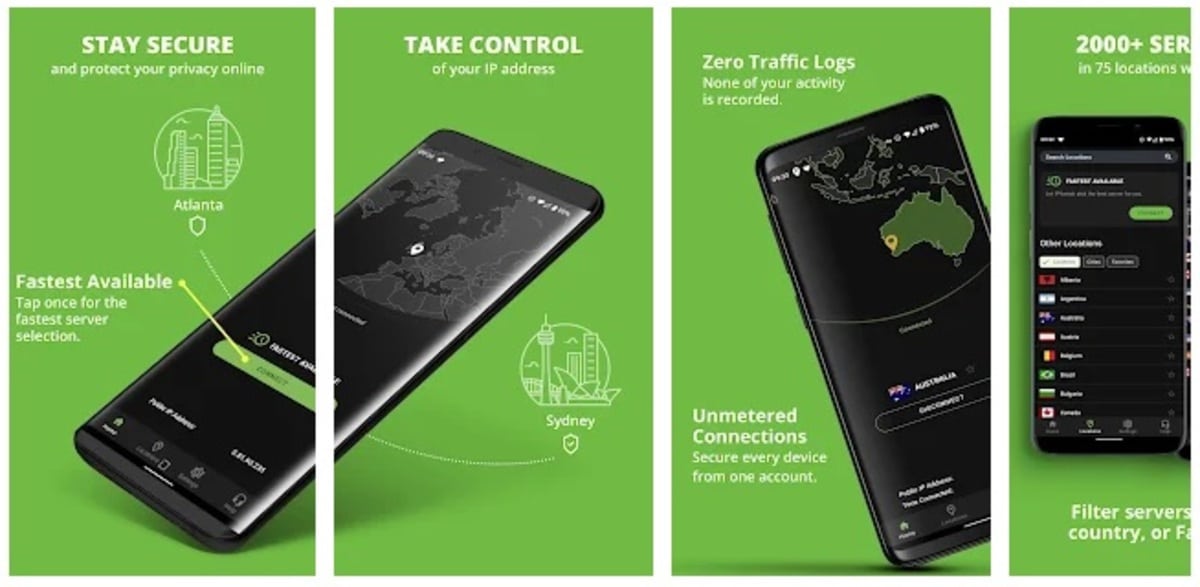
It is a VPN that you can use to hide the IPUsing a random IP address, as it will connect to one of the many available on its servers located around the world, you can access websites that are inaccessible from your region. For example, if a website has been banned or a service is unavailable in Spain, you can use IPVanish to simulate another location.
IPVanish stands out for offering Payment plans with a good balance between speed and securityIn addition to allowing multiple devices to connect simultaneously, this combination of performance and privacy is especially appealing to those who frequently use their Android phone for streaming, downloads, or intensive browsing.
To hide your IP address, all you have to do is install the application, launch it, and complete the registration process; then connect to one of the available servers, and you're done. All your mobile browsing will then pass through that server. The visible IP address will be that of the IPVanish nodenot yours.
IPVanish has payment plansYou can opt for the most economical plan to start testing it and browsing anonymously. Before and after connecting, it's worth checking your IP address on a verification page to confirm the change has been applied correctly.

Other popular VPNs to hide your IP on Android

While TunnelBear, PureVPN, and IPVanish are good options, there are other widely used VPNs on Android that also... They allow you to mask your IP address and strengthen your security. Most work in a very similar way: you install the app, log in, choose a server, and activate the connection.
- surfshark: It offers more than 4.500 servers in around 100 countries. It is known for its good value for money and allows unlimited connections of devices with a single account. It is compatible with Android, Windows, Mac, iPhone, Linux, and other systems, and its focus is heavily on privacy, with policies of no activity log.
- ExpressVPN: It is one of the most reputable services in the sector. It stands out for its Speed, stability, and advanced encryptionIt's ideal if you want to hide your IP address without noticing much of a drop in performance when streaming, playing online games, or making video calls.
- Hot Spot Shield: Very popular and with an Android version, it allows you to access the internet anonymously by masking your IP address. It also offers access to pages blocked by censorship or geographical restrictionsThe free version displays ads and its speed may be slower, but it may be sufficient for occasional use.
- VPNs integrated into browsers: browsers like Opera They offer a free, integrated VPN through their own app. Although it usually only covers browser traffic and not the entire system, it's a very fast way to hide your IP address on the websites you visit without installing additional apps.
When choosing a VPN, it's key to review aspects such as registration policy, number of servers and countries, Android supportDevice limits and company reputation are also factors to consider. Keep in mind that many free VPNs may be funded by selling usage data, which defeats the purpose of protecting your privacy; therefore, for regular use, it's usually preferable to opt for a trusted paid service.
Using TOR
A simple way to browse anonymously is by using the Tor client.Tor (The Onion Router) is a network of servers operated by volunteers that They encrypt and forward your traffic through multiple nodes, adding layers of encryption like an onion. This makes it extremely difficult for anyone to trace where a connection originated.
On Android, Tor is primarily used through Tor BrowserIt's a free app. Setup is simple: first, download the app from Google Play, install it on your phone or tablet, and then open it and let it connect to the Tor network. You don't need to be an expert; the app handles most of the process automatically.
When it comes to hiding your IP address, Tor is a fantastic tool that hide your address without much troubleAlthough browsing is usually slower. Every time you connect, You are assigned a different outgoing IP address., coming from anywhere in the world, so the website you visit will see that IP address instead of your real one.
You can also combine Tor with certain proxies. You can use proxies from the ProxySite siteThis page regularly updates many of these browsers, all functional for browsing without revealing your direct IP address. However, in most cases, the Tor Browser itself is sufficient, as it already includes the necessary features to hide your address.
Tor is a browser that has revolutionized the privacy market, although it has important nuances: It does not encrypt traffic outside of the browser itself.And some sites or services may block connections originating from Tor nodes. Therefore, it's ideal for sensitive browsing, private queries, or accessing censored content, but not so much for intensive streaming or tasks that require high speed.

Hide your IP address using proxy servers on Android
Another way to change and hide your IP address is by using a proxy serverA proxy acts as an intermediary between your Android device and the website you are connecting to: Your mobile phone communicates with the proxy, and the proxy, in turn, communicates with the destination website.This way, the page doesn't see your real IP address, but rather the IP address of the proxy server.
There are different types of proxies:
- HTTP or SOCKS proxy: It redirects traffic from specific applications (usually the browser or manually configured apps). It's a simple way to hide your IP address without affecting the entire system.
- transparent proxy: It does not hide your IP address or the fact that you are using a proxy; it only acts as an intermediary.
- Anonymous proxy: Hide your real IP address, but inform the website that traffic is passing through a proxy.
- High Anonymity or Elite Proxy: It hides both your real IP address and the use of a proxy, offering more privacy.
On Android you can use proxies in several ways:
- Setting up a Manually proxy on the WiFi network (in the advanced connection settings).
- By installing specific apps, such as Orbot or ProxyDroidwhich allow redirecting the traffic of certain applications through a proxy.
- Using web proxies such as Hide.me or ProxySite, which you access from the browser and which load the pages in their own interface.
The main difference compared to a VPN is that Most proxies do not encrypt traffic between your device and the proxy server. Therefore, someone intercepting that connection (for example, on public Wi-Fi) could see your activity. For this reason, proxies are often a useful solution as temporary patch or for very specific usesbut not the best option to protect yourself long-term against tracking and attacks.
Use public Wi-Fi

It's one of the many ways available to hide your IP address on Android.Connect to a public Wi-Fi network instead of using your mobile data connection or home network. By doing so, The IP address that the Internet will see will be that of that public network. (cafeteria, shopping center, airport, library, etc.) and not the one associated with your home or mobile data contract.
Access points will be located in various places; for example, if you go to a shopping mall, you can connect to its Wi-Fi, as well as at the airport, university, and many other locations. You don't need any special procedures, except... find a WiFi network whose usage you don't mind being logged and connect from the Android settings.
However, It's not a particularly safe way.On open or poorly configured networks, it's relatively easy for an attacker on the same network to try to spy on unencrypted traffic, launch man-in-the-middle attacks, or spoof websites. Therefore, even if the IP address displayed isn't yours, Your safety may be seriously compromised. if you don't take precautions.
Many access points offer passwordless connectivityAlthough sometimes you need to provide at least an alias, accept terms and conditions, or complete a brief registration. In any case, it's best to treat them as networks with limited trust.
Public WiFi networks are not recommended if you are going to access your bank's app.to services with sensitive data (PayPal, online banking, work email, etc.) or other sites where your credentials are especially critical. It's recommended that on these networks you only browse sites where you don't have to enter your name or any password that could be compromised, or better yet, combine public WiFi with a VPNThis way, even if you use the IP address of the public place, your traffic will be end-to-end encrypted between your Android device and the VPN server.
Recommended methods and how to choose the best option for you

On Android, you have four main ways to hide or mask your IP address:
- Use a VPN app: It encrypts your traffic and routes it through a remote server, hiding your IP address and offering good overall protection. It's the most balanced solution among privacy, security and ease of use.
- Using the Tor network: It focuses on anonymity, routing your traffic through multiple nodes and making tracking extremely difficult. In return, the speed can be considerably slower and some services block access from Tor.
- Use a proxy: It acts as an intermediary between your device and websites, displaying the proxy's IP address instead of yours. It's useful as a quick fix, but It often lacks consistent encryption. and it doesn't protect all apps unless it's carefully configured.
- Use public WiFi networks or hotspots: It changes the IP address you use to access the internet, since you'll be using the one from the public place. It doesn't add encryption or real anonymity. increases security risks if it is not combined with other measures such as a VPN.
For most Android users, the best option is:
- Use a Reliable VPN (paid or reputable) as the primary solution for hiding IP and encrypting traffic.
- Book Now Tor Browser for times when privacy and anonymity are a priority, accepting the loss of speed.
- Use Proxies and public WiFi only as an add-onknowing that they are not a complete security solution on their own.
Before installing anything, always check the permissions that apps ask forPay attention to their privacy policy and avoid opaque services or those with excessively intrusive advertising. Hiding your IP address is a very important step, but it works best when accompanied by... good general security practices.
By applying these methods on your Android mobile, you can have greater control over who sees your IP address, limit tracking, strengthen security on public networks, and access content that would otherwise be restricted, all while adapting each tool to the level of privacy you need in each situation.
