
Features & Add-ons
Unlock the full potential of Everest Forms with our dynamic features and add-ons. Create professional WordPress forms for blogs, businesses, and more.
Don’t see what you need? Request a feature!
General
-

35+ Form Fields
Choose from a vast collection of 35+ form fields and personalize your WordPress forms.
-
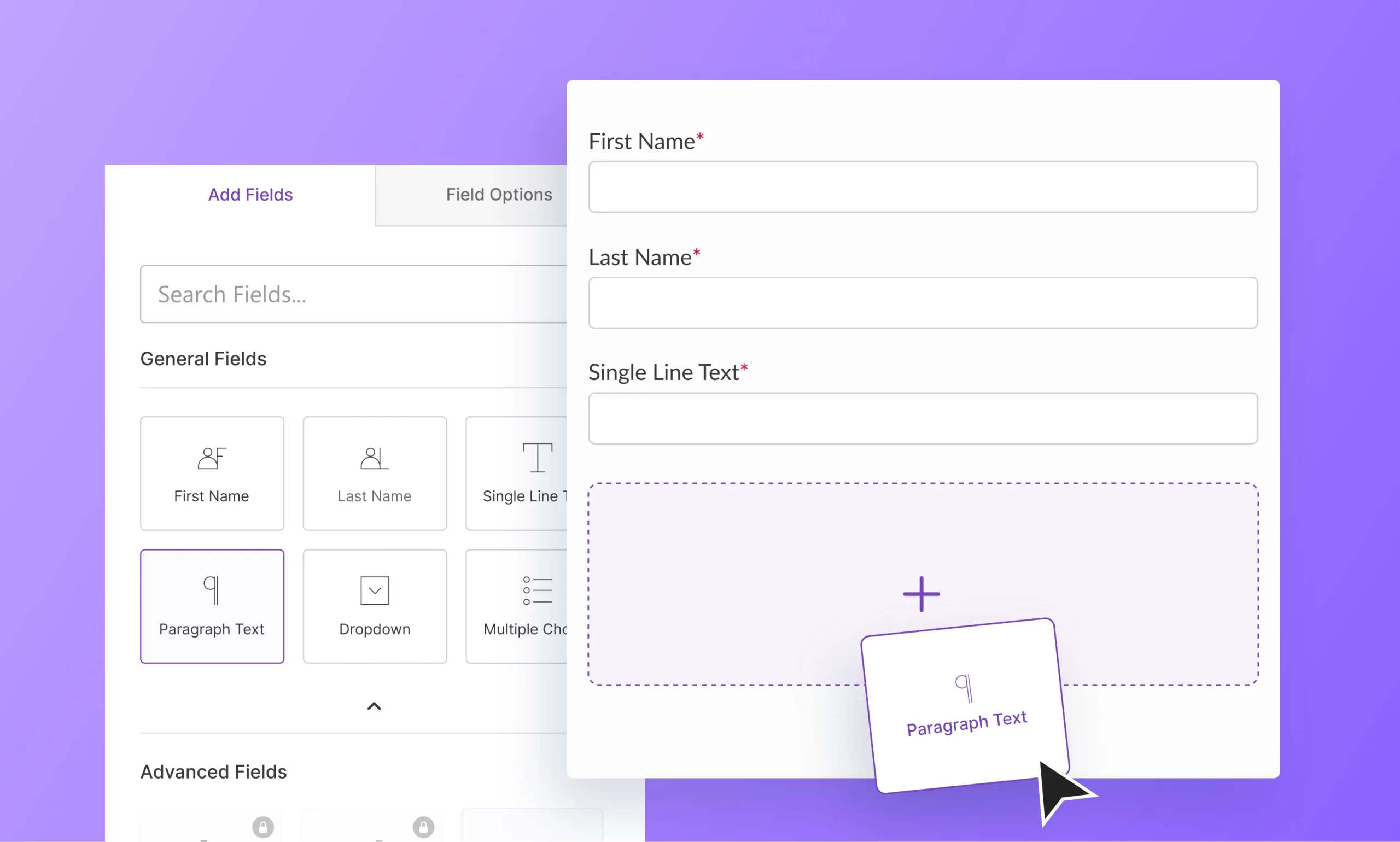
Powerful Form Builder
Create custom WordPress forms in minutes with the beginner-friendly form builder.
-
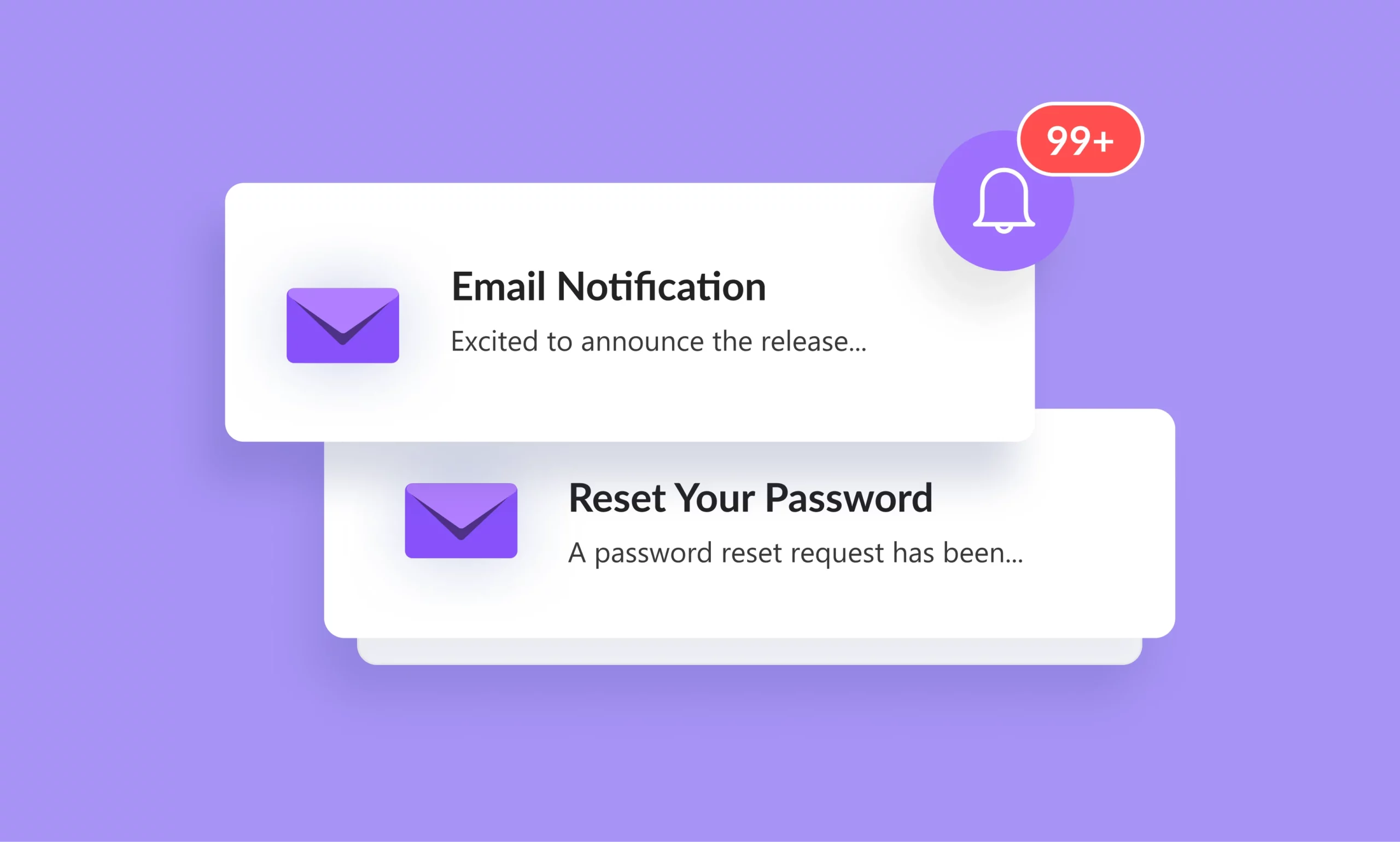
Email Notifications
Send unlimited automated email notifications, such as welcome or confirmation emails to users.
-
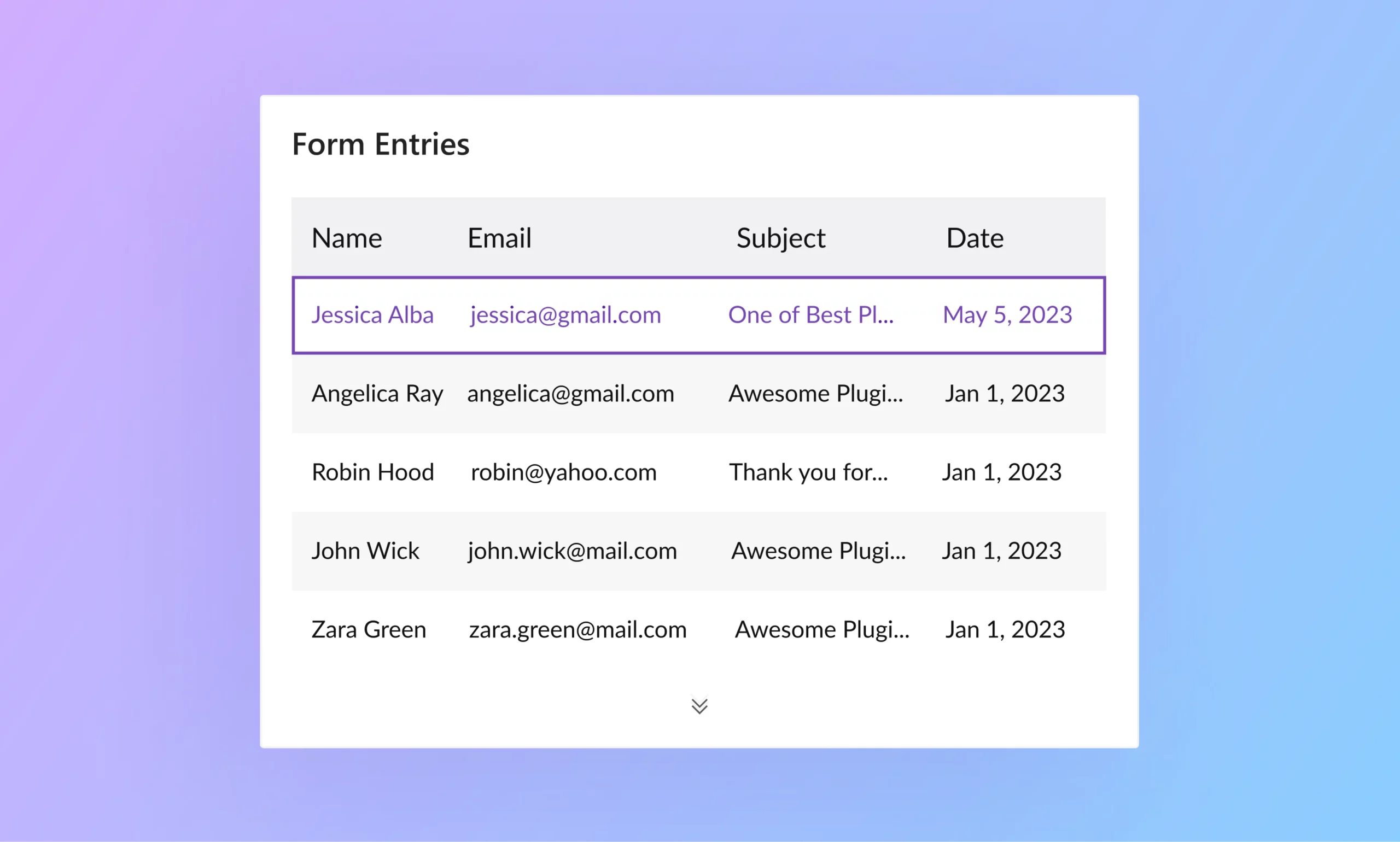
Entry Management
View, manage, and export all the form submissions in Everest Forms from a single interface.
-

File Uploads
Easily collect user information by enabling users to upload the required files in your form.
-
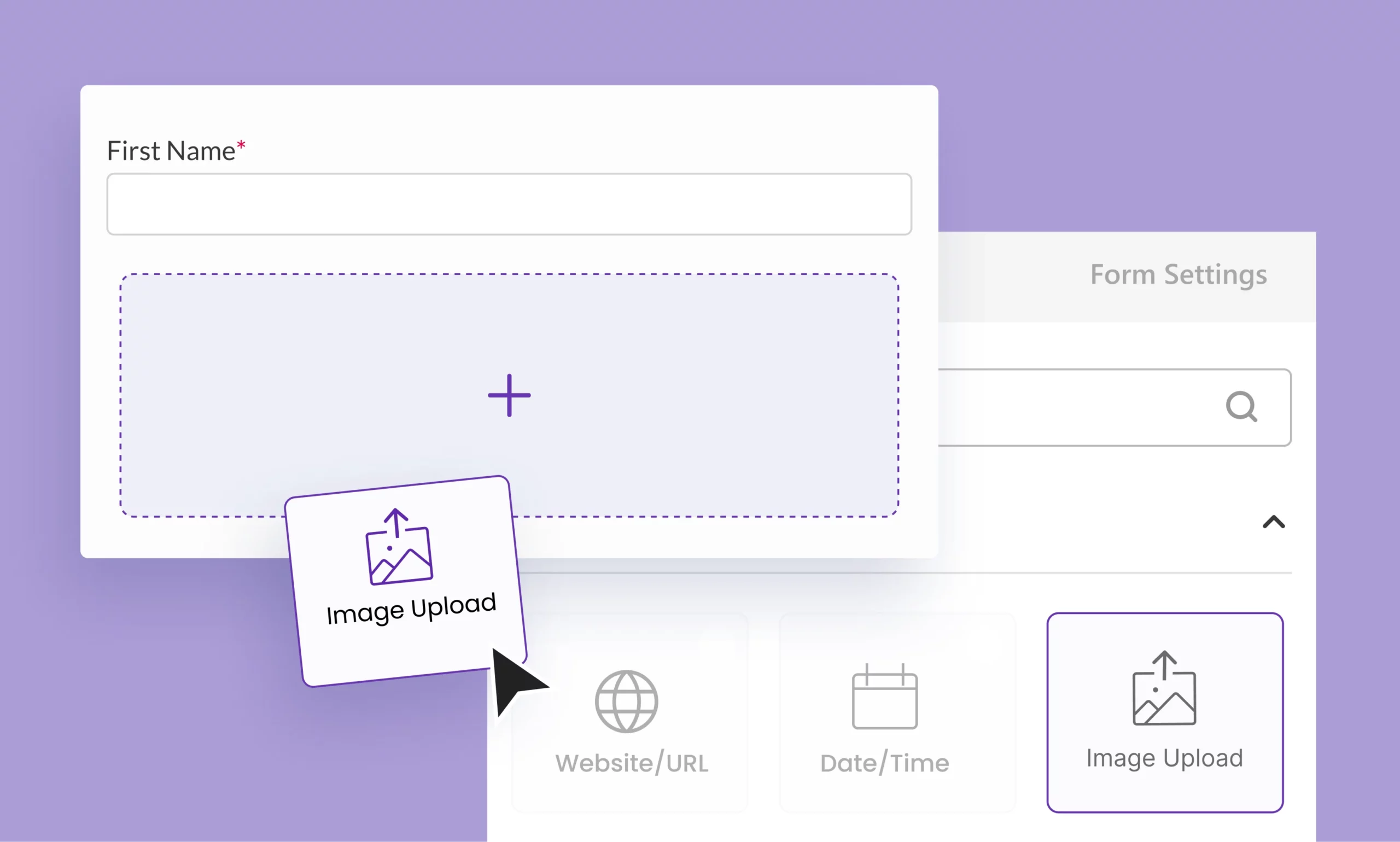
Image Uploads
Use the Image Upload field to let users upload the required image directly through your form.
-

User Redirection
Direct users to a relevant or targeted page after submitting a form on your website.
-
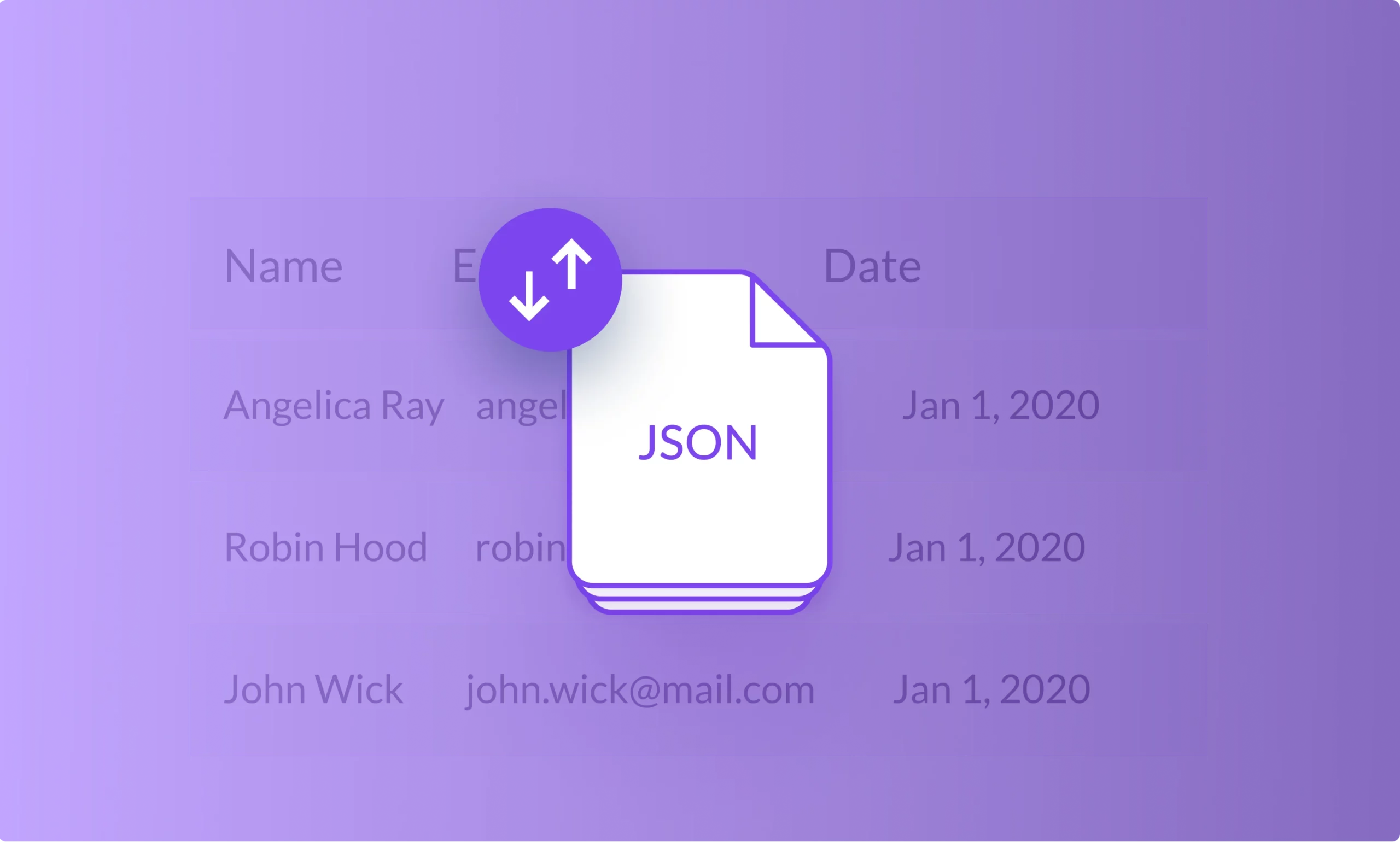
Form Import and Export
Simplify the transfer and replication of your custom forms across multiple sites for various purposes
Design
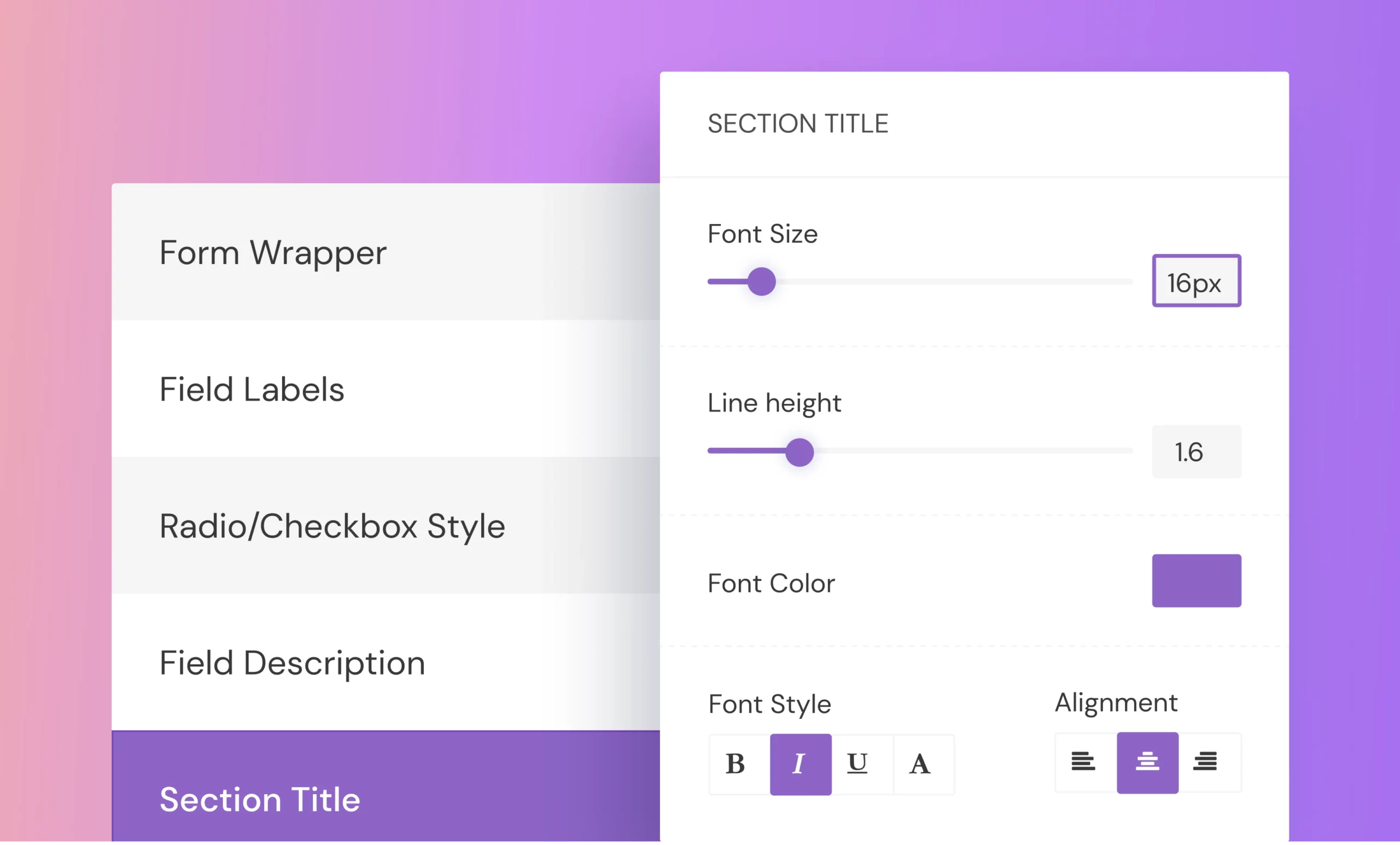

User Interaction and Experience
-

Survey, Polls, and Quiz
Create intuitive survey, poll and quiz forms within a minute and get the reports with graphs, charts and more.
-
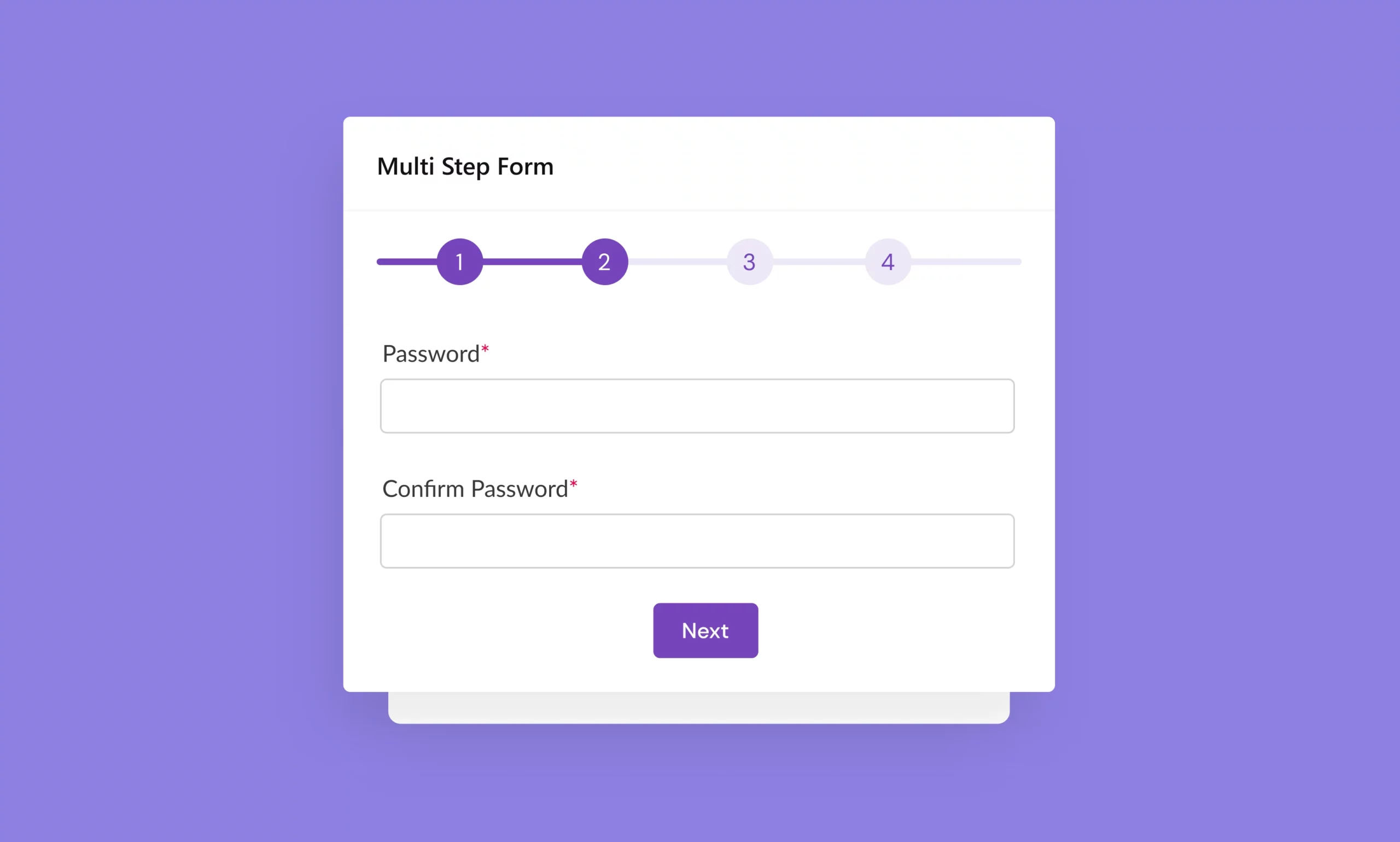
Multi Step Forms
Break your lengthy forms into multiple steps or pages and help users fill the form easily.
-

Conversational Forms
Enhance the way you display form fields by presenting one question at a time and altering the interface of your form.
-
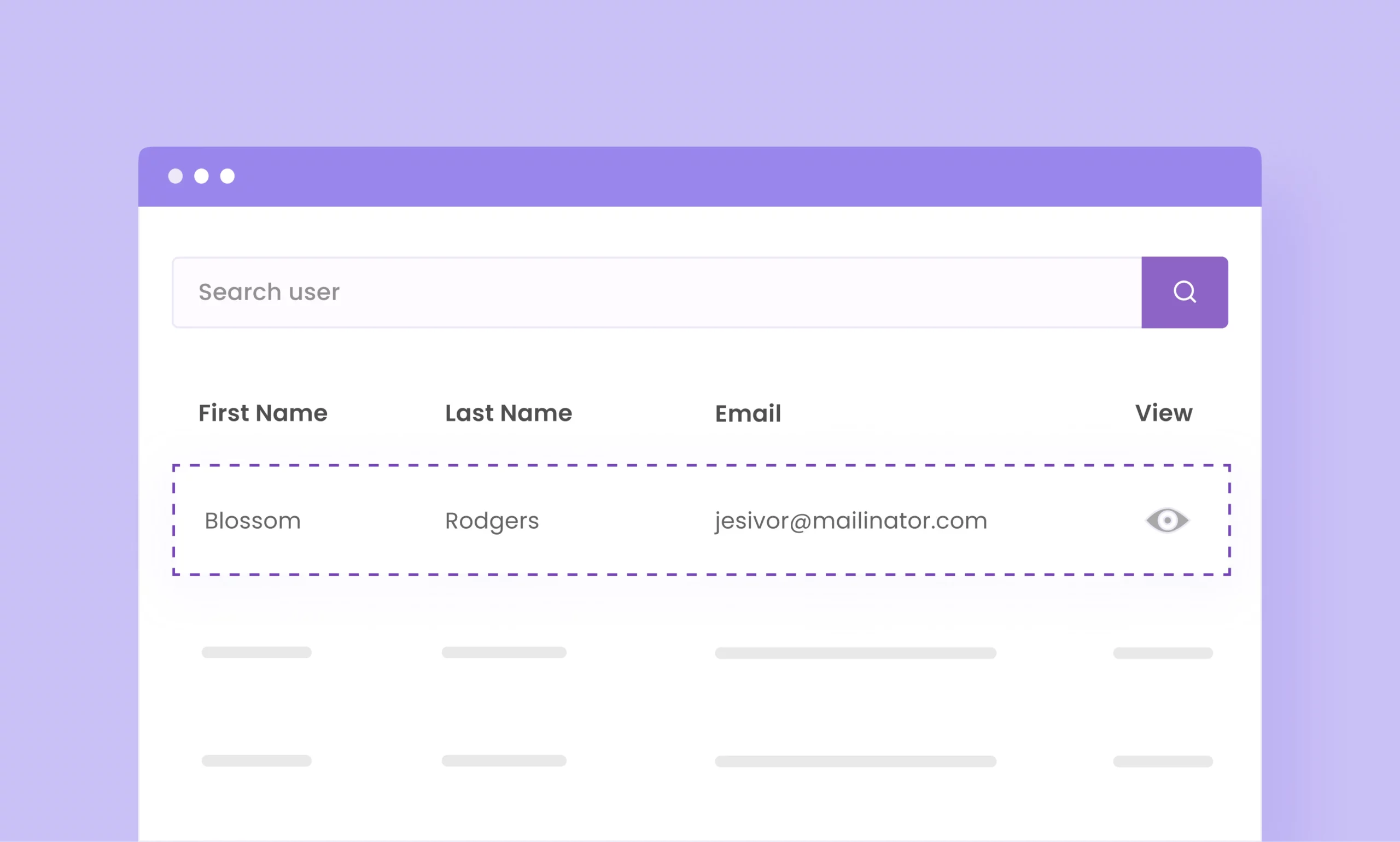
Frontend Listing
List entries of specific forms and display them in a table format on any page or post on your site.
Advanced
-

Landing Page Addon
Create standalone, high-converting pages for leads or sign-ups—no coding required.
-

Advanced Form Analytics
Track user interactions efficiently by monitoring impressions, conversions, abandonments, and bounce rate.
-

Geolocation
Effortlessly collect geolocation data from your users who’ve submitted a form on your website.
-
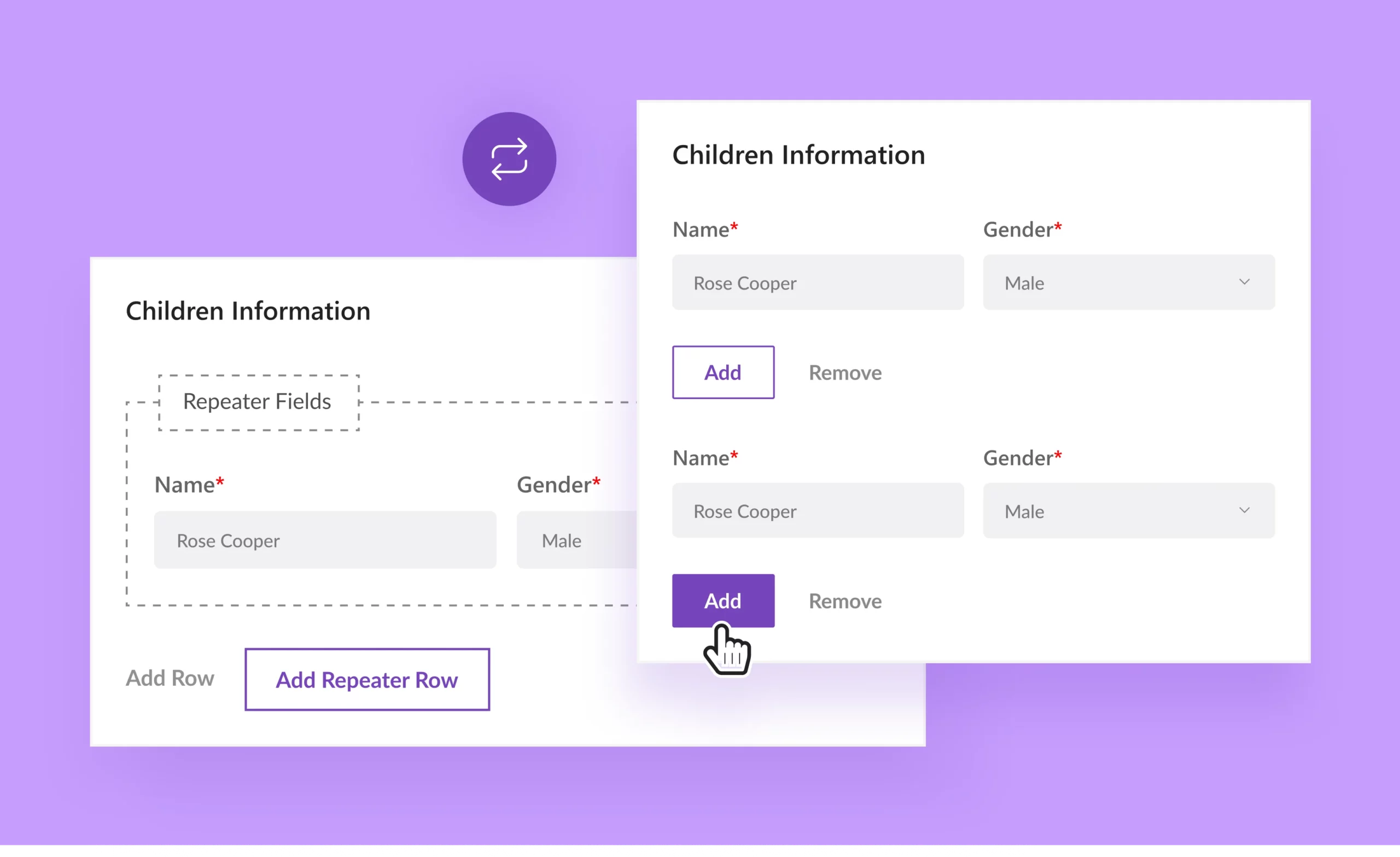
Repeater Fields
Repeatedly add a set of form fields within your WordPress forms enabling users to add more data as required.
-
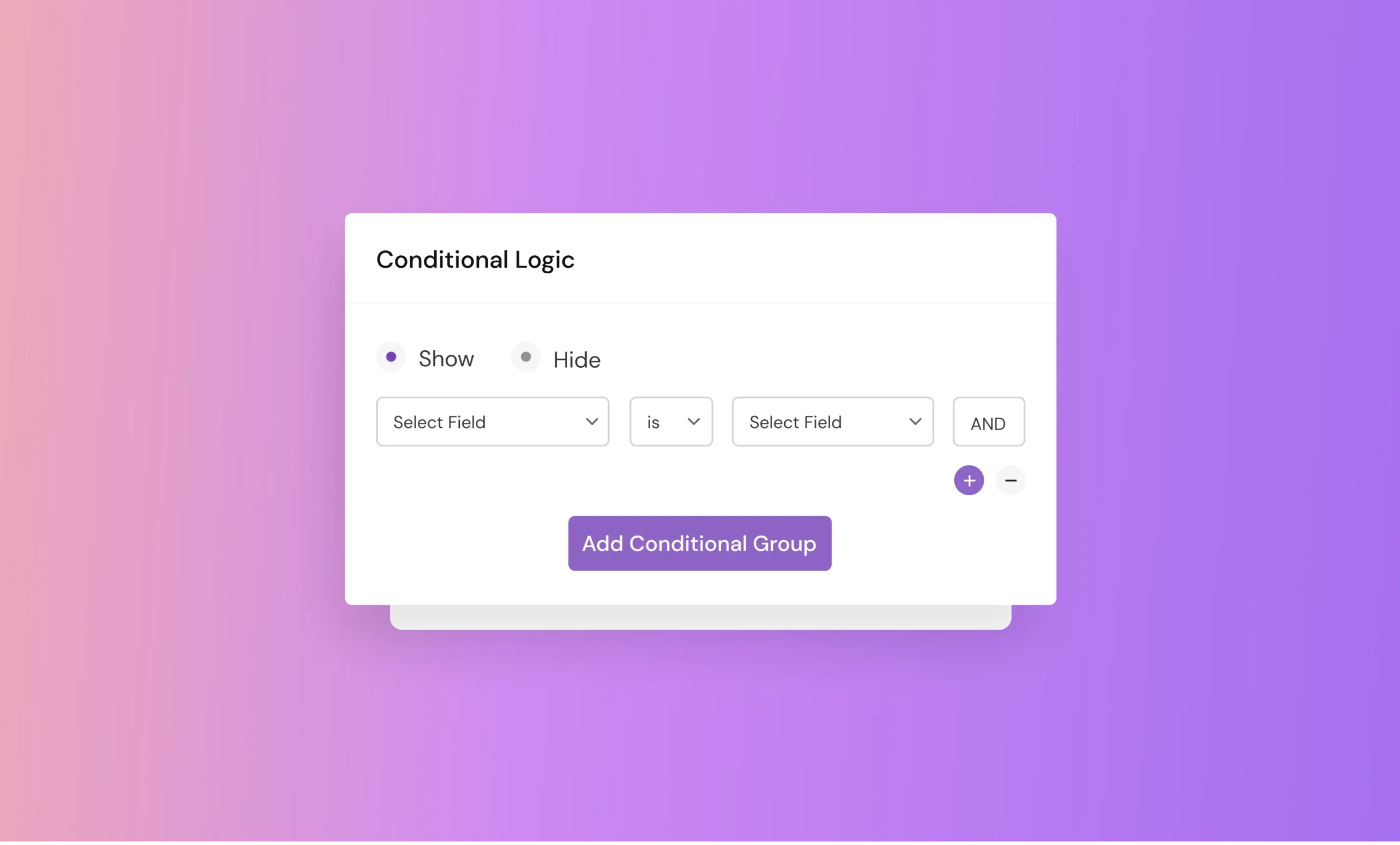
Conditional Logic
Create conditional rules to show or hide specific fields based on what the user fills in or selects on the form.
-
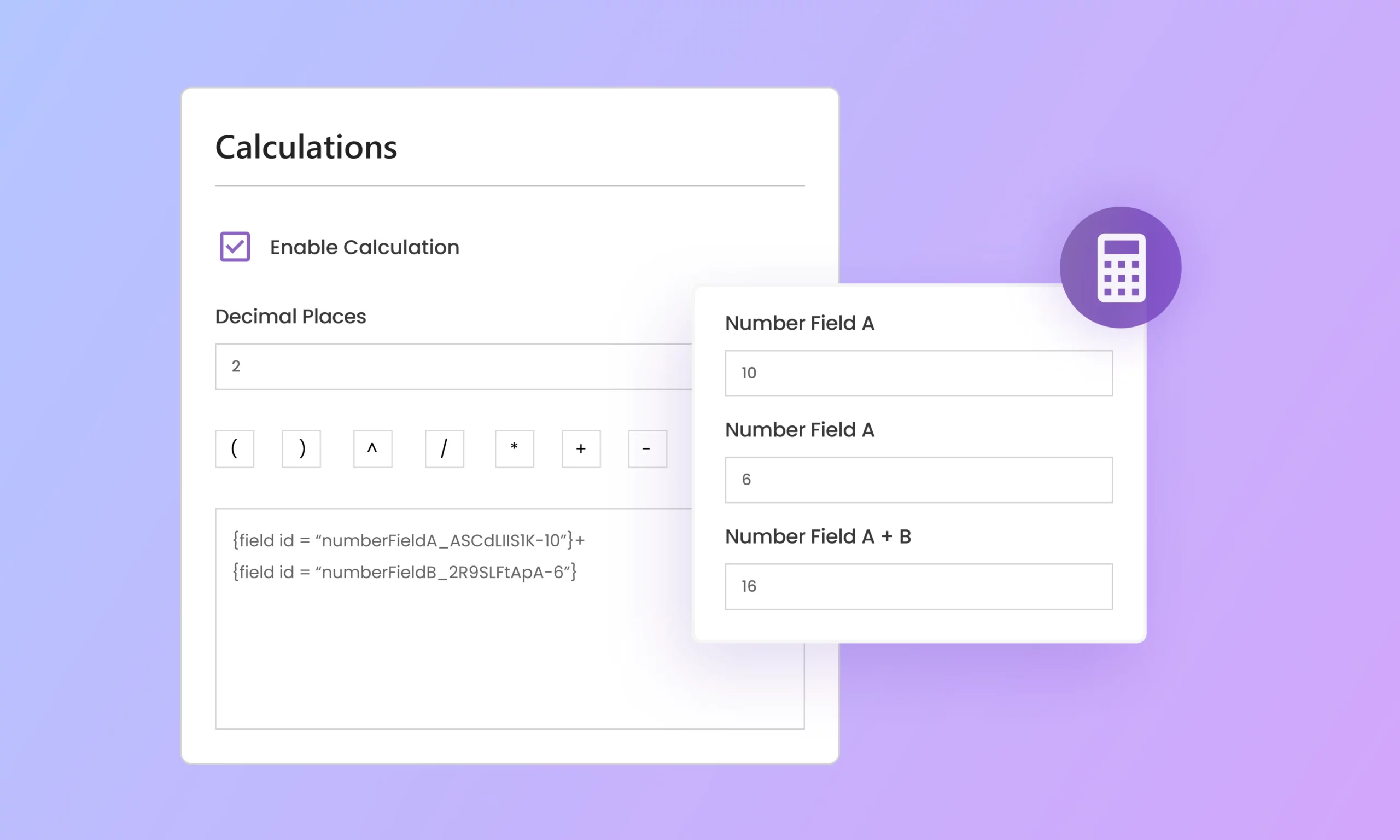
Calculations
Effortlessly design custom calculator forms to perform range of calculations, from simple math to complex equations.
-
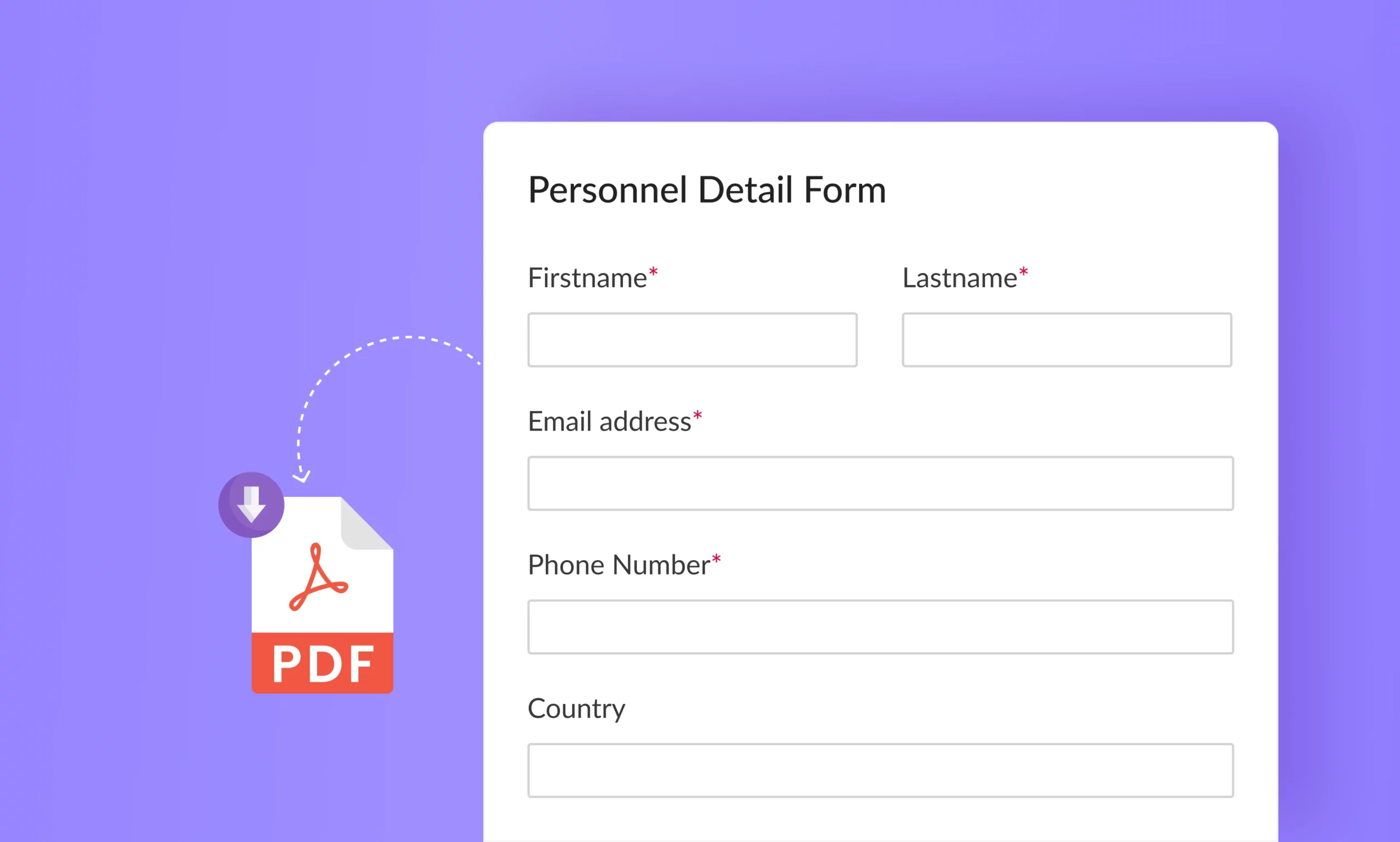
PDF Form Submission
Download and attach all the form details in PDF to share and record the form entries.
-

Save and Continue
Save users’ progress while filling in a form to help them submit the form later at their convenience.
-
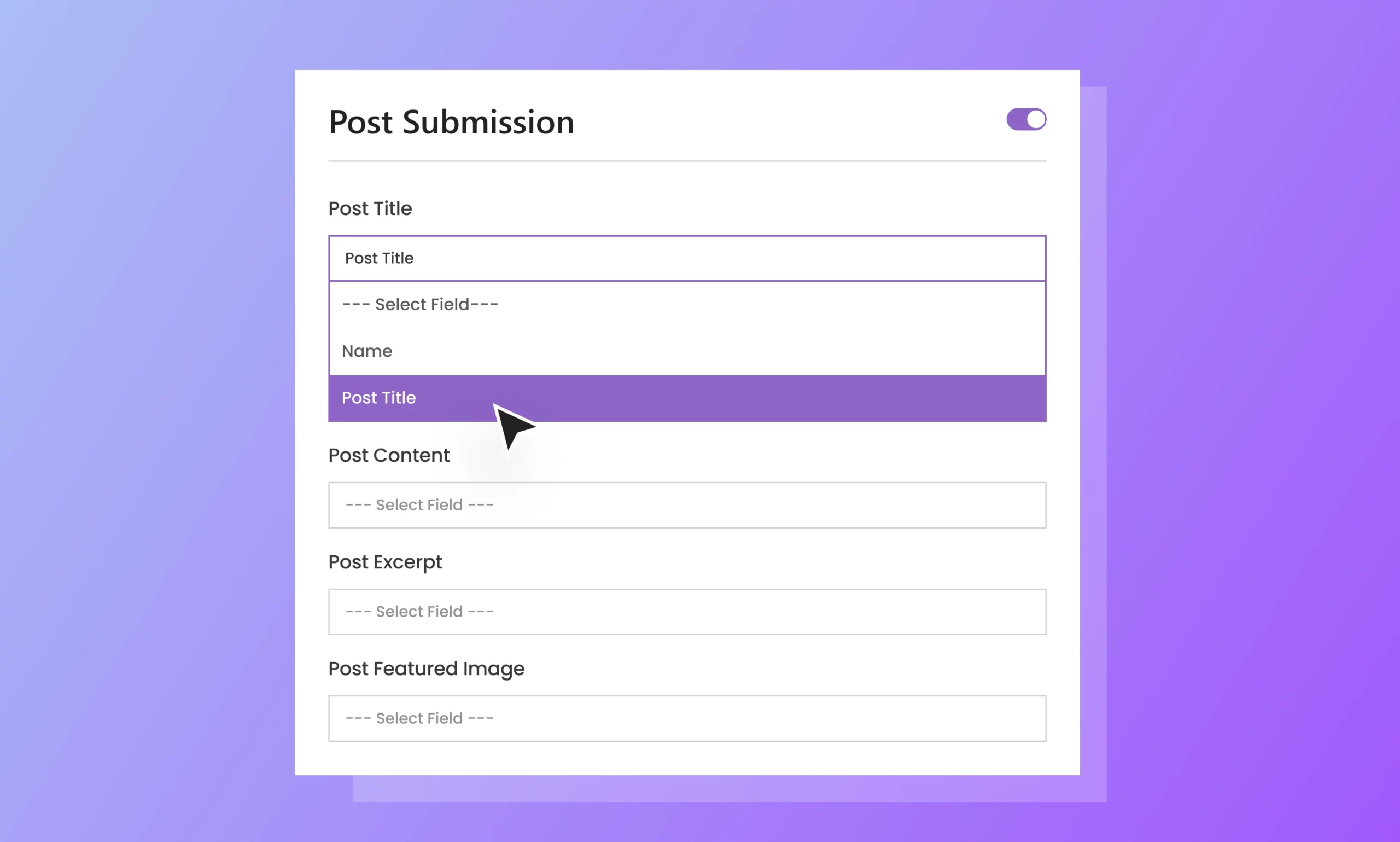
Post Submissions
Accept posts and pages directly from a front-end form without giving users access to the WordPress dashboard.

QR Generator

Generate QRs which, upon scanning, direct users to your form.
Anti-Spam and Security
-

Admin Approval Entries
Avoid spam submissions on your form by monitoring all the forms and manually approving or denying them.
-

Bulletproof Security
Avoid spam, bots, malicious attacks, and more harmful activities on your form by integrating CAPTCHAs, blocking domains, IPs, and emails.
-

Form Restriction
Set up custom access restrictions, limit submissions based on various criteria, and prevent unwanted submissions.
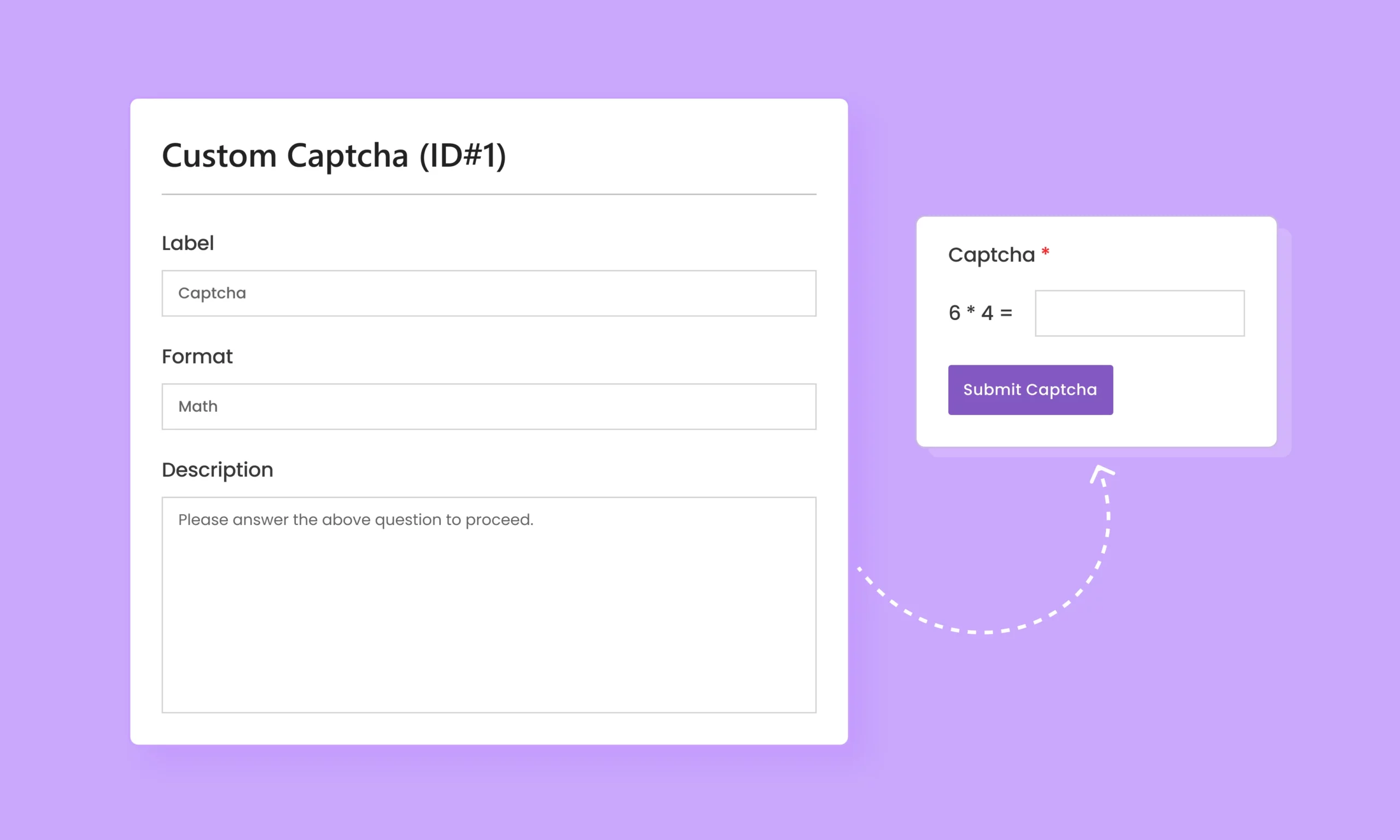
Additional Features
-
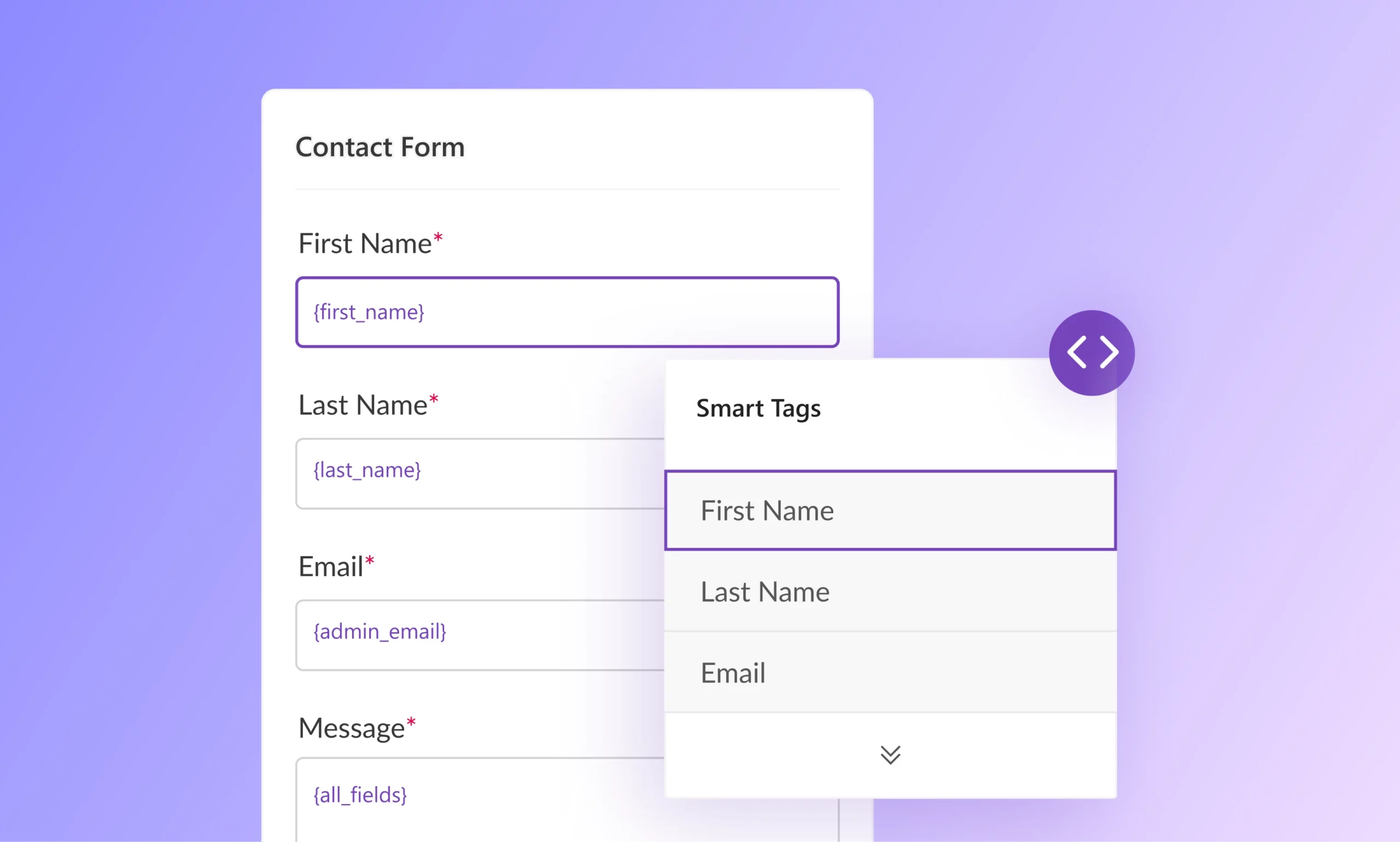
Smart Tags Support
Dynamically pull information to replace static data in your emails using smart tags.

Build WordPress Forms Like a Pro in Minutes
The only WordPress form builder plugin you’ll ever need. Experience intuitive form creation, customization, and styling with Everest Forms.
