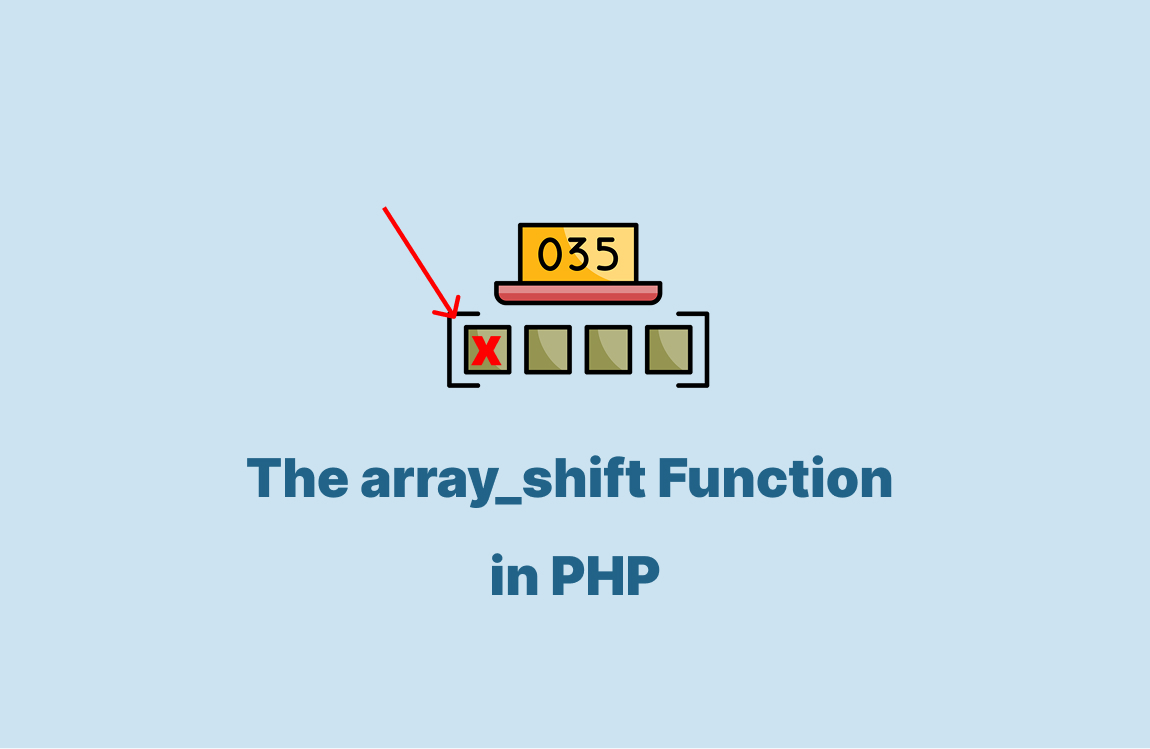
The array_shift function in PHP takes the first element from an array and returns it. It also moves all other elements down by one position. The original array changes because array_shift works directly on it.
Table of Content
Understand the array_shift Function in PHP
The array_shift is a built-in function used to remove and return the first value from an array. The array changes in place and loses one element from the start.
It can handle both indexed arrays and associative arrays.
Here is the syntax:
array_shift(&$array)The $array used to modify and remove its first element.
PHP finds the first element in memory when you call array_shift. It stores that value for the return. Then it shifts every element key down by one position for indexed arrays.
Here is a quick example:
$data = [10, 20, 30];
$first = array_shift($data);

echo $first; // 10
print_r($data); // [20, 30]
For associative arrays, it removes the first key-value pair. That doesn’t need to re-index the keys.
For example:
$user = [
    "name" => "Ali",
    "age" => 25,
    "city" => "Jeddah"
];

$firstValue = array_shift($user);

echo $firstValue; // Ali
print_r($user);
/*
Array
(
    [age] => 25
    [city] => Jeddah
)
*/
Here, it removes the “Ali” field. The remain array still has age and city keys unchanged
The Difference Between array_shift and array_pop
The array_shift deletes and returns the first element of an array while the array_pop removes and returns the last element of an array.
Here are the key differences:
| Feature | array_shift | array_pop |
|---|---|---|
| Removes element from | Start of array | End of array |
| Yes, for indexed arrays | Yes for indexed arrays | No re-index |
| Affects associative keys | Keeps keys after first removed | Keeps keys after last removed |
You can choose array_shift when you need the first value. But the array_pop when you need the last value.
Examples array_shift in PHP
Remove the first value from a numeric array:
$nums = [5, 10, 15, 20];
$first = array_shift($nums);

echo $first; // 5
print_r($nums);
This code takes 5 from the array and returns it. The rest of the numbers remain in the array with their positions shifted.
The output:
5
Array
(
    [0] => 10
    [1] => 15
    [2] => 20
)
Get the first task from a list and process it:
$tasks = ["Write report", "Send email", "Prepare sheets"];
$currentTask = array_shift($tasks);

echo "Processing: " . $currentTask;
This code removes the first task "Write report" and shows it. The array now has the other tasks, which allow it to wait in order.
The output:
Processing: Write report
Use array_shift with nested arrays:
$data = [
    ["id" => 1, "value" => "A"],
    ["id" => 2, "value" => "B"],
    ["id" => 3, "value" => "C"]
];

$firstRow = array_shift($data);
print_r($firstRow);
This code removes the first sub-array with "id" => 1. It returns the removed row and leaves the rest for later use. The output:
Array
(
    [id] => 1
    [value] => A
)
Combine array_shift with a loop:
$queue = ["Job1", "Job2", "Job3"];

while (!empty($queue)) {
    $job = array_shift($queue);
    echo "Run: $job\n";
}
This code runs through each job in the queue. It always takes the first one until no jobs remain in the list.
The result:
Run: Job1
Run: Job2
Run: Job3
Wrapping Up
In this article, you learned how array_shift removes the first element and how it works with both indexed and associative arrays.
You also saw how it differs from array_pop and how to use it in real cases.
Here is a quick recap:
array_shiftremoves from the start.- It re-indexes numeric arrays.
- It works on associative arrays and doesn’t change keys.
FAQs
What is the use of array_shift in PHP?
$fruits = ['apple', 'banana', 'cherry'];
$first = array_shift($fruits);
print_r($fruits); // ['banana', 'cherry']
echo $first; // apple
How does array_shift work with associative arrays?
$user = ['name' => 'John', 'age' => 25];
$first = array_shift($user);
print_r($user); // ['age' => 25]
echo $first; // John
What is the difference between array_shift and array_pop?
$arr = [1, 2, 3];
array_shift($arr); // removes 1 from start
array_pop($arr); // removes last element
Similar Reads
PHP developers copied and pasted code across multiple files before inheritance came, which made updates difficult. They updated functions in…
PHP $_SERVER is a superglobal. It’s a predefined variable containing information about your server, client, and request environment. As a…
The PHP “while” loop is a simple tool that repeatedly runs a block of code as long as a certain…
Sometimes, you may need to list collections with MongoDB in a PHP environment to manage or analyze your database structure.…
It’s very important to remember user data for each session when building web applications. This enables a high level of…
PHP developers relied on class inheritance to share functionality before the OOP interface, but this approach had limits. It solves…
Inserting documents into your MongoDB collections is one of the most basic but important tasks when working with PHP. In…
The PHP operator precedence refers to when doing a calculation for three or more numbers, they are calculating its values…
PHP namespace solves the problem of name conflicts. Different developers may create functions-classes, or constants with the same name. PHP…
Understanding how to update data in PHP and MySQL is like editing a draft—it is all about tweaking the right…