Free VPN for iPhone – Secure, Unlimited & 100% Free
Download Planet VPN for iPhone and enjoy a private, anonymous, and open internet. This VPN is the most reliable and secure VPN solution for your iPhone or iPad.
- Our service is 100% free
- Enjoy unlimited speed and bandwidth
- No logs, no registration
- Fast connection with strong encryption

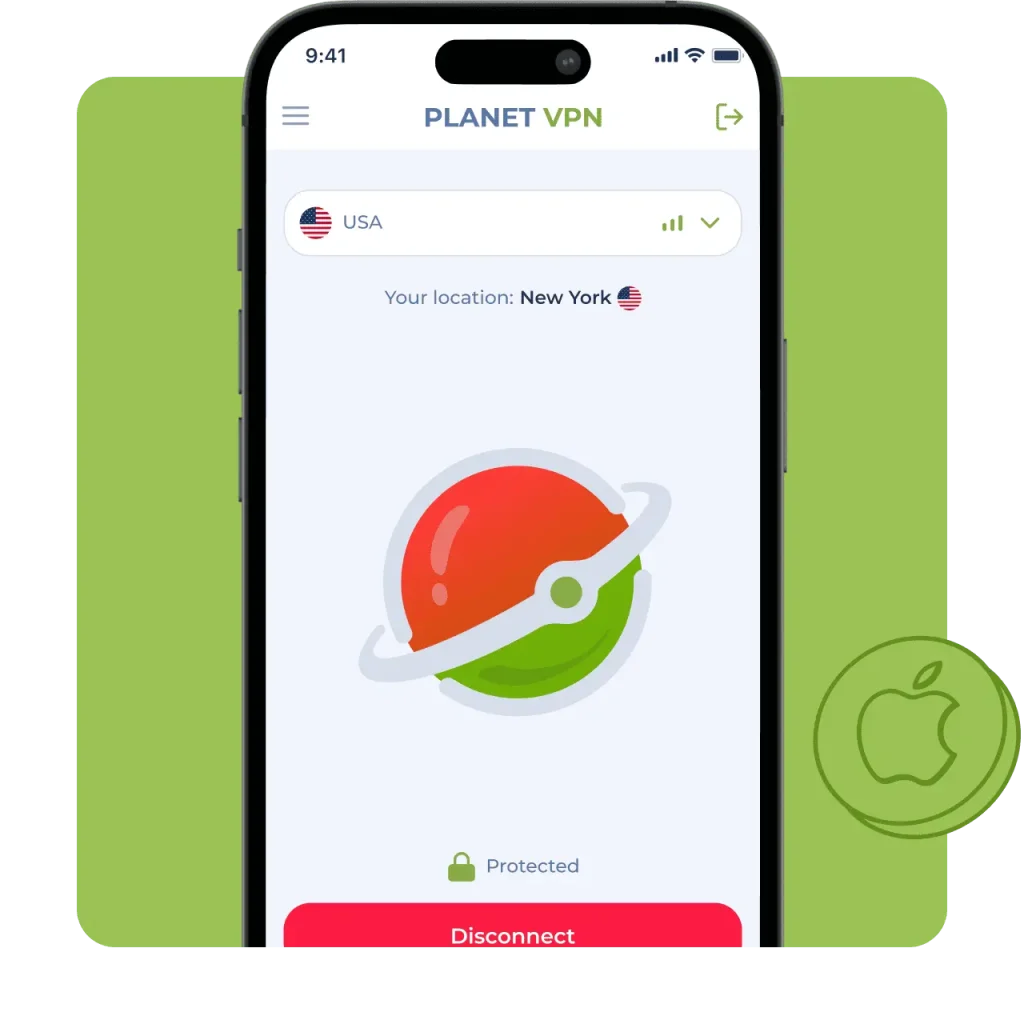
Available on All Devices and Platforms
How Our Free iOS VPN Works
Quick Install from the App Store
Download Planet VPN from the App Store in just a few seconds. It’s easy to set up; you don’t have to mess with any extra settings with the free iOS VPN.
One‑Tap Connect
With an iPhone VPN, you can connect to a VPN from anywhere. Just tap a button, – this saves time and makes it as easy as possible to use.
Support for WireGuard and IKEv2 Protocols
We use solid encryption like IKEv2 and OpenVPN to keep your info safe with our iPhone VPN. Your data is completely secure with the free VPN for iOS.
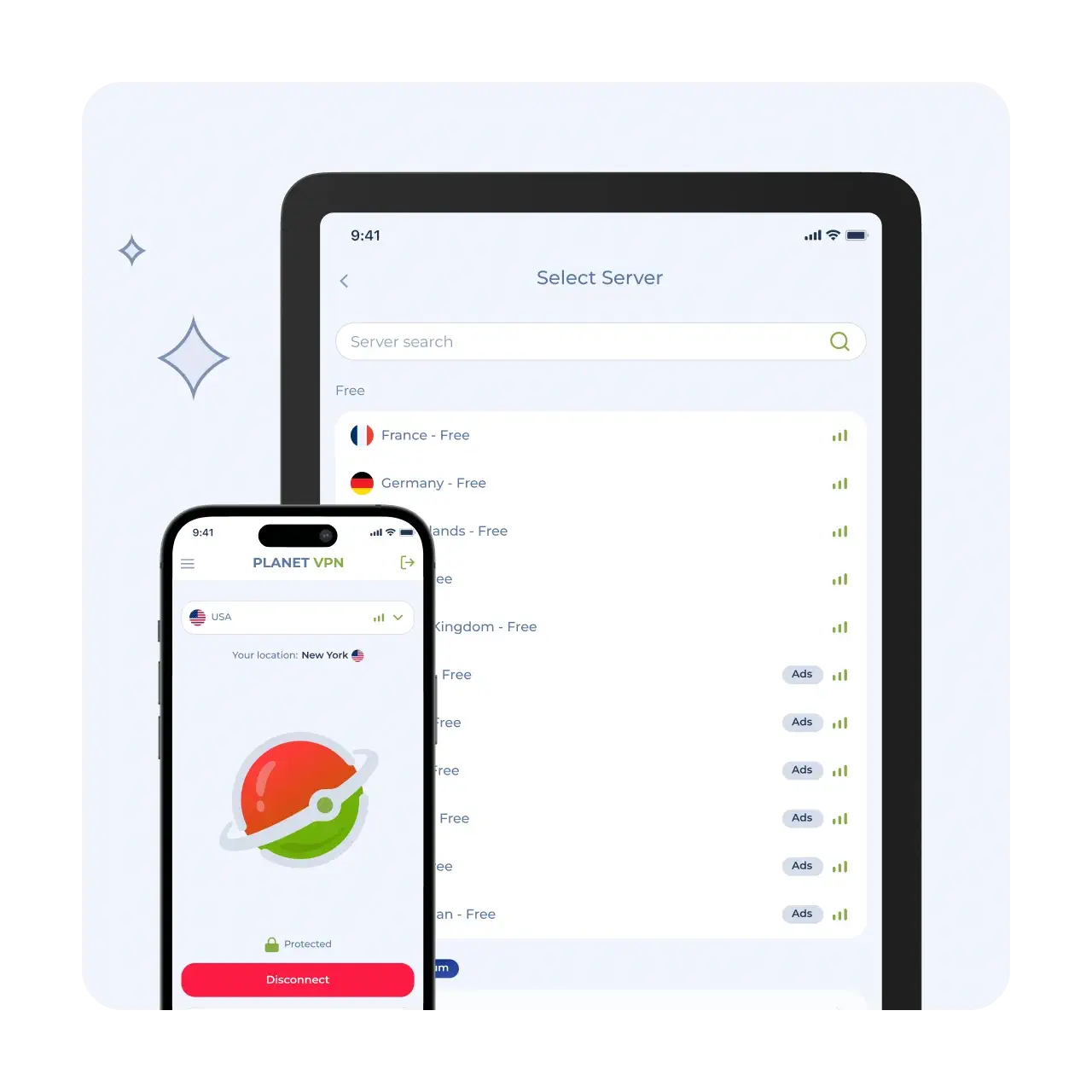
Easy Steps to Install and Use Free VPN for iOS
Get the Planet VPN App
Locate Planet VPN in the App Store, and then download it to your device.
Open Up and Grant Permissions
Open the app, allow permissions, and configure your VPN profile.
One‑Tap Connect Without Signup
Select a server and tap “Connect.” You will immediately be connected safely and anonymously.
Why Choose Planet VPN for iOS?
This is a reliable method for protecting your data and maintaining complete anonymity online.
100% Free with No Hidden Limits
You get to use all the features for free. There are no speed or data limits, and you don’t need to pay or subscribe.

No Logs Policy – True Online Anonymity
Our free VPN for iPhone keeps your anonymity by hiding your IP address and encrypting your internet traffic as well as unblocks websites and services that are blocked in your region or by your ISP.
Based in Romania for Strong Privacy Laws
Planet VPN is based in Romania, a country that enforces strict EU data protection laws, ensuring strong anonymity and security. The country’s robust privacy regulations help protect your data from surveillance and misuse.

No Registration Required
No registration or subscription is required. Download Planet VPN and start using it right away! You don’t have to give any of your info or email.

Anonymous Use & Zero Logs
Your online activities are completely anonymous: we do not collect or store any logs of your activity.

Key Features for iOS Users
Use all features for free with no speed or data limits. Our tools protect your data and keep you anonymous online.

No Registration – Start with One Tap
No account creation or email address is required for iOS VPN. Just install and connect! This accelerates the process while preserving your anonymity.

Always-on Protection for Public Wi‑Fi
Stay safe when connected to public Wi-Fi networks with a free VPN for iPhone. The VPN works continuously, protecting your data from interception.

Unlimited Bandwidth & No Hidden Filters
No traffic or speed limits — enjoy unlimited usage. We don’t use hidden filters or restrictions for websites and apps.

AES‑256 Encryption, Kill Switch & Leak Protection
Your data is protected with state-of-the-art AES-256 encryption and iOS VPN. Kill Switch and leak protection ensure your security even if the connection is interrupted.
Free VPN for iPhone vs Premium
Choose between a free basic plan or Premium for maximum speed and features.
What’s included in the free plan:
The service doesn’t store your activity or require an account. Your actions and personal data are never recorded or shared.
Upgrade benefits
How to upgrade easily within the app
Simple – open the app and go to the “Update” section. Select the appropriate plan. Premium features can be obtained right away by paying in a few seconds.

Why Planet VPN Is Trusted by Millions
Worldwide
We are trusted by more than 10 million users
worldwide – Join us!





Frequently Asked Questions (FAQs)
-
Why should you use a VPN on your iPhone or iPad?
A VPN encrypts your traffic. It hides your IP address and provides access to blocked websites. This is especially advantageous when using public Wi-Fi networks. It also guarantees the protection of your data against potential threats from hackers and third parties.
-
Is registration required?
Planet VPN does not require any user registration. It also does not require a login. You don’t need an email address either. Rest assured that your anonymity is fully respected. The app is available for download, and users can connect with a single tap.
-
Are there any restrictions on the free version?
There are no restrictions on speed, traffic, or usage time, so you can relax and enjoy! You can enjoy all the features this service has to offer, with the peace of mind that users get full functionality without any hidden fees or upgrades.
-
How do I set up auto-connect on iOS?
You can turn on auto-connect in your VPN profile settings through your system settings. This makes sure you’re always secure when you’re online.
-
Which devices are compatible?
Planet VPN is compatible with all iOS devices, including iPhones, iPads, and iPod Touches. It is fully compatible with all current iOS versions. This ensures optimal performance.

