To create a space for patients with dementia to record their daily routines. Memory hub will not only serve as a gentle everyday reminder for patients with memory loss conditions, but also help the relatives and friends of the patients be more aware of the emotions and behaviors of the patients.
We integrated speech recognition, sentiment analysis, and topic modeling to let patients record and share their daily activities with the people who care deeply about them.
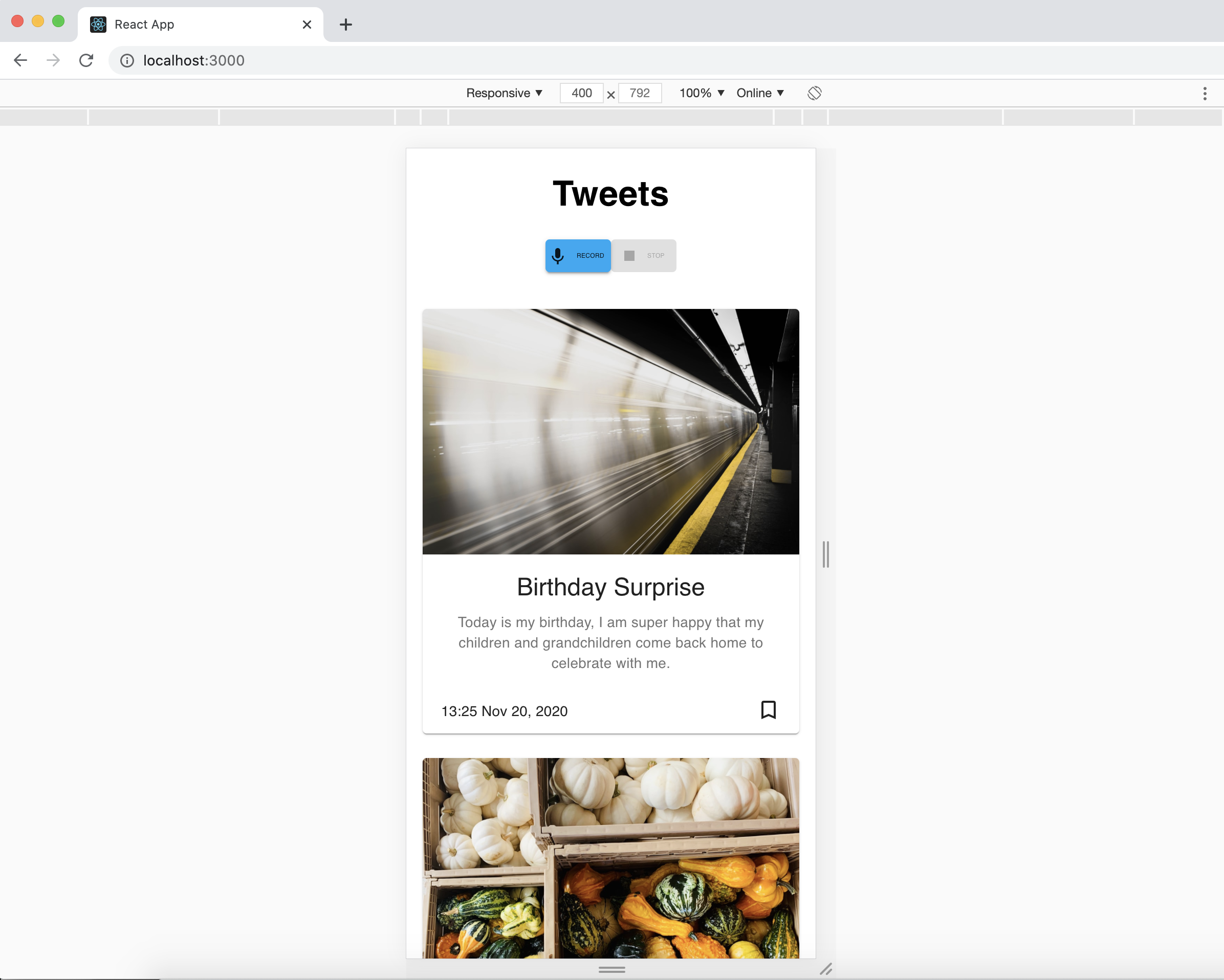
- Frontend: React.js, Material UI, Geocode, AWS-SDK, mic-recorder-to-mp3
- Backend: Django, MongoDB
- ML: AWS Transcribe & Google Speech, AWS Comprehend, GPT2

Require Docker
cd memory/
docker build -t memoryhub .
docker run memoryhub
| Feature | Description |
|---|---|
| Recording | Record audio in 20 minutes pace through out a day |
| Location | Get location through GPS and transfrom through Google map API when Recording invoked |
| Upload | Send a geolocation to Django and store in MongoDB. Upload the corresponding audio pieces to AWS S3 |
Require Python >= 3.6
Require MongoDB running
cd memorybackend/
pip install -r requirements.txt
python manage.py runserver
http://54.157.143.191:8000/admin/
username: admin
password: codechella| Method | API | Description |
|---|---|---|
| GET | get-summary | Send back the daily summary as the journal |
| POST | add-recording-location | Get location through GPS and transfrom through Google map API when Recording invoked |
Frontend sent S3 information and GPS information in a fixed length of period.
When frontend request a story, the backend will get the latest 20 speech information, translate them to text files using google speech_recognition API.
Then, using Amazon comprehend to analyze those text files one by one, and pick out 5 most positive text files.
then it will put those 5 most positive text files into NLP processing unit based on GPT2, which could then help generate a diary.
This diary will be sent to tweet immediately and also sent to frontend at the same time so that the client could see the diary from either their cellphone or their twitter!
https://aws.amazon.com/transcribe/
https://aws.amazon.com/comprehend/
Gpt2 package is used to transfer the words extracted from the NLP APIs to the detailed stories.
Quick start:

Environment Installation:

$ git clone https://github.com/graykode/gpt-2-Pytorch && cd gpt-2-Pytorch

\# download huggingface's pytorch model

$ curl --output gpt2-pytorch_model.bin https://s3.amazonaws.com/models.huggingface.co/bert/gpt2-pytorch_model.bin

\# setup requirements, if using mac os, then run additional setup as descibed below

$ pip install -r requirements.txt


License

\1. OpenAi/GPT2 follow MIT license, huggingface/pytorch-pretrained-BERT is Apache license.

\2. I follow MIT license with original GPT2 repository


Acknowledgement

Tae Hwan Jung(Jeff Jung) @graykode, Jeff Wu(@WuTheFWasThat), Thomas Wolf(@thomwolf) for allowing referring code.
