three.proton is a magical 3d particle engine using three.js. It is based on the Proton Engine library. It inherited Proton's most api.
I think it is the simplest three.js particle engine.Check out examples at https://drawcall.github.io/three.proton/
npm install three three.proton.js-
Four kinds of renderers
- MeshRender
- SpriteRender
- PointsRender
- CustomRender
-
Three kinds of emitters which can simulate many different physical effects
- Emitter
- BehaviourEmitter
- FollowEmitter
-
Perfectly compatible with the three.js library.
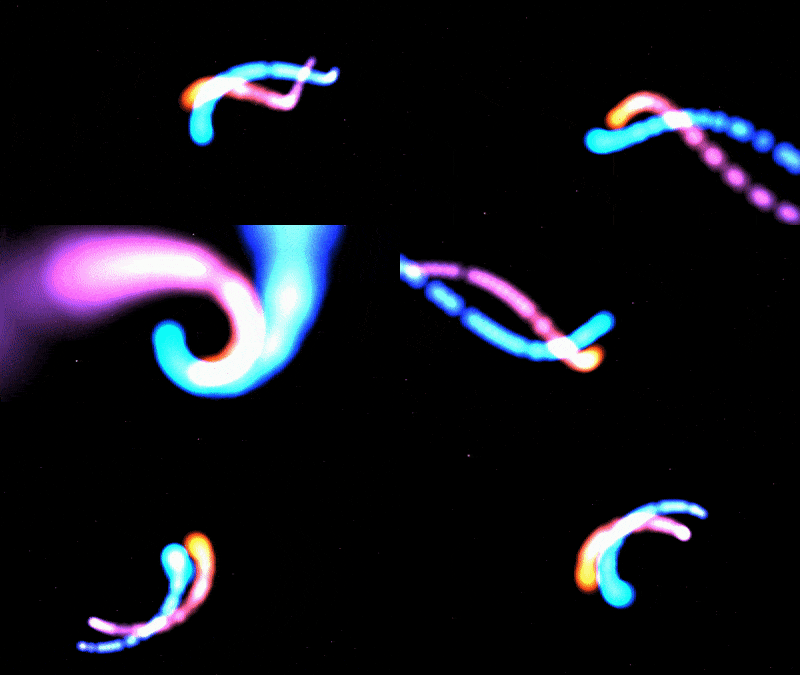
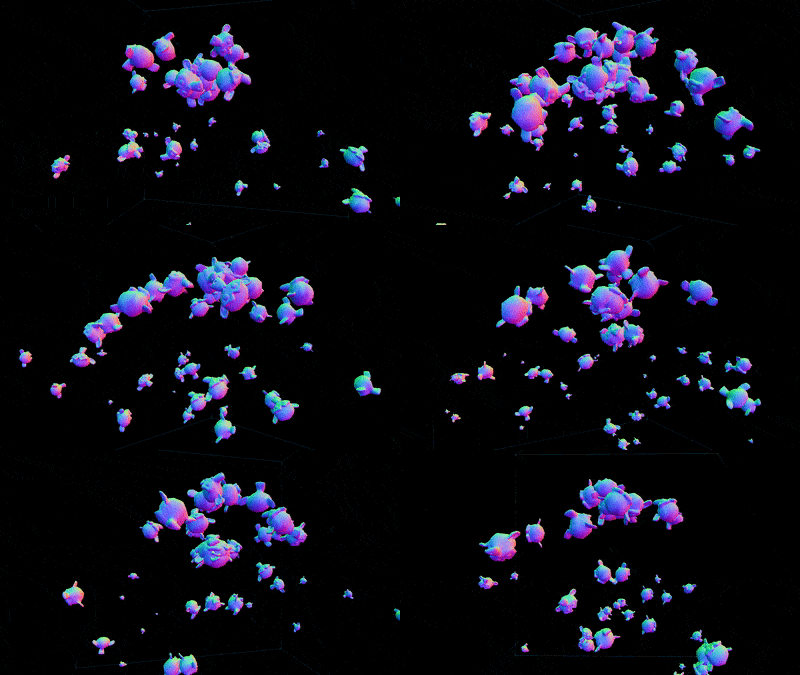
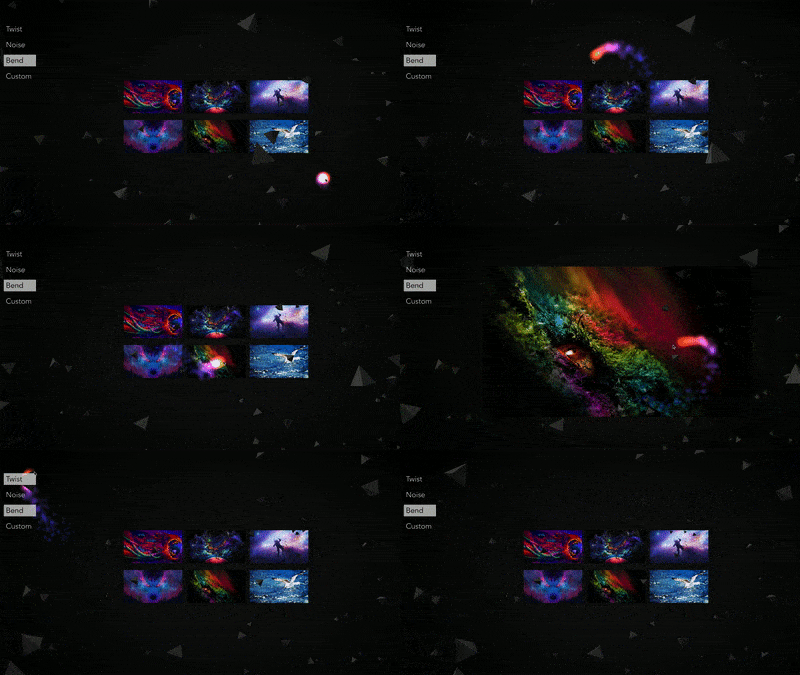
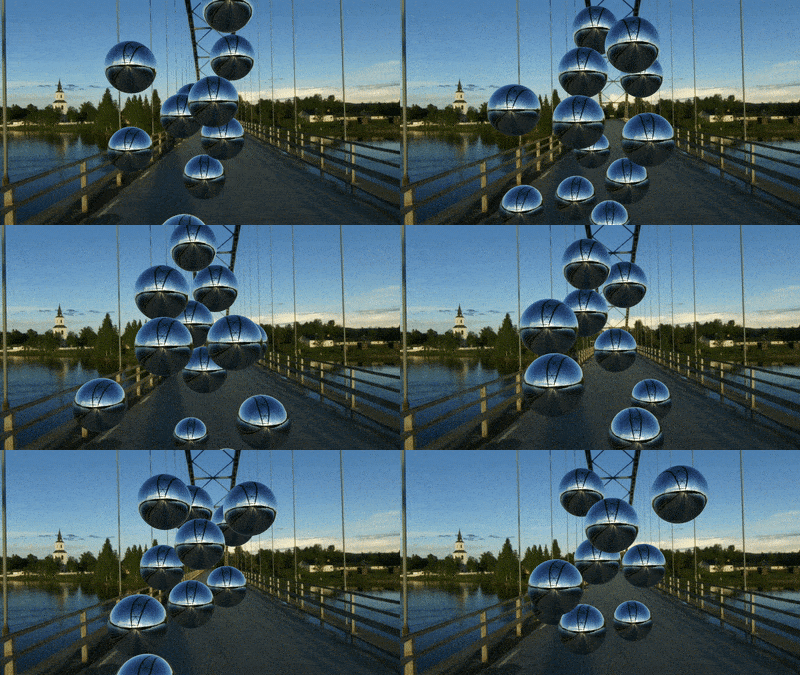
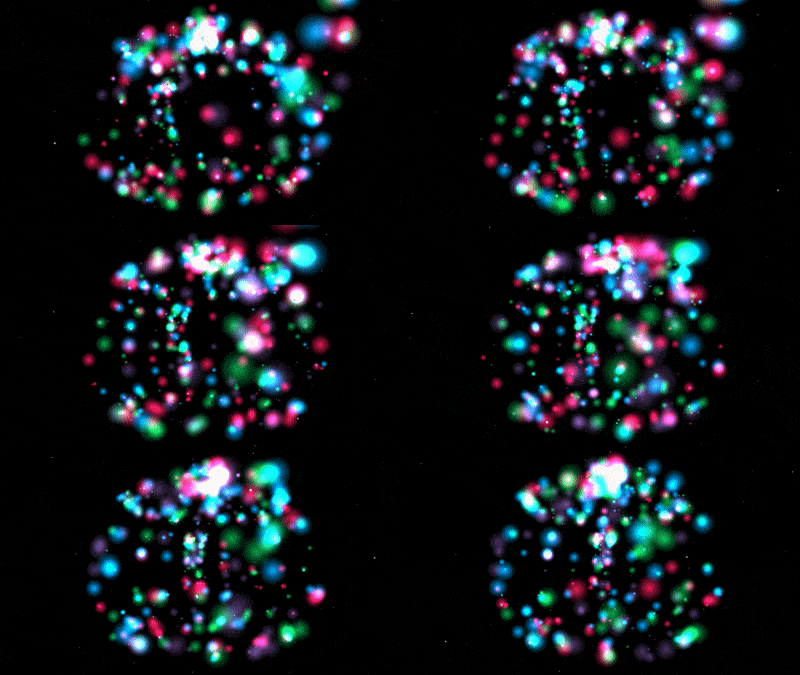
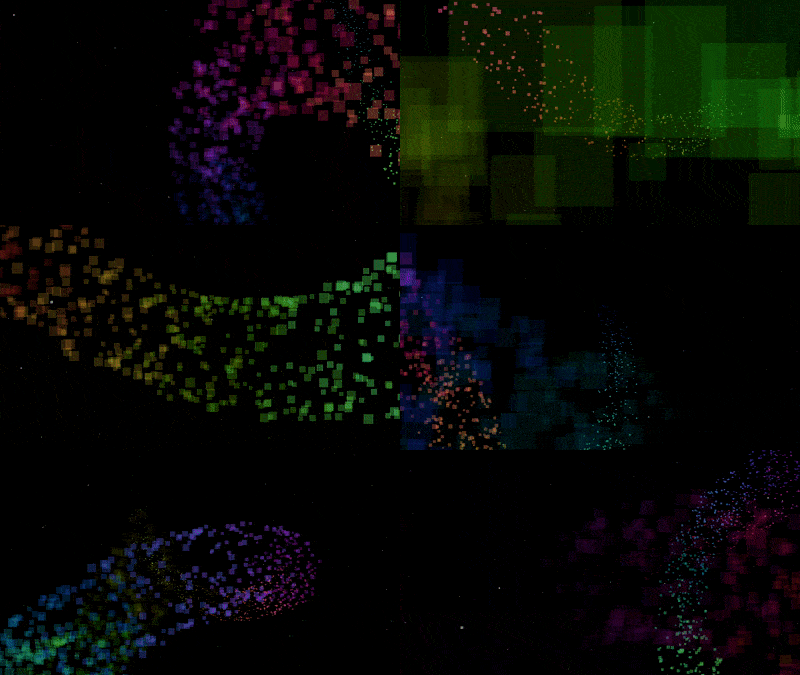
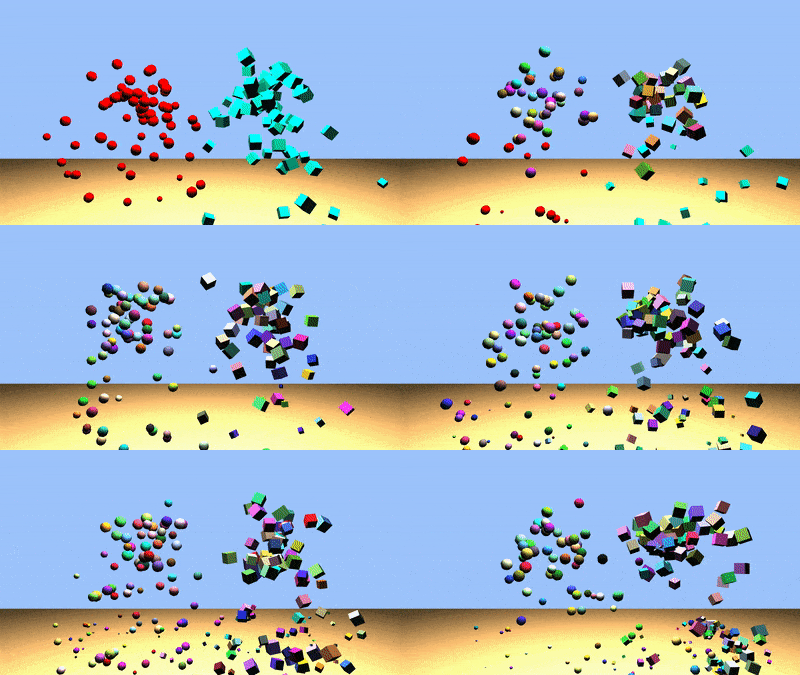

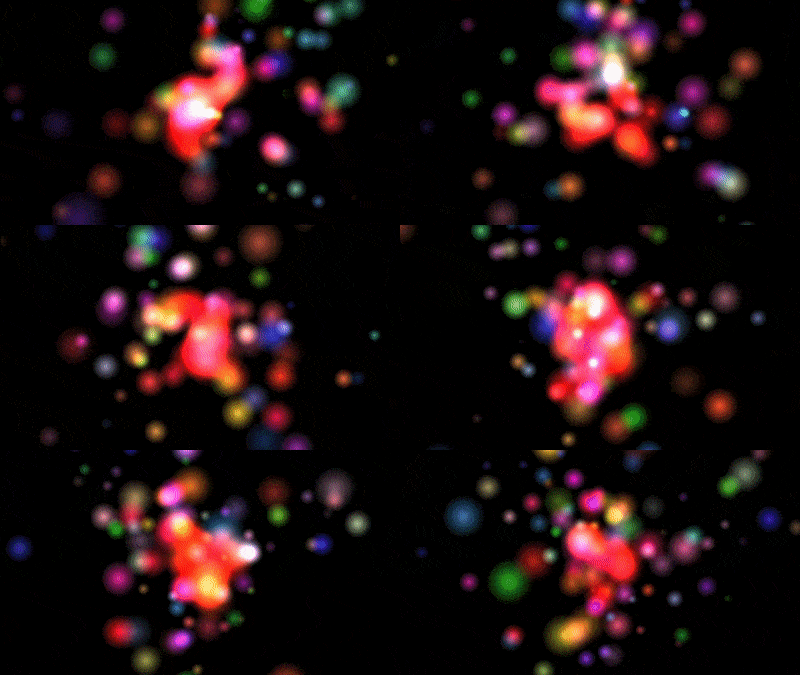
These demos are real, you can click them! They contain the full code, too.
import * as THREE from 'three';
import Proton from 'three.proton.js';<script type="text/javascript" src="./js/three.min.js"></script>
<script type="text/javascript" src="./js/three.proton.min.js"></script> var proton = new Proton();
var emitter = new Proton.Emitter();
//setRate
emitter.rate = new Proton.Rate(new Proton.Span(4, 16), new Proton.Span(.01));
//addInitialize
emitter.addInitialize(new Proton.Position(new Proton.PointZone(0, 0)));
emitter.addInitialize(new Proton.Mass(1));
emitter.addInitialize(new Proton.Radius(6, 12));
emitter.addInitialize(new Proton.Life(3));
emitter.addInitialize(new Proton.V(45, new Proton.Vector3D(0, 1, 0), 180));
//addBehaviour
emitter.addBehaviour(new Proton.Alpha(1, 0));
emitter.addBehaviour(new Proton.Scale(.1, 1.3));
var color1 = new THREE.Color();
var color2 = new THREE.Color();
var colorBehaviour = new Proton.Color(color1, color2);
emitter.addBehaviour(colorBehaviour);
emitter.emit();
//add emitter
proton.addEmitter(emitter);
//add renderer
proton.addRender(new Proton.SpriteRender(scene));Node is a dependency, use terminal to install it with with:
git clone git://github.com/drawcall/three.proton.git
Then navigate to the build directory by running:
cd ./build
Finally run the build command:
node build.js
Proton is released under the MIT License. http://www.opensource.org/licenses/mit-license
