                                                      ---.
                                    ----.             -..  \
                                  -...   \               _|_|_
                             __________|__|____________ /  O    \
                            |░░░░░░░░░░░░░|░░░░░░░░░░░░|\_______/
                            |░░░░░░░░░░░░░░░░░░░░░░░░░░|   /   \
                            |░░░░░░░|`  ___  ,\░░░░░░░░|   \/   \
                            |░░░░░░░|  |  o\   |░░░░░░░|   /'---'\
                            |░░░░░░░|  |___/  /░░░░░░_____/  |     \_____
                            |░░░░░░░|   _ _   '.░░░░░░░|  __/\____/      \_
                            |░░░░░░░|  |    \   \░░░░░░|       |            \
                            |░░░░░░░|  |     |   |░░░░░|      / \__  /\      '_
                            |░░░░░░░|  `..,./    |░░░░░|     /     \__ \        \
                            |░░░░░░/             /░░░░░░|     \        \_\_________\
                            |░░░░░\______\_____.\░░░░░░░|      \          \     \
                            |░░░░░░░/░░░░|░░░░░░/░░░░░░|       \          \


                 _______ __   _ _______      _______ _______  ______ _______  _____
                 |_____| | \  |    |         |______    |    |_____/ |_____| |_____]
                 |     | |  \_|    |         ______|    |    |    \_ |     | |


           ░░░░░░░░░░▒▒▒▒▒▒▒▓▓▓▓▓███  W O R K   I N   P R O G R E S S  ███▓▓▓▓▓▒▒▒▒▒▒░░░░░░░░░░░
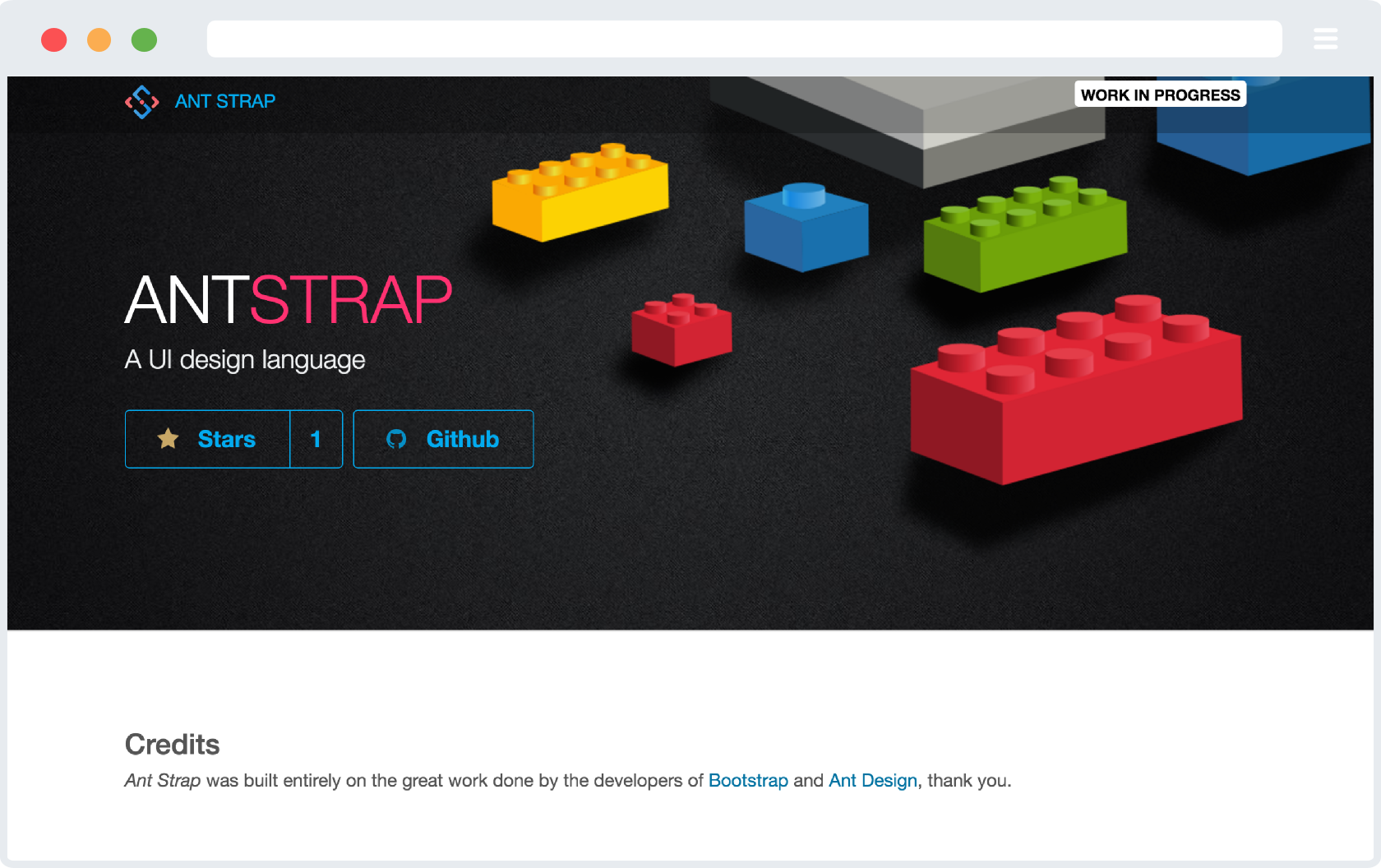
Ant Strap is a CSS Framework built after Ant Design using Bootstrap 4 for building beautiful modern Web apps with the combined popularity of the Bootstrap framework and the elegant minimal styles of Ant Design for beautiful and responsive app layouts.

Three quick start options are available:
- Download the latest release.
- Clone the repo:
git clone https://github.com/websemantics/ant-strap.git. - Install with Bower:
bower install ant-strap. - Install with npm:
npm install ant-strap.
Within the download you'll find the following directories and files for the framework and the docs, logically grouping common assets and providing both compiled and minified variations,
ant-strap/
├── dist/
|   ├── css/
│   |   ├── ant-strap.css
│   |   ├── ant-strap.css.map
│   |   └── ant-strap.min.css
│   |   └── ant-strap.min.css.map
|   ├── js/
│   |   ├── ant-strap.js
│   |   └── ant-strap.min.js
├── js/
|   ├── dist/
│   |   ├── custom.js
│   |   └── custom.min.js
|   ├── src/
│   |   ├── custom.js
│   |   └── util.js
├── docs/
|   ├── dist/
|   ├── assets/
│   |   ├── brand
│   |   ├── css
│   │   |   ├── docs.css
│   │   |   └── docs.min.css.map
│   |   ├── js
│   |   └── scss
|   └── index.html
└── scss/
    └── and-design
All css override styles for Bootstrap and Ant Design are stored in scss and scss/primer folders respectively, while compiled and minified CSS and JS are in dist folder.
We are more than happy to accept external contributions to the project in the form of feedback, bug reports and even better - pull requests :)
To start development on your local machine following these steps,
-
First, clone,
git clone https://github.com/websemantics/ant-strap
-
Install npm dependencies,
cd ant-strap npm i -
Build sass styles into
dist,npm run build
-
Build project pages into
_gh_pages, and before running the following script, comment-outbaseurlline in_config.ymlor set to empty string,npm run prep-release
-
Watch changes and refresh browser automatically,
npm run watch
-
Deploy into Github Pages (owner),
npm run deploy
- Reset
- Site
- Button
- Container
- Divider
- Flag
- Header
- Icon
- Image
- Input
- Label
- List
- Loader
- Rail
- Reveal
- Segment
- Code Segment 🆕
- Step
- Breadcrumb
- Form
- Grid
- Menu
- Message
- Table
- Ad
- Card
- Comment
- Feed
- Item
- Statistic
- Accordion
- Checkbox
- Dimmer
- Dropdown
- Embed
- Modal
- Nag
- Popup
- Progress
- Search
- Shape
- Sidebar
- Sticky
- Tab
- Transition
- Api
- Form
- State
- Visibility
Love the Github repository buttons used and want to use them to showcase your own GitHub repositories? the name is Bragit, Brag It.
Themeblr, A powerful CSS framework boilerplate and Bootstrap 4 themes builder .
Ant Design, An enterprise-class UI design language and React-based implementation.
Bootstrap 4, The most popular HTML, CSS, and JS framework in the world for building responsive, mobile-first projects on the web.
Semantic Ant, Ant Design inspired theme for Semantic-UI.
Bootstrap 4 Cheatsheet, A quick reference for Bootstrap v4.0.0-alpha.3.
Awesome Ant Design, A curated list of Ant Design resources and related projects.
Need help or have a question? post a questions at StackOverflow
Please don't use the issue trackers for support/questions.
This project was built using Ant Strap, on top of the awesomeness known as Bootstrap and closely followed, Ant Design.
MIT license Copyright (c) Web Semantics, Inc.
