Powered by OpenAI gpt-image-1.5
GPT Image 1.5 AI Image Generator & Editor
Experience OpenAI's fastest image model — 4x faster generation with superior text rendering and precise editing. Create photorealistic visuals, infographics, logos, and UI mockups with the gpt-image-1.5 model.
Create with GPT Image 1.5
Generate photorealistic images, infographics, logos, and more with OpenAI's latest AI model.
Credits are deducted when generation starts. Failed generations are refunded.
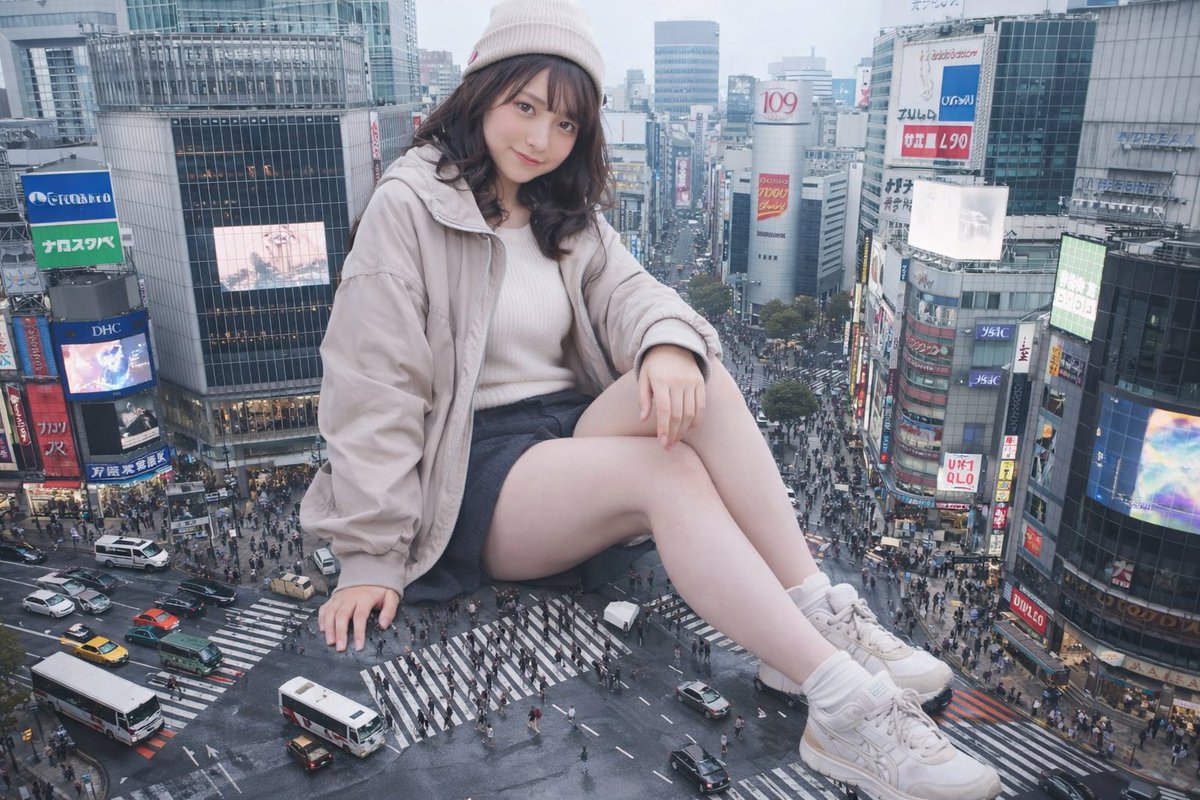
Hover to see prompt
Credits are deducted when generation starts. Failed generations are refunded.
Hover to see prompt
How to Use GPT Image 1.5
From concept to final output, GPT Image 1.5 delivers production-ready visuals through a streamlined workflow. Define your vision, generate or edit images, and export professional results.
Write Your Prompt
Structure your prompt with background, subject, key details, and constraints. Include the intended use (ad, UI mock, infographic) to set the visual mode and level of polish.
Generate or Edit
Choose Generate mode for text-to-image creation, or Edit mode to transform existing images with style transfer, object removal, or scene modifications.
Refine Iteratively
Start with a clean base prompt, then refine with small follow-ups like 'make lighting warmer' or 'remove the extra tree'. GPT Image 1.5 preserves context across iterations.
Export Your Image
Download high-resolution images ready for web, print, and presentations. Choose from PNG, JPEG, or WebP formats.
Model Comparison
GPT Image 1.5 vs Nano Banana Pro
Compare capabilities based on real benchmarks and production use cases (December 2025).
Both models are production-ready. Choose based on your specific use case.
What GPT Image 1.5 Can Do
Experience the next generation of AI image generation and editing — precision, speed, and quality in every output.
Precise Image Editing
Edit with surgical precision — preserve what matters, modify exactly what you specify. Perfect for photo retouching, virtual try-ons, style filters, and conceptual transformations.
Hover over the output to see the prompt used
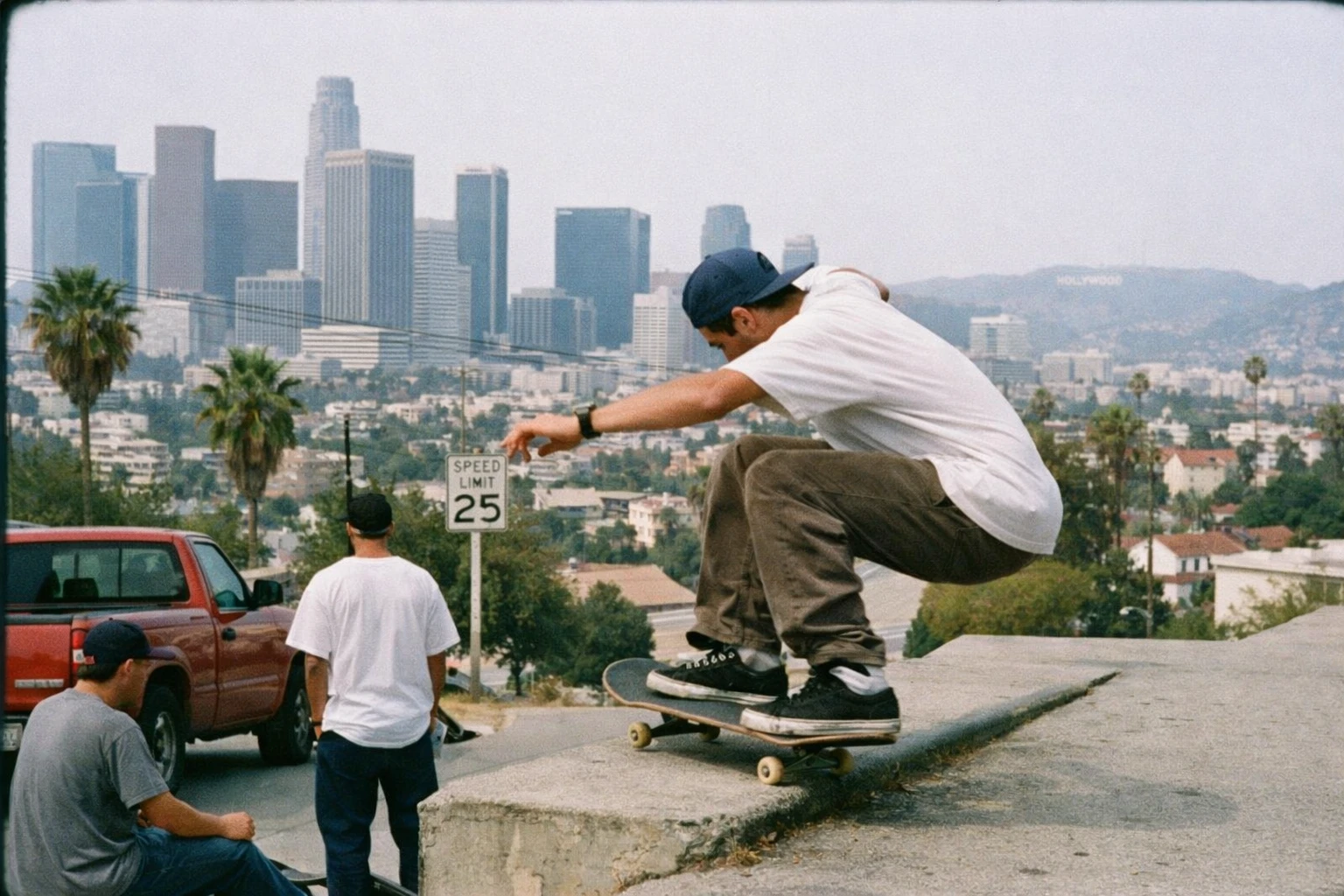
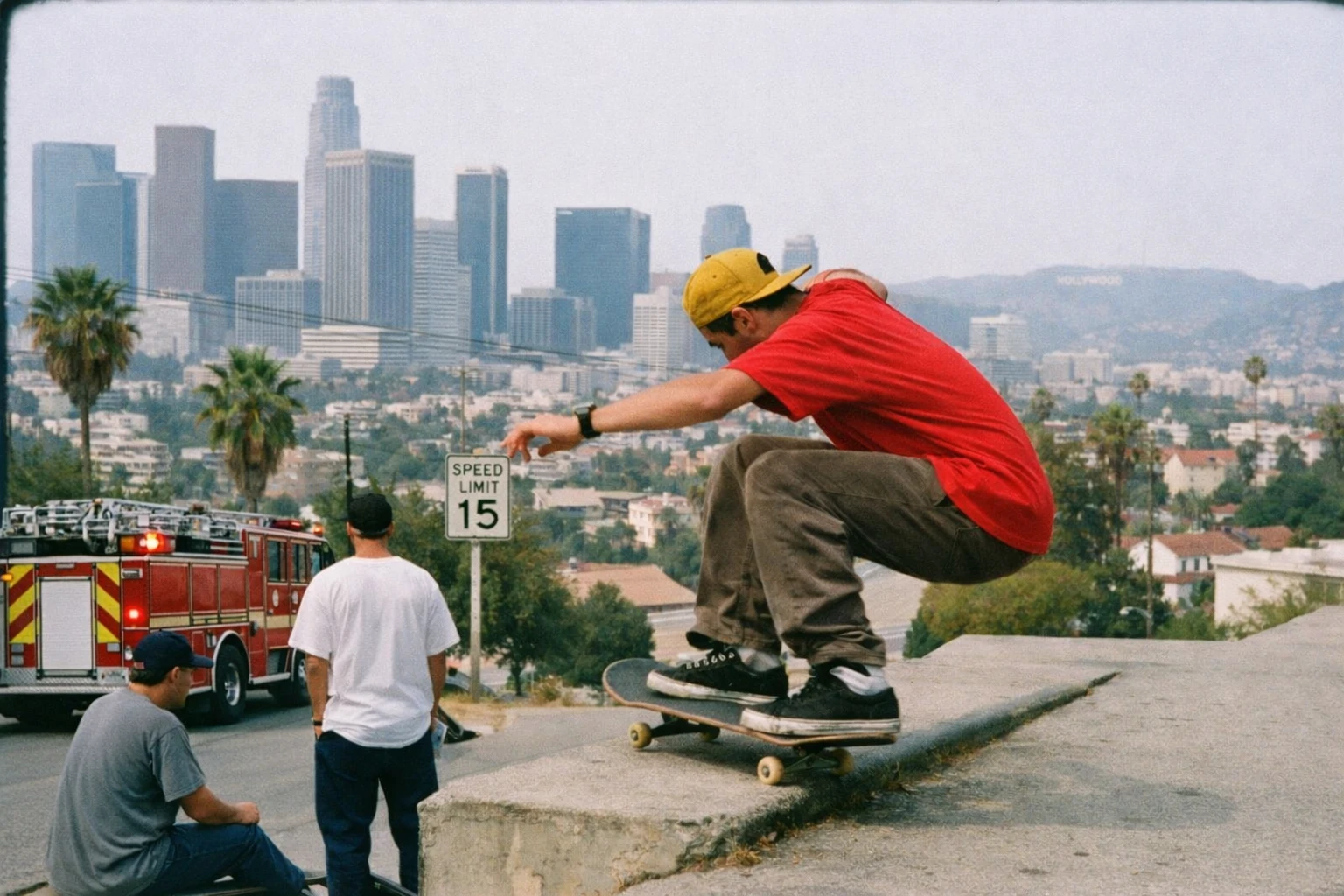
"make his shirt red, his hat yellow, the speed limit 15, and the truck a firetruc..."
Creative Style Transformations
Apply text overlays, layout changes, and artistic styles while preserving key details. One prompt unlocks endless creative possibilities.
Hover over the output to see the prompt used
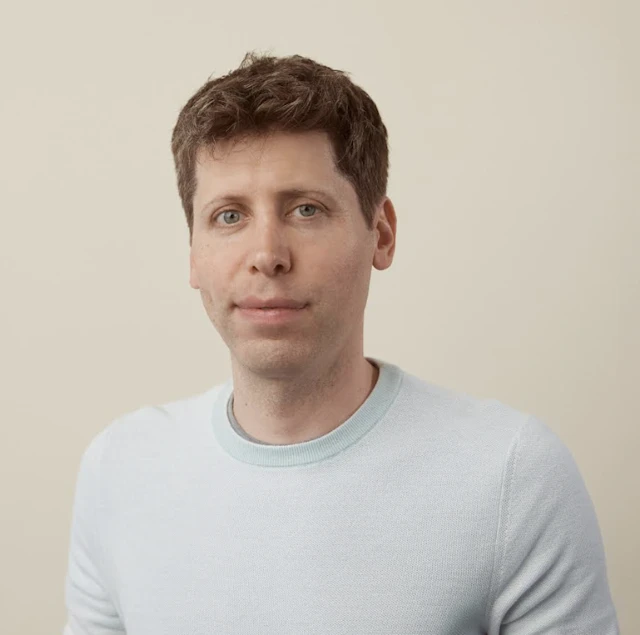
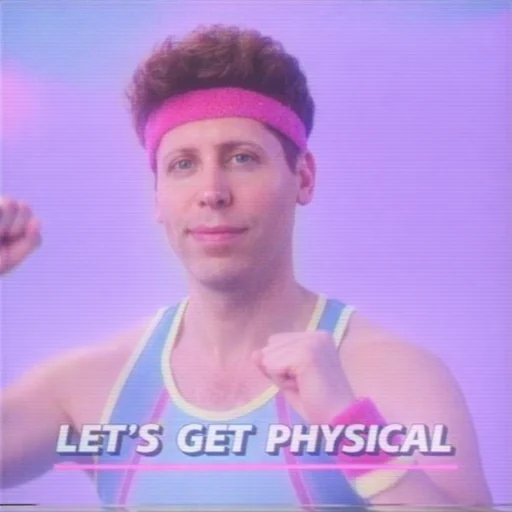
"Transform me into an iconic 1980s VHS fitness instructor while keeping my natura..."
Reliable Instruction Following
Complex prompts, precise results. GPT Image 1.5 follows intricate multi-clause instructions for detailed creative control over compositions.
"A cozy coffee shop interior with warm lighting, a barista making latte art, vintage decor on exposed..."

Superior Text Rendering
Generate images with crisp, readable text. Handle dense copy, small fonts, markdown formatting, infographics, and code snippets with production-quality clarity.
"Create a vertical, flat-design infographic illustrating the calorie content of each ingredient in a ..."

Enhanced Visual Quality
Better rendering of multiple small faces and more natural-looking outputs. Get immediately usable results with improved realism and detail.
Drag the slider to compare the quality improvement


GPT Image 1.5 Use Cases
Explore real-world applications powered by GPT Image 1.5's advanced image generation and editing capabilities.
AI Infographic Generator
Create detailed infographics with GPT Image 1.5 to explain structured information. Handles dense layouts, heavy in-image text, and localizes designs into any language while preserving typography style and hierarchy.
Hover over the output to see the prompt
Try it now →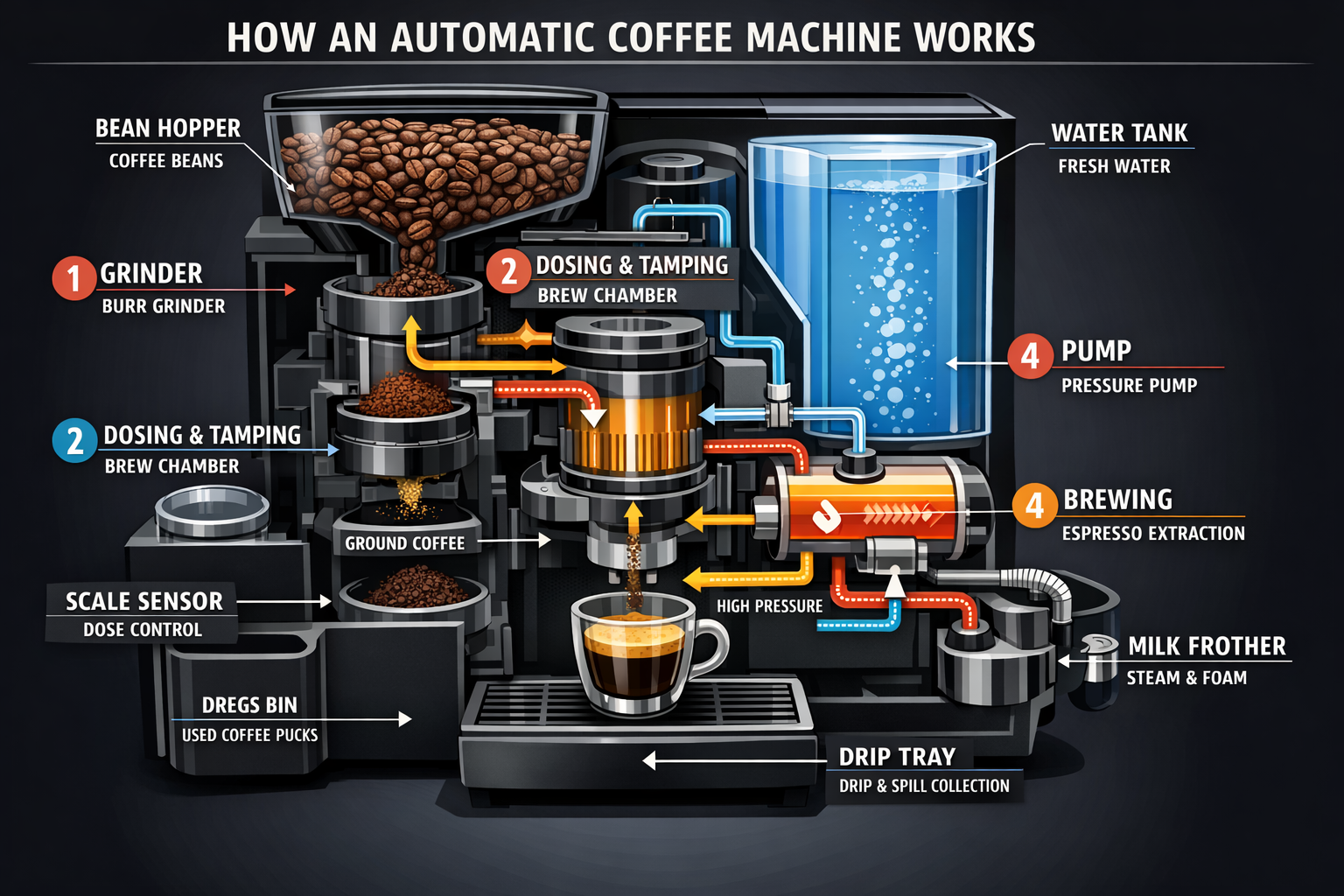
"Create a detailed Infographic of the functioning and flow of an automatic coffee..."
AI Comic Strip Generator
Transform narratives into visual comic stories. GPT Image 1.5 converts sequences of clear visual beats into readable, well-paced panels with consistent characters.
Try it now →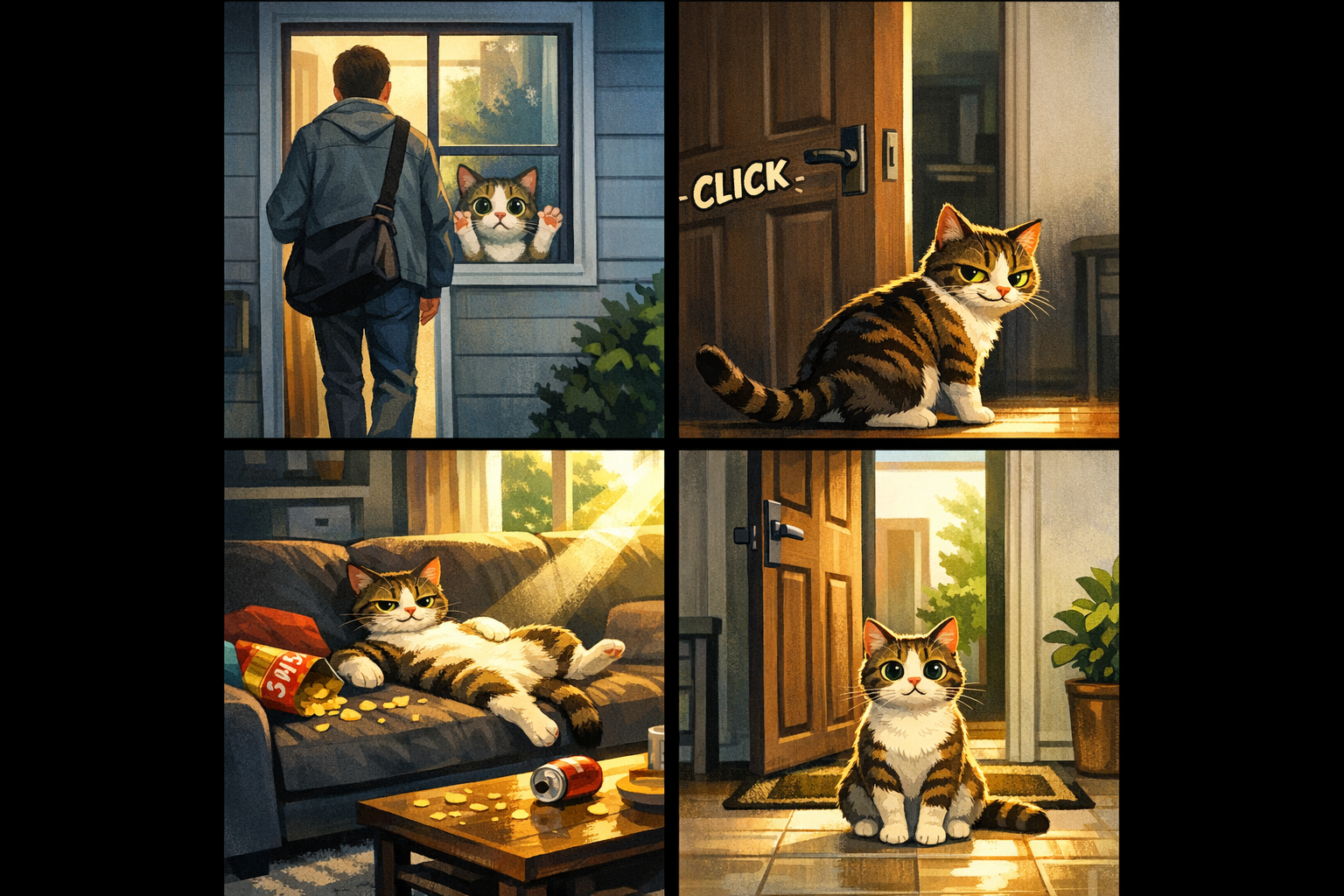
"Create a short vertical comic-style reel with 4 equal-sized panels. Panel 1: The owner leaves through the front door. Panel 2: The door clicks shut. Panel 3: The pet sprawls across the couch. Panel 4: The door opens, pet is seated perfectly."
AI UI Design Generator
Create realistic mobile app and web UI mockups with GPT Image 1.5. Generate practical, beautiful interfaces with proper layout, hierarchy, and real interface elements.
Try it now →
"Create a realistic mobile app UI mockup for a local farmers market. Show today's market with a simple header, vendor list, specials section, and location info. Place the UI mockup in an iPhone frame."
AI Style Transfer Tool
Keep the visual language of a reference image—palette, texture, brushwork—while changing the subject or scene. GPT Image 1.5 preserves style cues with precision.
Try it now →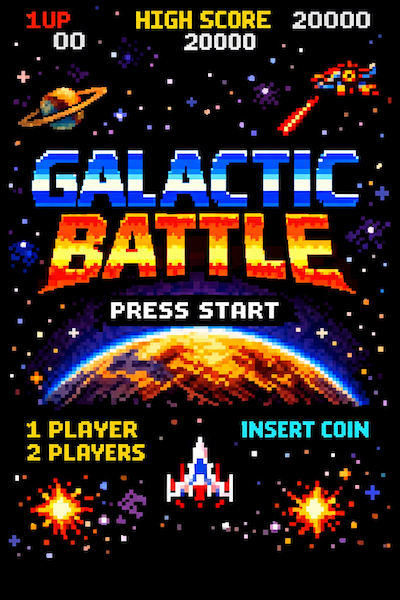
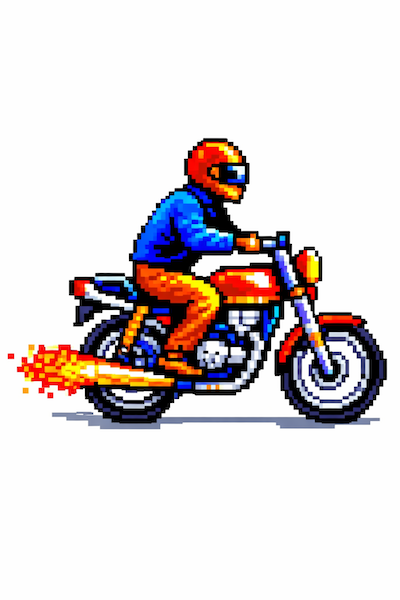
"Use the same style from the input image and generate a man riding a motorcycle on a white background."
AI Virtual Try-On
Ideal for e-commerce previews where identity preservation is critical. GPT Image 1.5 locks the person's face, body shape, and expression while naturally fitting garments with realistic fabric behavior.
Try it now →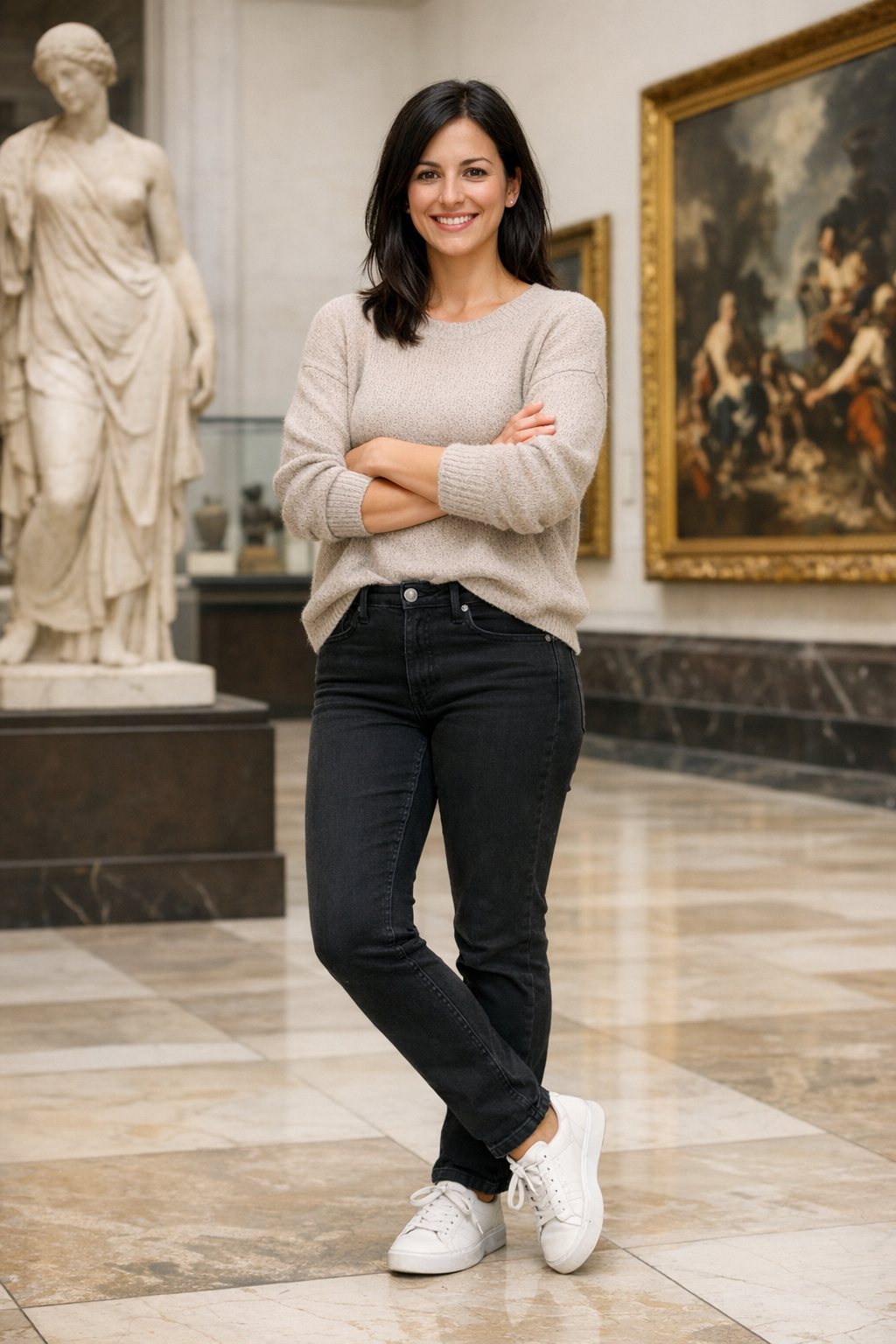
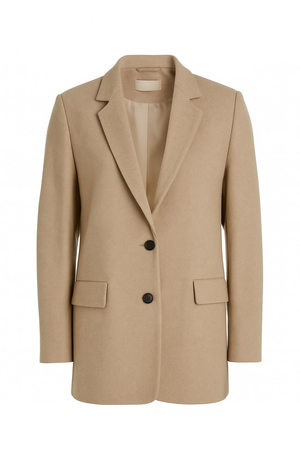
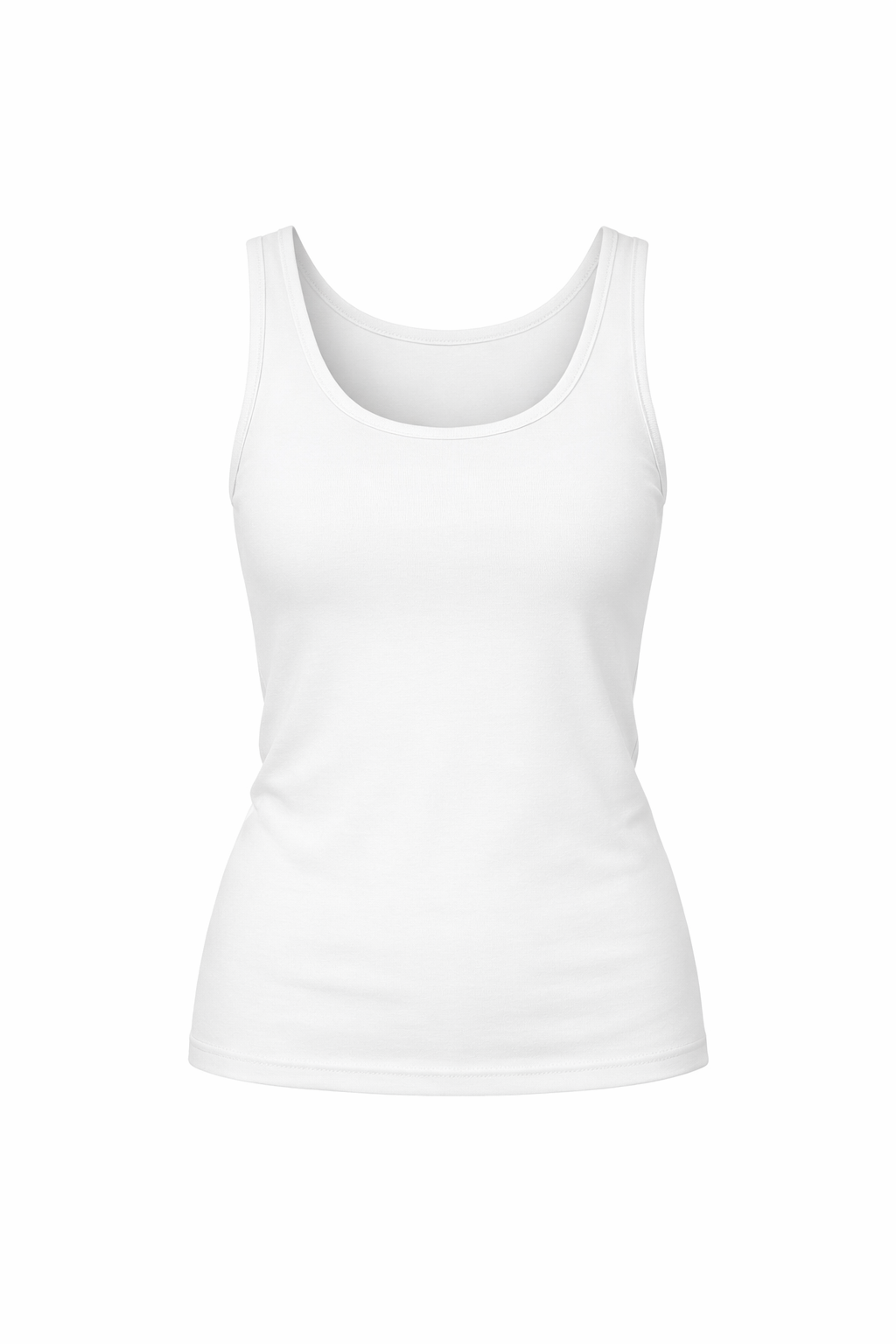
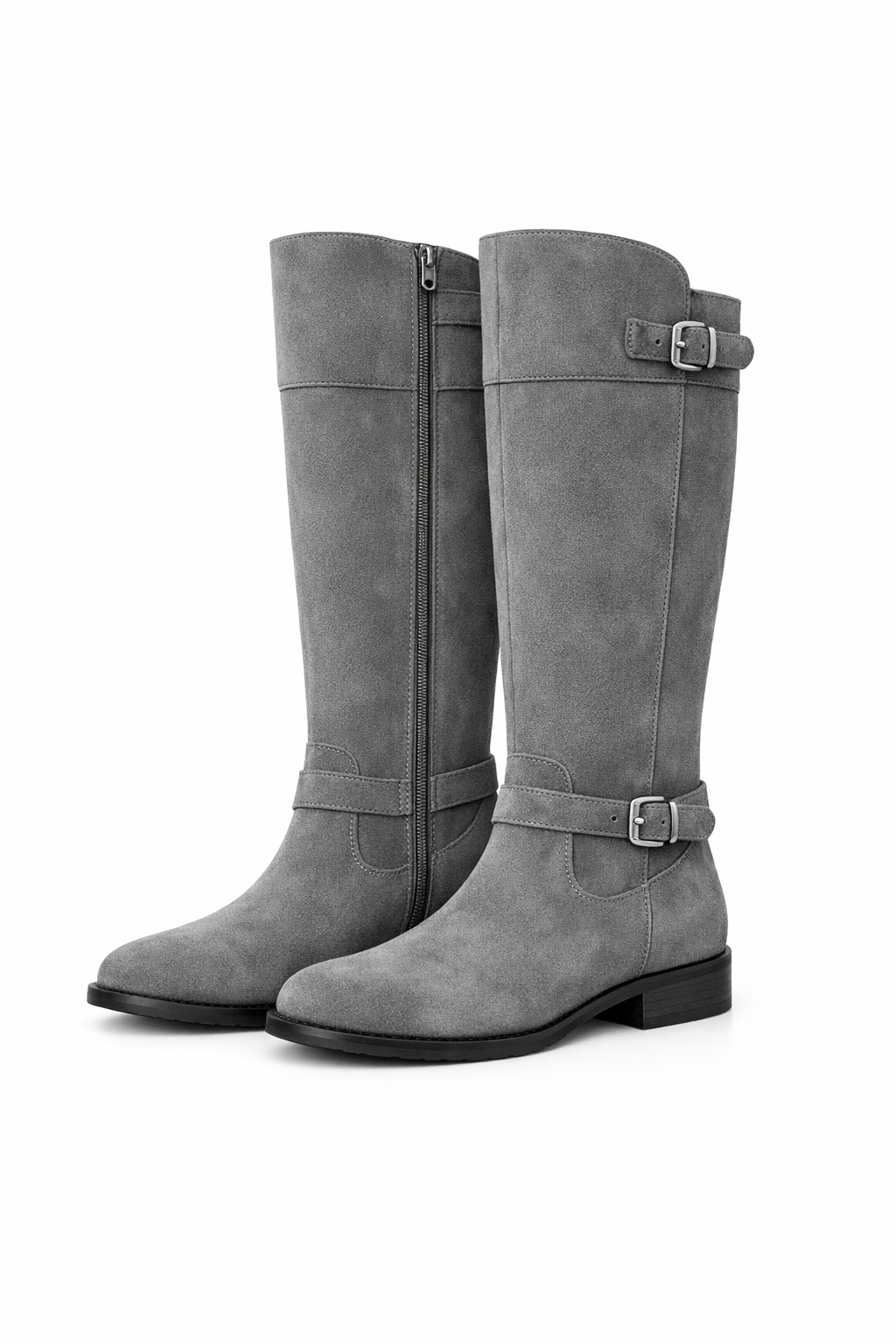
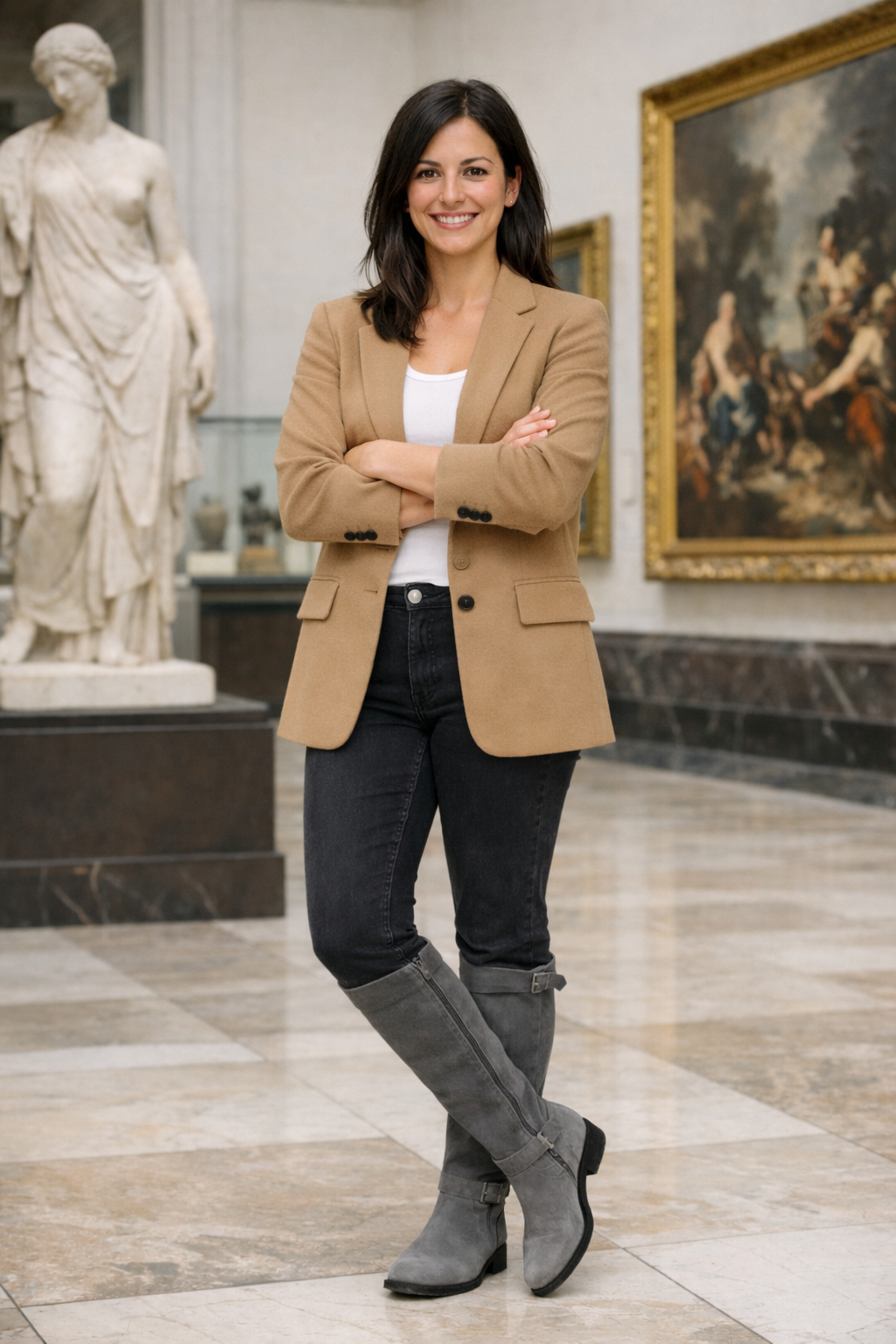
"Edit the image to dress the woman using the provided clothing images. Preserve her exact likeness, expression, hairstyle. Replace only the clothing with realistic fabric behavior."
AI Object Remover
Remove unwanted objects or modify details in photos with surgical precision. GPT Image 1.5 maintains camera angle, lighting, shadows, and context.
Hover over the output to see the prompt
Try it now →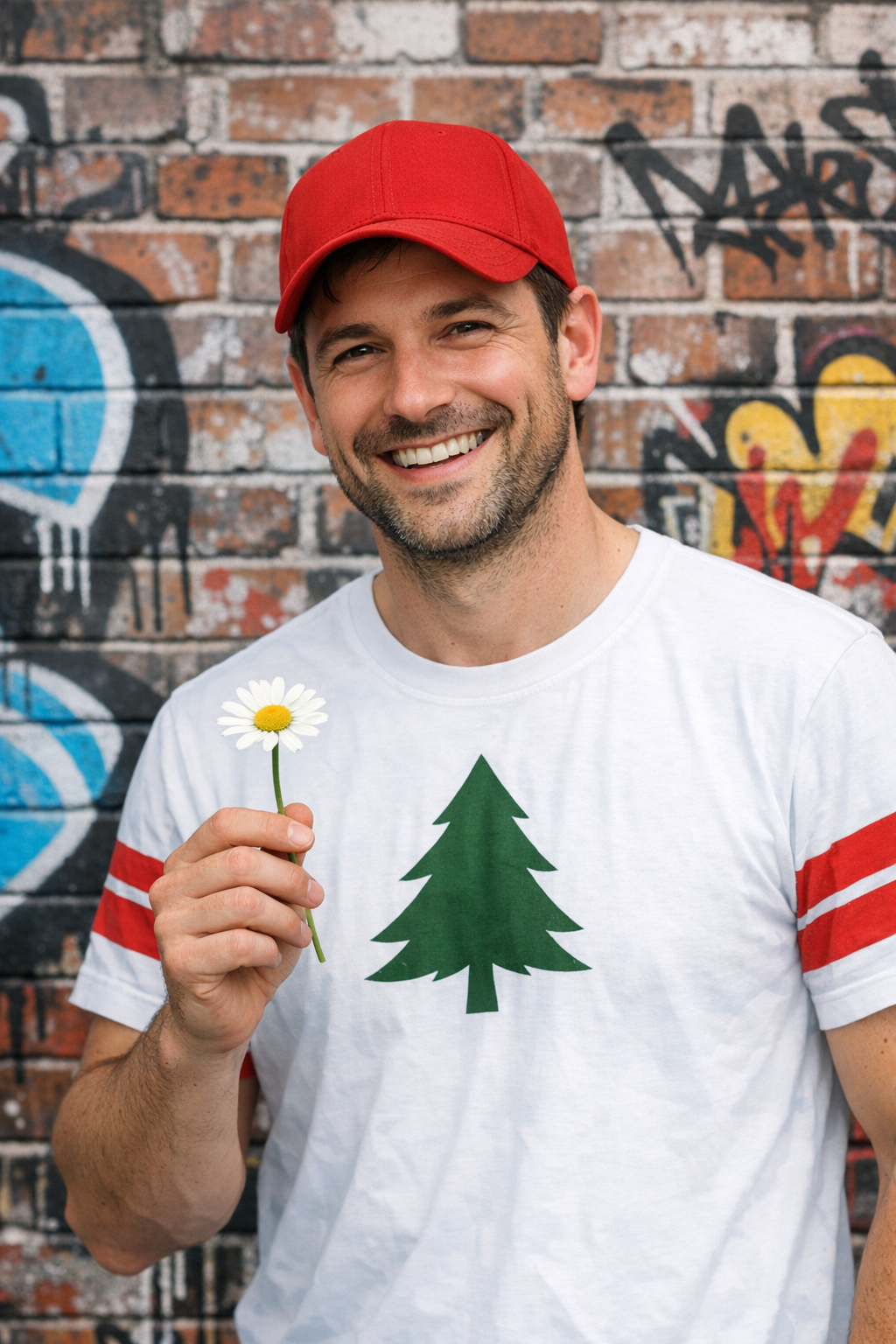
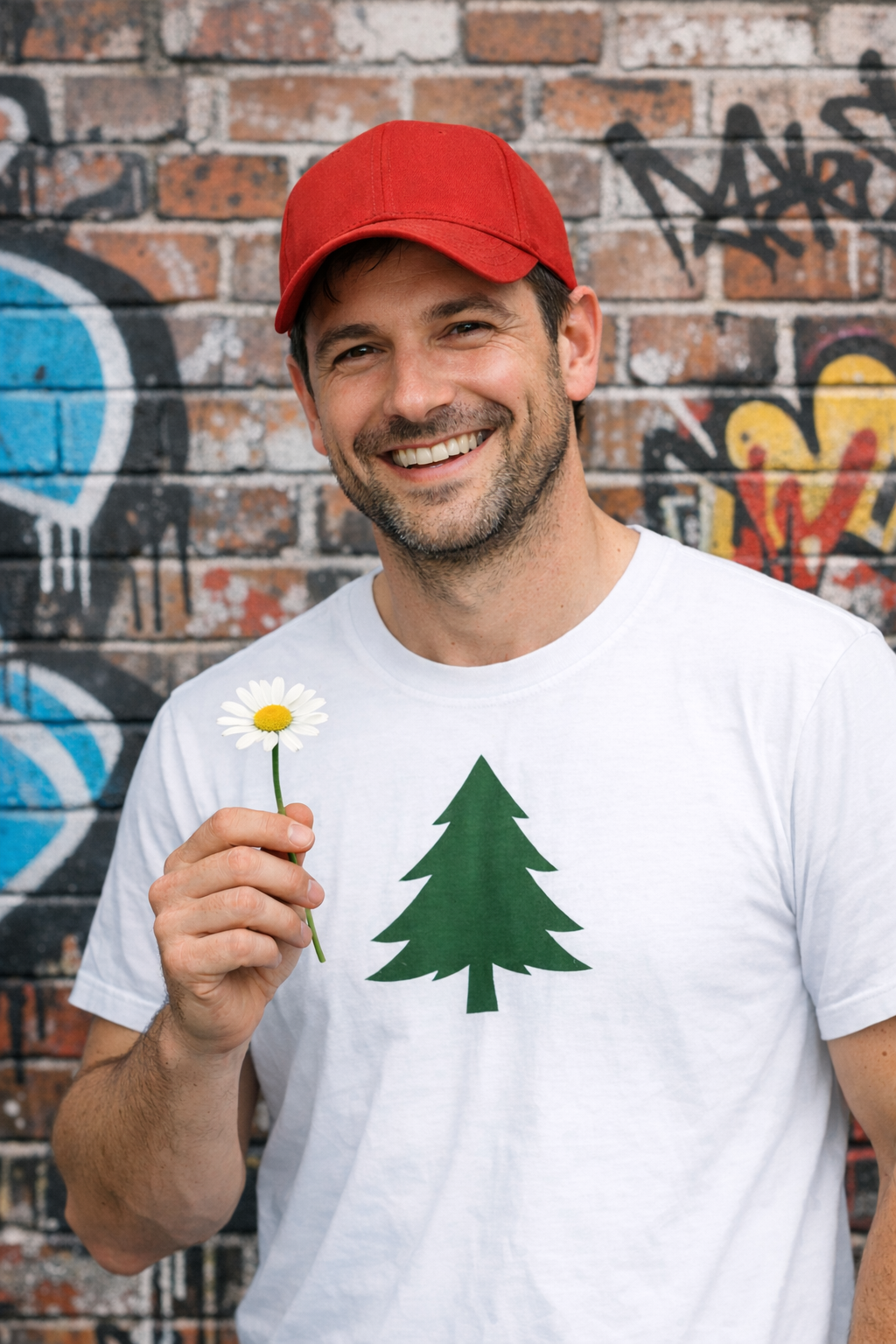
"Remove the red stripes from the white t-shirt of the man. Do not change anything..."
YouTube Videos About GPT Image 1.5
Learn from top AI creators and reviewers
GPT Image 1.5 Complete Guide
AI Creator
GPT Image 1.5 Tutorial
AI Tutorial
GPT Image 1.5 Review
Tech Review
GPT Image 1.5 Features
AI Features
X Reviews on GPT Image 1.5
What creators and developers are saying
Pricing
Choose the plan that works best for you
Basic
Up to 100 gpt-image-1.5 images/month
- 300 Credits/month
- Up to 100 gpt-image-1.5 images/month
- No watermark: export clean images
- Private storage: securely save your work
- Standard generation speed
- Commercial license: use for business
Pro
Up to 180 gpt-image-1.5 images/month
- 540 Credits/month
- Up to 180 gpt-image-1.5 images/month
- No watermark: export clean images
- Private storage: securely save your work
- Priority queue: faster generation
- Commercial license: use for business
- Priority support: quick assistance
Max
Up to 500 gpt-image-1.5 images/month
- 1500 Credits/month
- Up to 500 gpt-image-1.5 images/month
- No watermark: export clean images
- Private storage: securely save your work
- Priority queue: faster generation
- Commercial license: use for business
- Priority support: quick assistance
GPT Image 1.5 FAQ
Frequently Asked Questions about GPT Image 1.5
Start Creating with GPT Image 1.5
Generate photorealistic images, infographics, logos, and more with OpenAI's latest AI image model. High-fidelity output, reliable text rendering, and advanced editing capabilities.
