


Yay for my first tutorial! =]
Done in PS CS2
So today we're going from this to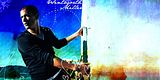
Okay open up a blank 600 x 300 canvas.
Paste your picture, in my case, wentworth.
Rightclick -> Free transform -> move it to the left.
Duplicate your layer & set to overlay, sharpen it and blur all his skin.
I got
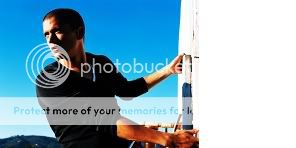
Add a new fill layer, colour #7EBDE9 and set it to overlay
I got
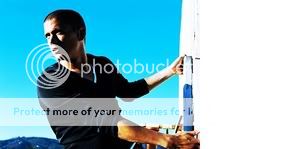
Add a new selective colour layer:
REDS
+50
-20
+100
+100
CYANS
+100
+100
+100
+100
BLUES
+20
+100
+100
+100
MAGNETAS
+100
+20
-65
-70
I got
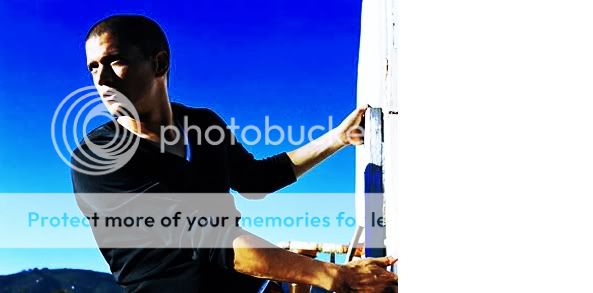
Add http://img214.imageshack.us/img214/5403/gender97986ad7.png this texture by gender, set it to Linear Light & roughly erase all the parts over Wentworth.
I got
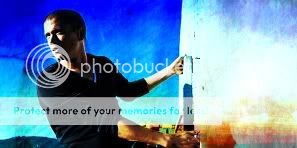
Add a few brushes & text (my text was JaneAustin from daFont, and my brushes from The Magic Box) and you're done!
final result

Hope you liked this, i'd love to see your results.
PS. I have no idea why my pictures have messed up in size O_o
Done in PS CS2
So today we're going from this to

Okay open up a blank 600 x 300 canvas.
Paste your picture, in my case, wentworth.
Rightclick -> Free transform -> move it to the left.
Duplicate your layer & set to overlay, sharpen it and blur all his skin.
I got
Add a new fill layer, colour #7EBDE9 and set it to overlay
I got
Add a new selective colour layer:
REDS
+50
-20
+100
+100
CYANS
+100
+100
+100
+100
BLUES
+20
+100
+100
+100
MAGNETAS
+100
+20
-65
-70
I got
Add http://img214.imageshack.us/img214/5403/gender97986ad7.png this texture by gender, set it to Linear Light & roughly erase all the parts over Wentworth.
I got
Add a few brushes & text (my text was JaneAustin from daFont, and my brushes from The Magic Box) and you're done!
final result
Hope you liked this, i'd love to see your results.
PS. I have no idea why my pictures have messed up in size O_o


