

Opis
This plugin provides a dynamic display of your Minecraft server’s status, including current active players. Simply input your server’s address and port to get started.
Key Features
- Real-time Server Status: Instantly view whether your Minecraft server is online or offline.
- Active Player Display: See a list of currently active players on your server.
- Supports only Java Minecraft. Bedrock may be supported on popular demand.
Technology
Utilizes the robust PHP-Minecraft-Query library for retrieving server information. More details can be found on Packagist.
Snimke zaslona
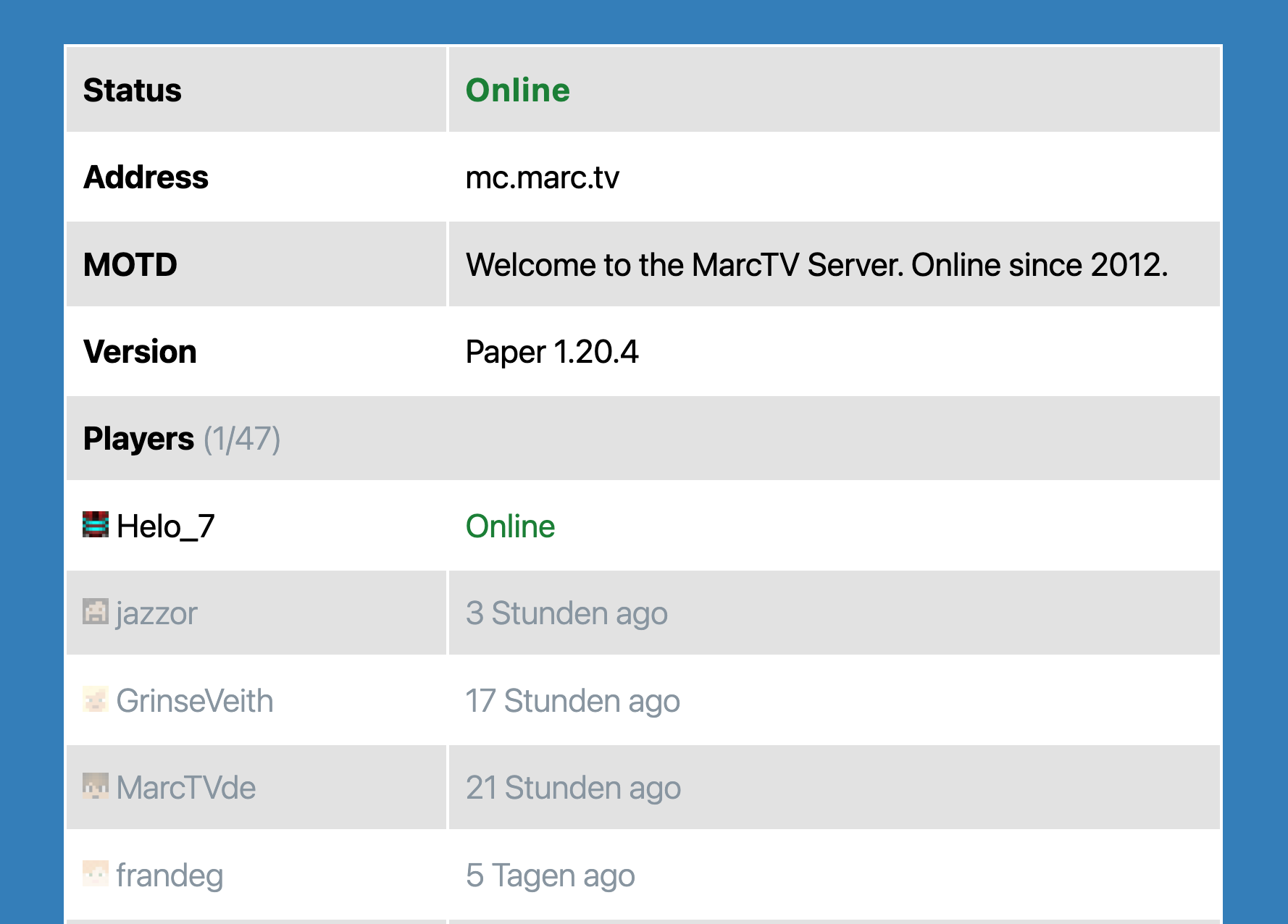
The Minecraft Server Block.

Blokovi
Ovaj dodatak omogućava 1 blok.
- Minecraft Server Status Shows information about a Minecraft Server in a block.
Instalacija
- Upload the plugin files to the
/wp-content/plugins/mc-server-statusdirectory, or install the plugin through the WordPress plugins screen directly. - Activate the plugin through the ‘Plugins’ screen in WordPress
Recenzije

20. lipnja 2025.
Everything is great! Thank you!

01. travnja 2024.
Simple Gutenberg Plug-In that works flawless for my server!
Suradnici i Programeri
“MC Server Status” je softver otvorenog koda. Sljedeće osobe su doprinijele ovom dodatku.
Suradnici
“MC Server Status” je preveden na 2 jezika. Zahvala prevoditeljima za njihov doprinos.
Prevedite “MC Server Status” na svoj jezik.
Zainteresirani ste za razvoj?
Pregledajte kôd, pogledajte SVN spremišteili se pretplatite na dnevnik razvoja od RSS.
Dnevnik promjena
1.5.1
- Dependencies updated.
- Tested compatibility with WordPress 6.8
1.3.0
- Better Dynmap and styling.
1.1.0
- Added prefix to generic function names.
- Tested up to WordPress 6.4.
- Added fix to prevent Direct File Access to plugin files.
1.0.0
- Initial Release
